
其他3 weeks ago
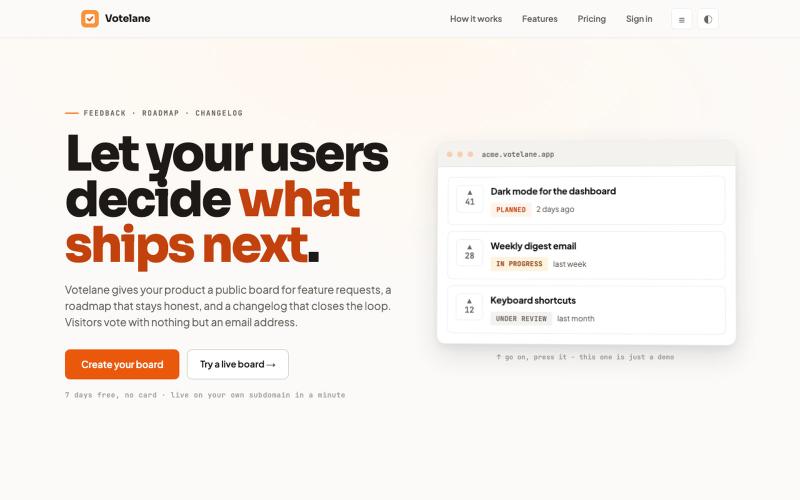
Votelane - feedback boards your users actually use
A public board for feature requests, a roadmap and a changelog. Visitors vote with just an email - no account to create, nothing to install.

@founder_adhd · X
完整作品展
技术栈
16 projects
A public board for feature requests, a roadmap and a changelog. Visitors vote with just an email - no account to create, nothing to install.
@founder_adhd · X
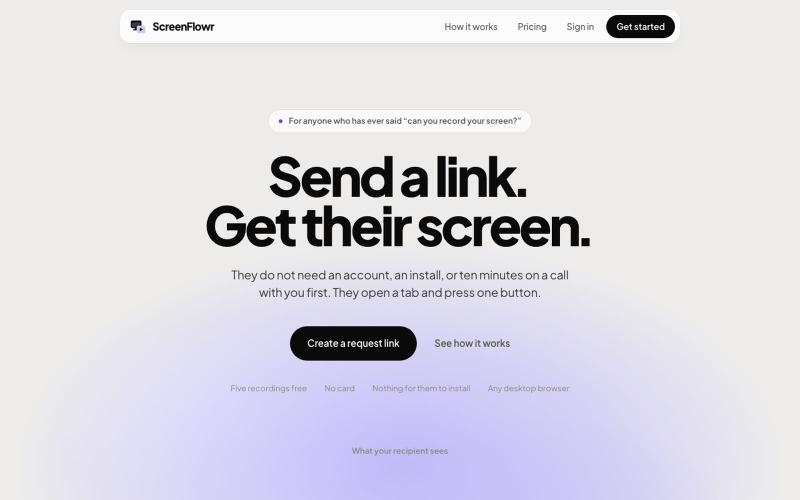
Send someone a link and get their screen recording back. No account, no install, and nothing for them to work out. Five recordings free.

@mikevannelli · X
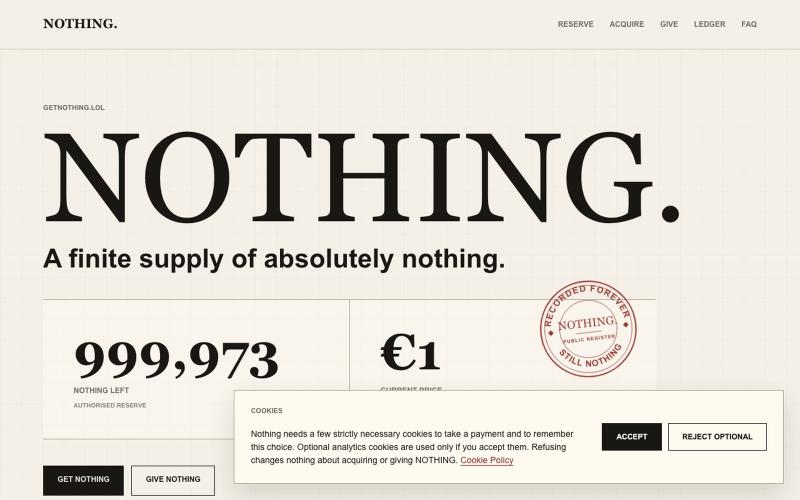
A finite supply of 1,000,000 individually numbered Nothing, priced in euros and documented with unnecessary seriousness.

@GetNothinglol · X
We are NOTHING - we provide NOTHING -
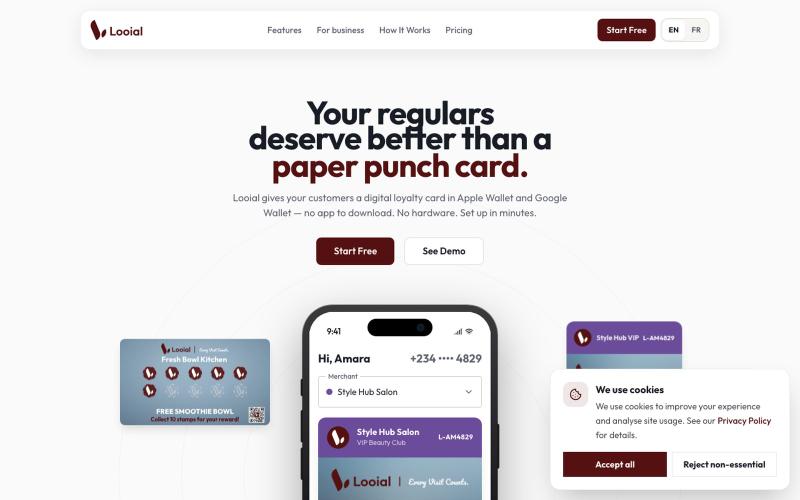
Digital stamp cards in Apple Wallet and Google Wallet. No downloads. No hardware. Set up in minutes.

@trylooial · X
Tired of seeing customers walk away after their first visit? 🤔 We get it! Losing regulars is a tough problem. That's why we built – loyalty that lives in your customers' Apple Wallet or Google Wallet. ✨ No app to download, no complex setup.
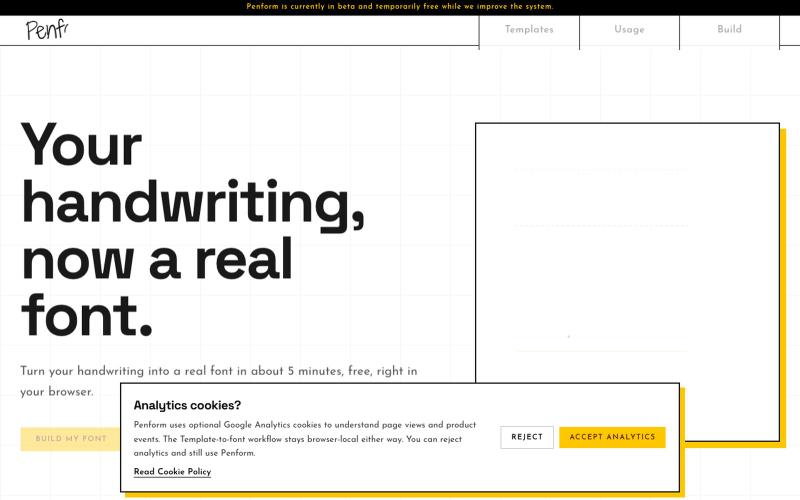
将你的笔迹转化为可安装的OTF字体

@alpsariyer · X
Building Penform, a browser-based tool that turns handwriting into a real installable font with supporting alternates.
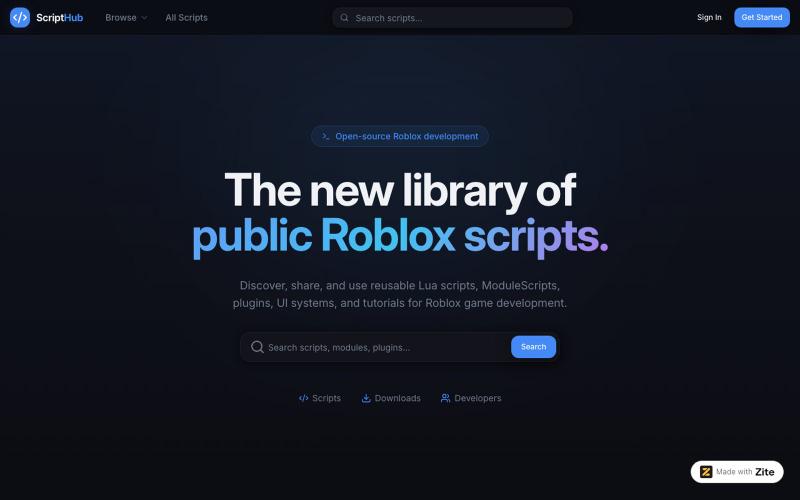
Zite is the fastest way to build apps with AI and no code.
u/RandomRedSpy · Reddit
Build a website for beginners in roblox studio out of boredom scripthub.zite.so also before you say anything, yes i did use ai but the thing is i kinda dont rlly care about it being ai slop (even though it is not but its your opinion on what does count as ai slop) and im just looking on what do yall think about it submitted by /u/RandomRedSpy to r/SideProject [link] [comments]
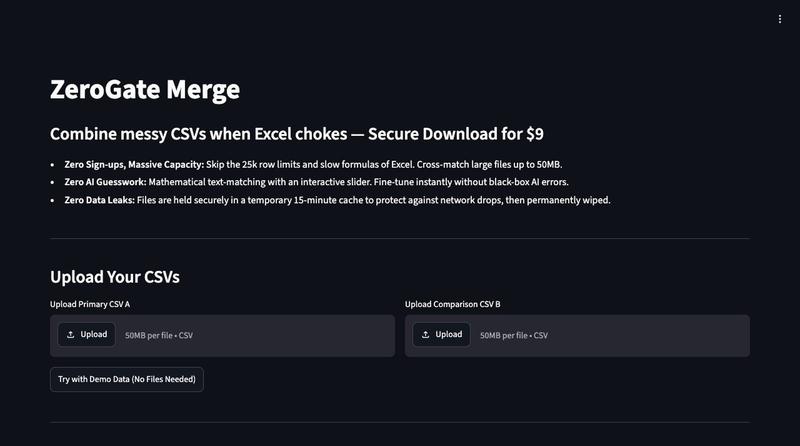
无需登录的可视化CSV匹配工具。
ngarner · HN
ZeroGate – Fast, account-free visual CSV matching without AI
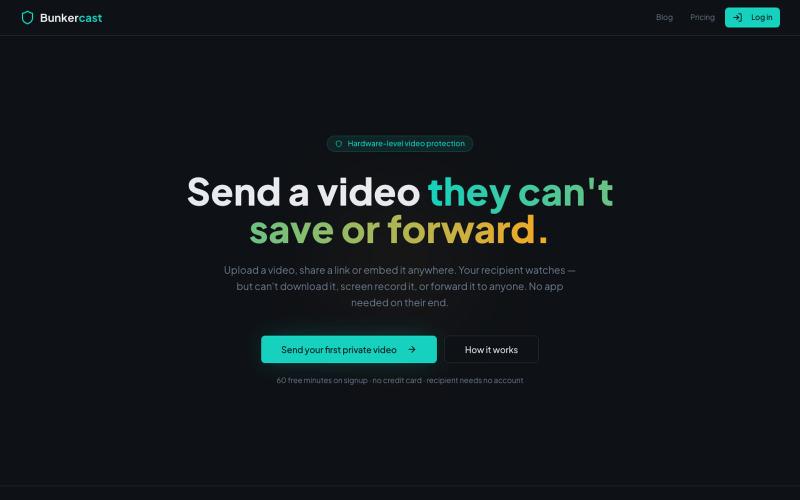
分享无法下载、截屏或转发的视频。

@bunkercastDRM · X

Imagerry:在浏览器中编辑、调整大小、裁剪和转换图像,无需上传文件。

@its_ajseven · X
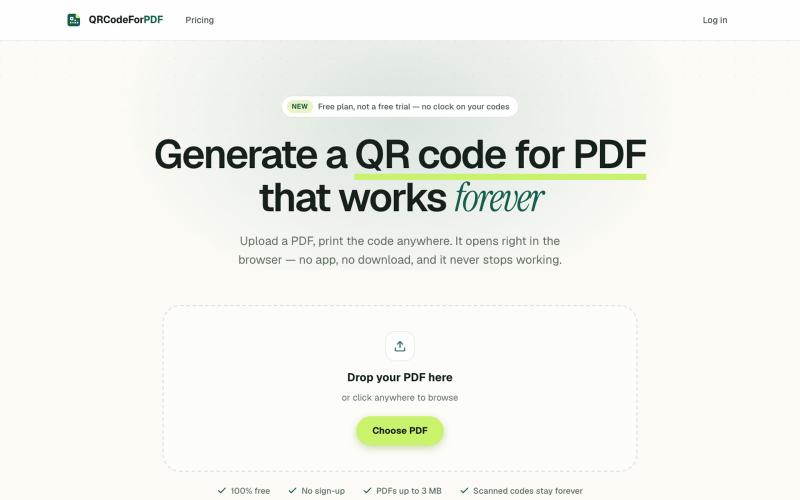
上传 PDF 生成二维码和短链接,无需注册也无需下载。
EdenSu · V2EX
做了个托管 PDF 的二维码工具 最近老婆一直在抱怨给老外传 pdf 文件很麻烦,之前一直是走邮件附件。麻烦在于文件一改就得重发一遍,对方手上可能还留着旧版本,来回确认到底看的是哪一版特别费劲。 想着不如给她生成个二维码或者短链接,文件更新了直接换后面的,链接不变。搜了一圈现成的工具,试了几家都有点别扭。有的免费能生成,点下载却要注册。还有的会在扫码后的落地页上放广告,但那是发给客户看的东西,不太合适。 干脆自己做了一个: https://qrcodeforpdf.app 传个 PDF ,出一个二维码和短链接,扫了在浏览器里直接打开,不用下载也不用装 App 。文件可以随时替换,码和链接都不变,已经发出去或者印出去的都还能用。不注册就能生成和下载,PNG 和 SVG 都没有水印,应该是比较完美的,刚好也作为自己的一个小项目,也欢迎大伙们试用给建议,逐步优化!
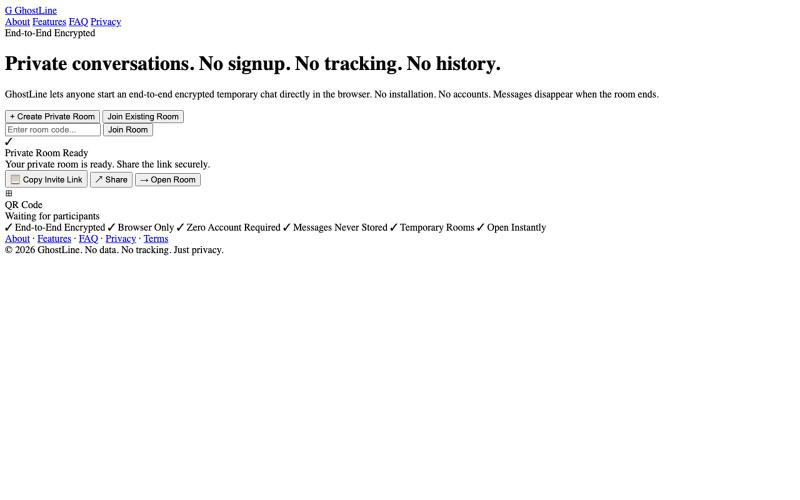
创建一个端到端加密的临时聊天室,无需注册或账户。

@sonu_samrat_01 · X
Just shipped GhostLine 🚀 Benchmarks: 1. 1,000+ concurrent WebSocket clients 2. <50ms P95 latency 3. 4,000+ messages/sec 4. 99.9% connection stability 5. <200MB RAM under peak load Try it: #golang #websockets #webrtc #buildinpublic #go
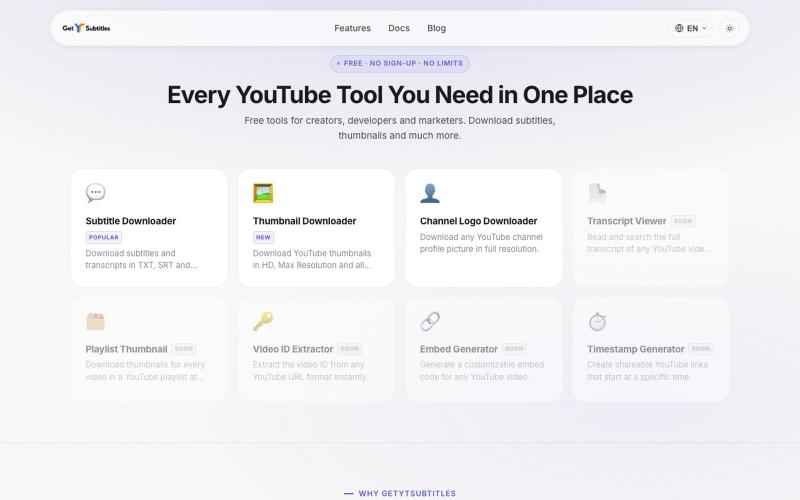
下载 YouTube 字幕和缩略图,无需注册。

@bharattpawarr · X
Just launched Built with Astro + Cloudflare features: YouTube Subtitle Downloader YouTube Thumbnail Downloader 🔗 #BuildInPublic #AstroJS #JavaScript #Cloudflare