
开发者工具1 week ago
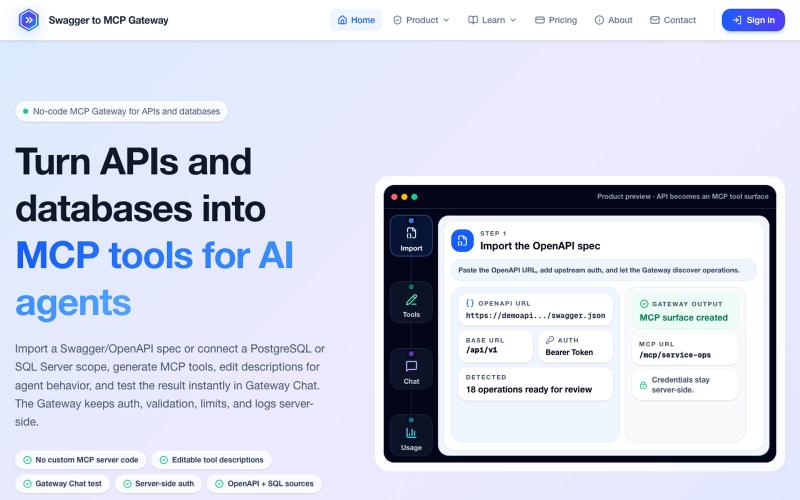
No-code MCP Gateway for OpenAPI and Database Tools
将 OpenAPI 规范和数据库转换为 MCP 工具,无需编码。
mhmt_dmr · HN
MCP Gateway – Turn existing APIs and databases into MCP servers
完整作品展
技术栈
25 projects
将 OpenAPI 规范和数据库转换为 MCP 工具,无需编码。
mhmt_dmr · HN
MCP Gateway – Turn existing APIs and databases into MCP servers

为 Codex Desktop 设计自定义主题,支持背景、颜色、透明度和视觉效果。
plutozc · V2EX
做了个 Codex Desktop 主题预览和切换工具,先调好再安装 最近一直在用 Codex Desktop ,觉得默认界面看久了有点单调,就顺手做了个主题编辑工具,分享一下: [Codex Skin]( https://getcodexskin.com) 可以先在网页里预览主题,调整背景透明度、面板透明度、颜色、模糊和圆角等参数,满意之后再下载并切换到 Codex Desktop 。 目前支持: - 自定义 JPG 、PNG 、WebP 背景 - 在线实时预览主题效果 - 调整透明度、颜色、模糊、圆角 - 预览满意后生成安装命令 - 不喜欢了可以恢复默认外观 目前主要面向 macOS 上的 Codex Desktop ,还是个人项目,功能和兼容性都在继续打磨。 欢迎试试,也想听听大家对主题参数、预览效果和安装流程的反馈。 直接网址: https://getcodexskin.com [轻喷 轻喷,可能还有些 bug
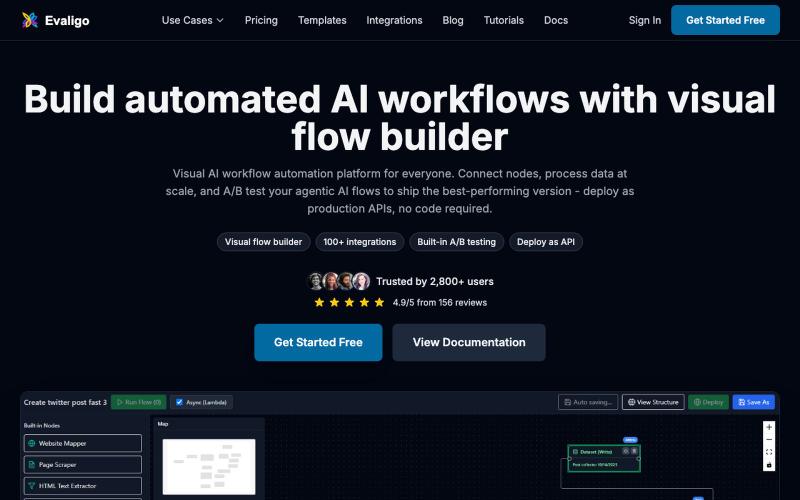
用可视化无代码构建器创建和部署 AI 工作流及智能体。

@RanRan1357699 · X
Just shipped a smart guardrail in experiments: if your flow needs test data, it now blocks runs with a friendly prompt and offers one-click AI-generated samples. No more silent all-fail runs! Small details, big peace of mind. #BuildInPublic
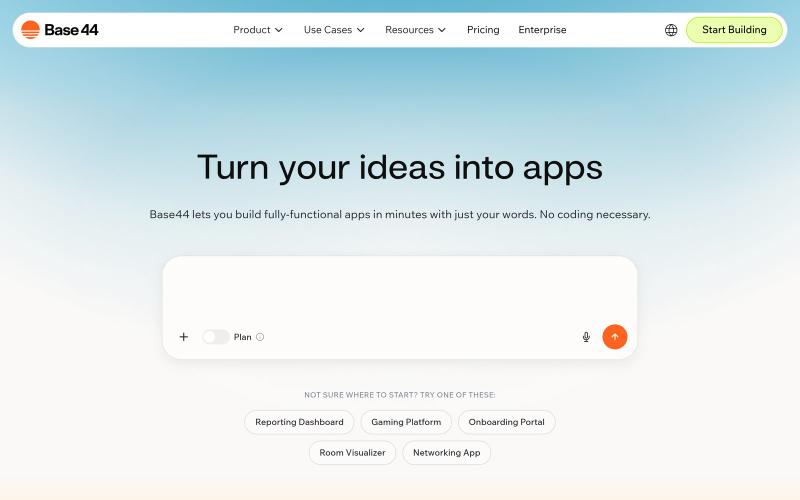

用于视频和音频压缩、裁剪、合并及格式转换的浏览器工具。
zhw2590582 · V2EX
最近对网站进行了重构,做成了免费的视频工具站:[ArtPlayer Tools]( https://artplayer.org/tools/) 主要是围绕着 ffmpeg.wasm 和 mediabunny 实现的一些可以直接在浏览器里用的视频/音频工具,常用的有: - 视频压缩:[Compress Video]( https://artplayer.org/compress-video/) - 视频裁剪:[Crop Video]( https://artplayer.org/crop-video/) - 视频合并:[Merge Video]( https://artplayer.org/merge-video/) - 视频尺寸调整:[Resize Video]( https://artplayer.org/resize-video/) - 视频旋转:[Rotate Video]( https://artplayer.org/rotate-video/) - 视频调速:[Change Video Speed]( https://artplayer.org/change-video-speed/) - 添加文字到视频:[Add Text to Video]( https://artplayer.org/add-text-to-video/) - 添加水印:[Watermark Video]( https://artplayer.org/watermark-video/) - 提取字幕:[Subtitle Editor]( https://artplayer.org/subtitle-editor/) - HLS 转 MP4:[HLS to MP4]( https://artplayer.org/hls-to-mp4/) - 音频可视化:[Audio Visualizer]( https://artplayer.org/audio-visualizer/) 大部分工具都是本地处理,文件不会上传到服务器。最开始是因为自己偶尔要处理一些视频,开剪辑软件又有点重,在线工具又担心隐私,所以就慢慢做成了一个站。 目前还在持续完善,体验肯定还有不少粗糙的地方,比如不同浏览器的兼容、移动端操作、长视频性能之类的。 网站: [ArtPlayer Tools]( https:
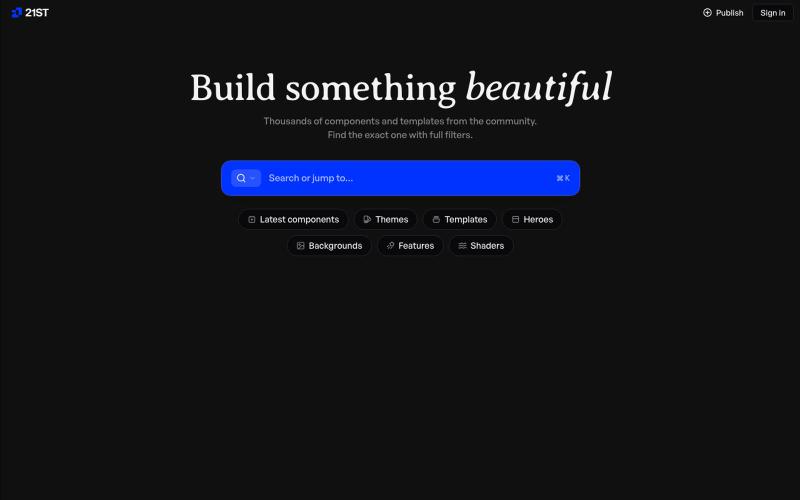
精心编制的 React 组件和模板库,用于构建精美的用户界面。

@polyqoy · X
This video shows a fully animated 3D site built in 2 minutes with claude code. one terminal command. but the prompt was almost irrelevant. the real work was the pre-load: ui/ux pro max skill, a hero component from framer motion stacked in before claude touched anything the toolkit did the job. the prompt just pulled the trigger. that's also why most people's claude output looks generic. they skip the setup and blame the model.
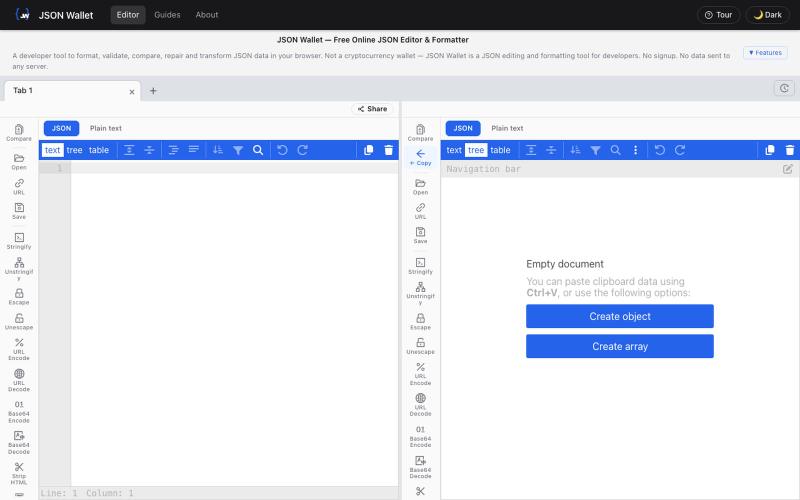
免费在浏览器中编辑和格式化JSON,支持验证和转换。

@bhushankuma491 · X
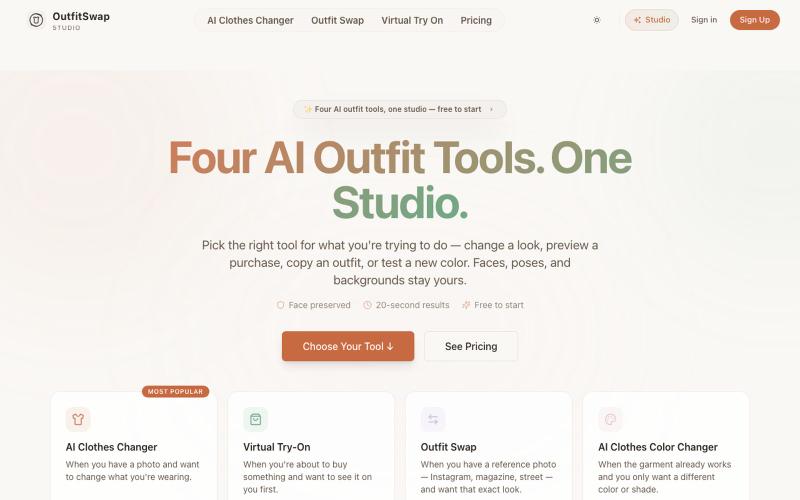
用四个AI工具在照片中试穿和交换服装。
OutfitSwap Studio — AI 换装 / 虚拟试衣工具,支持 AI Clothes Changer、Virtual Try-On 和 Outfit Swap,上传照片即可生成换装效果
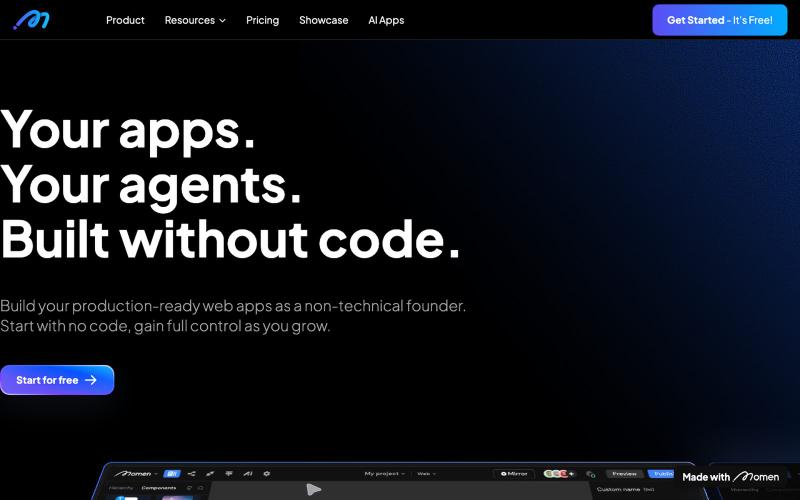
无代码应用构建器,支持AI工作流,专为非技术创始人设计。

@sanchoyai · X
2/ Meet Momen - the no-code builder for production-ready Apps Go to → Got a big app idea but can’t code? The no-code builder that lets non-technical founders create apps go from idea → millions of users. UI, database, workflow, AI — all in one. Not vibe coding, but something you can control, grow, and scale.
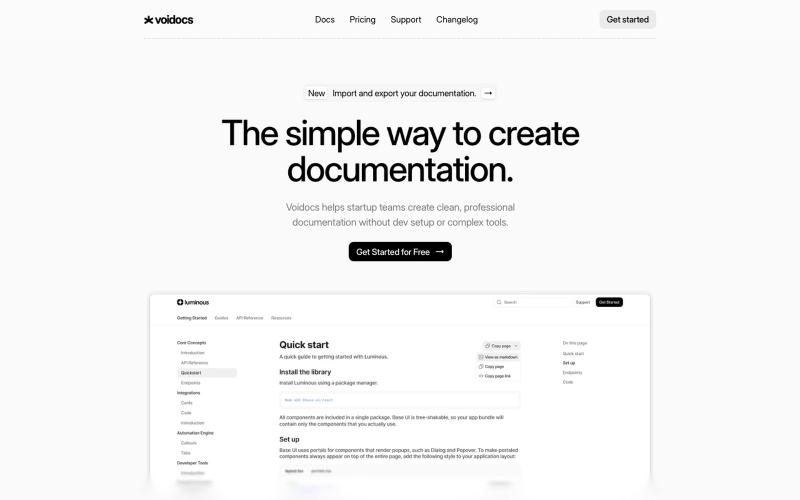
Voidocs 为初创团队创建专业文档,无需代码配置。

@hannah24_app · X
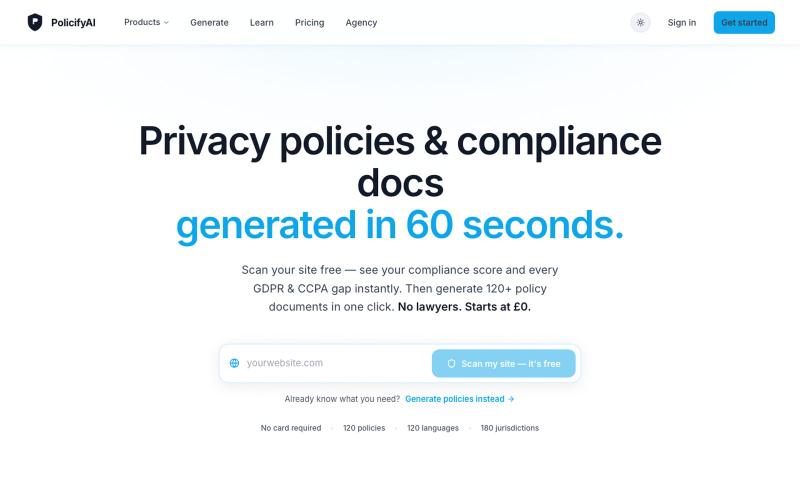
无需注册,快速生成隐私政策和合规文件。

@Policifyai · X
🚀 Get FREE AI compliance policies tailored to your business in under 60 seconds → No card needed.
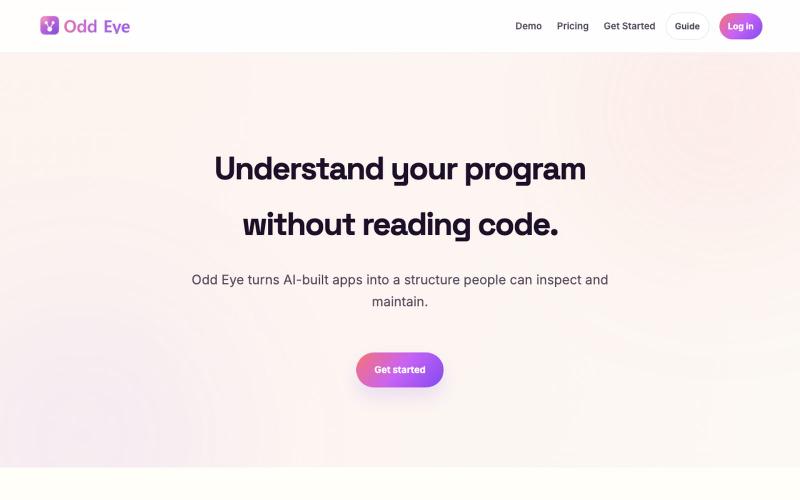
在请AI修改代码前,先理解代码流程和应用连接。

@minmuner_devlog · X
Thanks for the feedback; I’m open to anything.