
创意工具1 month ago
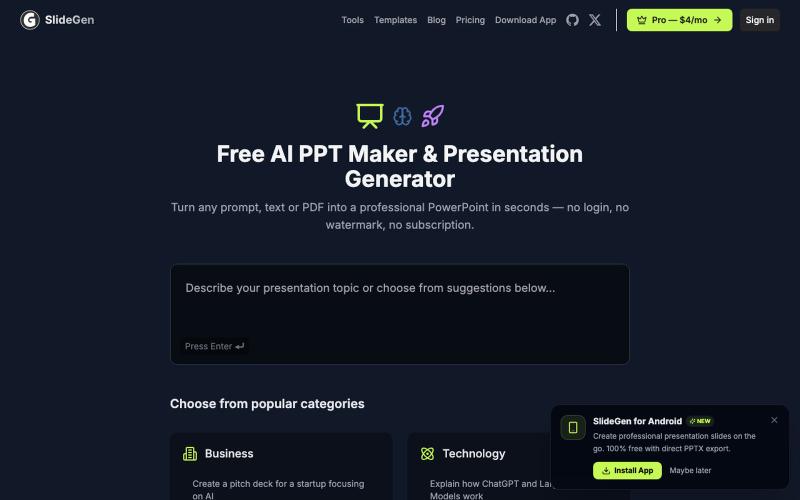
SlideGen — Free AI PPT Maker. No Login, No Watermark, No Subscription
从文本提示无限生成PowerPoint演示文稿,无需登录或注册。

@japangor · X
完整作品展
技术栈
31 projects
从文本提示无限生成PowerPoint演示文稿,无需登录或注册。
@japangor · X
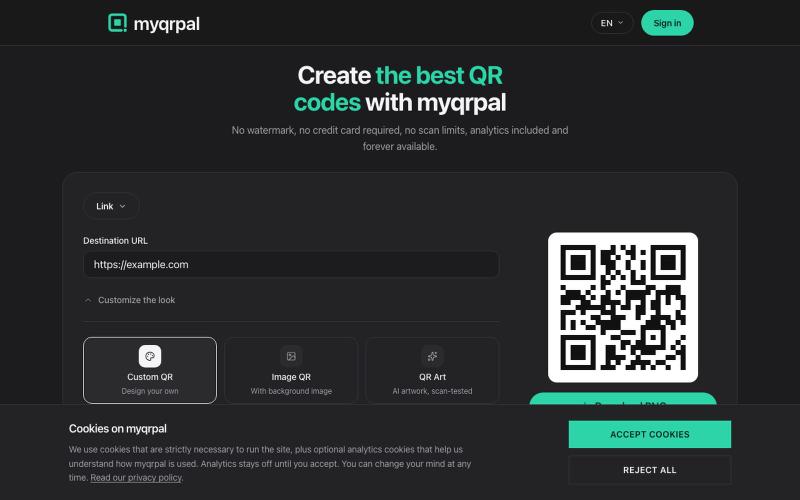
Create free QR codes in seconds — no watermark, no signup, no scan limits. Dynamic codes, analytics, and links that keep working forever.

@KhaledMMatar · X
I got tired of paying so much just to have analytics for dynamic QR codes, so I built my own. lets you create dynamic QR codes for free, customize them however you want, and gives you 30 days of analytics without adding a watermark. What else would make it the best QR code generator?
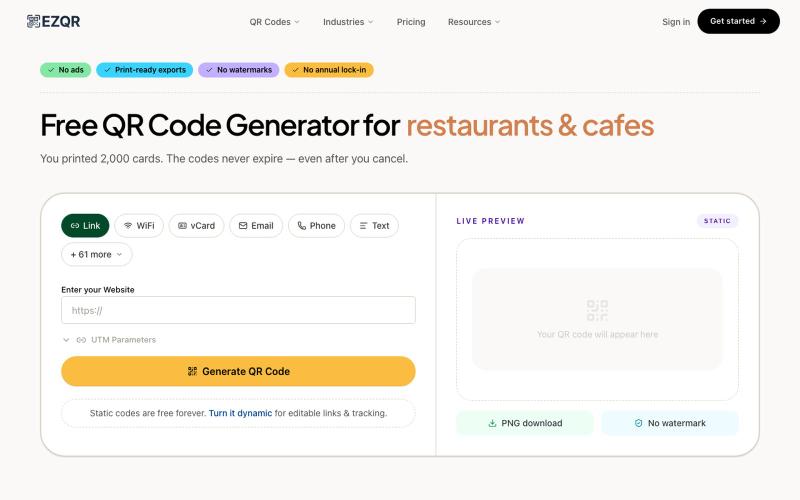
Best free QR code generator online — codes that never expire. No watermarks, no signup, no annual lock-in. 50+ types: WiFi, vCard, PDF, custom logo.

@ktat93 · X
A lot of things actually: 1. (qrcode generator - $120mrr) 2. (analytics soon + monitoring) 3. 4. (~10k visitors)
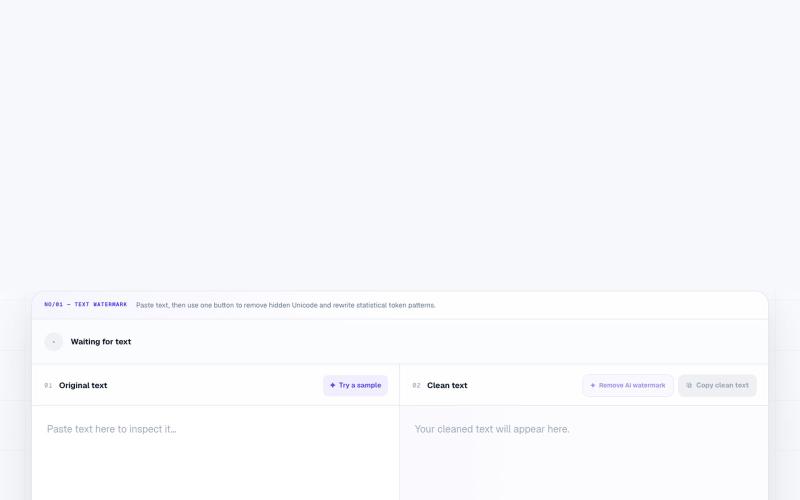
NoMark - 在浏览器中移除文本和图像的AI水印和元数据
textcortex · HN
Remove AI Watermark from Text
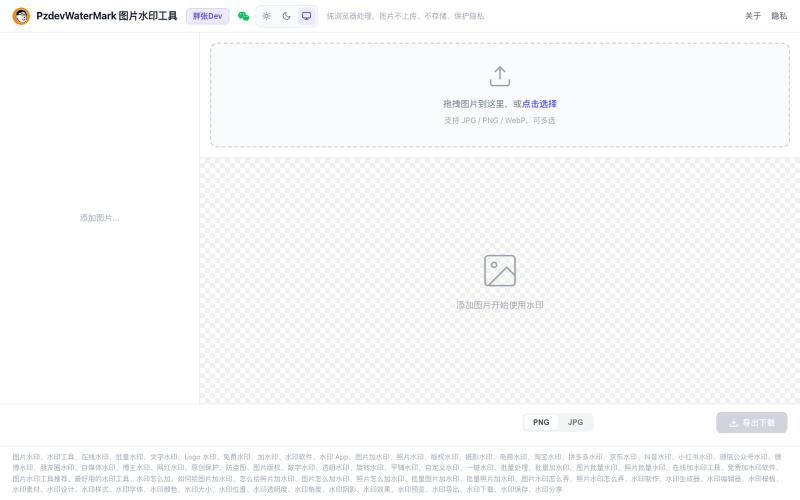
批量为图片添加文字和Logo水印,纯浏览器处理,无需上传,隐私保护。

@pzdev000 · X
经常写博客要加水印,现有工具都不顺手,自己 vibe coding 写了一个: ✅ 纯前端,批量处理 ✅ 隐私第一:图片不上传,浏览器本地处理,无需注册登录。 ✅ 文字 + Logo图片水印 ✅ 实时预览,所见即所得 ✅ PNG/JPEG 导出
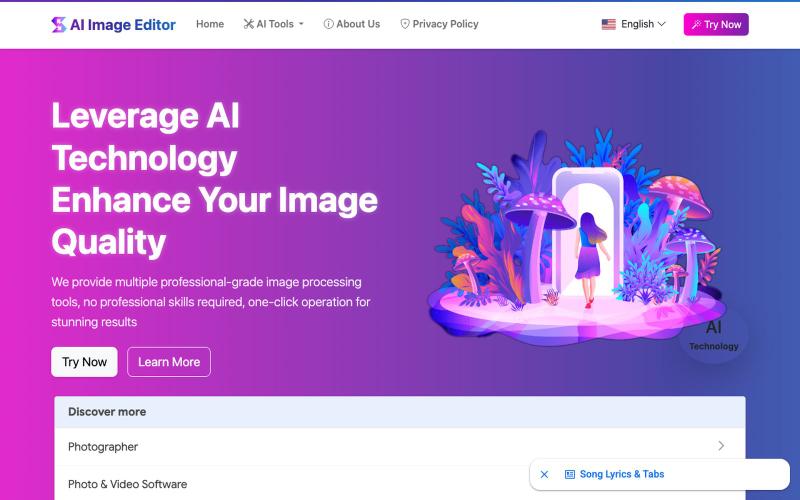
AI Image Editor:12个免费工具支持图片增强、去水印、风格转换、背景编辑。
AI Image Editor — AI 图片处理工具,支持图片增强、去水印、抠图、风格转换、线稿提取等十余种功能。无需下载软件,无需注册,上传图片即可一键生成专业效果。适用于电商设计、社交内容创作、摄影后期、教育教学等多种场景,让图片编辑变得更智能、更高效、更简单!
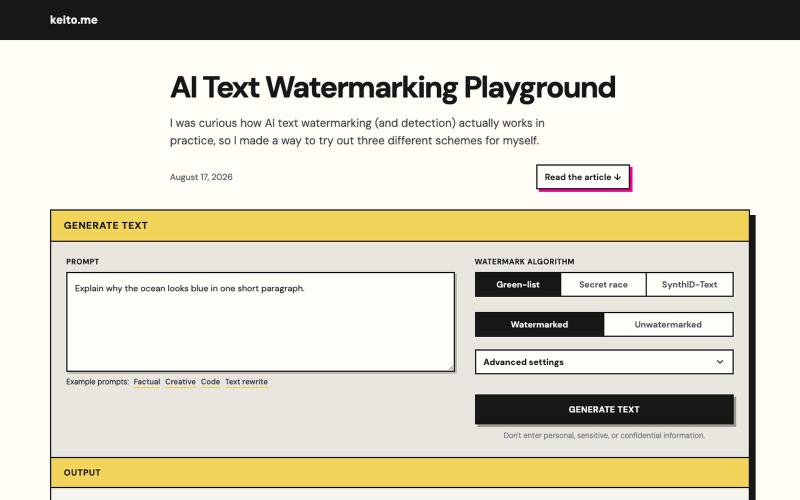
Learn how AI text watermarks are generated and detected in a hands-on demo.
keito · HN
AI Text Watermarking Playground
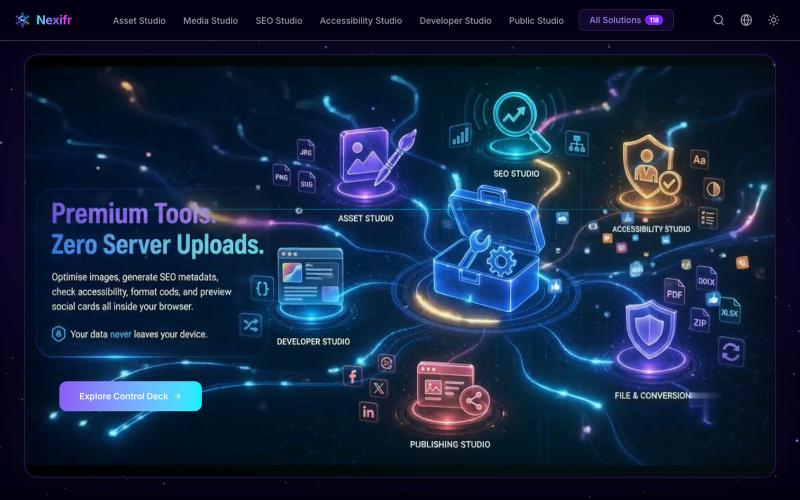
118个隐私优先的浏览器工具,用于图片、PDF、SEO和媒体处理。

@ayan11200 · X
try this one Free solution
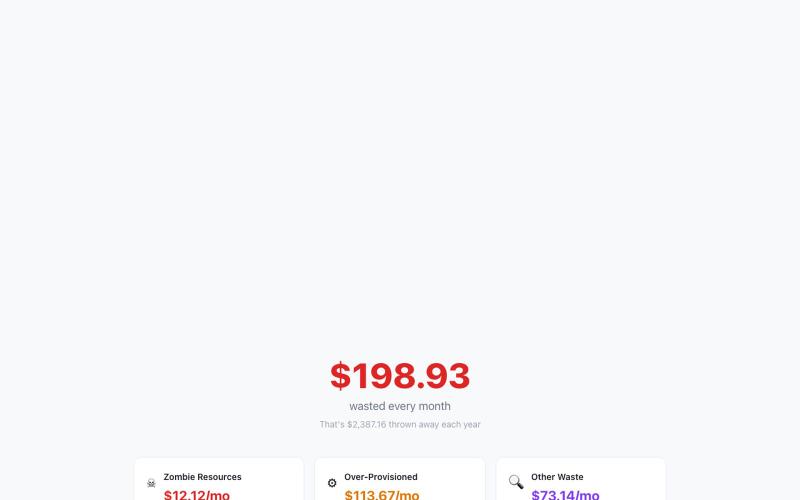
CloudSaver AI - 免费AWS账单扫描工具,浏览器中运行,无需注册或API密钥。

@malinuonuo · X
Day 1 live: I just shipped CloudSaver AI on Reddit. A free AWS bill scanner. No signup. No API keys. Runs entirely in your browser. Demo: #buildinpublic #aws #indiemaker
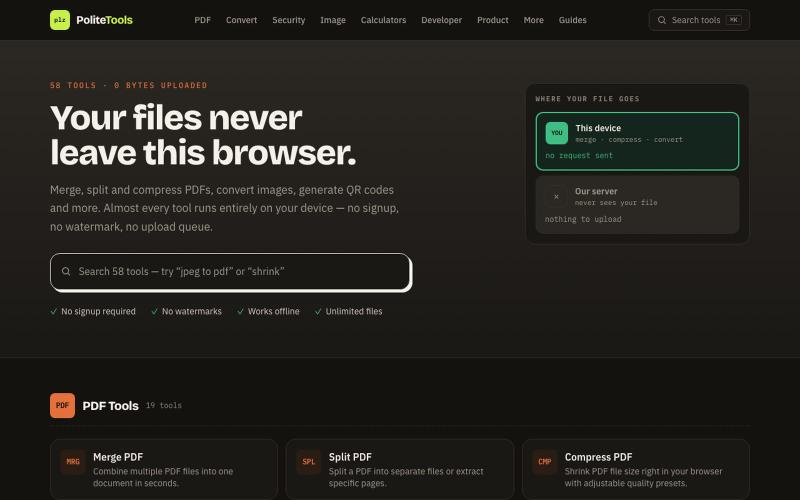
Free online PDF, image, QR and text tools. 100% private — every file is processed in your browser and never uploaded to a server.

@codechandra · X
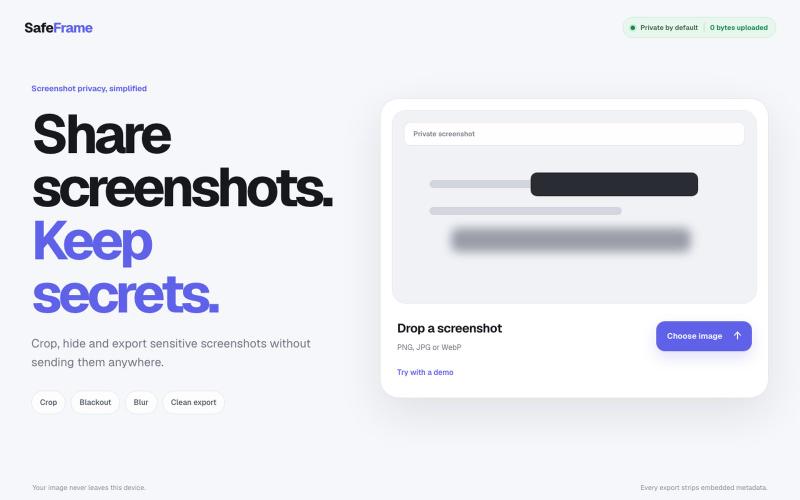
裁剪、编辑、模糊和导出截图,完全私密,无需上传任何数据。
@noshkass · X
Built SAFEFRAME a private, browser-only screenshot sanitizer. Crop, blackout, blur, and export sensitive screenshots without uploading a single byte. Try it: Built with ChatGPT Sites. @chatgptapp #Giveaway

Imagerry:在浏览器中编辑、调整大小、裁剪和转换图像,无需上传文件。

@its_ajseven · X