
实用工具1 month ago
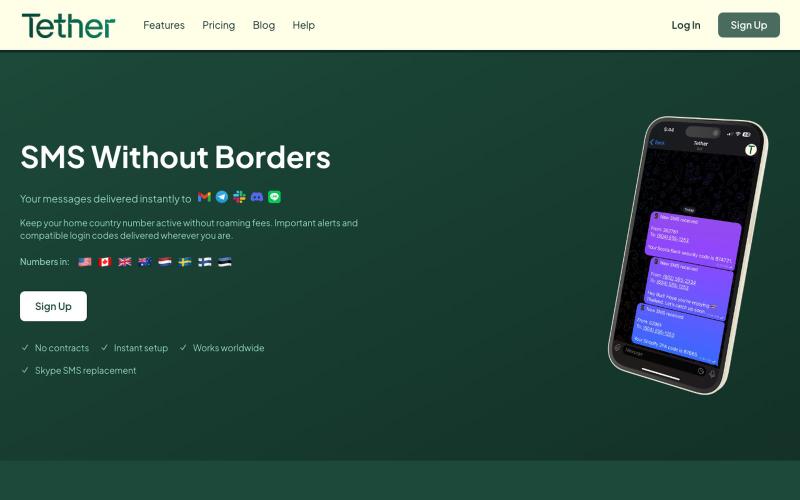
SMS Without Borders - Tether | Forward SMS to Your Favorite Apps
将短信转发到Email、Telegram、LINE、Slack或Discord,无需SIM卡。

@jkudish · X
Refining stuff on (ai editing for professional photographers) and (sms forwarding)
完整作品展
技术栈
30 projects
将短信转发到Email、Telegram、LINE、Slack或Discord,无需SIM卡。
@jkudish · X
Refining stuff on (ai editing for professional photographers) and (sms forwarding)

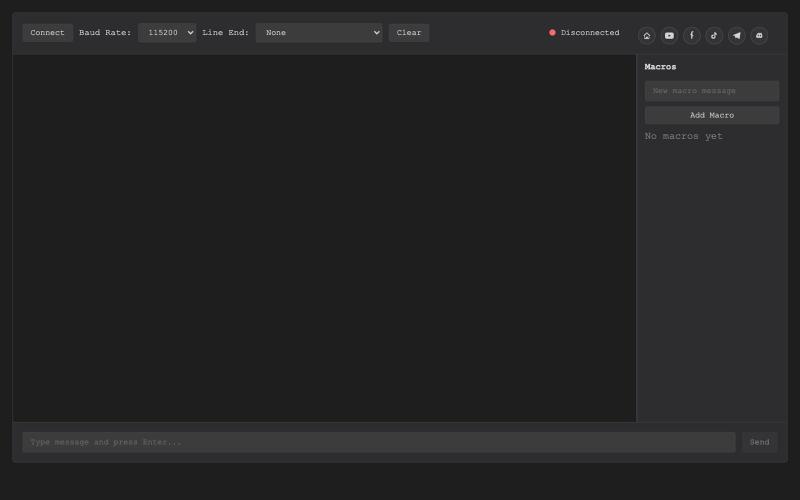
基于浏览器的USB串行终端,用于硬件调试和通信。

@thembeddevguy · X
The USB Type-C <-> RS-232 dongle got its well-deserved (and totally vibe-coded) browser-based serial terminal! No ads, no tracking, and the cookies are only there to store the settings.
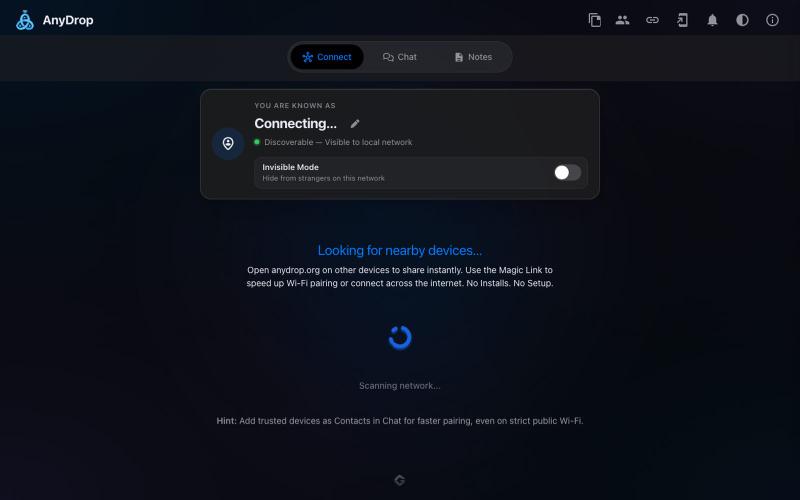
在浏览器中跨设备(Mac、PC、iOS、Android、Smart TV)即时分享文件和文本,无需注册。

@WackyCrocoGator · X
This one doesn’t require any signup or payment. Just load and multiple device by opening the site on them and connect them for an easy way to drop text and file to each other.

推送 Docker 镜像立即获得公共 HTTPS URL,无需服务器、YAML 或 CI/CD。

@Real_Fake_Joe · X
Built an MCP server or a bot with Claude Code tonight? docker push → public HTTPS URL in 30 seconds. No repo. No YAML. No new CLI. No cloud to understand. And your laptop can go to sleep. — free Docker hosting for the things you build in an evening.
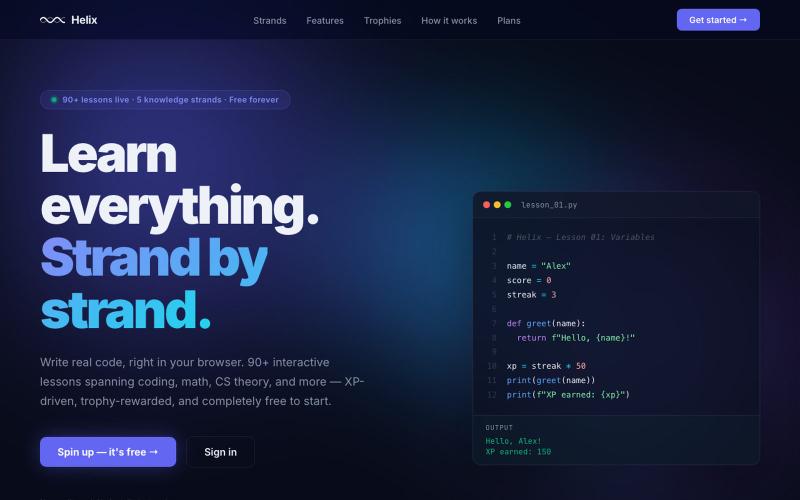
Helix is where your code strand begins. Write real programs in your browser, earn XP, and keep the helix spinning. No setup. No ceiling. Always forward.

@buildhelix · X
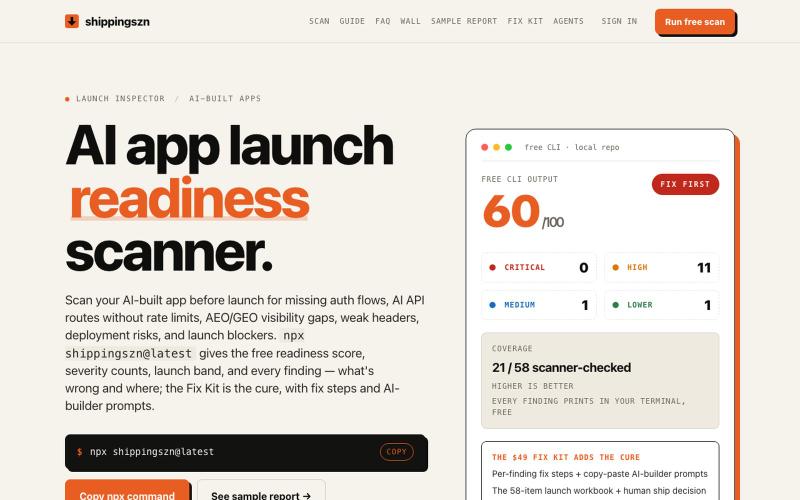
在发布前扫描 AI 应用的身份验证、API 和部署风险。
keeptahoeblue · HN
A pre-launch scanner for AI-built apps (it scores itself 60/100)
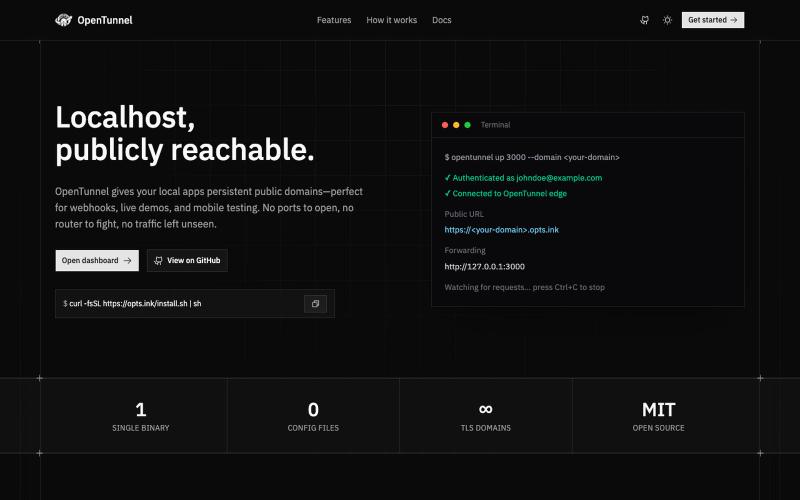
OpenTunnel gives your local apps persistent public domains—perfect for webhooks, live demos, and mobile testing. No ports to open, no router to fight, no traffic left unseen.

@troywrlds · X
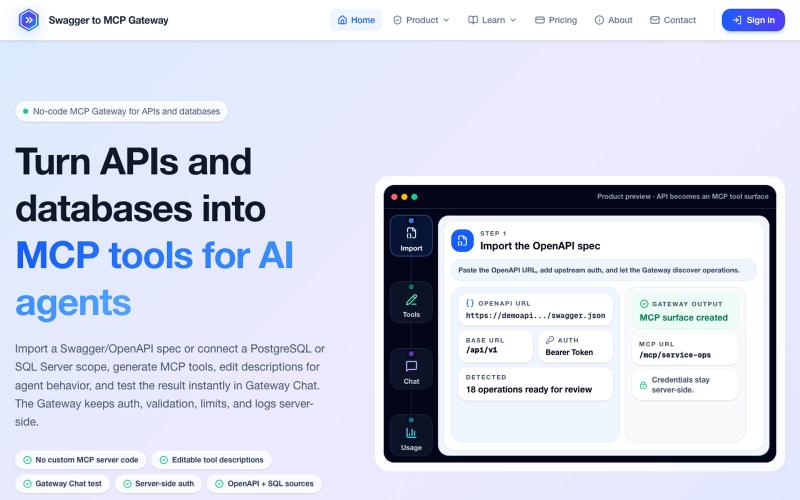
将 OpenAPI 规范和数据库转换为 MCP 工具,无需编码。
mhmt_dmr · HN
MCP Gateway – Turn existing APIs and databases into MCP servers
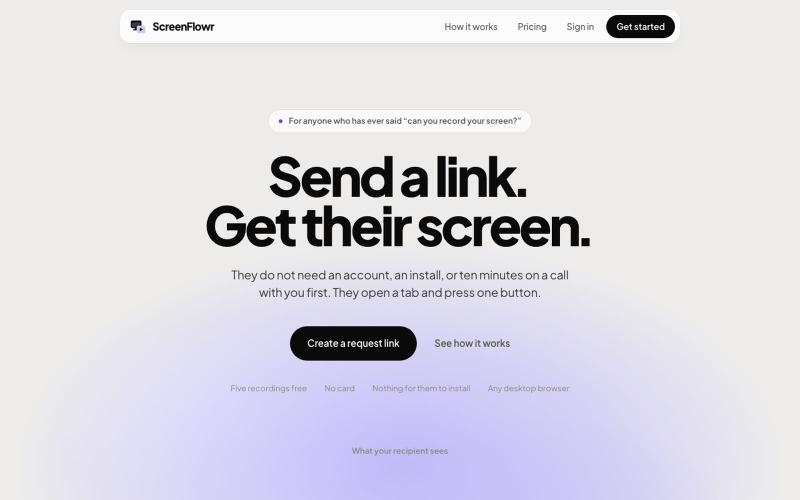
Send someone a link and get their screen recording back. No account, no install, and nothing for them to work out. Five recordings free.

@mikevannelli · X
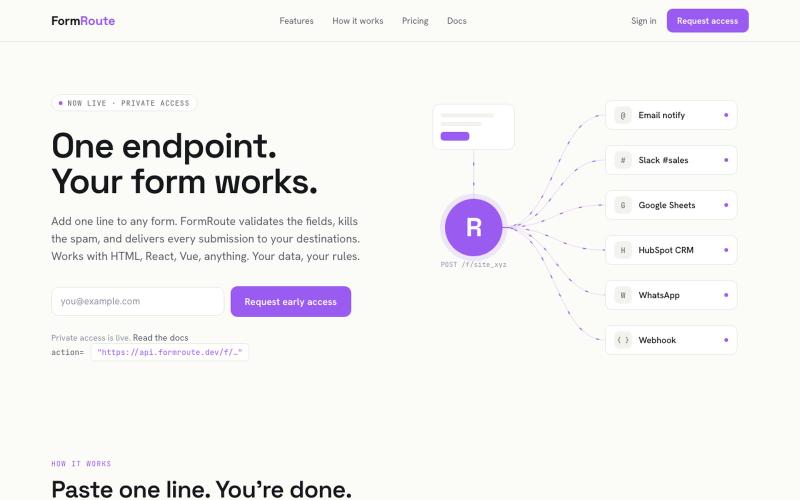
为任何网站添加表单处理功能,包括验证、垃圾邮件阻止和智能潜在客户路由 - 不需要后端。

@evcodebr · X
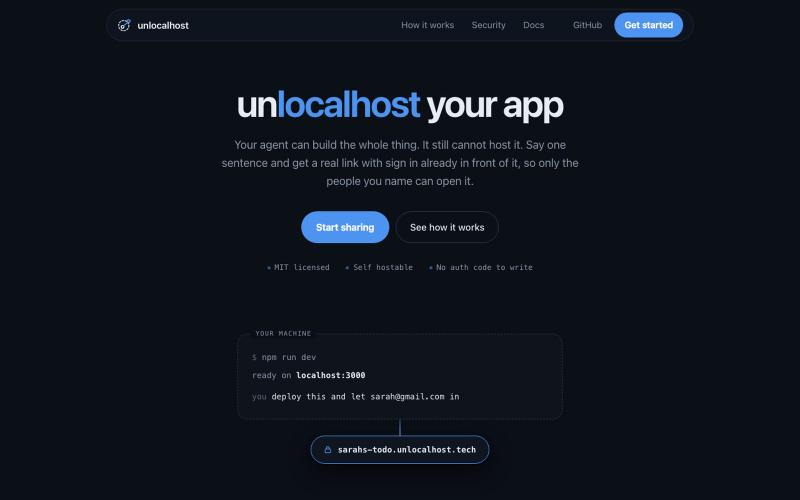
用 unlocalhost 分享本地应用,内置安全登录。

@ArnavGupta47851 · X
Vibe coding is fun. Sharing what you built is not. So I built unlocalhost. Tell your coding agent to deploy, say who is allowed in, and you get a real link with a login wall already in front of it.
