
完整作品展
技术栈
22 projects
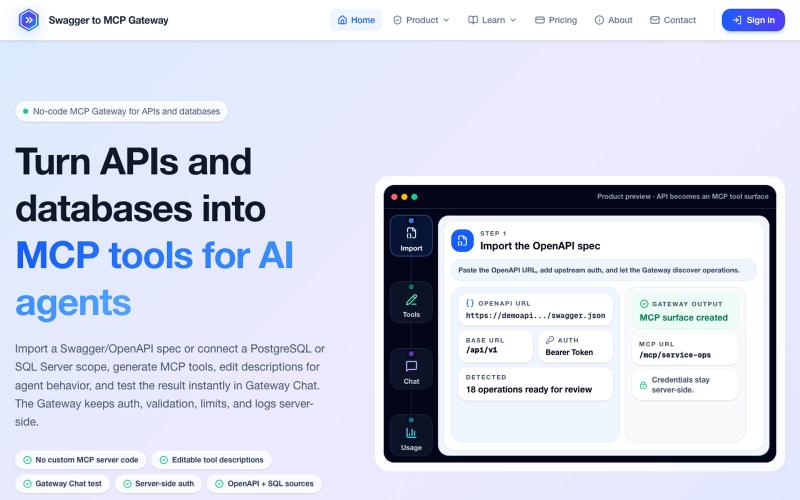
将 OpenAPI 规范和数据库转换为 MCP 工具,无需编码。
mhmt_dmr · HN
MCP Gateway – Turn existing APIs and databases into MCP servers
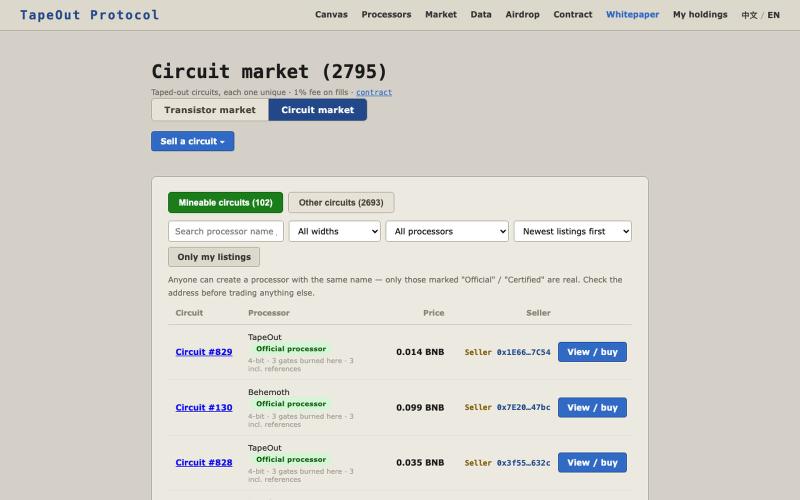
TapeOut:在 BNB Chain 上用晶体管搭出永久、免费可调、不可修改的链上电路。

@GXingPing · X
Tapeout的电路NFT市场上线了,电路NFT由销毁晶体管合成,不好买晶体管的可以直接买NFT。 网站: 目前明确的信息是只有两个创世NFT可以参加接下来的挖矿: Behemoth TapeOut 之前 @Blonskr 说的是Behemoth的挖矿效率是TapeOut的6倍,不知道最终定了没有。
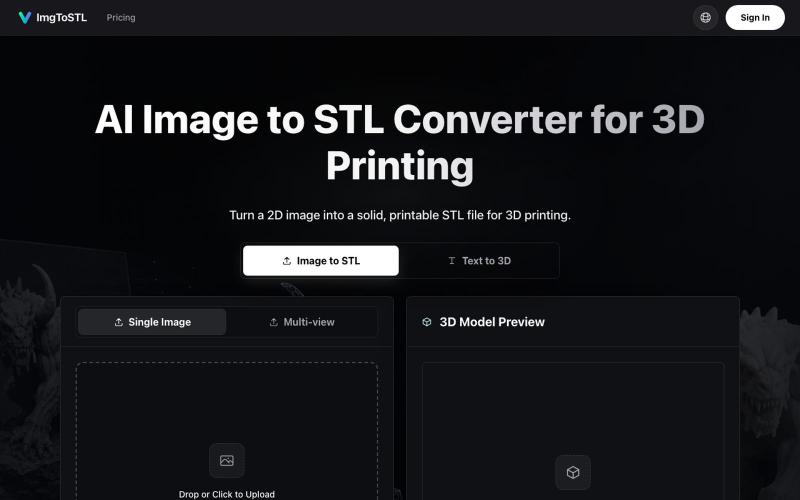
将图像转换为 3D 可打印的 STL 模型。
ImgToSTL — 面向 3D 打印的 AI 图片转 STL 转换器
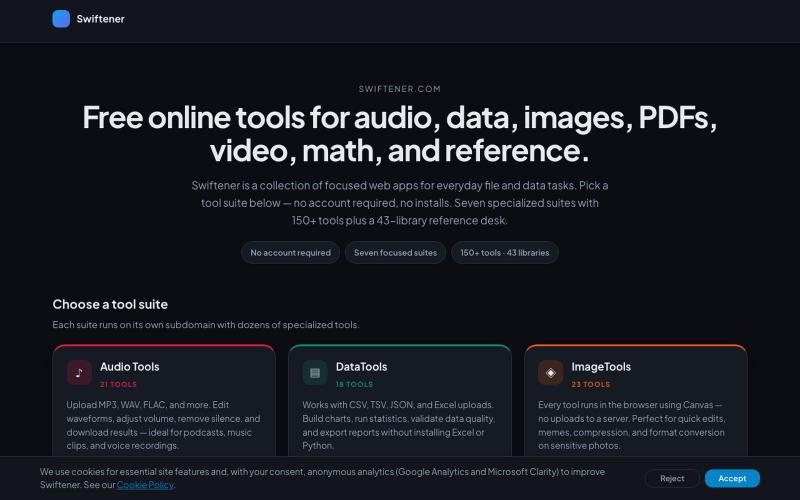
Swiftener:150+免费在线工具,编辑音频、图像、PDF、视频等,无需注册。

@factfile0 · X
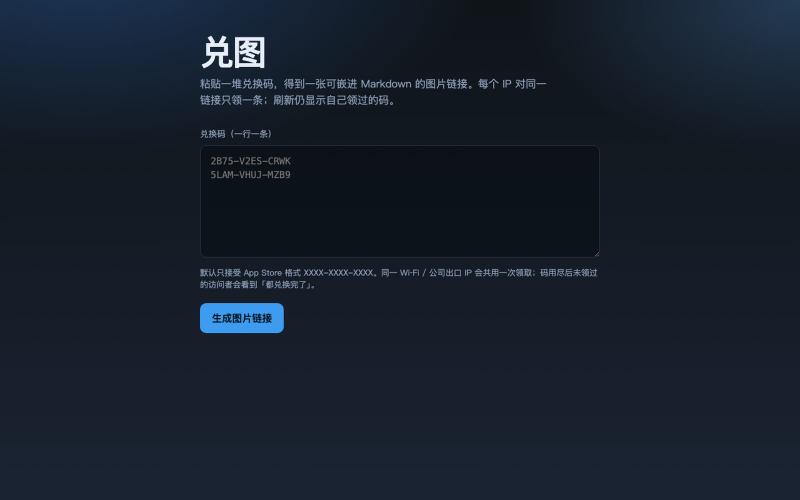
把多个兑换码转成图片,访客打开即领一条未使用的代码。
galenzhao · V2EX
把一堆兑换码变成一张 Markdown 图片,每人打开领一条 送 App Store / 活动码时,常见两种尴尬: 1. 直接贴一长串码 → 前面的人秒光,后面的人只能干瞪眼,还容易被脚本扫 2. 私信一个个发 → 累,还不好统计 做了个小工具 **兑图**:粘贴一堆兑换码,生成一个图片链接。别人打开这张图,就从池子里领一条没用过的;同一个 IP 只会领到一条,刷新还是自己那条。码发完了显示「都兑换完了」。 ## 怎么用 1. 打开 https://duitu.zhis.eu 2. 粘贴兑换码(一行一条) 3. 复制生成的图片 URL ,丢进帖子 / README / 群里,例如:  `````` ## 规则(简版) - 每个 IP 对同一链接只领 1 条 - 同 IP 再访问:显示当初领到的码,不浪费新码 - 池空了:

在浏览器中免费转换、压缩和编辑文件,文件不上传服务器。

@faisalhaleem · X
Just launched — free browser-based file tools runs entirely in your browser. Video to GIF (with trim slider) Merge / Split / Shrink PDF Your files NEVER leave your device. No sign-up needed. Free forever. #buildinpublic #webdev #indiedev #tools #privacy
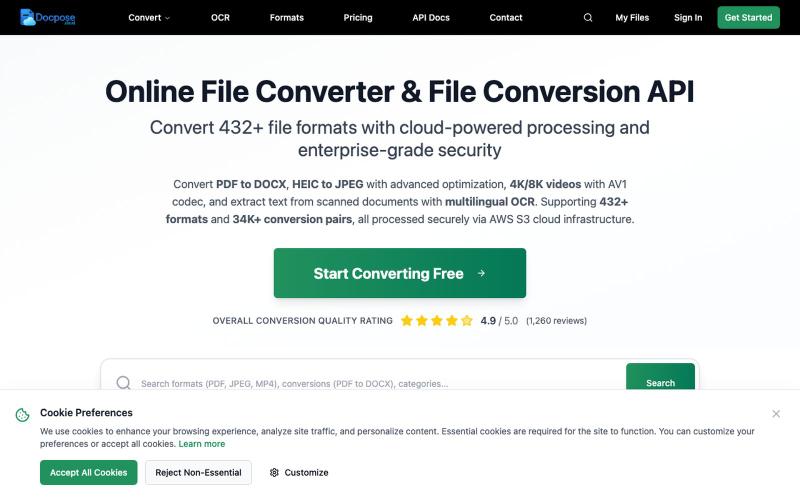
Docpose: 在线转换、查看和管理各种文档、PDF和文件格式。

@FileProInfo1 · X
🚀 has successfully launched! helps users convert, view, process, and manage files online — including documents, PDFs, OCR, archives, email formats, and more. We’re excited to share it with the community. Check it out here:

用 450+ 个隐私保护工具在浏览器中处理和转换 PDF 与图像。

@tentaco_cc · X
Hey! I built 🐙 It’s a privacy-first web space packed with over 450+ free micro-tools for tech, design, marketing, and PDFs. The best part? Everything runs 100% locally in your browser. No registration, no ads. Let's connect! 🛠️
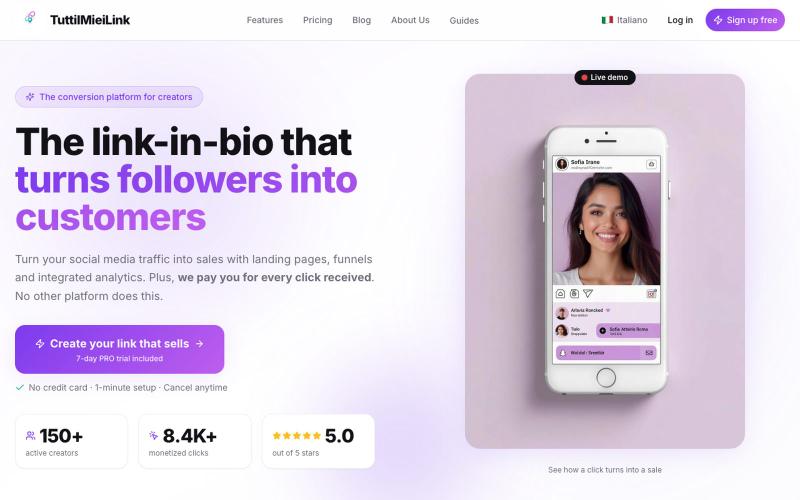
TuttiIMieiLink让创作者用一个链接聚合工具提升销售转化率。

@macagni2 · X
Check out what I just built with Lovable!
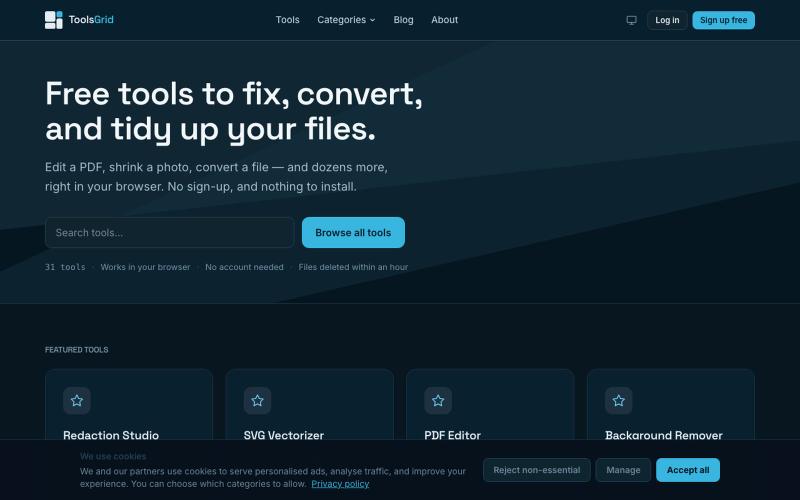
在线编辑和转换 PDF、图像、视频、JSON、SVG 和电子邮件的免费工具。

@bigchusstheory · X
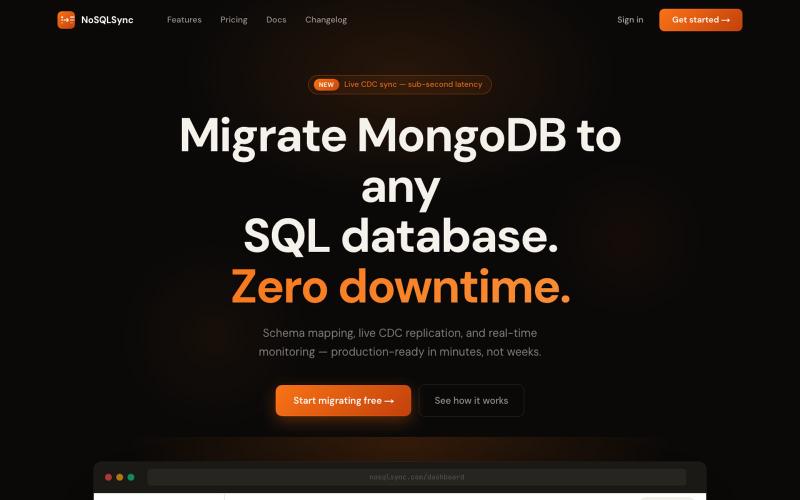
将 MongoDB 数据库迁移到 SQL,提供自动化架构映射和实时复制功能。

@heyayankai · X
🚀 Building NoSQLSync. It helps developers migrate NoSQL databases to SQL without writing custom migration scripts. Always happy to connect with fellow builders and AI enthusiasts.
