完整作品展
技术栈
19 projects


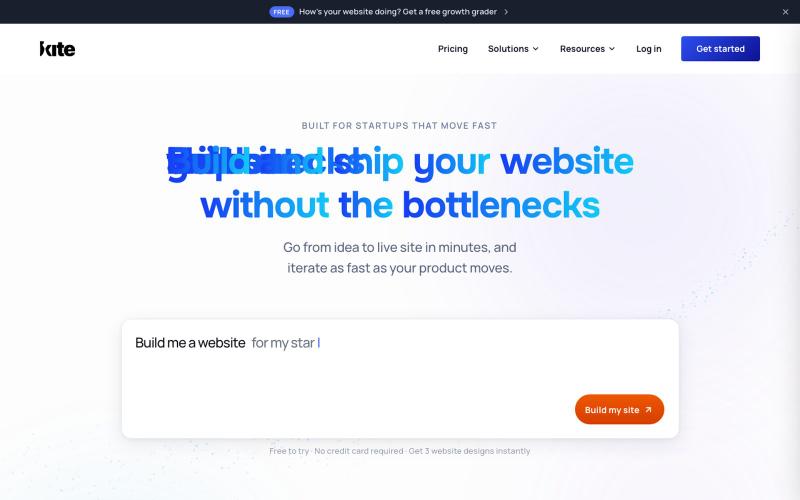
用 Kite 描述你的网站,AI 即刻创建并发布,无需编码。
@PrakashS720 · X
Been deep in AI tools this week. Here are 10 that actually earned a spot in my stack: 1. (prompt once, generate with 40+ image/video models) 2. (an AI colleague that works your tickets in Slack) 3. (a blockchain built so AI agents can pay each other) 4. (one API key for 100+ models, auto-routed + insured) 5. (an AI employee that lives in Slack and Teams) 6. (run your fleet of Claude Code/Codex agents in parallel) 7. (AI search that answers instead of just linking) 8. (describe a topic, get a full slide deck back) 9. (speak naturally, get polished text 4x faster) 10. (60+ image/video models, one prompt box) Don't lose this list, it could be incredibly helpful.

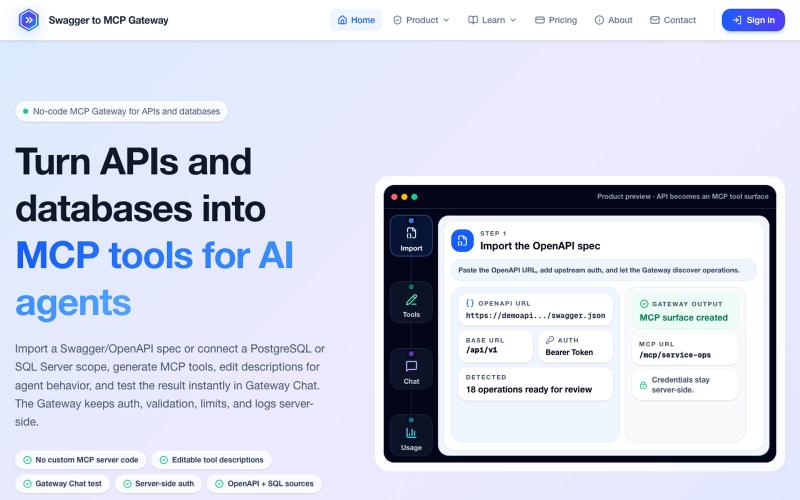
将 OpenAPI 规范和数据库转换为 MCP 工具,无需编码。
mhmt_dmr · HN
MCP Gateway – Turn existing APIs and databases into MCP servers

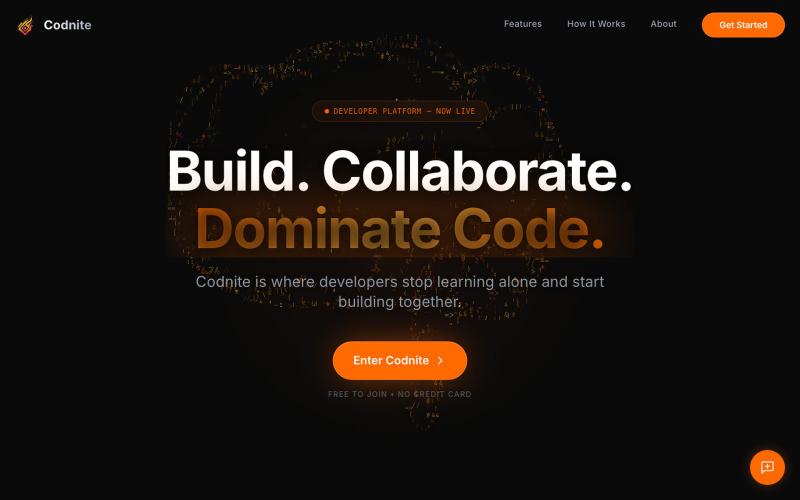
Codnite是开发者竞技平台,解决编程挑战并进行1v1对战。
@md_shadann · X

在请AI修改代码前,先理解代码流程和应用连接。
@minmuner_devlog · X
Thanks for the feedback; I’m open to anything.

用可视化无代码构建器创建和部署 AI 工作流及智能体。
@RanRan1357699 · X
Just shipped a smart guardrail in experiments: if your flow needs test data, it now blocks runs with a friendly prompt and offers one-click AI-generated samples. No more silent all-fail runs! Small details, big peace of mind. #BuildInPublic

Vibe Coding Plan用AI驱动的规划,为每个任务推荐最经济的AI模型。
@Hanumliahzhra · X
vibecoding free tier Just discovered Vibe Coding Plan - AI-powered project planning that breaks down ideas into actionable tasks! Check it out

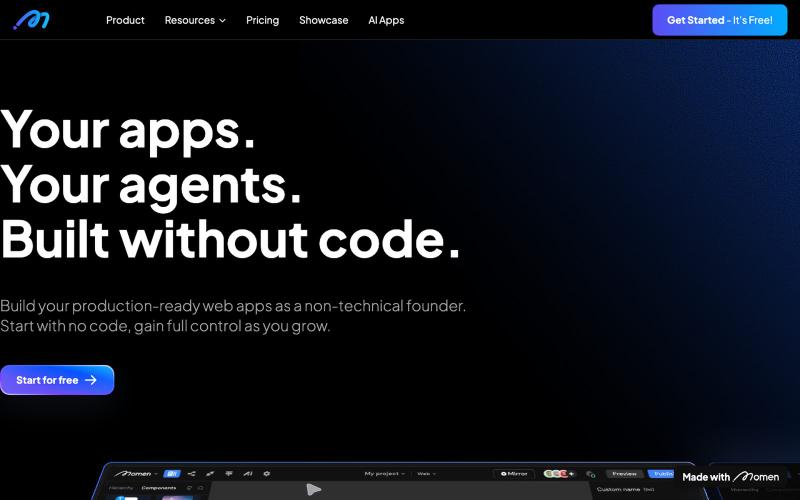
无代码应用构建器,支持AI工作流,专为非技术创始人设计。
@sanchoyai · X
2/ Meet Momen - the no-code builder for production-ready Apps Go to → Got a big app idea but can’t code? The no-code builder that lets non-technical founders create apps go from idea → millions of users. UI, database, workflow, AI — all in one. Not vibe coding, but something you can control, grow, and scale.

Unrot:每日编程挑战助你保持开发技能敏锐,享受AI辅助和连续打卡。
u/Administrative_Egg78 · Reddit
I built this because AI was making me a dumb&lazy engineer I noticed something sad about how I use AI. I was shipping faster, but practicing less. I could get answers quickly, but I was losing the habit of working through the fundamentals myself. So I built Unrot: short daily challenges for developers across languages, system design, architecture, data engineering, and other tracks. Game/xp and rewards system, a tiny bit competitive. No signup required to try it: https://unrot.dev

在浏览器中编写和运行代码,具有 AI 代码生成和自动修复功能。
@anish2good · X

用于视频和音频压缩、裁剪、合并及格式转换的浏览器工具。
zhw2590582 · V2EX
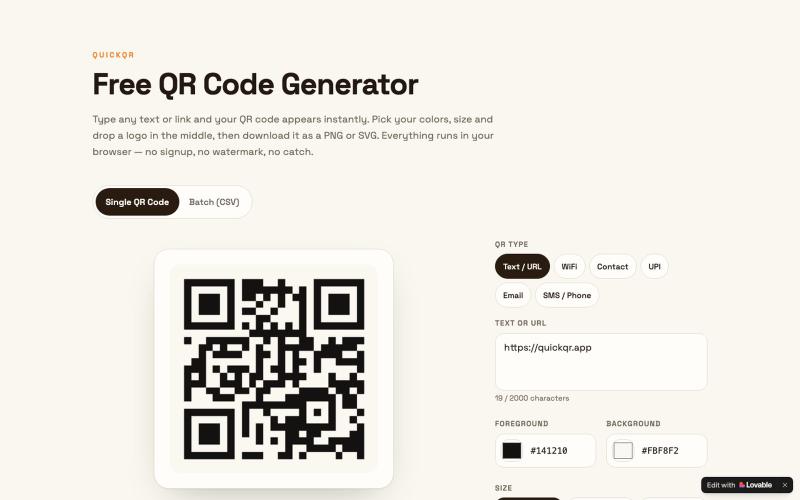
最近对网站进行了重构,做成了免费的视频工具站:[ArtPlayer Tools]( https://artplayer.org/tools/) 主要是围绕着 ffmpeg.wasm 和 mediabunny 实现的一些可以直接在浏览器里用的视频/音频工具,常用的有: - 视频压缩:[Compress Video]( https://artplayer.org/compress-video/) - 视频裁剪:[Crop Video]( https://artplayer.org/crop-video/) - 视频合并:[Merge Video]( https://artplayer.org/merge-video/) - 视频尺寸调整:[Resize Video]( https://artplayer.org/resize-video/) - 视频旋转:[Rotate Video]( https://artplayer.org/rotate-video/) - 视频调速:[Change Video Speed]( https://artplayer.org/change-video-speed/) - 添加文字到视频:[Add Text to Video]( https://artplayer.org/add-text-to-video/) - 添加水印:[Watermark Video]( https://artplayer.org/watermark-video/) - 提取字幕:[Subtitle Editor]( https://artplayer.org/subtitle-editor/) - HLS 转 MP4:[HLS to MP4]( https://artplayer.org/hls-to-mp4/) - 音频可视化:[Audio Visualizer]( https://artplayer.org/audio-visualizer/) 大部分工具都是本地处理,文件不会上传到服务器。最开始是因为自己偶尔要处理一些视频,开剪辑软件又有点重,在线工具又担心隐私,所以就慢慢做成了一个站。 目前还在持续完善,体验肯定还有不少粗糙的地方,比如不同浏览器的兼容、移动端操作、长视频性能之类的。 网站: [ArtPlayer Tools]( https:

免费在浏览器中编辑和格式化JSON,支持验证和转换。
@bhushankuma491 · X