
其他1 day ago
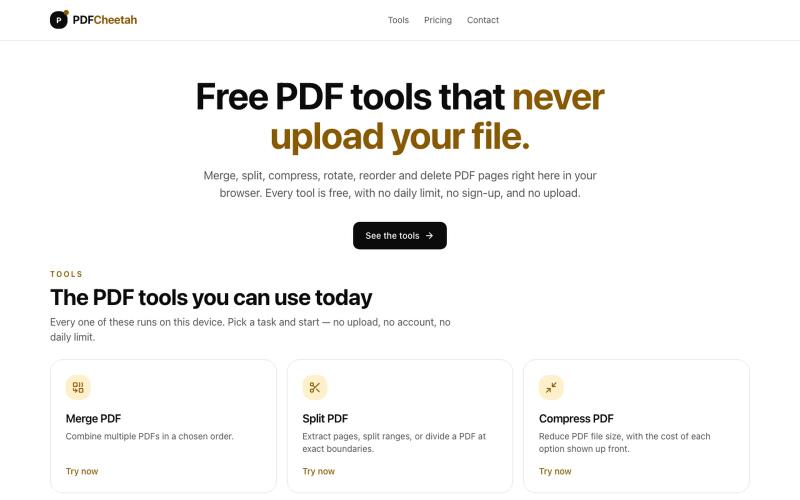
Free PDF tools that never upload your file — PDFCheetah
Merge, split, compress, rotate, reorder and delete PDF pages in your browser. No daily limit, no account, and your document never leaves your device.

@PDFCheetah · X
完整作品展
技术栈
28 projects
Merge, split, compress, rotate, reorder and delete PDF pages in your browser. No daily limit, no account, and your document never leaves your device.
@PDFCheetah · X
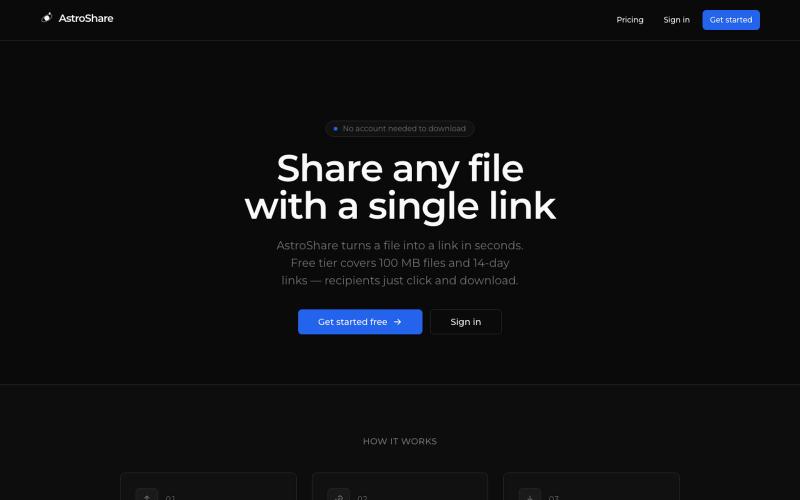
上传文件,生成分享链接让任何人下载。

@astrolinkcc · X
Try one of our products!
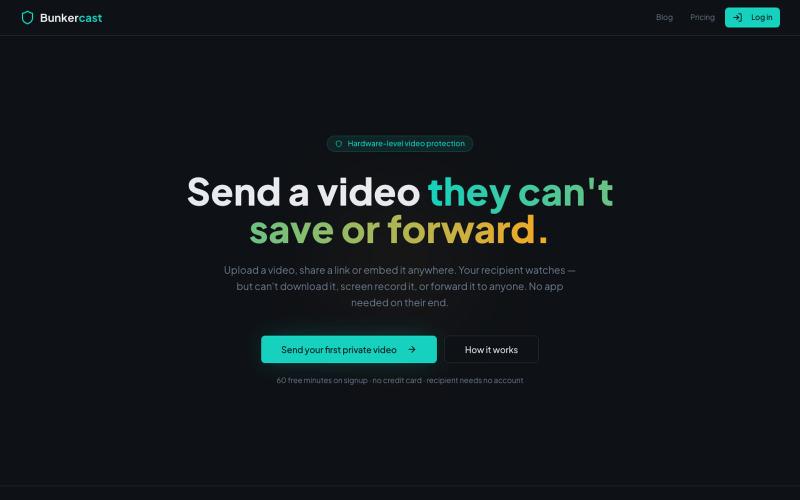
分享无法下载、截屏或转发的视频。

@bunkercastDRM · X
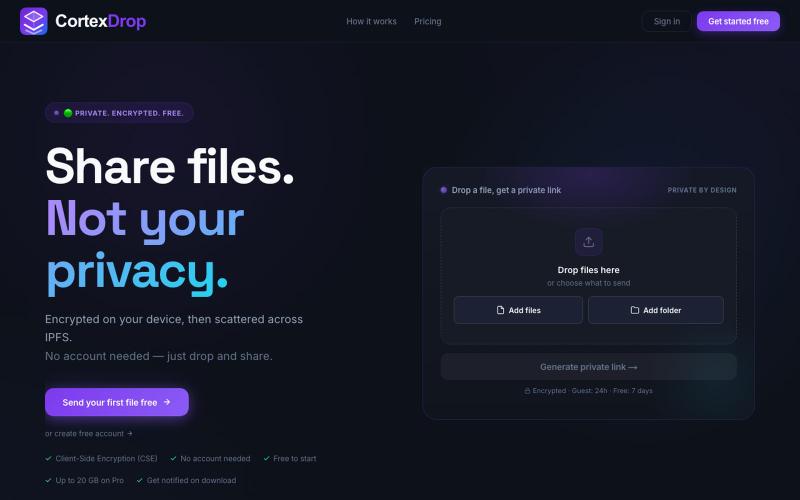
分享加密文件,带自销毁链接,无需注册。

@cortexdrop · X
CortexDrop- first consumer file sharing built on IPFS. Drop a file, get a private link.

在浏览器中免费转换、压缩和编辑文件,文件不上传服务器。

@faisalhaleem · X
Just launched — free browser-based file tools runs entirely in your browser. Video to GIF (with trim slider) Merge / Split / Shrink PDF Your files NEVER leave your device. No sign-up needed. Free forever. #buildinpublic #webdev #indiedev #tools #privacy

Imagerry:在浏览器中编辑、调整大小、裁剪和转换图像,无需上传文件。

@its_ajseven · X
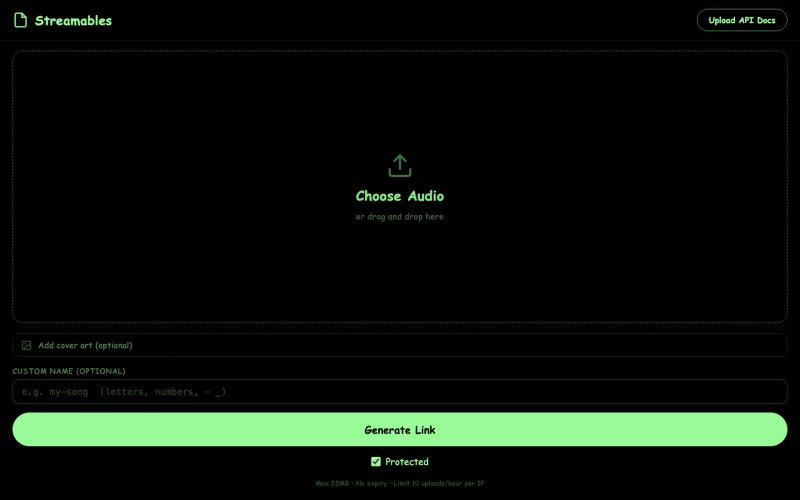
上传音乐分享,同时防止他人下载。
u/Delicious-Tax-3910 · Reddit
Streamables This is a really big project that I worked in with a bit of self and ai coding, it's a platform where you can upload songs/audio with the primary feature being that users can't download the music. Along with some other misc features, please try it out and give me some feedback and what to improve!!!! https://streamables.butterlabs.app/ Sidenote: all media is purged monthly in order to make room for server storage submitted by /u/Delicious-Tax-3910 to r/Sid
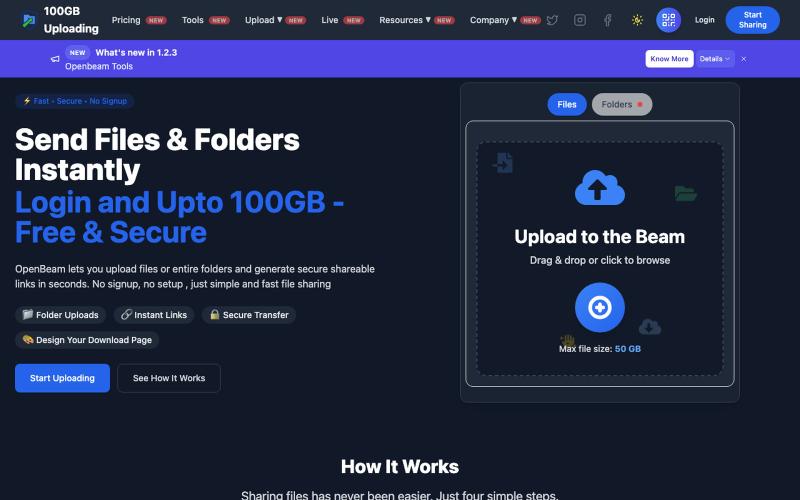
OpenBeam:无需注册,即时分享高达100GB的文件和文件夹。

@Abhishe33854772 · X
Replace Files, Keep the Same Link Upload a file once and share the link Need to update the file later? Simply replace it in and the original link continues to work.
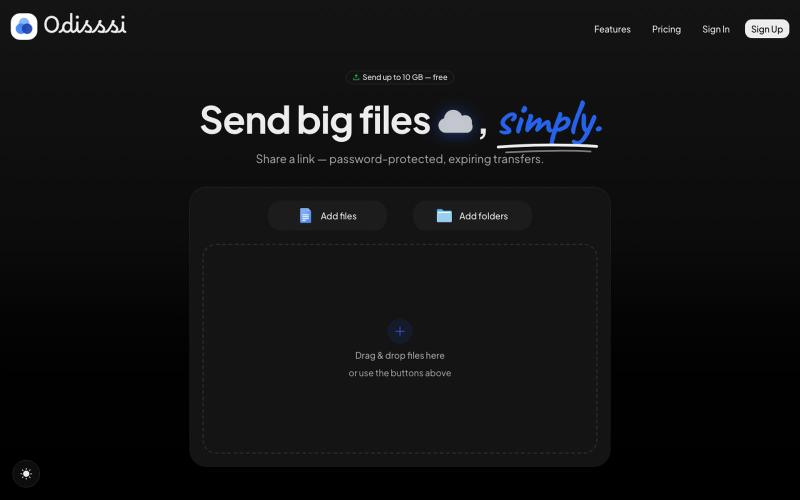
Send large files with a simple link. Password-protected, expiring transfers — no account needed to receive.

@Odisssi · X
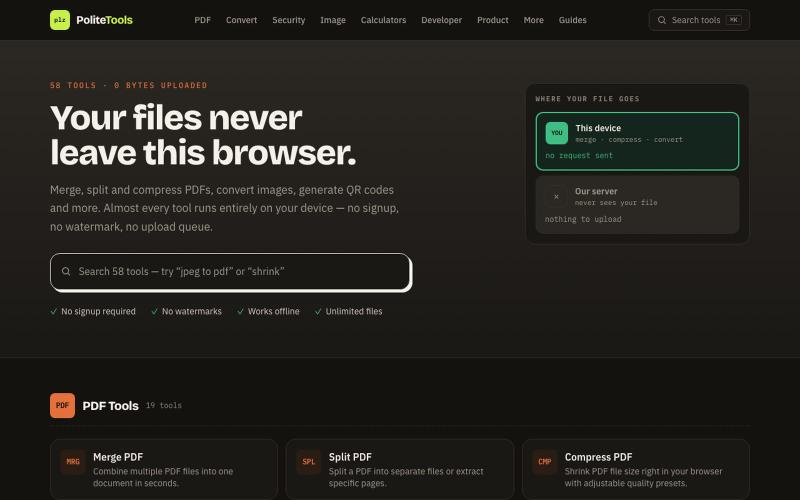
Free online PDF, image, QR and text tools. 100% private — every file is processed in your browser and never uploaded to a server.

@codechandra · X
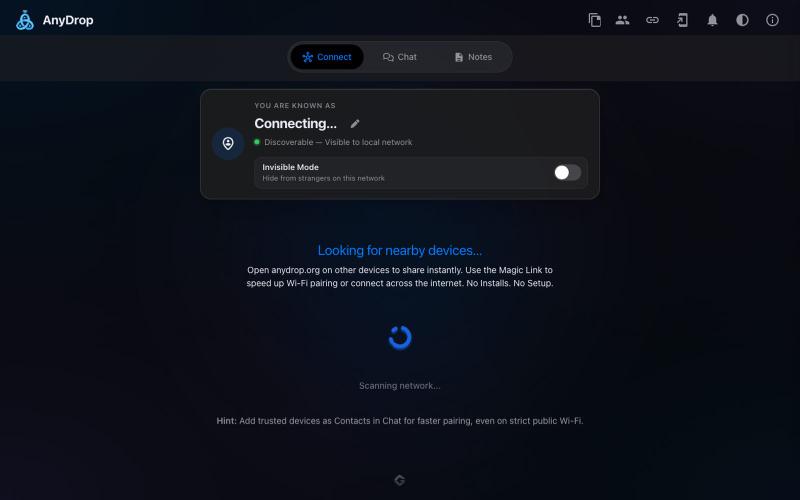
在浏览器中跨设备(Mac、PC、iOS、Android、Smart TV)即时分享文件和文本,无需注册。

@WackyCrocoGator · X
This one doesn’t require any signup or payment. Just load and multiple device by opening the site on them and connect them for an easy way to drop text and file to each other.
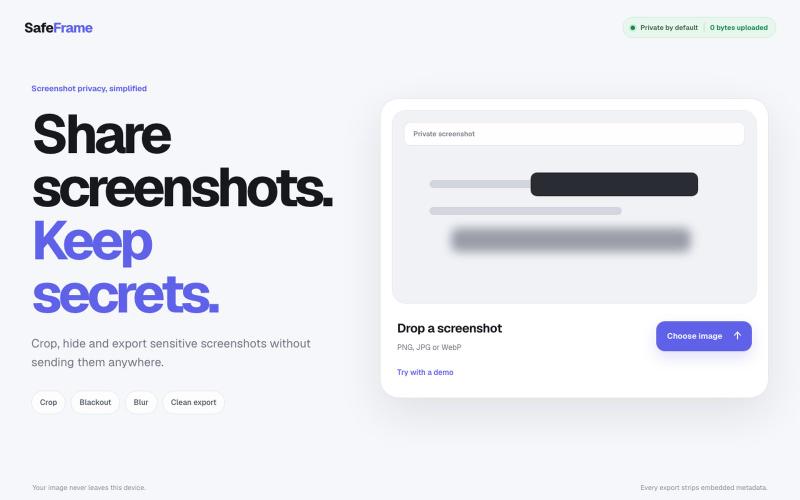
裁剪、编辑、模糊和导出截图,完全私密,无需上传任何数据。

@noshkass · X
Built SAFEFRAME a private, browser-only screenshot sanitizer. Crop, blackout, blur, and export sensitive screenshots without uploading a single byte. Try it: Built with ChatGPT Sites. @chatgptapp #Giveaway