
其他3 weeks ago
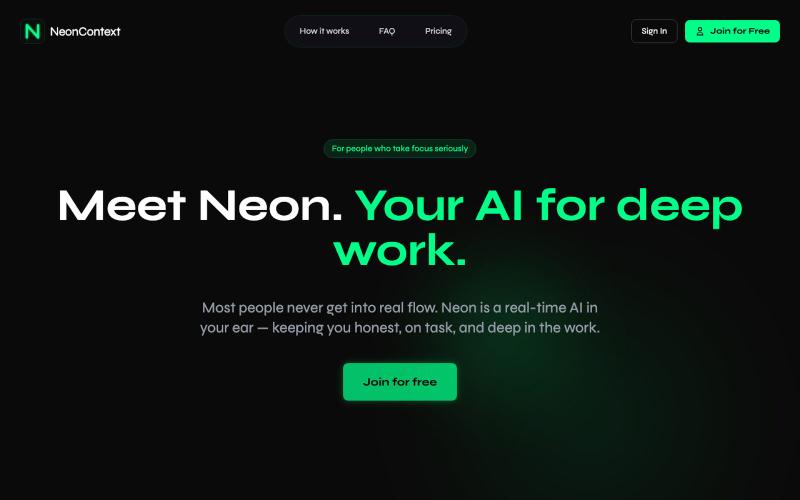
NeonContext — AI Coach for Deep Work
A real-time AI voice coach that keeps you accountable during deep focus sessions. No distractions. No fluff. Just you, your work, and Neon.

@naveendinushka · X
Hey Anuj. I’m building
完整作品展
技术栈
24 projects
A real-time AI voice coach that keeps you accountable during deep focus sessions. No distractions. No fluff. Just you, your work, and Neon.
@naveendinushka · X
Hey Anuj. I’m building
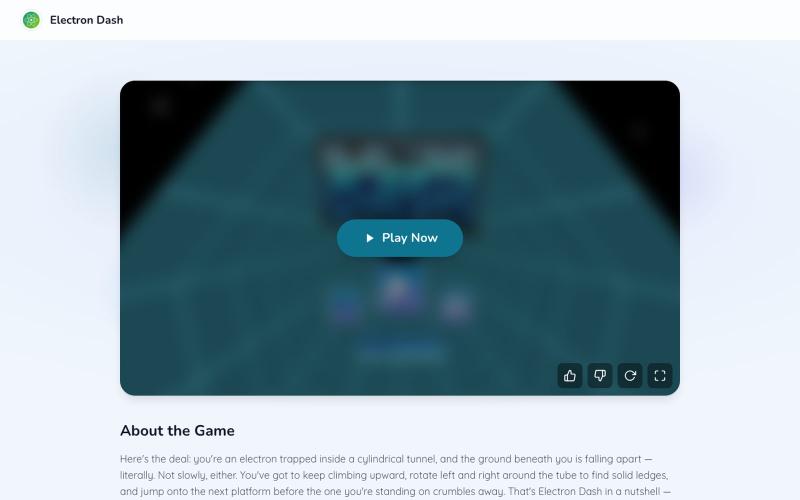
在快节奏的霓虹街机游戏中操控电子穿过障碍赛道。
leeswal · V2EX
Electron Dash 节奏很快的平台跳跃游戏 游戏里你要控制一个宇航员在太空隧道里不断向前跑,一路躲开各种坑洞、障碍物和激光。随着速度越来越快,对反应速度和操作的要求也会越来越高,一不小心就会掉下去,只能重新开始。 操作很简单,上手就能玩明白: ← / A:向左移动 → / D:向右移动 ↑ / W 或 Space:跳跃 游戏没有复杂的规则,目标就是尽可能跑得更远,挑战更高的分数 游戏地址: https://electrondash.site/ https://i.imgur.com/7N3C3rx.png

BabyFilter 一键将照片转换为可爱的宝宝版本。
BabyFilter AI — 将用户上传的人物照转换为小时候的照片
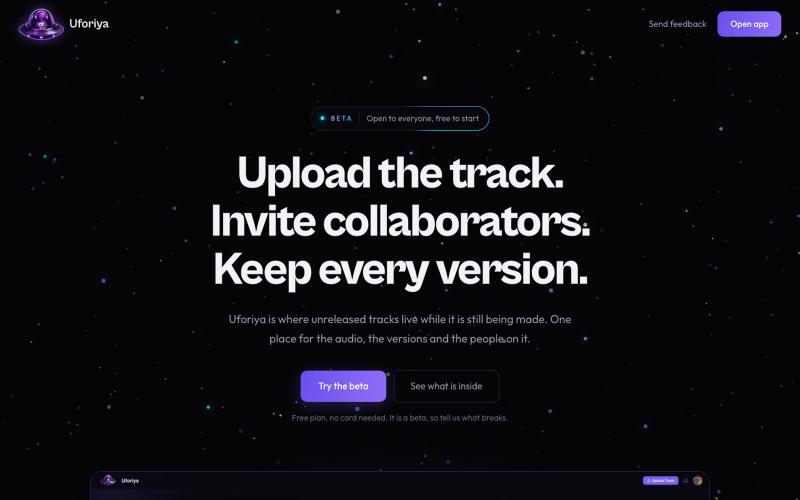
Upload tracks, invite collaborators with roles, and keep every version in one place. The Uforiya beta is open and free to start.

@chukaufo · X
I basically created a GitHub for music producers.
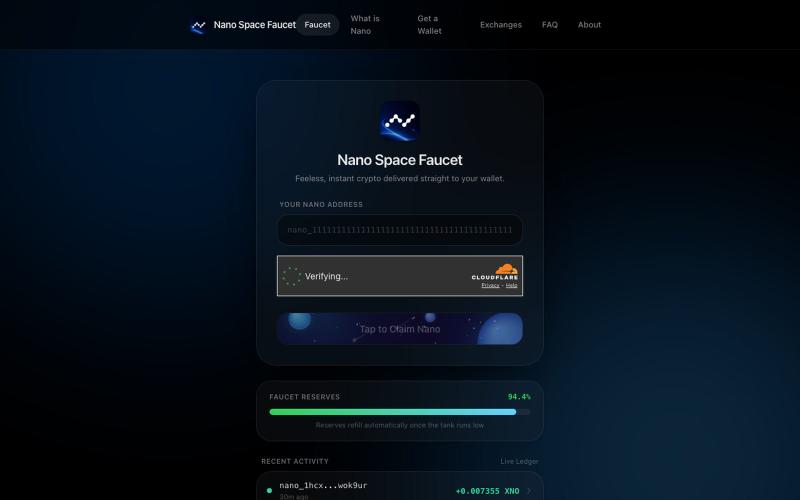
Claim free Nano (XNO) instantly with zero fees at Nano Space Faucet. Learn what Nano is, where to get a wallet, and where to trade it.

@NanoSpaceFun · X
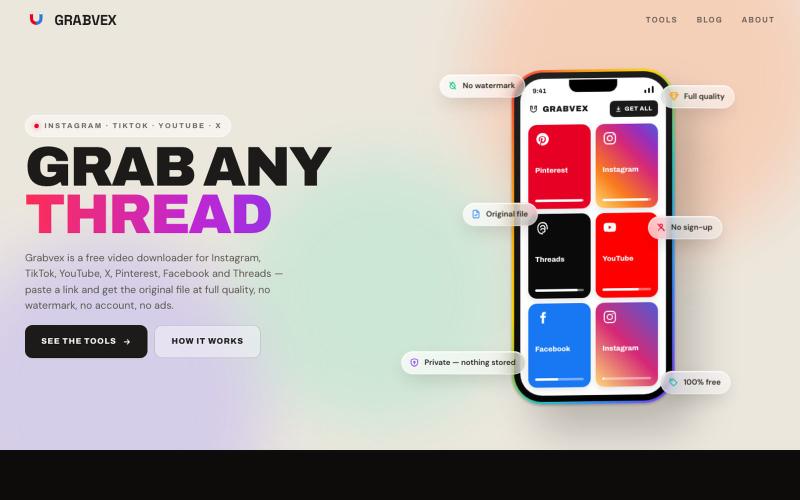
从Instagram、TikTok、YouTube等社交平台下载视频,无水印。

@grabvex · X
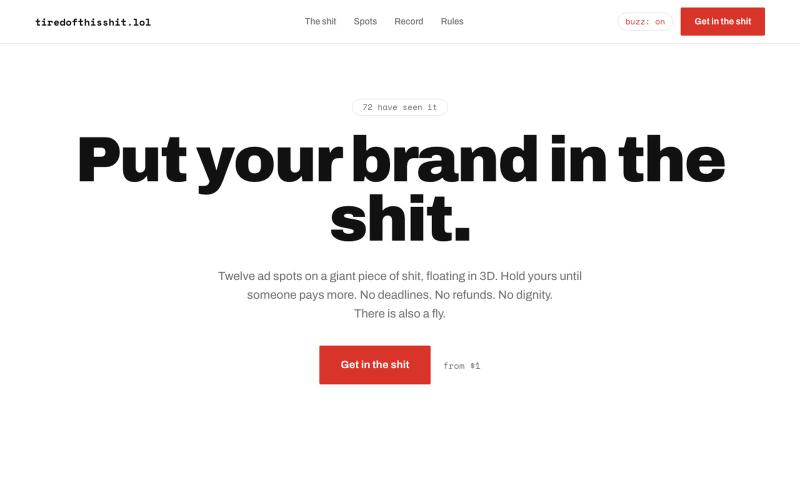
Twelve ad spots on a giant piece of shit, floating in 3D. Hold yours until someone pays more. No deadlines. No refunds. No dignity. There is also a fly.

@lucas_gr_ · X
Wondering if people will follow anything on the outbid wave or if they're tired of this shit
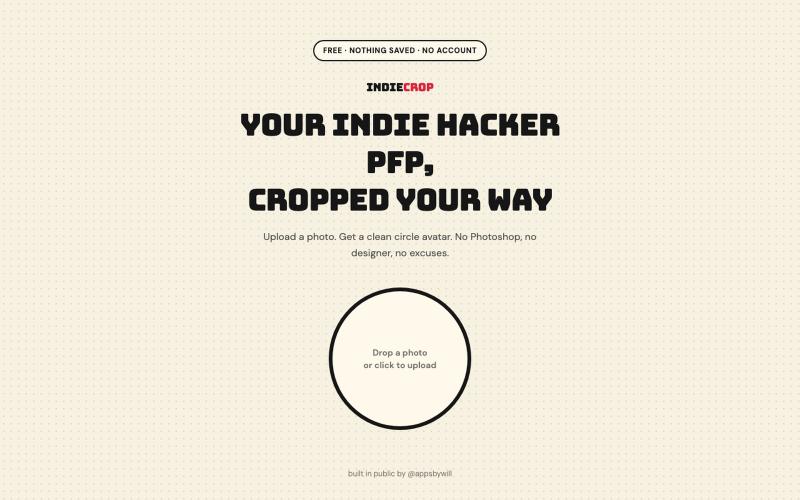
从任何照片生成圆形头像,浏览器中自动去背。

@appsbywill · X
i've been playing around with this profile picture maker, I really want to fine tune the background removal and add more styling templates. Let me know if you find more bugs!
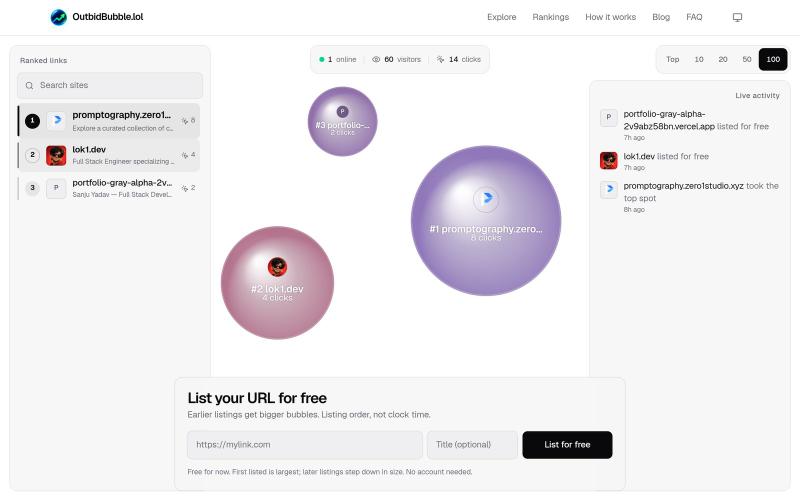
Bid on URLs, climb the live rankings, and watch bigger bids create bigger bubbles on OutbidBubble.lol.

@lokidotdev · X

在线设计订购多语言霓虹灯牌,₹999起,印度发货。

@PLUTONEOMsigns · X
PLUTONEOM — India's first neon sign platform in 14+ Indian languages 🔥 Type your name in Hindi, Tamil, Odia, Bengali — see it glow as a neon sign live. Built solo from Bhubaneswar.
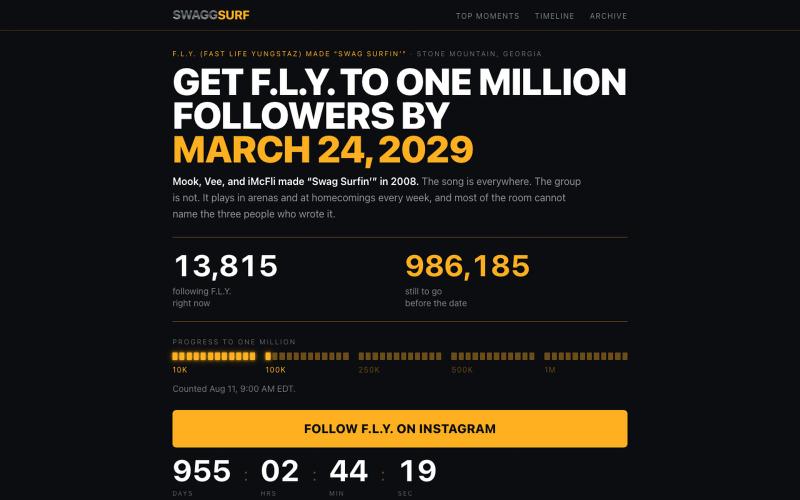
A platinum record that plays in every arena in America. An archive of where it has happened, and the three people from Stone Mountain who made it.

@jordansntpierre · X
