
开发者工具2 weeks ago
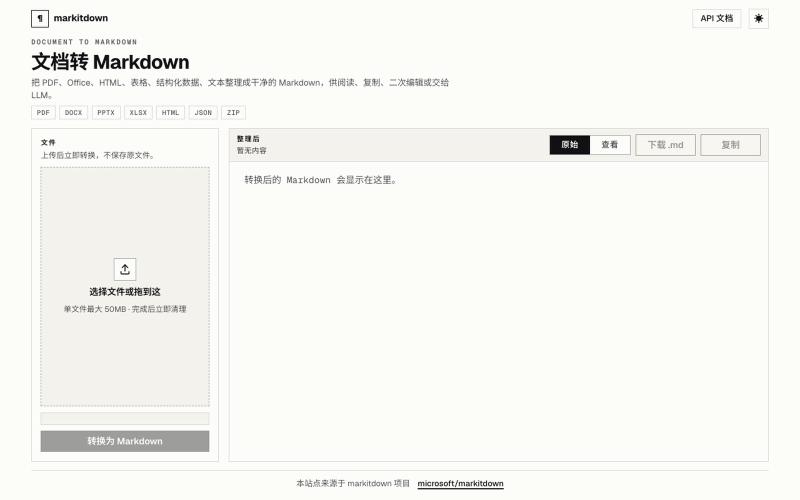
文档转 Markdown
Doc2Md:将 PDF、Word、Excel 等文件转换为 Agent 友好的 Markdown。
Doc2Md — 将 PDF、Word、Excel 等多种格式文件转换成 Agent 友好的 Markdown 格式 - [更多介绍](https://doc2md.cn)
完整作品展
技术栈
13 projects
Doc2Md:将 PDF、Word、Excel 等文件转换为 Agent 友好的 Markdown。
Doc2Md — 将 PDF、Word、Excel 等多种格式文件转换成 Agent 友好的 Markdown 格式 - [更多介绍](https://doc2md.cn)
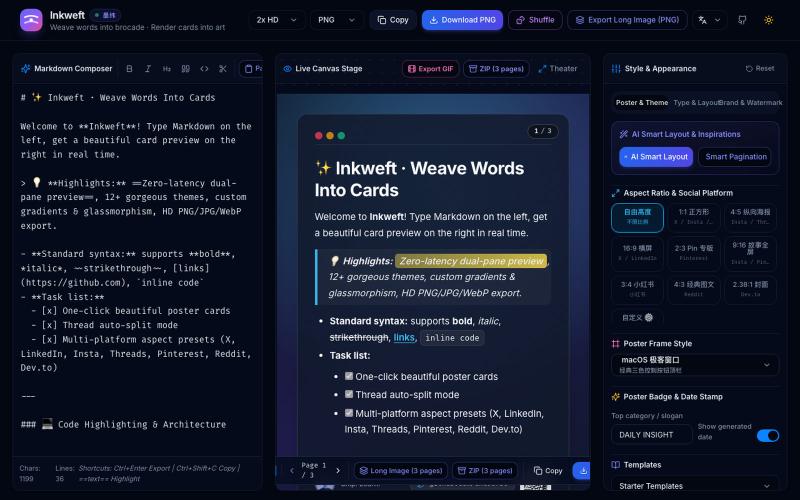
将 Markdown 笔记转换为高颜值社交海报卡片,12 个主题,导出 PNG/JPG/WebP。

@dxer0730 · X
做了一个把 Markdown 笔记 3 秒变成高颜值社交海报的小工具,支持连载切图与无缝长图拼接 在线体验 / 开源:
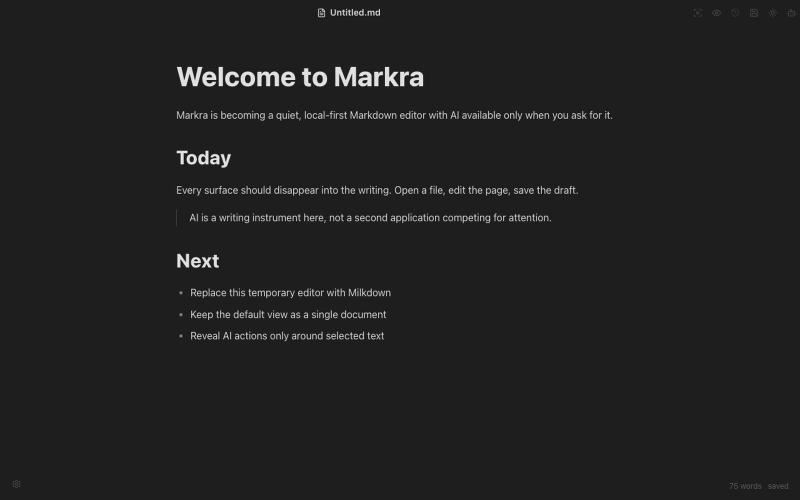
开源Markdown编辑器,支持本地存储、跨平台和AI辅助编辑。
Markra — 本地优先的开源所见即所得 Markdown 编辑器,支持 Web、macOS、Windows 和 Linux,AI 修改可预览后应用 - [更多介绍](https://github.com/markrahq/markra/blob/main/README.zh-CN.md)
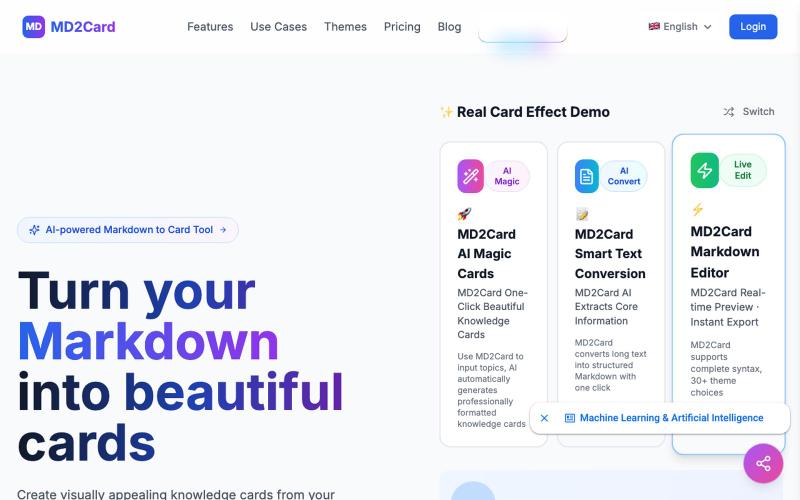
将 Markdown 转换为视觉知识卡片,支持 30+ 主题和多格式导出。
md2card — MD2Card 在线工具,支持多主题,一键将 Markdown 拆分并生成知识卡片,支持 AI 魔幻卡片和长文智能拆分功能,可编辑,可导出 PNG/SVG/PDF,适合笔记分享与社媒传播
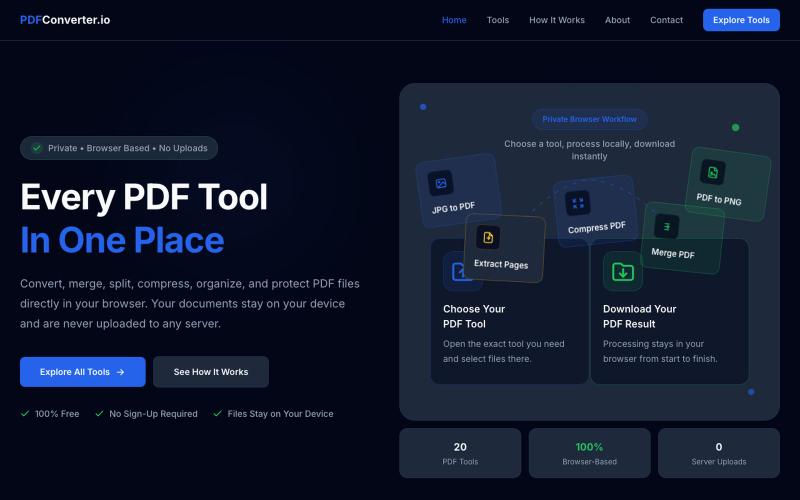
使用20个免费浏览器PDF工具来转换、合并、拆分和压缩PDF文件。

@meuzairqureshi · X

图片转 ASCII 字符画、复制符号、查看码表、进制转换——全在浏览器。
HeStudy · V2EX
做了个纯前端的 ASCII 工具站:图片转字符画、banner 生成、符号一键复制 平时偶尔需要查 ASCII 码表、复制一些特殊符号(箭头、制表符这类),每次都是搜一个满屏广告的老站凑合用,索性自己做了一个: https://getascii.com 目前有这些工具: 图片转 ASCII 字符画(拖一张图进去就行,支持调宽度/字符集/反色) 文字转 ASCII banner 大字 常用符号一键复制(箭头、制表符、数学符号、颜文字) 完整 ASCII 码表 + 一个交互式键盘映射图(点键盘上的键显示对应的 dec/hex 码) 进制转换器( hex/dec/bin ↔ ASCII ) 几个实现上的点: Astro 构建的纯静态站,所有工具都是纯客户端计算,图片不会上传到任何服务器 没有账号系统,没有付费墙,打开就用 整站是绿色荧光终端风( CRT 扫描线 + JetBrains Mono ),算是给终端审美交个作业 顺手给它做了个 25 秒的宣传片: https://www.youtube.com/watch?v=AjzU5mw1PrI
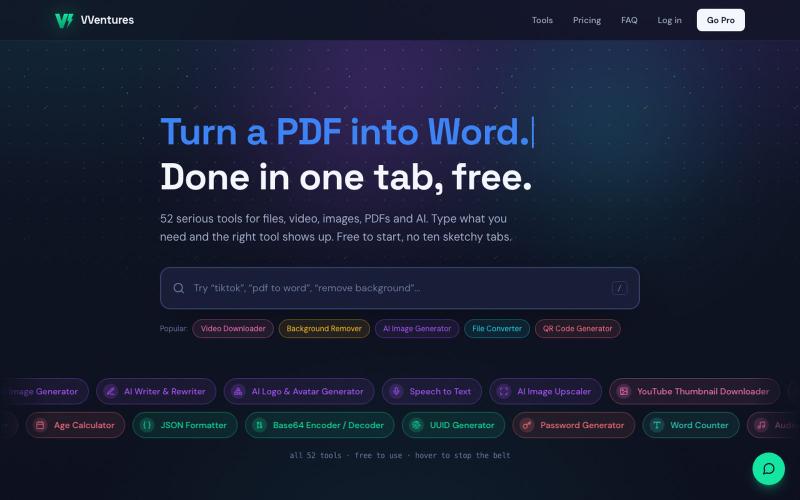
VVentures 提供50多个免费在线工具,用于文件转换、AI生成、PDF编辑和视频。

@smarterV01 · X

在浏览器中将照片和视频转换为ASCII艺术、像素艺术和马赛克。

@kail_designs · X
Jokes aside but honestly (Landing page) was built with Claude (Opus 4.7) in 1 day. But no, it was not just four prompts or some random skills. Here's how I built the entire AsciiMagic landing page with Claude in one day👇 Started with a rough sketched wireframe. Then designed it in @paper Then I used the Paper MCP with Claude to recreate that design in code and get a solid first version running. From there, the real work began. I kept iterating with specialised Claude skills: • impeccable • frontend-design • emil-design-eng • review-animations • responsive-design • seo-audit Each one improved a different part of the experience. By the end, the page had: • Mobile-first responsiveness • Better SEO optimised copy • Smooth micro-interactions • Cleaner frontend architecture Then came the part people don't see. For the next 5–6 hours, I wasn't asking Claude to "make it prettier." I was: • Fine-tuning layouts • Uploading and compressing assets • Moving files across diff
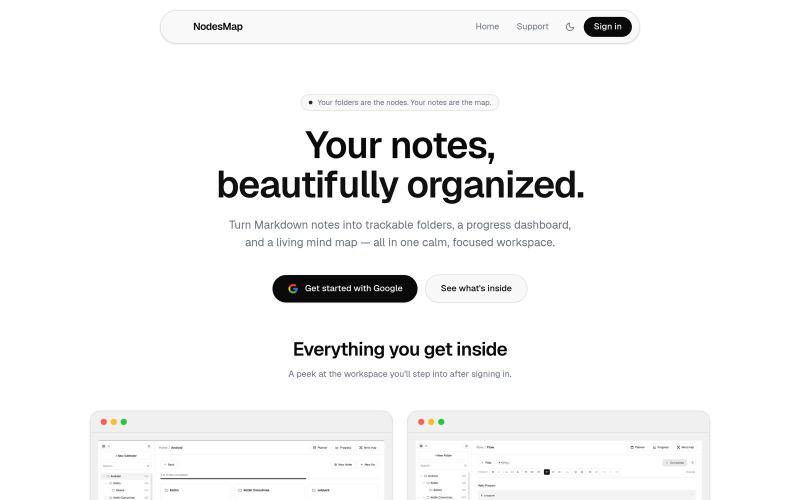
用 markdown 笔记组织想法,支持进度追踪,并将其可视化为交互式思维导图

@vasanthadabala · X
Not really a startup. It's just something I built for myself a simple note taking app with a planner, progress tracker, and mind map I'm going to share it publicly @NodesMap check it
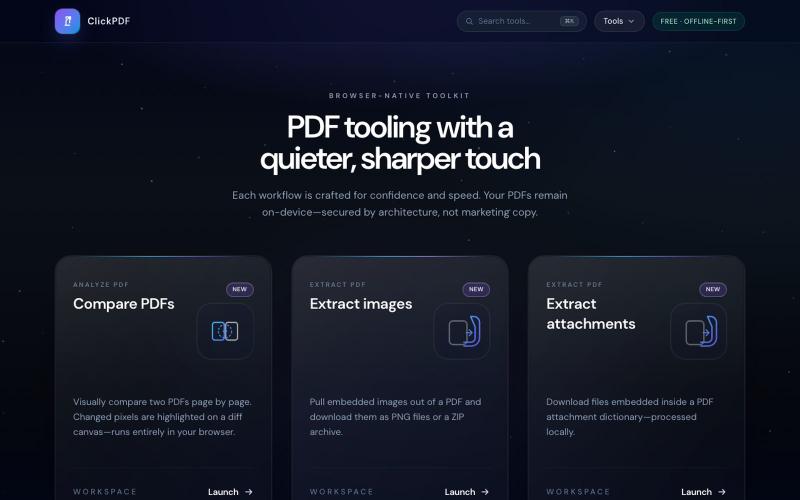
浏览器中的免费 PDF 工具:合并、拆分、压缩、转换、签署和保护。

@buildappfactory · X
Our three products
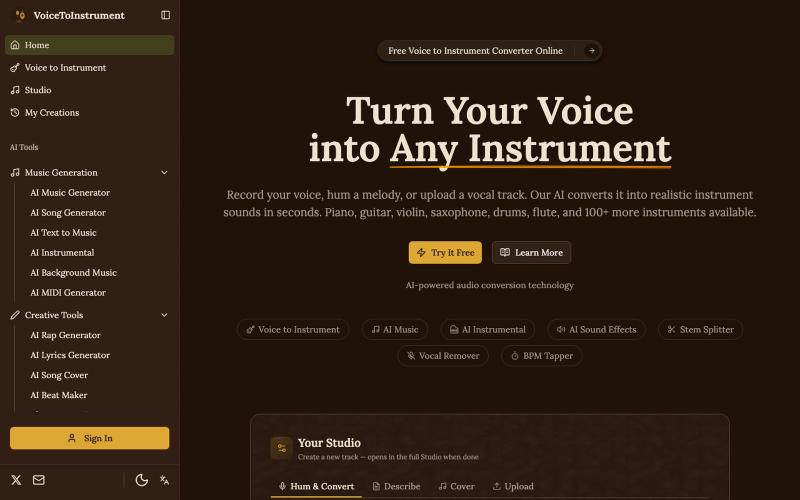
将您的人声转换为钢琴、吉他、小提琴等100+种乐器演奏。
Voice to Instrument — AI 工具,将人声录音转换为器乐曲目。上传歌声或录音,AI 自动生成钢琴、吉他、鼓等器乐伴奏。
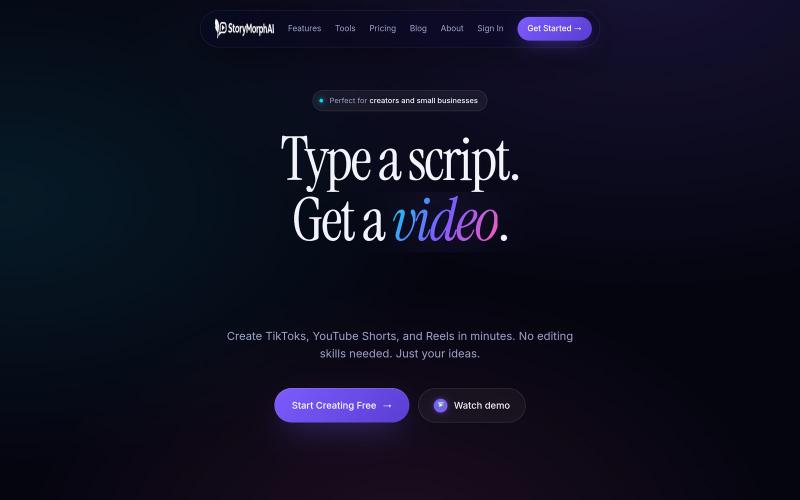
将脚本转换为16种视频格式,包括纪录片、动画和图表。
u/Easy-Reserve-5414 · Reddit
Made an AI tool that turns one prompt into 16 video formats (no face needed) Built over 8 months, solo. AI documentaries (with real animated maps, not a static image + zoom), motion graphics, movie recaps, character chats, racing charts + ~11 more — all from text, all on one credit balance. 100 free credits, no card, if you want to break it: https://storymorphai.com Genuinely after feedback — what's the first format you'd try, and where does the output fall short? su