
生产力3 weeks ago
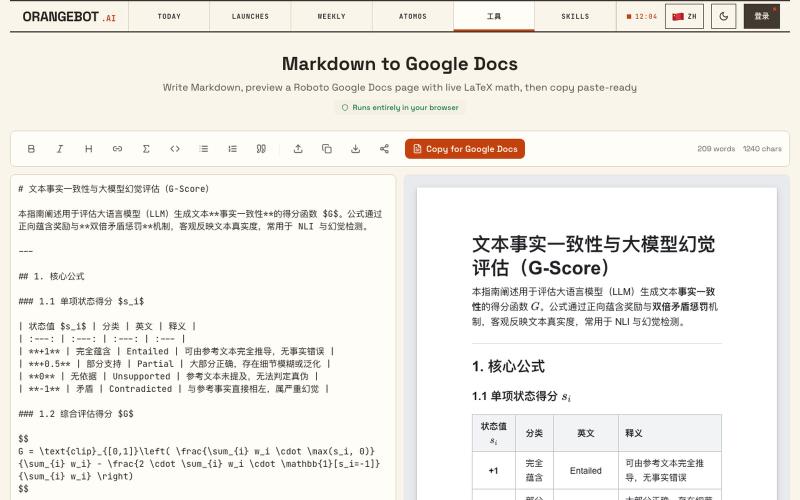
Free Markdown to Google Docs — Paste-Ready Converter with LaTeX Math
将 Markdown 转换为 Google Docs 文档,支持 LaTeX 数学公式。
shenhuang · Product Hunt
Markdown to Google Docs Paste AI markdown, get a clean Google Doc, math included
完整作品展
技术栈
19 projects
将 Markdown 转换为 Google Docs 文档,支持 LaTeX 数学公式。
shenhuang · Product Hunt
Markdown to Google Docs Paste AI markdown, get a clean Google Doc, math included
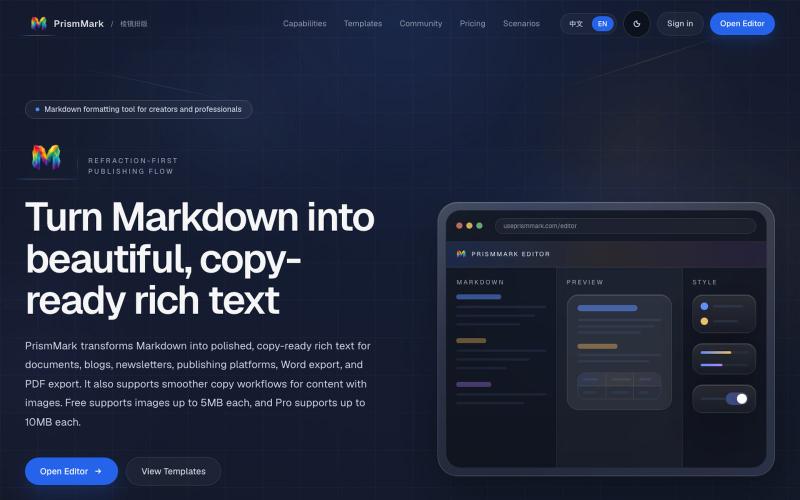
将 Markdown 转换为适合微信公众号、Word 和 PDF 的排版内容。

@bingobray · X
我做了一个类似的工具: 除了支持公众号,还支持word和pdf😁
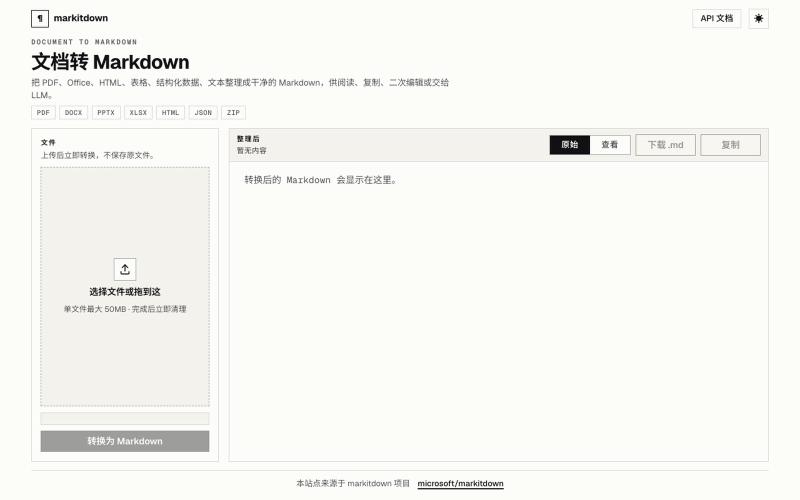
Doc2Md:将 PDF、Word、Excel 等文件转换为 Agent 友好的 Markdown。
Doc2Md — 将 PDF、Word、Excel 等多种格式文件转换成 Agent 友好的 Markdown 格式 - [更多介绍](https://doc2md.cn)
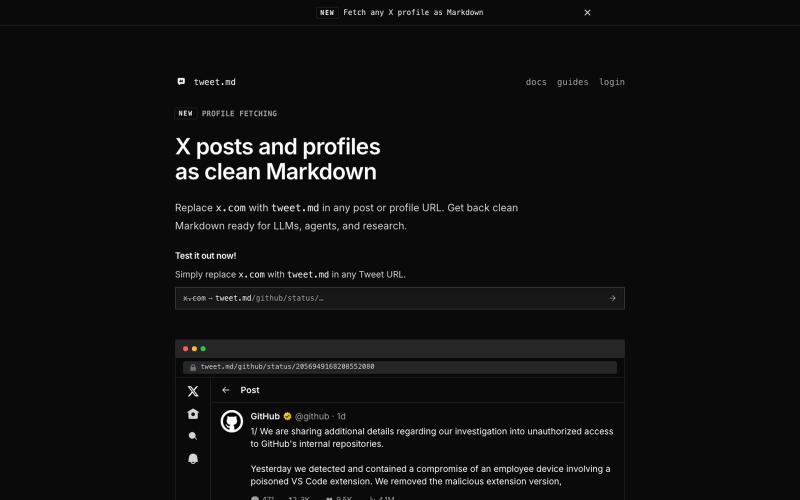
通过 API 或 URL 替换将 X posts 转换为干净的 Markdown,供 LLMs 和 agents 使用

@larsbuilds · X
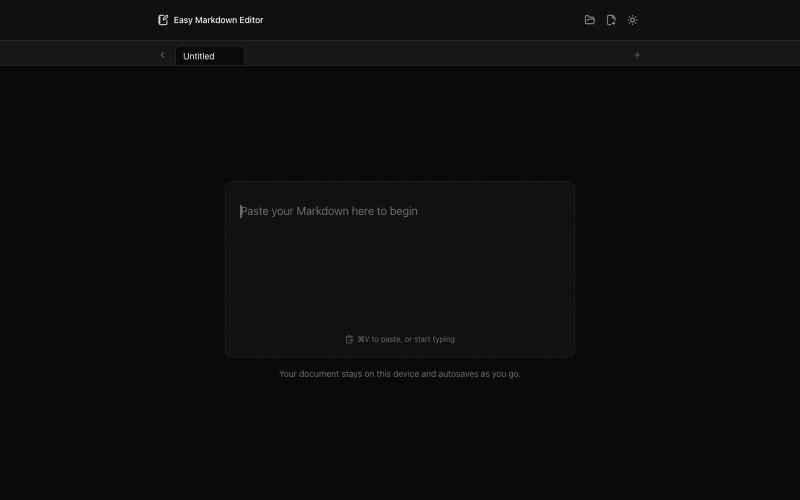
在浏览器中实时编写和预览Markdown文档,支持语法高亮。

@krishnakrmahto · X
Built Easy Markdown Editor — a reading-first Markdown editor where you edit the rendered document instead of raw Markdown.
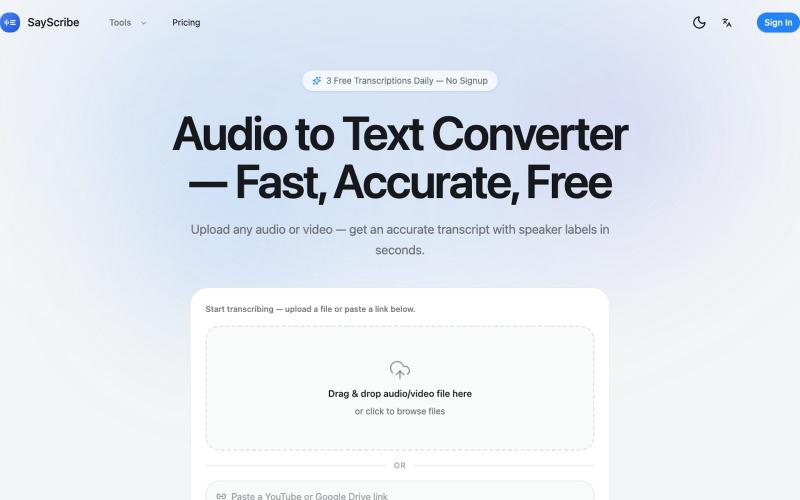
上传音频或视频,SayScribe 自动转成带说话者标签和时间戳的文字稿。
zxhywork · V2EX
SayScribe AI - 音频转文字的在线工具 花了几周搞了一个基于 OpenAI Whisper 的 AI 转录工具 **[SayScribe]( https://sayscribe.org)**,目前 5 个工具全部免费,每天 3 次无需注册。上线前请 SEO 专家做了一轮诊断,踩了不少坑,分享出来给同样在做工具站的 V 友参考。 --- ## 做了什么 核心工具是 **[Audio to Text Converter]( https://sayscribe.org)**(主页),上传音频/视频文件,AI 自动转成带 speaker labels 和时间戳的文字稿。选这个词的原因是:Google 第一页有个 DR 只有 10 的小站排第三,KD 才 20.2 ,链接预算只要 15-35 个引用域就能进前十——典型的弱盘面蓝海。 然后在主页基础上拆了 4 个子工具,每个打一个独立搜索词: - **[MP3 to Text]( https://sayscribe.org/mp3-to-text)** — 只转 MP3 。KD 41.7 比主页难一些,但
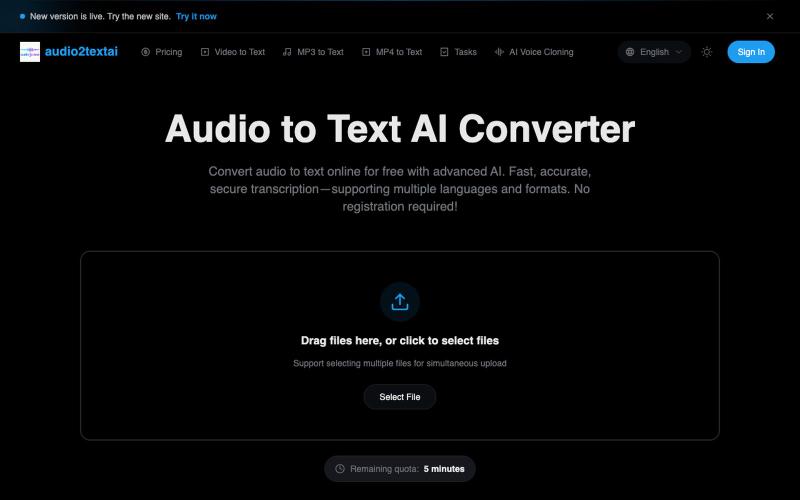
快速、精准的 AI 音频转录工具,无需注册,支持多种格式和语言。
音频转文字工具 — AI 音频转文字,快速、精准、安全的转写服务
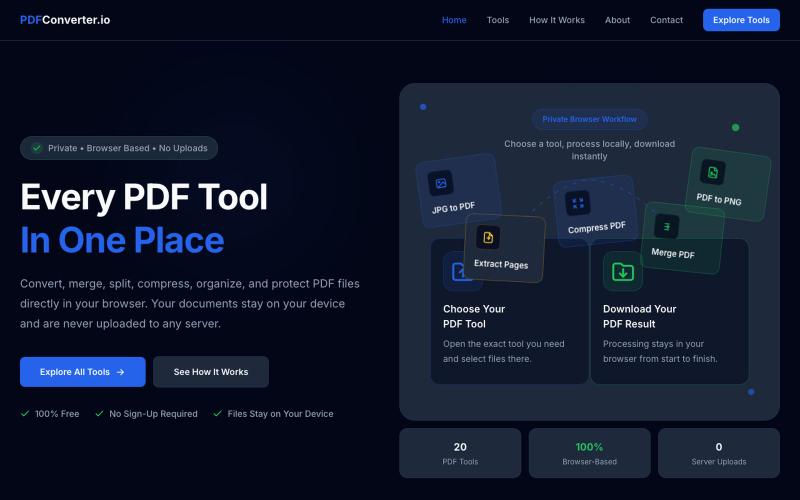
使用20个免费浏览器PDF工具来转换、合并、拆分和压缩PDF文件。

@meuzairqureshi · X
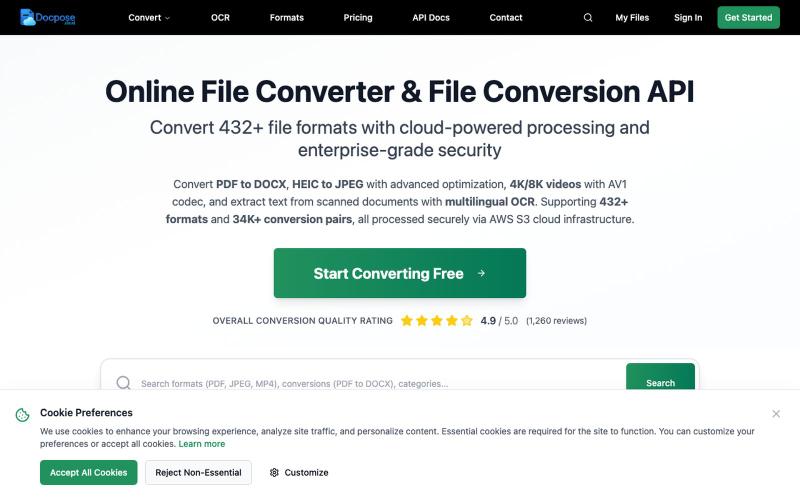
Docpose: 在线转换、查看和管理各种文档、PDF和文件格式。

@FileProInfo1 · X
🚀 has successfully launched! helps users convert, view, process, and manage files online — including documents, PDFs, OCR, archives, email formats, and more. We’re excited to share it with the community. Check it out here:

图片转 ASCII 字符画、复制符号、查看码表、进制转换——全在浏览器。
HeStudy · V2EX
做了个纯前端的 ASCII 工具站:图片转字符画、banner 生成、符号一键复制 平时偶尔需要查 ASCII 码表、复制一些特殊符号(箭头、制表符这类),每次都是搜一个满屏广告的老站凑合用,索性自己做了一个: https://getascii.com 目前有这些工具: 图片转 ASCII 字符画(拖一张图进去就行,支持调宽度/字符集/反色) 文字转 ASCII banner 大字 常用符号一键复制(箭头、制表符、数学符号、颜文字) 完整 ASCII 码表 + 一个交互式键盘映射图(点键盘上的键显示对应的 dec/hex 码) 进制转换器( hex/dec/bin ↔ ASCII ) 几个实现上的点: Astro 构建的纯静态站,所有工具都是纯客户端计算,图片不会上传到任何服务器 没有账号系统,没有付费墙,打开就用 整站是绿色荧光终端风( CRT 扫描线 + JetBrains Mono ),算是给终端审美交个作业 顺手给它做了个 25 秒的宣传片: https://www.youtube.com/watch?v=AjzU5mw1PrI
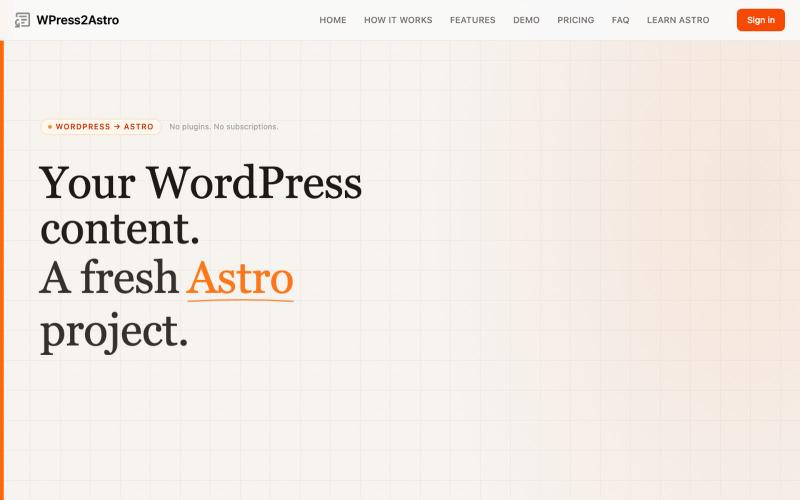
将 WordPress 网站转换为 Astro 项目,生成 Markdown 和 Tailwind CSS。

@WPress2Astro · X
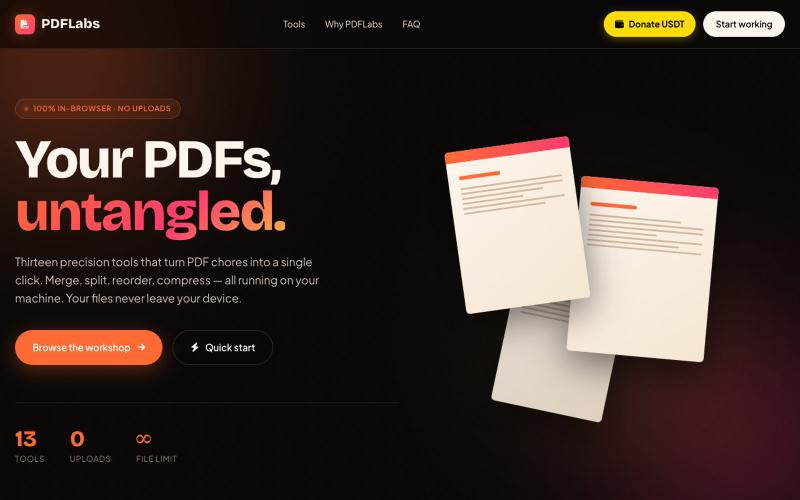
在浏览器中免费合并、拆分、压缩 PDFs,完全私密无需上传。

@no_hitori69465 · X
*"I just launched PDFLabs! 🚀 A free PDF toolkit (merge, split, compress) that runs 100% in your browser. No servers, no uploads, 100% private. Built with vanilla JS and pdf-lib. Try it out and let me know what you think! [ #buildinpublic #100DaysOfCode