
生产力1 month ago
Document to Excel converter for messy business files | Messy2Sheet
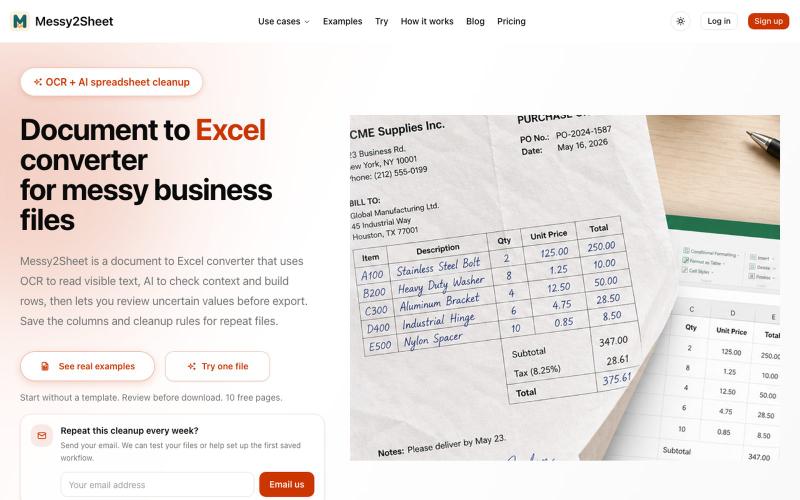
用AI和OCR将PDF、截图和邮件转换为整理好的Excel表格。
Messy2Sheet — AI 文档转表格工具,把截图、邮件订单和 PDF 价格表按自定义字段整理成 Excel/CSV,支持保存可复用 Recipe
完整作品展
技术栈
17 projects
用AI和OCR将PDF、截图和邮件转换为整理好的Excel表格。
Messy2Sheet — AI 文档转表格工具,把截图、邮件订单和 PDF 价格表按自定义字段整理成 Excel/CSV,支持保存可复用 Recipe
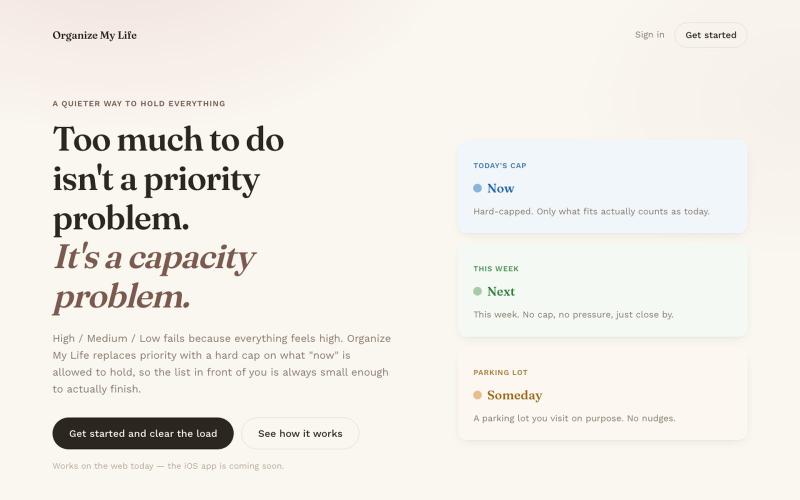
任务管理应用,Now、Next、Someday 三个清单同步到 iOS 和网页。
u/dahooddawg · Reddit
I built a task manager that replaces priority levels with a hard cap on what "now" means Hey r/SideProject -- I built this for myself because every task manager I tried had the same problem: everything felt high priority. The core idea: instead of High/Med/Low (which fails because everything feels high), you get three buckets -- Now, Next, Someday -- and a hard cap on how many items "Now" can hold. When it's full, adding something new means consciously swapping it for something alread
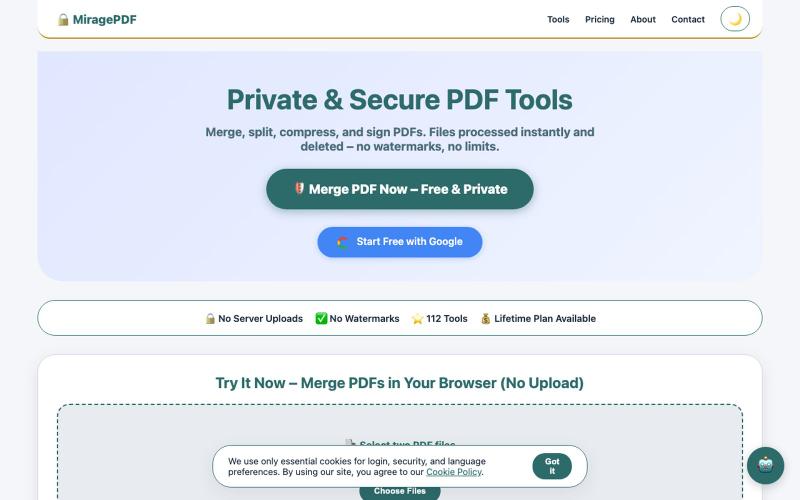
免费浏览器PDF工具,合并、拆分、压缩和保护文件。

@magictoolshup · X
This unique website handles everything for you with great precision and professionalism. A key feature is that it never uploads your files—they remain solely within your browser for maximum privacy. Give it a try,you will discover something impressive.
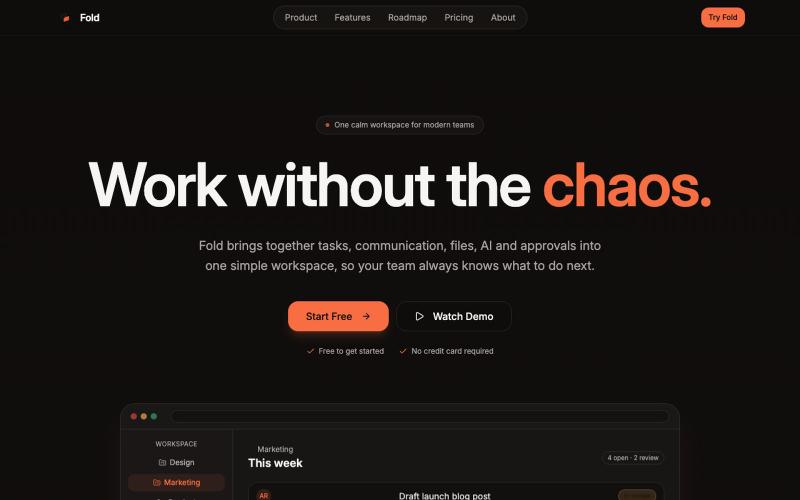
Fold 在一个工作空间中管理团队的任务、文件和聊天。

@foldtaskapp · X
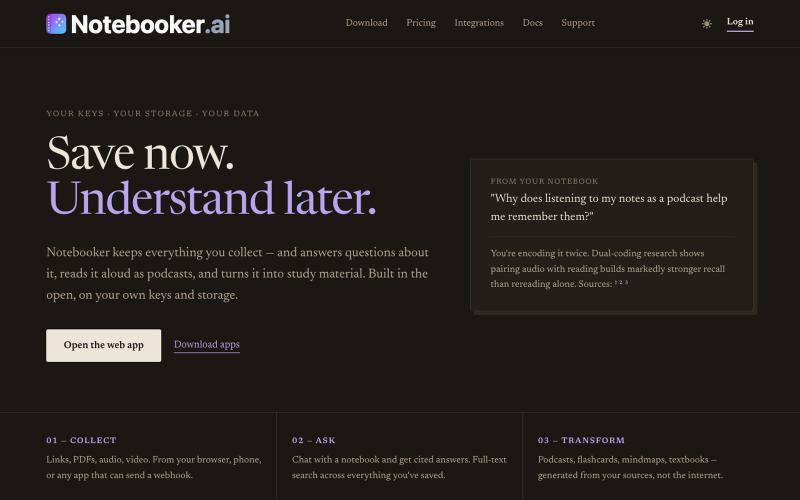
整理笔记和文集,提问查询,生成播客和学习资料。
mistakevin · HN
I've been working on https://notebooker.ai if anyone is interested in giving some feedback. I tried to post a Show HN yesterday with details about how I built it, but was auto-flagged and not sure what rules I broke. Everything that I've built on top of open-notebook, like the plugin system for your own "creators" (aka, podcasts, infographics, etc) is at https://github.com/Notebooker-ai plus a Cloudflare Worker AI deployer to play with different models. Been working on it for about six months.
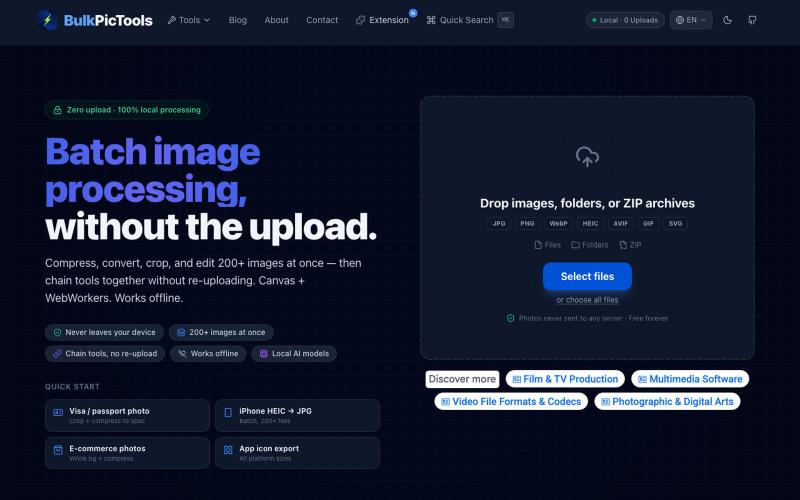
在浏览器中批量处理图片,支持工具链、本地AI和格式转换。
BulkPicTools — 免费浏览器端图片批量处理工具,支持**工具链串联**(压缩→转格式→裁剪一次完成,无需重复上传),本地 AI 去背景/人脸模糊(WebGPU,无需 API Key),支持 200+ 张图片批量处理,文件不上传服务器。
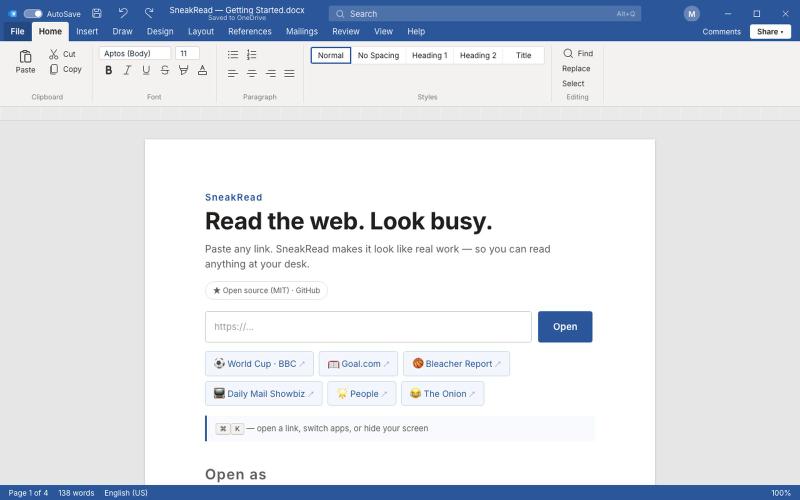
伪装任何网页为 VS Code、Word 等常见办公软件。
yushuxin · V2EX
一个可能被全球老板拉黑的产品!摸鱼,我们是专业的 摸鱼( SneakRead ):**把你想看的任何网页,整屏伪装成一个正经办公软件**。 朋友提醒我,这可能是一个会被全球老板拉黑的摸鱼神器。 内置 14 套皮肤,包括: - 普通白领的选择:Word 、Excel…… - 浓厚班味儿的选择:飞书、钉钉…… - 出海白领的选择:Gmail 、Slack 、Google Docs 、Notion…… - 程序员的选择:VS Code 、Claude Code…… 还有一个功能:当你老板走过来的时候,你点击 ESC 键,屏幕立即出现一个 Excel 预算表。 # 地址: https://sneakread.com 开源的,欢迎贡献新皮肤 https://github.com/SneakRead/sneakread <img width="1440" height="900" alt="Image" src="https://github.com/user-attachments/assets/a96907a0-c0f3-4e9c-9390-56

在浏览器中免费转换、压缩和编辑文件,文件不上传服务器。

@faisalhaleem · X
Just launched — free browser-based file tools runs entirely in your browser. Video to GIF (with trim slider) Merge / Split / Shrink PDF Your files NEVER leave your device. No sign-up needed. Free forever. #buildinpublic #webdev #indiedev #tools #privacy
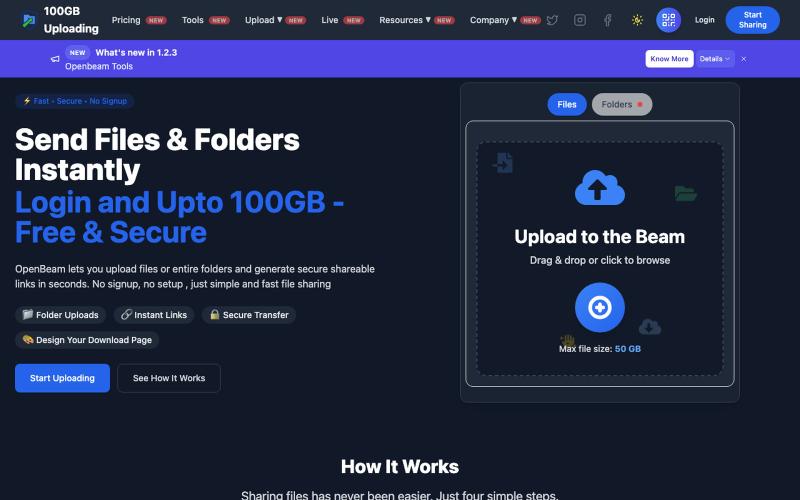
OpenBeam:无需注册,即时分享高达100GB的文件和文件夹。

@Abhishe33854772 · X
Replace Files, Keep the Same Link Upload a file once and share the link Need to update the file later? Simply replace it in and the original link continues to work.

书签管理器,使用AI总结、笔记、语音备忘录和截图,集成加密密码库。

@aliuagon_ · X
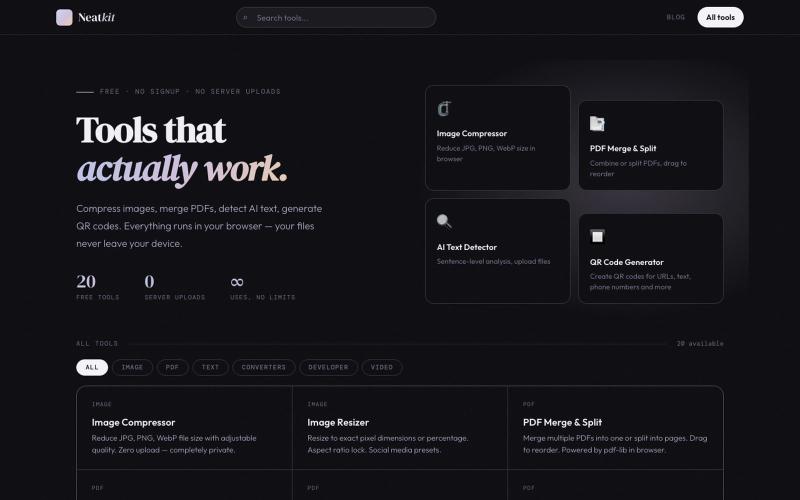
Neatkit——免费图像压缩、PDF合并、二维码生成和AI文本检测工具。

@ChazXtine · X
I have been working on which is basically a site for free tools no pay wall. Currently I'm at 20 tools but I will be slowly expanding it.
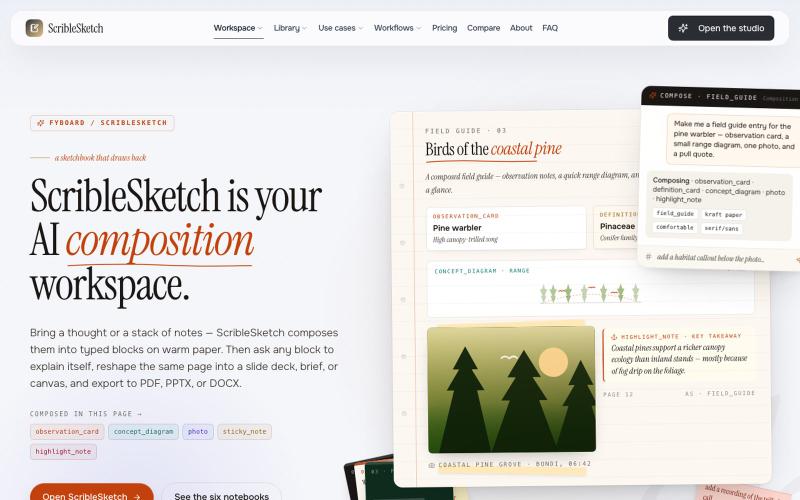
一次编写,多格式导出为笔记、幻灯片、PDF、PPTX、DOCX 或画布。

@mr_wickedhacks · X
Write the doc once → get a notebook, slide deck, canvas, or resume from the same source. No rewriting for every format.