
实用工具1 month ago
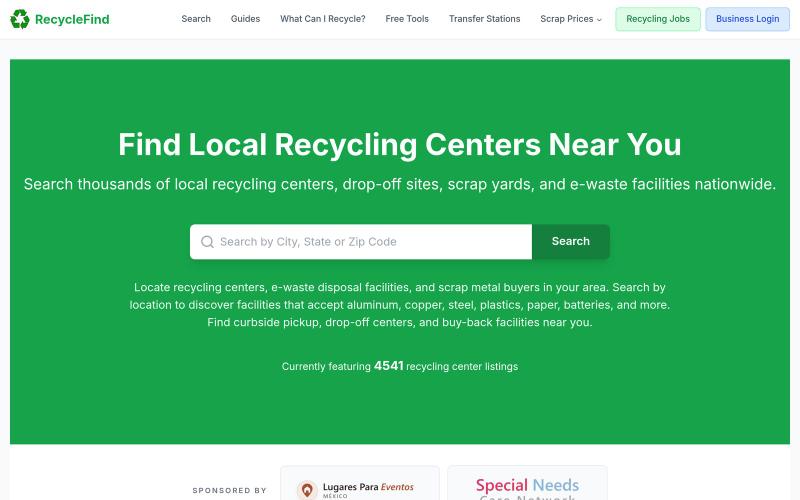
Find Local Recycling Centers: 3,500+ Locations | RecycleFind
按位置或材料类型搜索3500多个回收中心,查找附近的投放点。

@KSertttttttt · X
完整作品展
技术栈
13 projects
按位置或材料类型搜索3500多个回收中心,查找附近的投放点。
@KSertttttttt · X
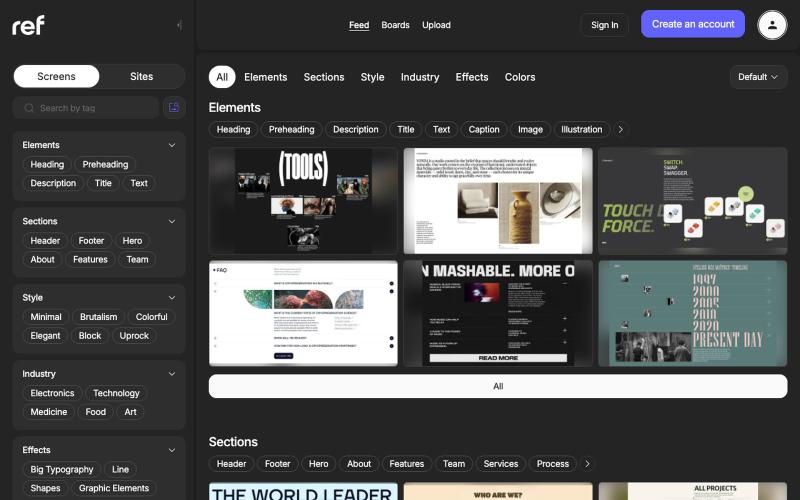
按行业、效果、风格、元素、部分和颜色浏览真实网站设计。

@refframe_com · X
A platform for web designers to find references
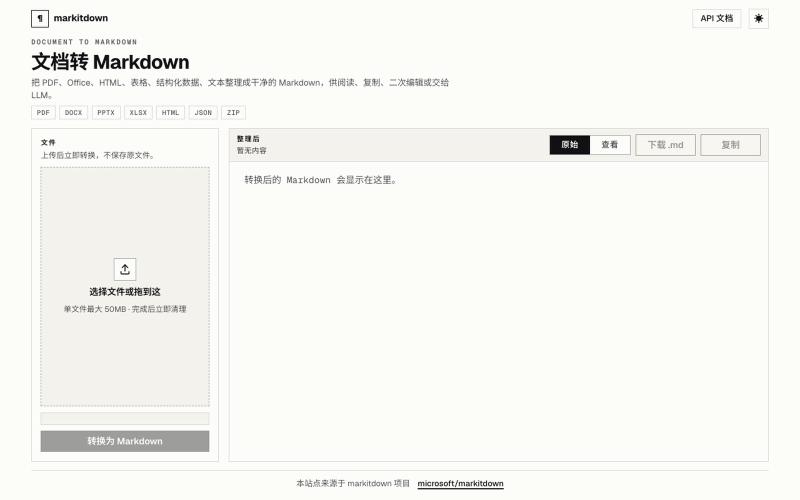
Doc2Md:将 PDF、Word、Excel 等文件转换为 Agent 友好的 Markdown。
Doc2Md — 将 PDF、Word、Excel 等多种格式文件转换成 Agent 友好的 Markdown 格式 - [更多介绍](https://doc2md.cn)

免费HTML5小游戏集合,包括益智、休闲、动作、冒险多种类型游戏。
摸鱼小栈 — 小游戏集合 - [更多介绍](https://www.aolifu.org/article/moyu)
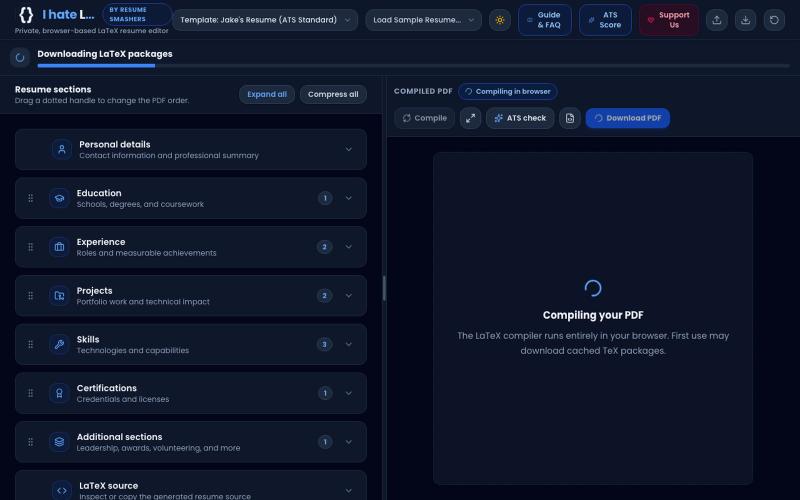
Build an ATS-optimized, high-scoring LaTeX resume or CV directly in your browser. 100% free, private & offline with WebAssembly. Use Jake's Resume, Academic & Modern templates with
someshjoyguru · HN
A LaTeX resume builder that compiles offline in the browser
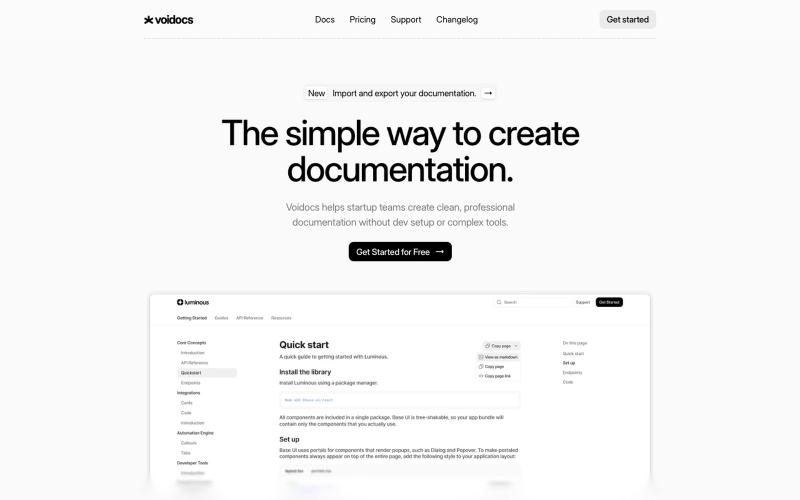
Voidocs 为初创团队创建专业文档,无需代码配置。

@hannah24_app · X

通过 AI 反馈进行打字练习,提高速度和准确性。

@AmitGajbhare · X
We build - a modern typing platform that helps people improve typing speed and accuracy with AI-powered practice, real-time feedback, progress tracking
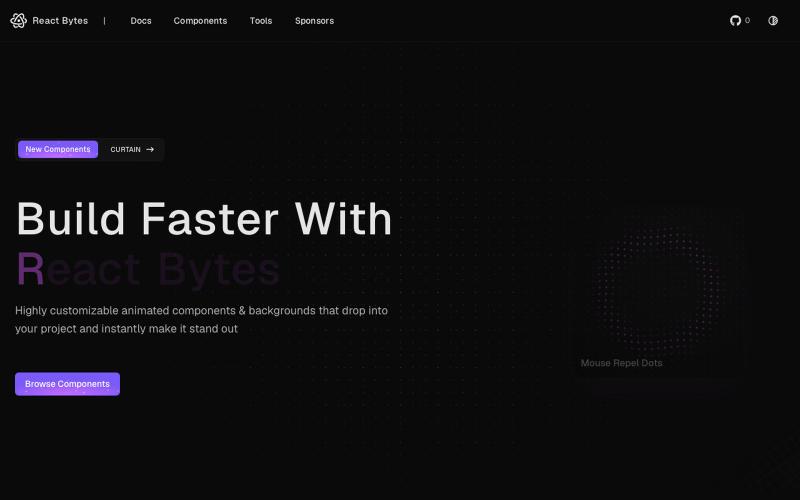
免费的动画React组件库,用于构建交互式UI。

@react_bytes · X
Just launched 🚀 Built this from scratch - would love for you to check it out and let me know what you think! 🔗 #buildinpublic #webdev

Vintage. Handmade. Designer. Fine. Everyday. Whatever your style, find it on StillSparkly. The marketplace just for jewelry.

@StillSparkly · X
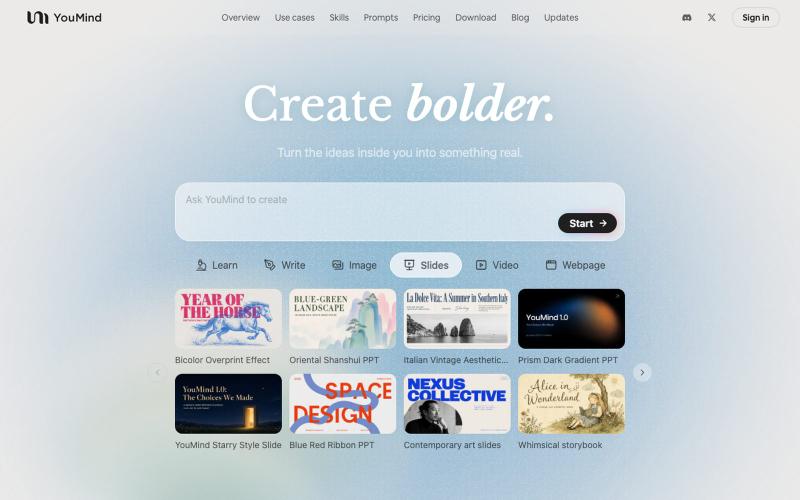
生成式AI工具,可将各类素材转化为精美设计的幻灯片演示。

@leahlibest · X
the most aesthetic AI slides website
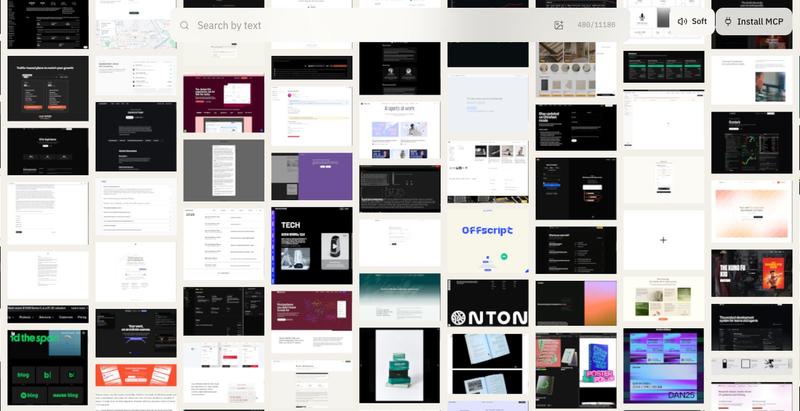
探索网站设计库,按色彩、排版、视觉相似度筛选,配有音频触感反馈。
u/sim04ful · Reddit
Built an interactive website section gallery. How do you find the SFX? (Turn up the volume) I've always felt using sounds and vibrations in software interaction was pretty under-done, so i've tried to make a "language" an audio-haptic-visual one, such that you should be able to tell what's happening even if blind-folded. The explorer has over 11k+ sections, 3k+ fonts from 1.8k+ websites for your AI to design better. explorer.withfudge.com submitted by /u/sim04f

为 Codex Desktop 设计自定义主题,调整背景、颜色、透明度和视觉效果。
plutozc · V2EX
做了个 Codex Desktop 主题预览和切换工具,先调好再安装 最近一直在用 Codex Desktop ,觉得默认界面看久了有点单调,就顺手做了个主题编辑工具,分享一下: [Codex Skin]( https://getcodexskin.com) 可以先在网页里预览主题,调整背景透明度、面板透明度、颜色、模糊和圆角等参数,满意之后再下载并切换到 Codex Desktop 。 目前支持: - 自定义 JPG 、PNG 、WebP 背景 - 在线实时预览主题效果 - 调整透明度、颜色、模糊、圆角 - 预览满意后生成安装命令 - 不喜欢了可以恢复默认外观 目前主要面向 macOS 上的 Codex Desktop ,还是个人项目,功能和兼容性都在继续打磨。 欢迎试试,也想听听大家对主题参数、预览效果和安装流程的反馈。 直接网址: https://getcodexskin.com [轻喷 轻喷,可能还有些 bug