
创意工具1 month ago
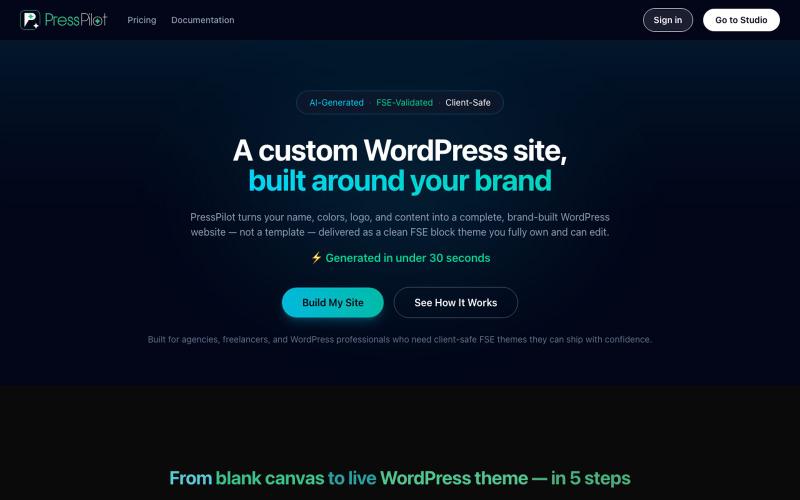
PressPilot — Custom WordPress Sites, Built Around Your Brand
用PressPilot创建定制品牌的WordPress网站,布局和内容,仅需数分钟。

@PressPilotapp · X
Launching today in product hunt, enjoy the launch event discount Or go to
完整作品展
技术栈
23 projects
用PressPilot创建定制品牌的WordPress网站,布局和内容,仅需数分钟。
@PressPilotapp · X
Launching today in product hunt, enjoy the launch event discount Or go to
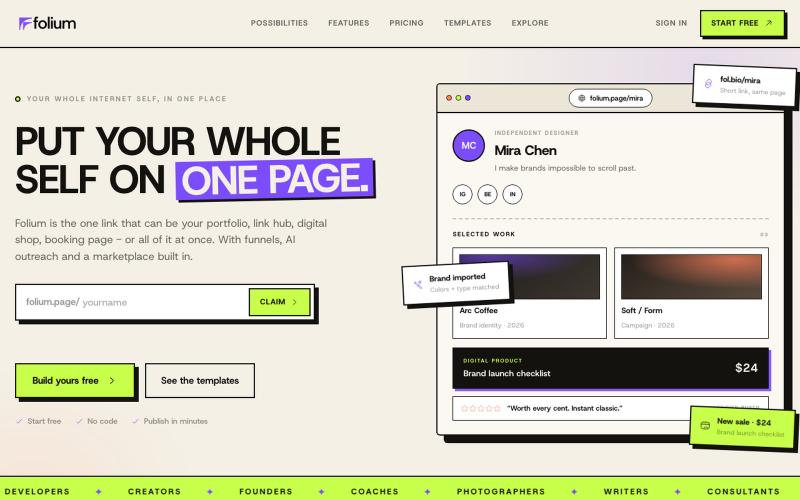
Build a one-page portfolio, link hub, digital products page, booking page, or one page with everything you have and everything you are.

@generalizingai · X


与 AI 聊天生成生产级 HTML 和 Tailwind UI。

@AmberProgrammer · X
I am building an Ai powered ui generator that can generate Mobile App UI, Desktop App UI, Website UI & Responsive Web Design. Try it!
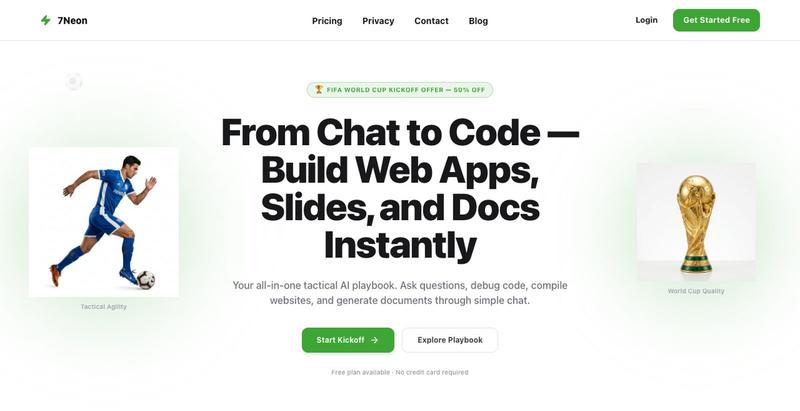
Build websites, slides, and documents through chat.

@7neon_7neon · X
🚀 is FOR SALE AI-powered platform for: ⚡ Chat & coding 🌐 Web app generation 📊 Slides & docs 🛠️ All-in-one AI workspace Production-ready • Scalable • Monetization-ready 🔗 📩 DM for serious inquiries #ForSale #AI
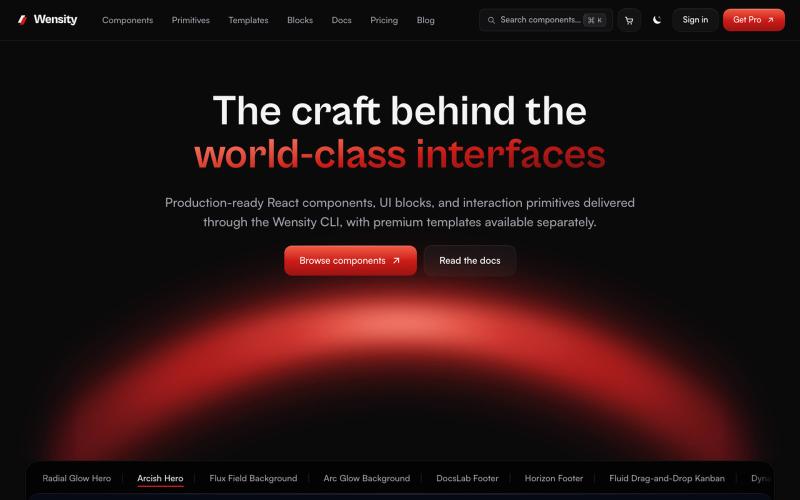
探索 React 和 Next.js 组件库、区块和模板。

@Ksparth12 · X
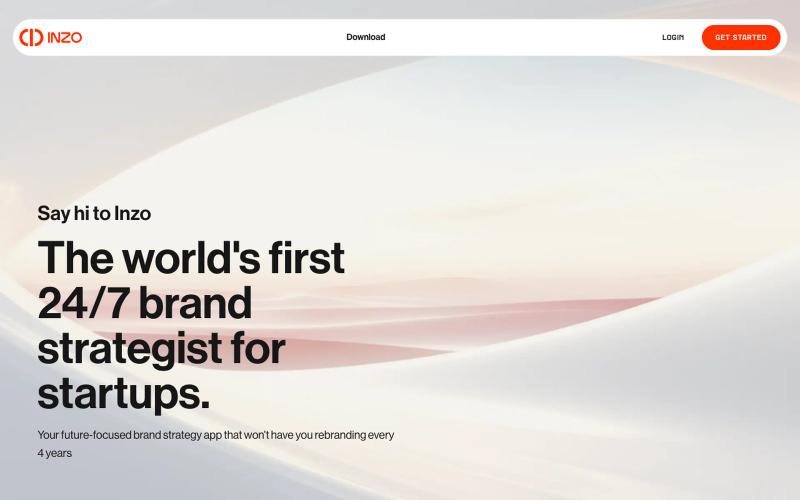
在一个地方整理和管理所有品牌资产及品牌决策。
u/Andyrewden · Reddit
I built a tool to keep all your brand assets (and your brand sanity) in one place Hey everyone I run a small branding consultancy and got tired of watching early founders juggle logos, colours and half-remembered brand decisions across a mess of Google Drive folders. So I built Inzo. At its core it's a brand management tool, a proper home for all your brand assets, guidelines and decisions in one place. But the bit I'm most excited about is the inbuilt brand consultant. I've been building
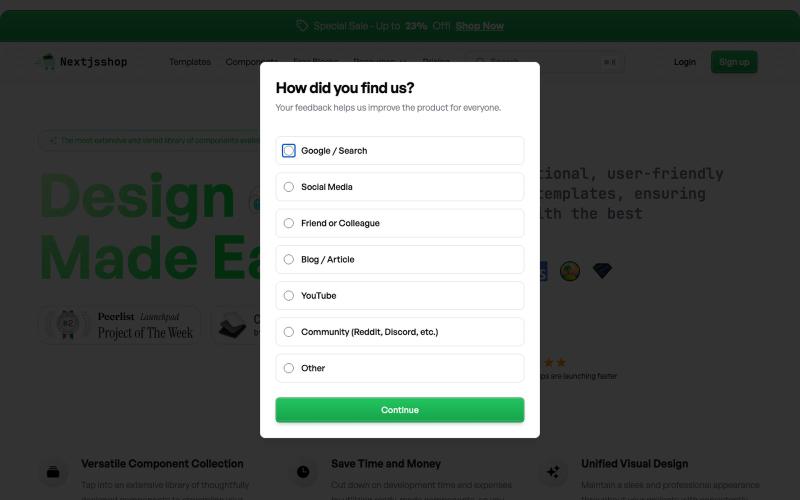
Browse premium multipage templates and components built with Next.js, Tailwind CSS, and modern CMS solutions. Designed for freelancers, developers, and small businesses.

@taher_max_ · X
Building and

One AI social media workspace: on-brand posts, Gold Slots, auto-publishing and closed-loop learning. Free forever, $19/mo to upgrade.

@contentdrifter · X
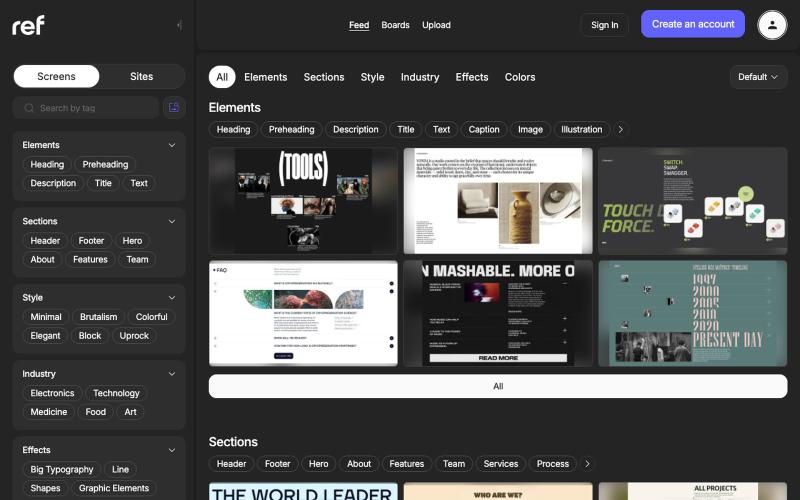
按行业、效果、风格、元素、部分和颜色浏览真实网站设计。

@refframe_com · X
A platform for web designers to find references

为 Codex Desktop 设计自定义主题,调整背景、颜色、透明度和视觉效果。
plutozc · V2EX
做了个 Codex Desktop 主题预览和切换工具,先调好再安装 最近一直在用 Codex Desktop ,觉得默认界面看久了有点单调,就顺手做了个主题编辑工具,分享一下: [Codex Skin]( https://getcodexskin.com) 可以先在网页里预览主题,调整背景透明度、面板透明度、颜色、模糊和圆角等参数,满意之后再下载并切换到 Codex Desktop 。 目前支持: - 自定义 JPG 、PNG 、WebP 背景 - 在线实时预览主题效果 - 调整透明度、颜色、模糊、圆角 - 预览满意后生成安装命令 - 不喜欢了可以恢复默认外观 目前主要面向 macOS 上的 Codex Desktop ,还是个人项目,功能和兼容性都在继续打磨。 欢迎试试,也想听听大家对主题参数、预览效果和安装流程的反馈。 直接网址: https://getcodexskin.com [轻喷 轻喷,可能还有些 bug

