
生产力6 days ago
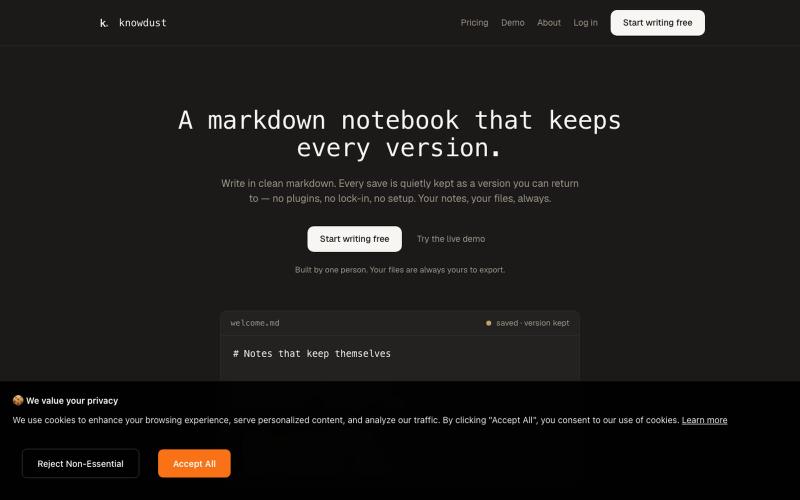
knowdust — a markdown notebook that keeps every version
一个Markdown笔记本,自动保存每个编辑版本,让你随时回到过去的内容。

@khagankarimi · X
simple markdown notebook with version history
完整作品展
技术栈
21 projects
一个Markdown笔记本,自动保存每个编辑版本,让你随时回到过去的内容。
@khagankarimi · X
simple markdown notebook with version history
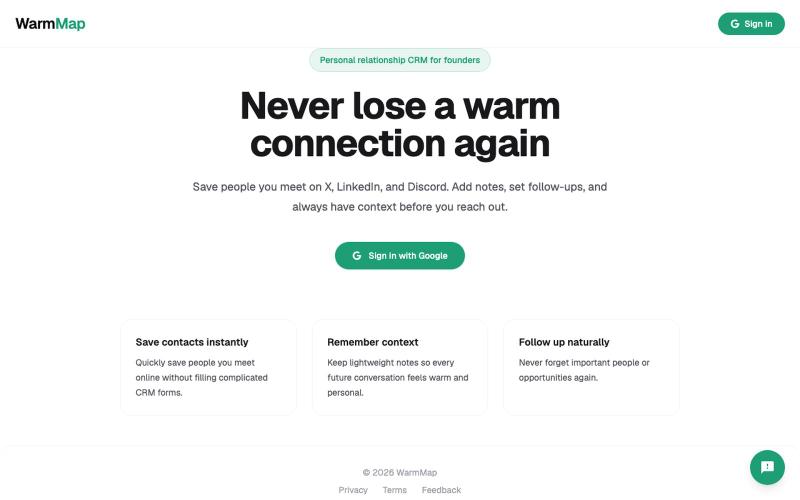
保存来自 X 和 LinkedIn 的联系人及其相关背景信息,在合适的时间重新建立联系。

@aditya_founder · X
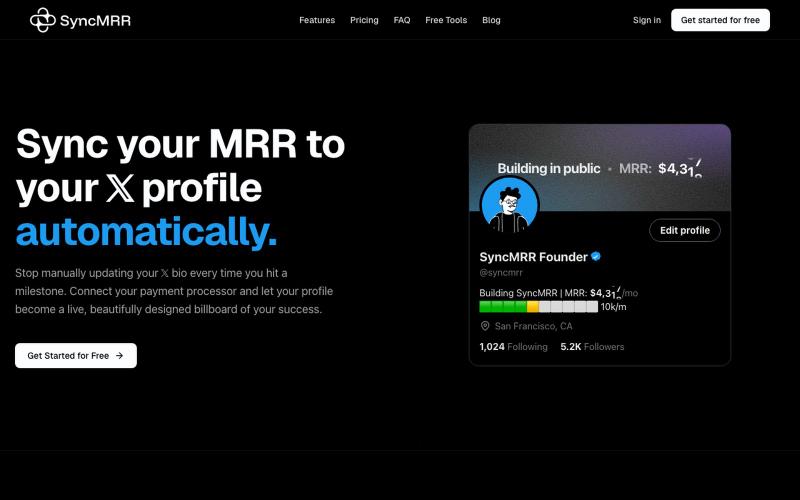
自动同步你的monthly recurring revenue到X profile

@arpit_goriya · X
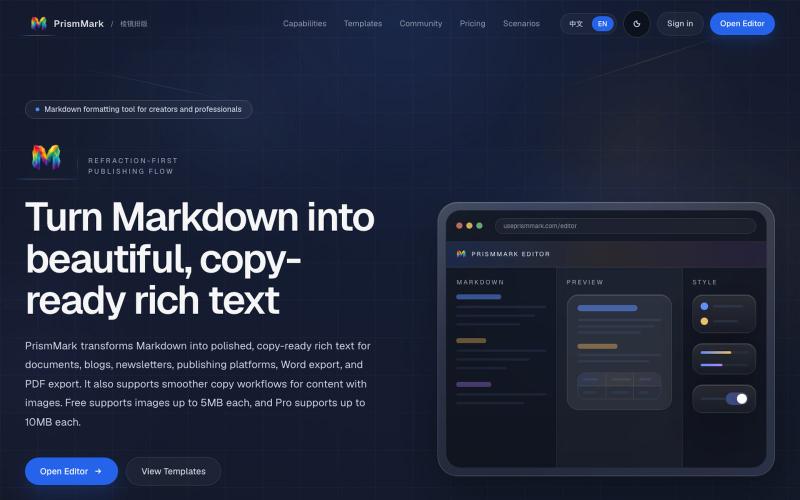
将 Markdown 转换为适合微信公众号、Word 和 PDF 的排版内容。

@bingobray · X
我做了一个类似的工具: 除了支持公众号,还支持word和pdf😁
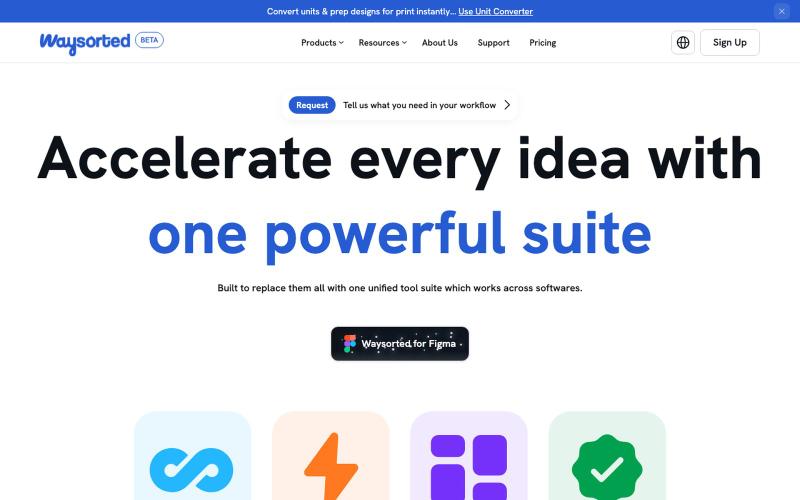
Waysorted - 与其他软件集成的设计工具套件

@aviralgarg05 · X
Here's what you get on One toolkit. Every design task.

用一个 API 访问 500+ Hugging Face 开源模型,免费注册无需信用卡。

@pengsonal · X
500+ Hugging Face models through a single free API no credit card just an email signup 😳 launched on July 3 as a unified gateway for Hugging Face models one API key one endpoint 500+ models what you get for $0: • 500+ open-source models through an OpenAI-compatible API • no separate API keys for different providers • works with Cursor, Claude Code, Hermes, OpenCode, and anything that supports a custom base URL • email signup only setup takes about 2 minutes: 1. Go to 2. Sign up with your email 3. Generate an API key 4. Set your base URL to 5. Choose any model from the catalog and start building a few things worth knowing: • is a third-party gateway, not an official Hugging Face product • the free tier is rate-limited, but the exact limits haven't been published yet • i wouldn't build production apps that depend entirely on a free aggregator what i like is the simplicity instead
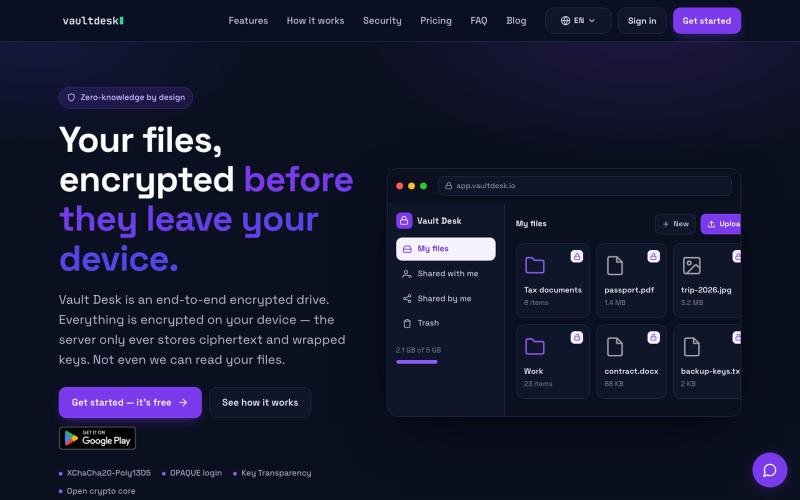
用端到端加密存储和同步文件,对服务器完全隐藏。

@vaultdesk · X
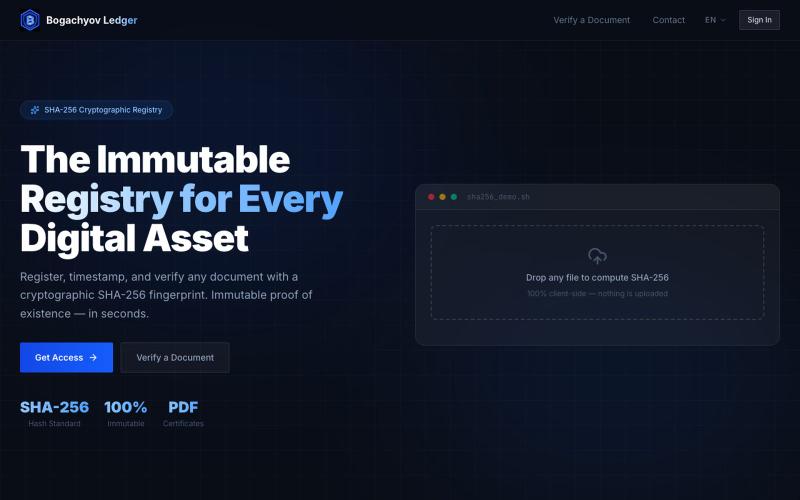
创建您文档的不可变、SHA-256认证的记录。

@BogachyovvA · X
A web app for protecting your documents, files, etc. using hashing. I am also looking for CEOs of companies for cooperation.
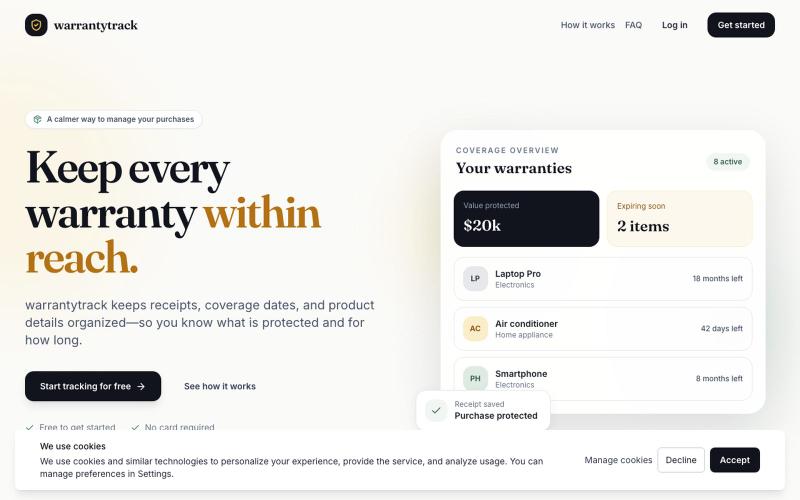
将保修、收据和过期日期整理在一个地方。

@ssjmkconsulting · X
Tired of digging through messy drawers or searching 10,000+ emails for a missing receipt when something breaks? 🧾Check it out here:
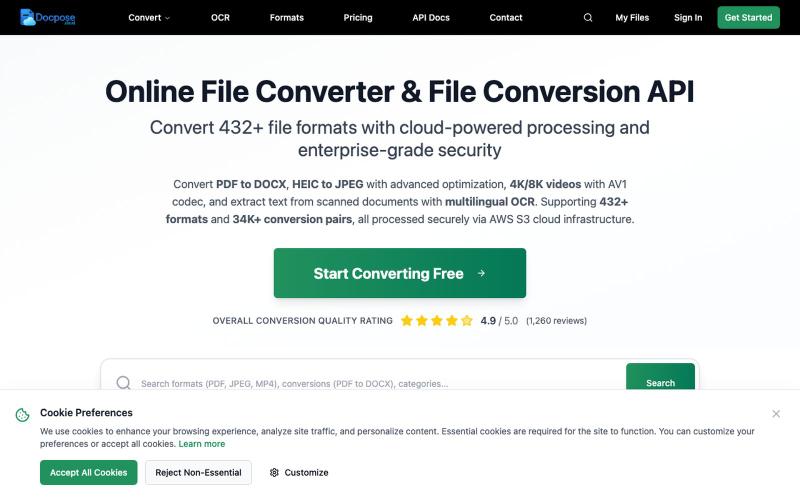
在线转换、查看和管理各种文件格式,包括文档、PDF 和压缩包等。

@FileProInfo1 · X
🚀 has successfully launched! helps users convert, view, process, and manage files online — including documents, PDFs, OCR, archives, email formats, and more. We’re excited to share it with the community. Check it out here:
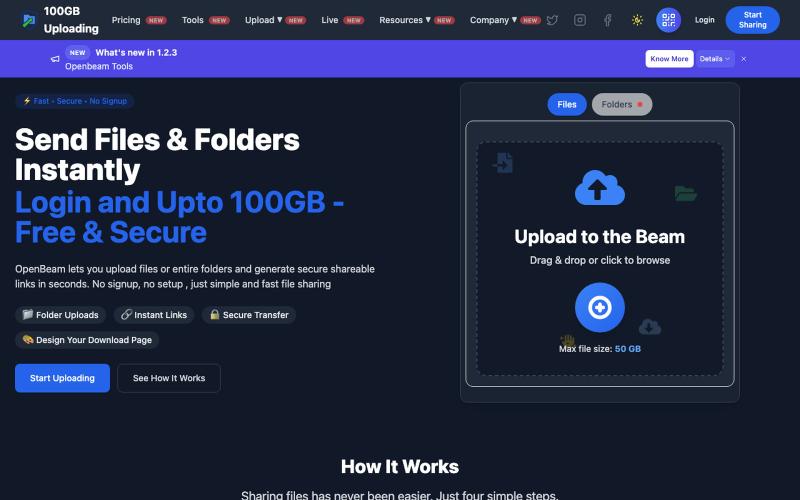
OpenBeam:无需注册,即时分享高达100GB的文件和文件夹。

@Abhishe33854772 · X
Replace Files, Keep the Same Link Upload a file once and share the link Need to update the file later? Simply replace it in and the original link continues to work.

图片转 ASCII 字符画、复制符号、查看码表、进制转换——全在浏览器。
HeStudy · V2EX
做了个纯前端的 ASCII 工具站:图片转字符画、banner 生成、符号一键复制 平时偶尔需要查 ASCII 码表、复制一些特殊符号(箭头、制表符这类),每次都是搜一个满屏广告的老站凑合用,索性自己做了一个: https://getascii.com 目前有这些工具: 图片转 ASCII 字符画(拖一张图进去就行,支持调宽度/字符集/反色) 文字转 ASCII banner 大字 常用符号一键复制(箭头、制表符、数学符号、颜文字) 完整 ASCII 码表 + 一个交互式键盘映射图(点键盘上的键显示对应的 dec/hex 码) 进制转换器( hex/dec/bin ↔ ASCII ) 几个实现上的点: Astro 构建的纯静态站,所有工具都是纯客户端计算,图片不会上传到任何服务器 没有账号系统,没有付费墙,打开就用 整站是绿色荧光终端风( CRT 扫描线 + JetBrains Mono ),算是给终端审美交个作业 顺手给它做了个 25 秒的宣传片: https://www.youtube.com/watch?v=AjzU5mw1PrI