Dev Fun — Developer Toolbox
用于格式化、编码和数据转换的浏览器工具。
4seasons · V2EX
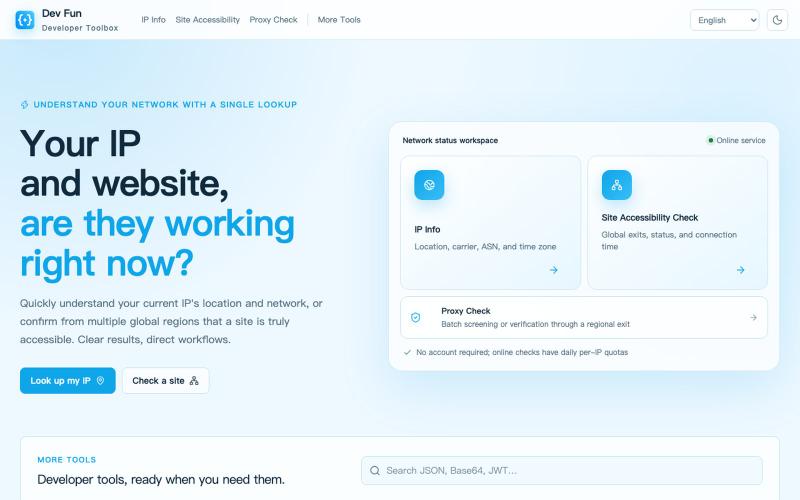
devfun.org - 开发者(网络)工具集合 ## 访问地址 https://devfun.org ## 主要功能 - 本机 IPv4/IPv6 网络检查及 IP 信息查询 - 站点可访问性检查(支持全球区域) - 代理检查及代理全球出口检查 - 各类编解码、格式测试、文本格式化、校验密钥生成、文本处理、转换工具 欢迎大家使用,提供建设性的建议和意见!

完整作品展
技术栈
60 projects

用于格式化、编码和数据转换的浏览器工具。
4seasons · V2EX
devfun.org - 开发者(网络)工具集合 ## 访问地址 https://devfun.org ## 主要功能 - 本机 IPv4/IPv6 网络检查及 IP 信息查询 - 站点可访问性检查(支持全球区域) - 代理检查及代理全球出口检查 - 各类编解码、格式测试、文本格式化、校验密钥生成、文本处理、转换工具 欢迎大家使用,提供建设性的建议和意见!

BrowseWell 是一款 Chrome 扩展程序,在保持所需网站访问的同时屏蔽干扰。
@mashrurio · X

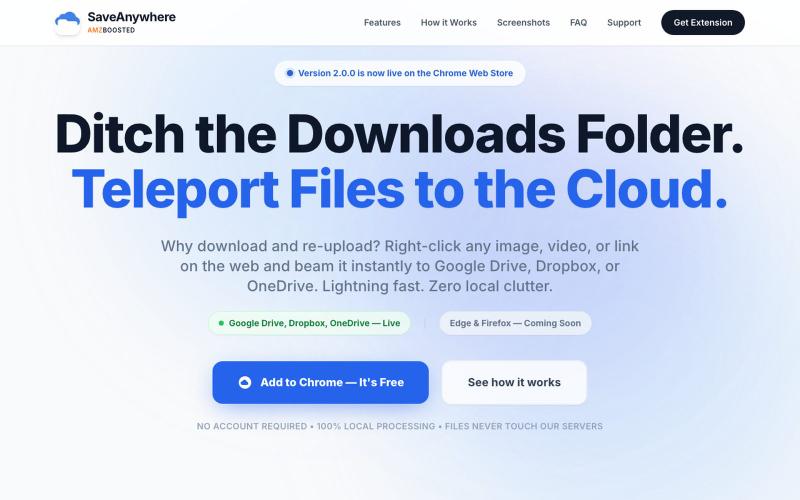
SaveAnywhere是Chrome扩展,直接将文件、图片、链接保存到Google Drive、Dropbox和OneDrive,本地处理。
@SaveAnywhere · X
Free chrome extension :

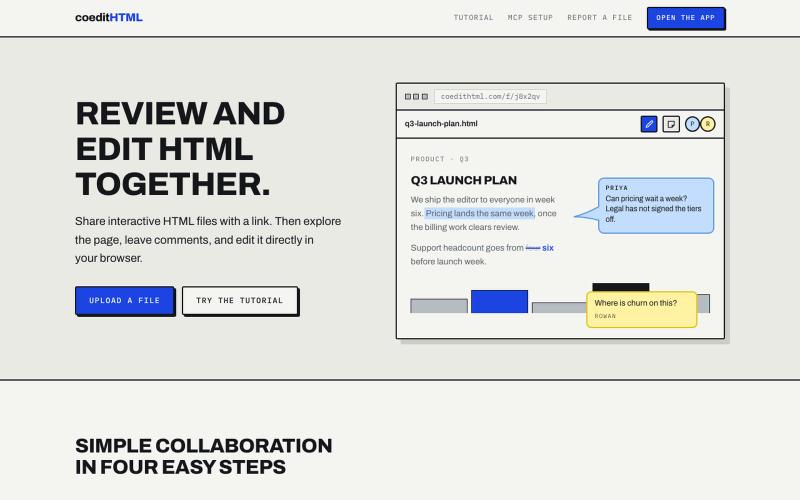
Share and collaborate on standalone HTML files in real time. Leave comments, drop sticky notes, and edit files directly in your browser.
u/Vast-Grapefruits · Reddit
I built a tool to collaborate on HTML artifacts like a PowerPoint As a consultant, I've watched artifacts become more common as a way to communicate ideas and insights, both internally and with clients. The problem is there's no good way to comment on them, collaborate, or make quick edits; so in practice, they're slow to actually use. I built a free tool that lets you leave comments and edit directly, all while sharing with your team. After you make your edits you can export

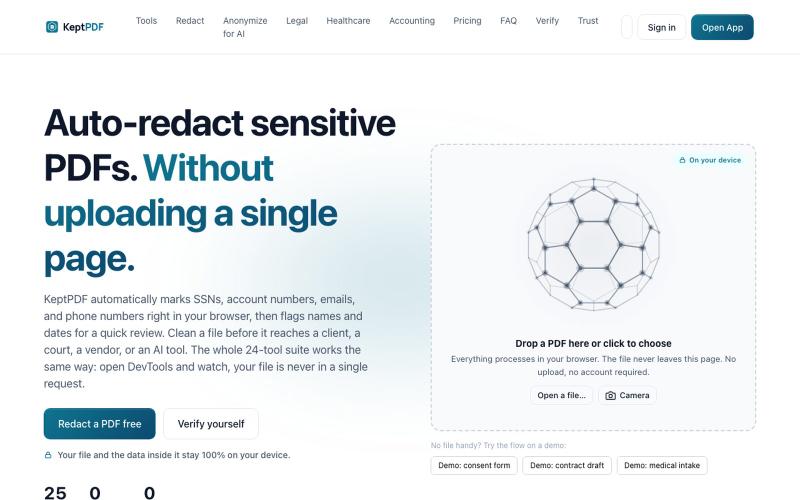
在浏览器中编辑、涂黑、OCR 和签署 PDF,无需上传文件。
u/jwwpua · Reddit
I built a PDF redactor that auto-detects names, SSNs, and account numbers without sending your file anywhere - works on your phone too. Free, no sign-up. Plenty of redaction tools upload your file to their server first (no thanks for legal/medical/tax docs). Some keep the file local but send the text off to an AI, so the text still leaves. And most of the truly local ones only let you draw black boxes by hand, which is how those "redacted" documents in the news keep getting un-r

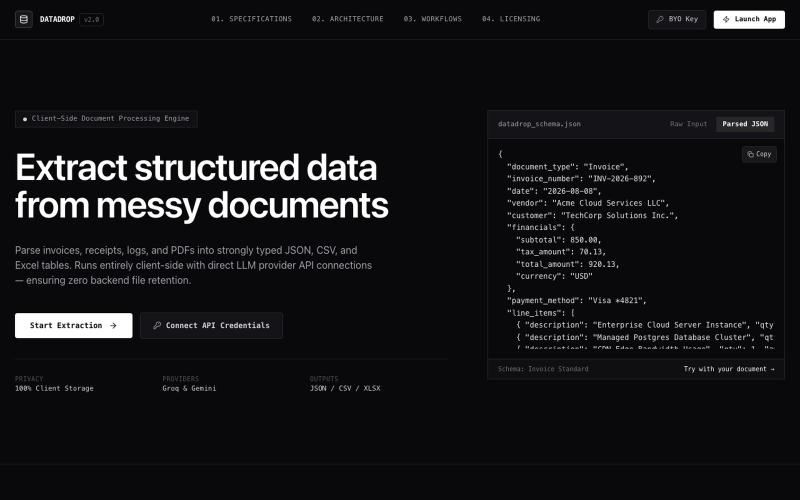
从 PDF 文档直接提取结构化数据,无需上传。
@MitanshDevNew · X
just shipped DataDrop — extract data from messy PDFs without uploading anywhere. everything runs in your browser. free to try, $10/mo for unlimited. #BuildInPublic

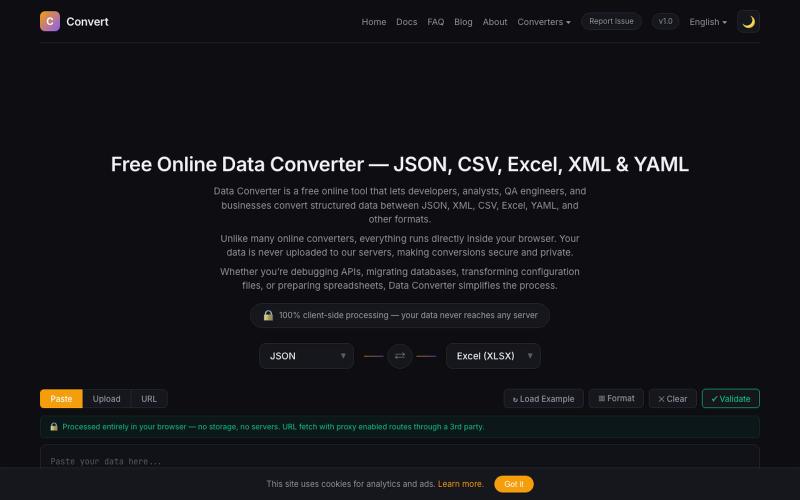
在浏览器中将 JSON、CSV、Excel、XML、YAML 等数据格式相互转换。
@NaimBiswas11 · X
Developers work with different data formats every day — JSON, CSV, XML, YAML, and Excel files are everywhere. But finding a simple, fast, and privacy-friendly way to convert and process these formats is not always easy.


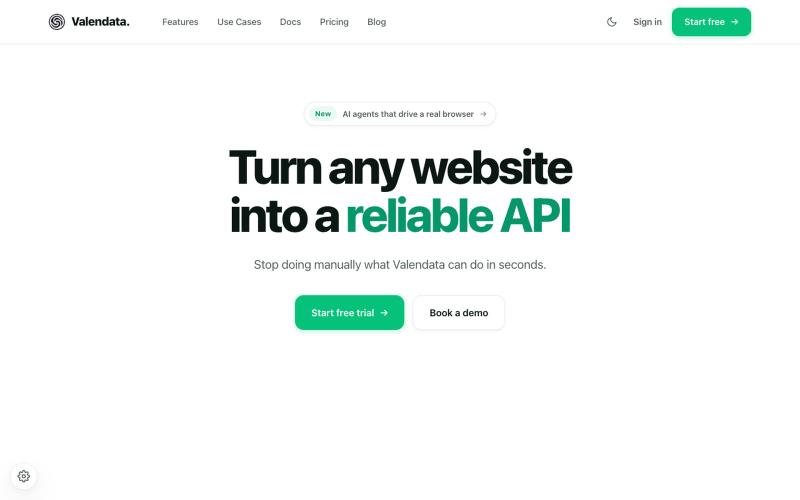
Transform the web into your own API. Valendata automates web data extraction from browser automation to structured APIs with zero maintenance. Trusted by 100+ data teams.
@valy_data · X

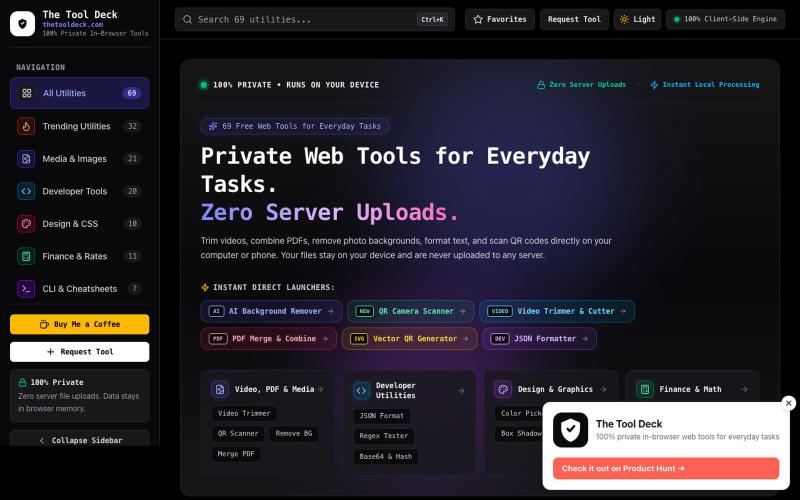
69 free in-browser web tools for everyday tasks, small PDFs, remove BG, photo editing & code. 100% private — your files never leave your device.
@DevanshuRuhela · X

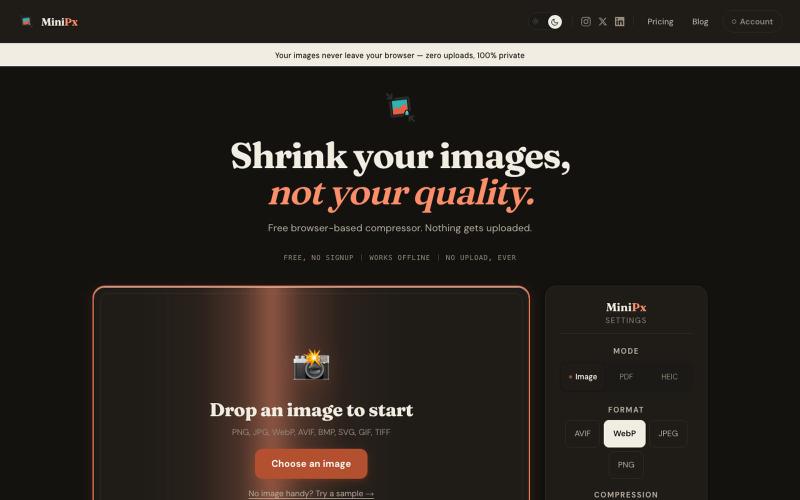
在浏览器中压缩和转换图像,无需账户上传。
@getminipx · X

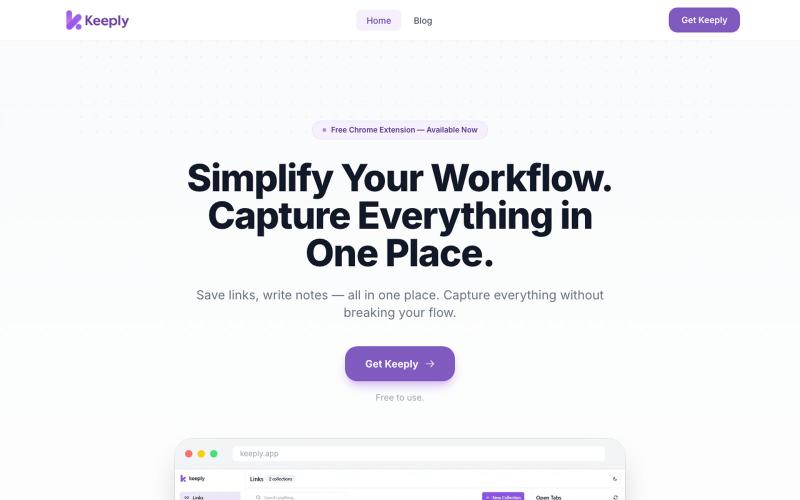
@lightsilver323 Keeply is a chrome extension that turn your new tab into a beautiful visualization dashboard where you can manage or bookmark your tabs & write important notes/cont
@AR_Jishat · X
Keeply is a chrome extension that turn your new tab into a beautiful visualization dashboard where you can manage or bookmark your tabs & write important notes/content into smart collections in your workspaces.