
创意工具5 days ago
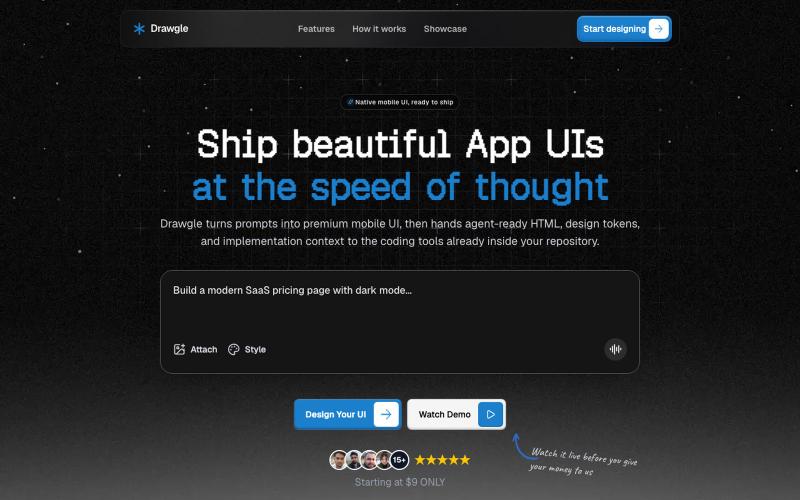
Drawgle - AI Mobile UI Design Tool
用 AI 快速设计移动应用界面,导出 HTML、设计令牌和实现代码。

@9to5_Dad · X
Ai mobile app ui designer with taste
完整作品展
技术栈
21 projects
用 AI 快速设计移动应用界面,导出 HTML、设计令牌和实现代码。
@9to5_Dad · X
Ai mobile app ui designer with taste
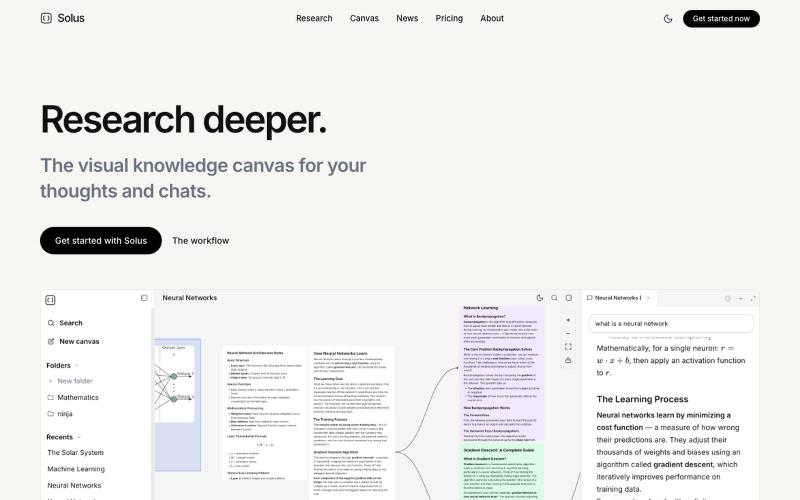
上传PDF和视频创建视觉知识地图,使用AI研究助手进行对话。
allybahaei · HN
Bring all your sources into a visual space, ask questions with full context, branch LLM conversations, and go deep on YouTube videos / research papers to build your knowledge canvas.
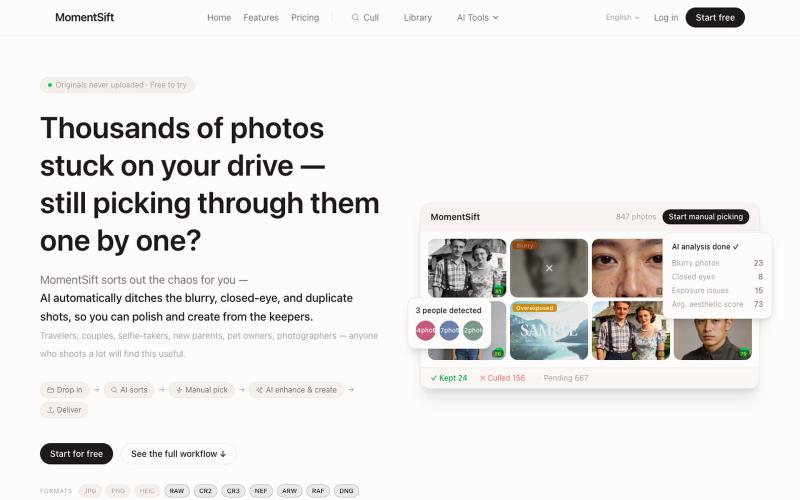
MomentSift: 用AI筛选、增强和生成照片。
ansheng_hu · Product Hunt
MomentSift Cull, enhance, and create better photos with AI
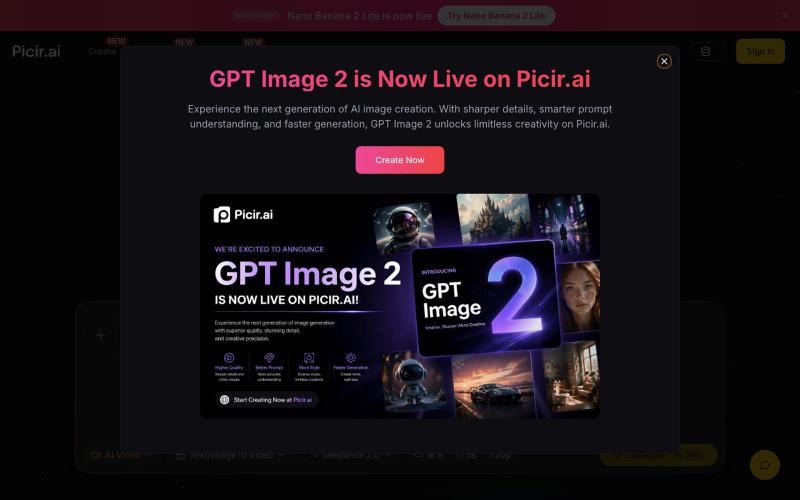
用Picir AI和先进AI模型生成和编辑视频及图像。
Nano Banana AI 图像编辑器 — 基于最先进的 AI 图像编辑模型 Nano Banana 开发的图片编辑器,用嘴改图、保持角色一致性、控制细节、图片融合
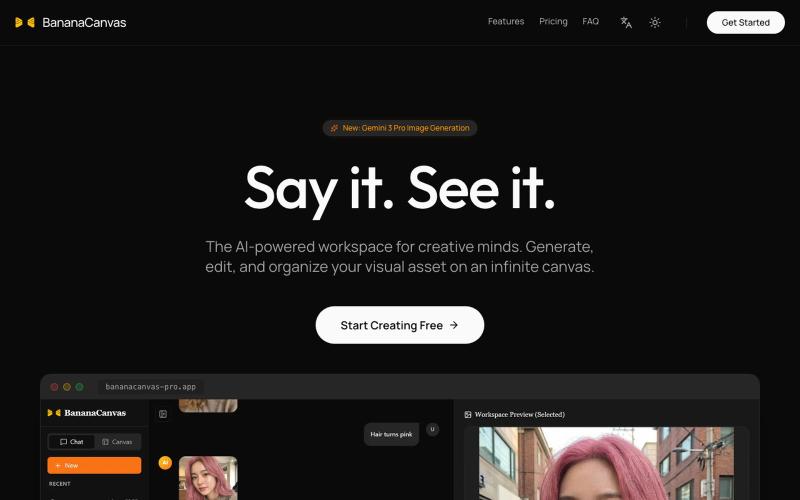
用 AI 创作多模态内容的对话式创意画布。
BananaCanvas AI — 前沿的创意工作区,结合了基于对话的 AI 交互和无限画布,用于多模态内容创作。
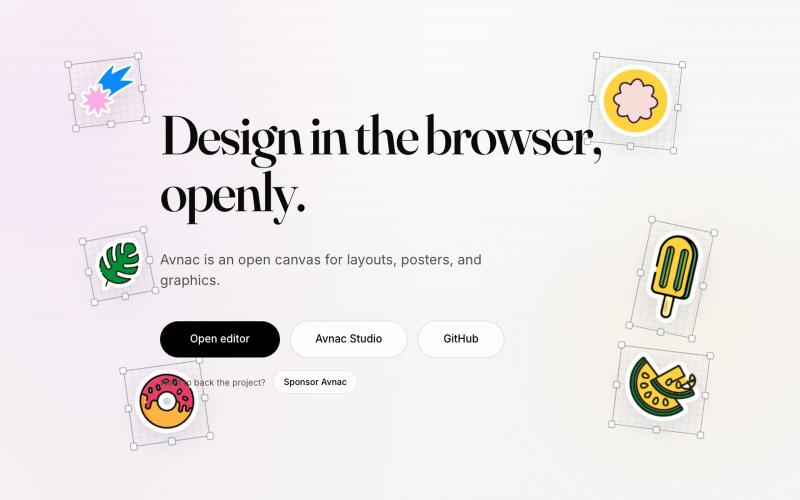
Avnac 是一个开源设计工具,可在浏览器中创建图形。

@akinkunmi · X
He trash-talked me and my amazing project ( unprovoked while all his projects are vibe-coded slop. That's why I named him King of Slop.
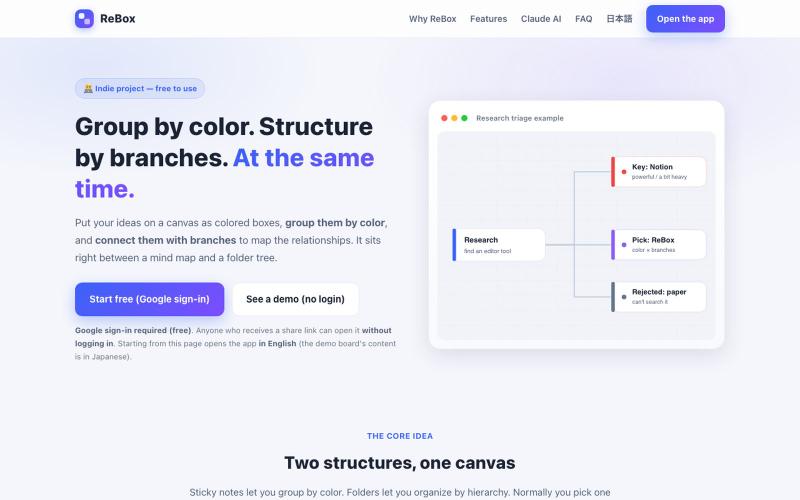
创建用颜色分组和分支结构的视觉看板,支持无需登录分享。

@shiftibis · X
Indie project 📝 ReBox: visual boards where color = group and branches = a file tree — both at once. Share links open without login (anyone with the link can edit). A Claude connector builds boards for you. English UI just shipped. #buildinpublic
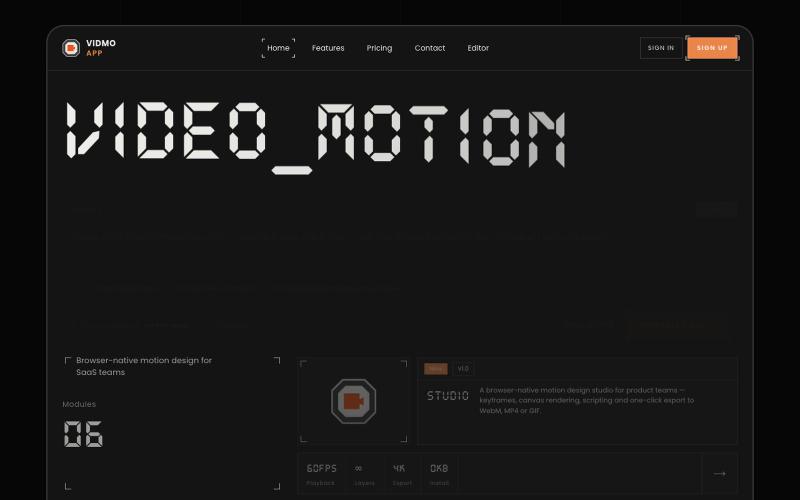
Vidmo 是浏览器 AI 视频编辑器,从提示词创建动画视频,支持关键帧、效果和配音编辑。
u/Savings_Wolverine408 · Reddit
turns out you can make launch videos in the browser now! turns out you can make launch videos in the browser now, and Claude Opus is doing the heavy part we have been working on vidmo.app , a free browser based motion design editor for making product videos, launch clips, social ads, and simple motion graphics without opening After Effects. the idea is not to make another AI video toy where you type one prompt and get stuck with whatever comes out. the editor works more lik
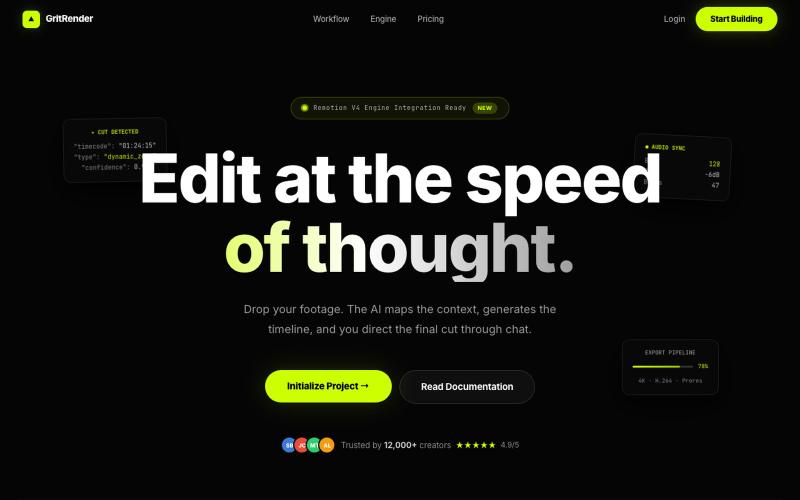
使用AI辅助编辑视频,同时保持完全的创意控制。
u/Juliur_ · Reddit
Built a "Cursor for Video Editing" because I couldn't stand another AI editor making decisions for me I've been building video tools for a while and here's my honest take: fully automated AI video editors are garbage. They cut the wrong frames, misplace captions, and you're stuck manually undoing everything. It's faster to just edit the damn thing yourself—but that takes 4+ hours per video. The problem isn't AI. It's that AI editors pretend they know better than you. They don't. So I buil
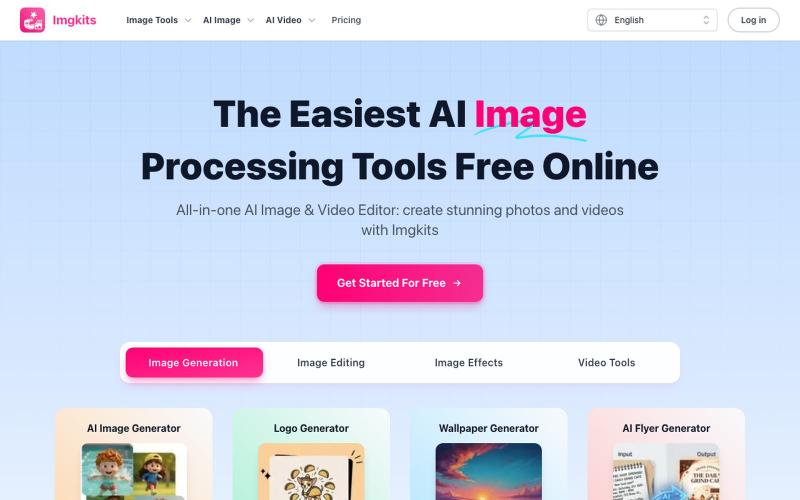
Imgkits - 免费 AI 图像视频编辑器,在浏览器中即时工作。
Imgkits — 全能 AI 图像、视频编辑器:使用 Imgkits 创建令人惊艳的照片和视频 - [更多功能](https://www.imgkits.com/create/image)
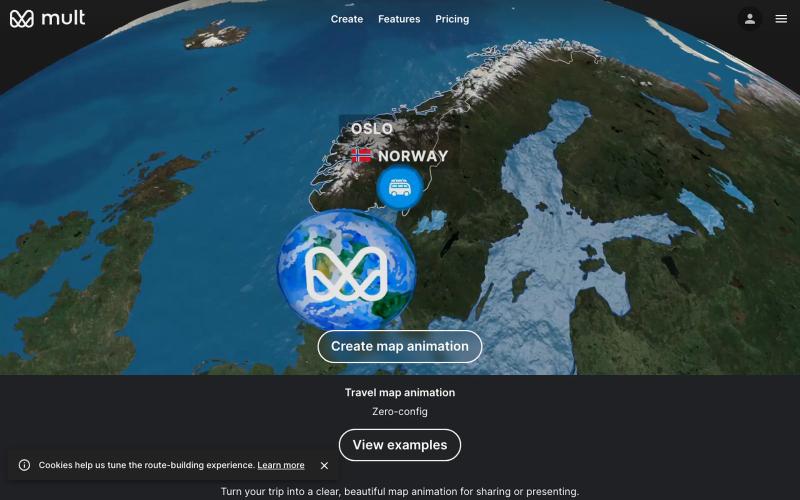
输入旅游地点即可生成旅行地图动画视频,无需学习复杂工具。

@yan_ianthe · X
Shoutout to travelboast and — gorgeous travel map animations. I just wanted one for my own trip without learning a timeline. so with GPT 5.5 vibe coding I shipped ✨Free, browser-only, no login, type your stops → get a video. this is what "vibe coding a weekend project" actually looks like: no spec, no figma, just "build me X" in a chat window.

图片转 ASCII 字符画、复制符号、查看码表、进制转换——全在浏览器。
HeStudy · V2EX
做了个纯前端的 ASCII 工具站:图片转字符画、banner 生成、符号一键复制 平时偶尔需要查 ASCII 码表、复制一些特殊符号(箭头、制表符这类),每次都是搜一个满屏广告的老站凑合用,索性自己做了一个: https://getascii.com 目前有这些工具: 图片转 ASCII 字符画(拖一张图进去就行,支持调宽度/字符集/反色) 文字转 ASCII banner 大字 常用符号一键复制(箭头、制表符、数学符号、颜文字) 完整 ASCII 码表 + 一个交互式键盘映射图(点键盘上的键显示对应的 dec/hex 码) 进制转换器( hex/dec/bin ↔ ASCII ) 几个实现上的点: Astro 构建的纯静态站,所有工具都是纯客户端计算,图片不会上传到任何服务器 没有账号系统,没有付费墙,打开就用 整站是绿色荧光终端风( CRT 扫描线 + JetBrains Mono ),算是给终端审美交个作业 顺手给它做了个 25 秒的宣传片: https://www.youtube.com/watch?v=AjzU5mw1PrI