
游戏娱乐1 month ago
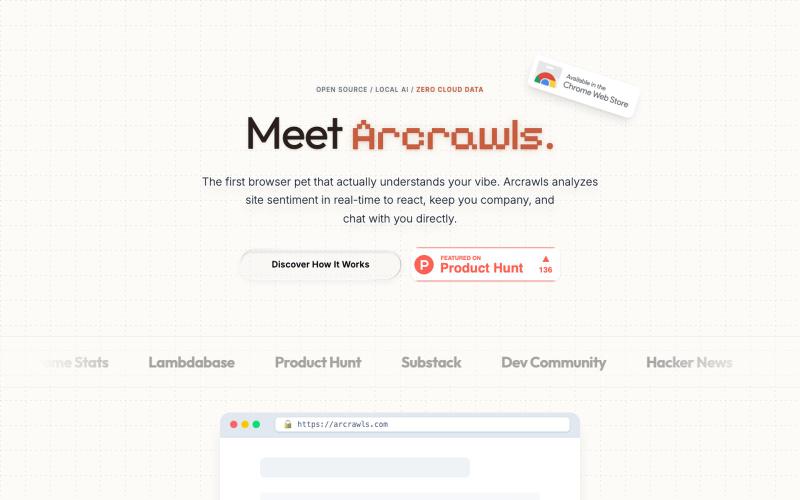
Arcrawls: The Context-Aware Browser Pet
一个会对网页内容做出反应的虚拟宠物。

@fujidevv02 · X
the world's first context-aware, local AI browser pet companion!
完整作品展
技术栈
10 projects
一个会对网页内容做出反应的虚拟宠物。
@fujidevv02 · X
the world's first context-aware, local AI browser pet companion!
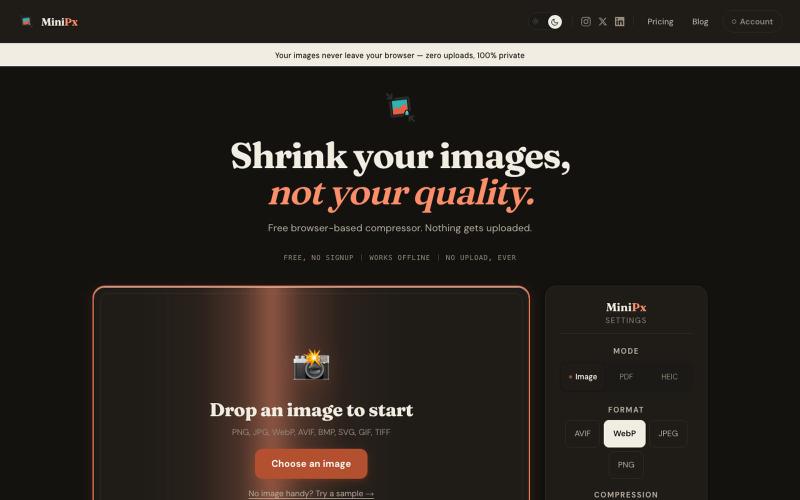
在浏览器中压缩和转换图像,无需账户上传。

@getminipx · X
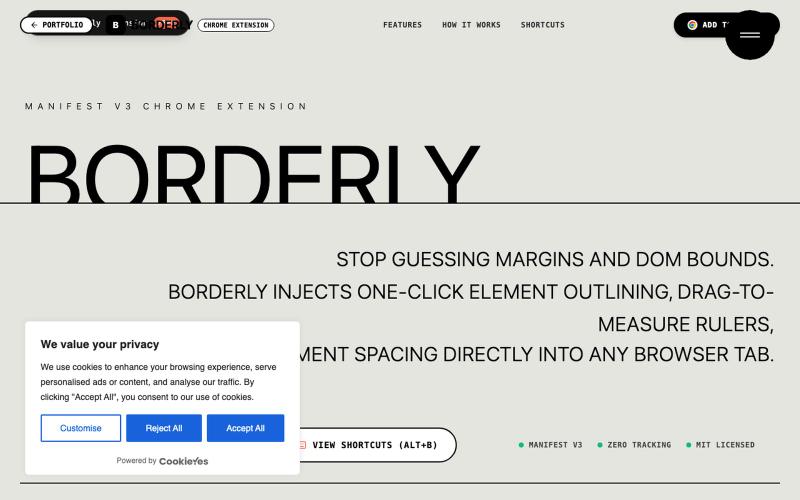
Borderly is a Manifest V3 Chrome Extension by Abhay Chauhan to inspect, measure, and debug web page layouts in real time with 1-click element outlining and pixel rulers.

@belikeabhayx · X
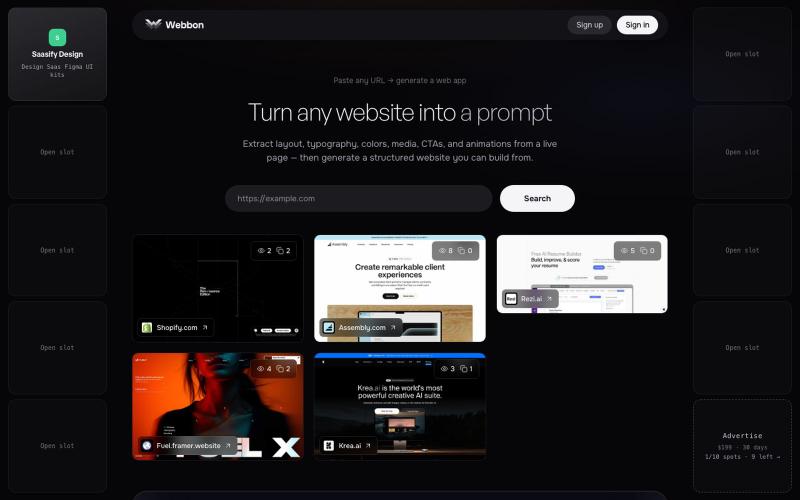
Paste any URL on webbon.xyz to generate a structured website from a live page — layout, typography, colors, media, CTAs, and animations.

@prakashuix · X

用 Chrome 扩展和网页编辑器将屏幕截图转化为精美设计。

@buildwithshyam · X

在浏览器中用 Screely 创建专业截图效果图,支持框架、背景和标注。

@Aticmatic_com · X
of course for people:
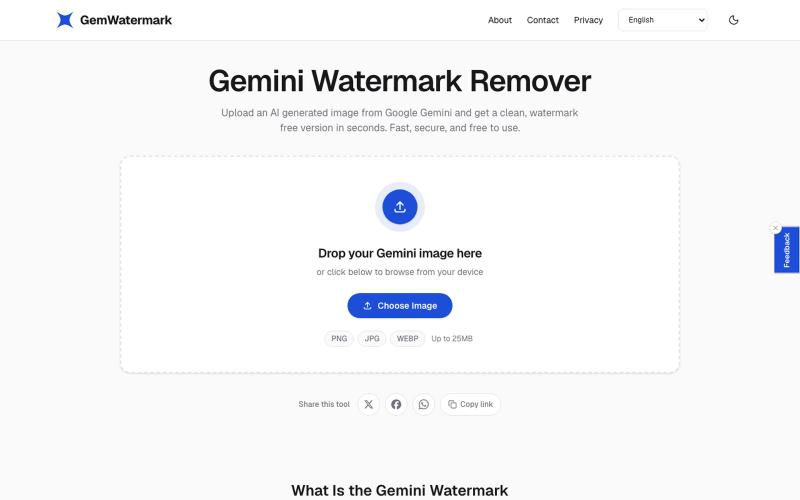
在浏览器中快速移除图像水印
zainamir · Product Hunt
Gemini Watermark Remover Remove Gemini AI watermarks from images in seconds
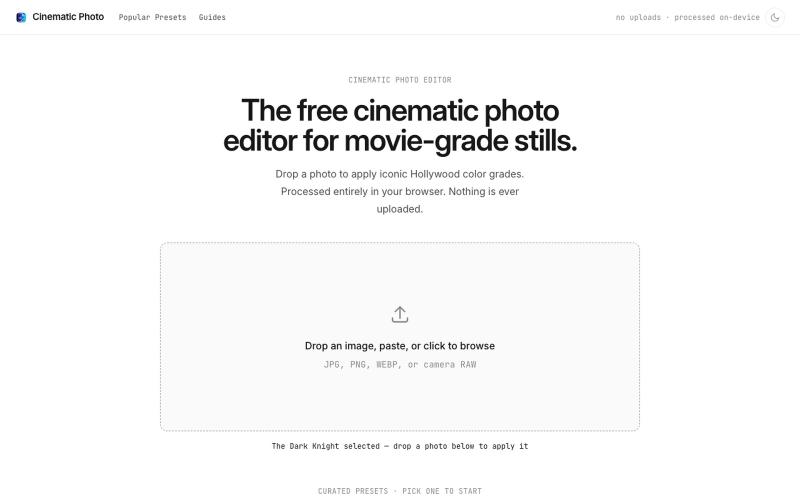
Cinematic Photo Editor 可在浏览器中对照片一键应用电影风格调色
u/huuughmangasorr · Reddit
I built a tool that gives your photos a movie color grade (no AI generation) I kept seeing photo tools that "cinematic-ify" images by running them through AI and spitting out something that's basically a different picture. I wanted the opposite: keep my actual photo, just make it feel like a frame from a film. So I built CinematicPhoto — a browser tool where you upload a photo, pick a movie look, and get a graded version back. Your original stays intact; it's color grading and effects d

用于图片调整、JSON格式化、PDF处理、文本分析和设计的免登录浏览器工具合集。
musekit · Product Hunt
Free AI Tools Free browser tools for everyday tasks, no login

通过描述快速生成高保真UI界面,支持移动和网络应用。

@ninakolari · X
Google just dropped Stitch and it changes the entire vibe coding workflow. You describe what you want your app to look like. It builds full high-fidelity screens in seconds. No Figma. No designer. No credit card. Here is how to use it: Go to Sign in with your Google account. That’s it. You’re in. Instead of typing “make me an app” type this: “A lesson planning app for teachers. Clean and calm. Inspired by Notion. Minimal. White space.” The more specific you are the better your screens. Then refine with follow up prompts. Change the nav. Try dark mode. Get 3 menu variations. Or just speak it. Your screens become a clickable prototype in seconds. Click a button and Stitch generates the next screen automatically. Your entire app flow. Before you write one line of code. Then take it further. Export to Lovable or Cursor and build the logic on top. Use the MCP server to keep your design and code in sync. Pull any website’s design system in seconds. Save everything as