
创意工具1 month ago
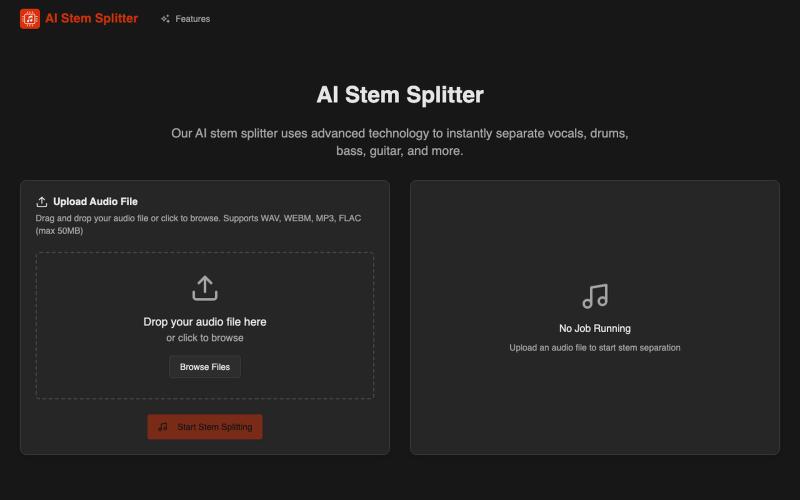
AI Stem Splitter - Separate Any Song into Professional Stems
AI Stem Splitter 将歌曲分离成人声、鼓、贝斯和吉他等专业音轨。
AI Stem Splitter — AI 音轨分离器
完整作品展
技术栈
18 projects
AI Stem Splitter 将歌曲分离成人声、鼓、贝斯和吉他等专业音轨。
AI Stem Splitter — AI 音轨分离器
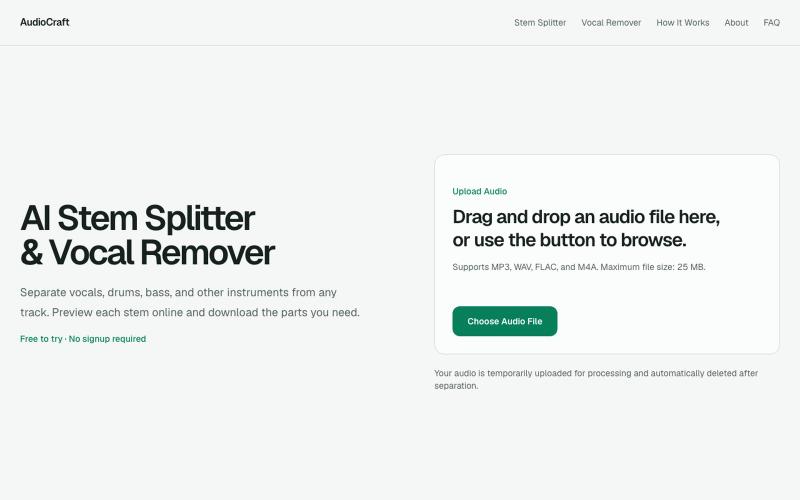
用浏览器AI工具将歌曲分离成人声、鼓声、贝斯和其他乐器。
gaoheyangnwpu · V2EX
AudioCraft – AI stem splitter and vocal remover with a browser-based mixer I’ve been building AudioCraft as a focused AI music tool for separating songs into useful stems. The main workflow is simple: * upload MP3, WAV, FLAC, or M4A * separate the track into vocals, drums, bass, and other instruments * preview the stems * mute, solo, and adjust individual tracks * create an instrumental version * download individual stems or all stems together AI Stem Splitter https://audiocraft.app/ A
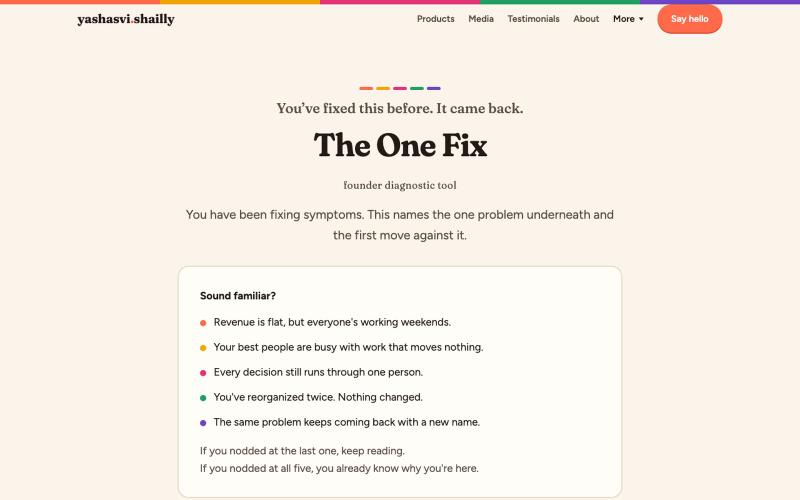
Ten recurring problems usually share one root. The One Fix names it: 3 minutes, one fix.

@yashasvishailly · X
Founders, find the one underlying pattern underlying all that noise

HORNO Space 一站式链接简历平台,支持短链接、二维码名片和预约工具。

@vpicciuolo · X
🚀 HORNO Space Your all-in-one digital hub. 🔗 Link in Bio ✂️ Short Links 💼 QR Business Cards 🌐 Websites 📅 Events 🎥 Live 🤝 Bookings 📊 Analytics Free: #SaaS #BuildInPublic #Startup #WebApps

用AI生成定制乐高设计和小人偶,支持文本、照片和动画。
Brick Center — 如果您是一位乐高爱好者,热衷与创造各种乐高形象,BrickCenter 可以将您的创意,自动生成乐高设计图。AI 乐高生成器可以将你的文字转换成定制的乐高套装。轻松地从照片创建你自己的小人偶,如果您觉得乐高头像很酷,也可以将您的自拍图片,生成乐高头像。还可以来网站浏览由爱好者精心制作的独一无二的乐高作品 - [更多介绍](https://www.bilibili.co
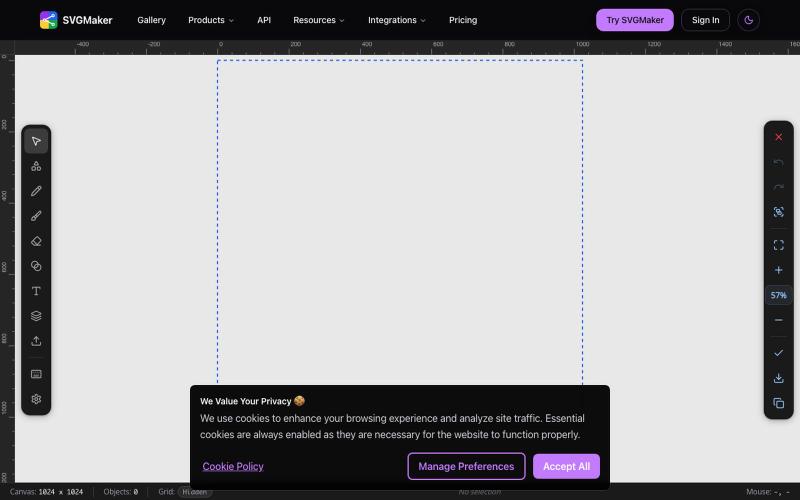
AI 驱动的 SVG 编辑器,在浏览器中生成和编辑矢量图形。
u/Every-Comment5473 · Reddit
I think I may have finally found a fully free alternative to BoxySVG. I came across this browser-based free SVG editor from svgmaker , and it feels pretty close to Apple Freeform in the way the canvas, grids, snapping, and alignment work. It also lets you edit paths, points, text, colors, shapes etc. Most of the things I used to open BoxySVG for, I can now do in this one—and it’s completely free. Honestly, I wasn’t expecting it to be this capable, especially since most AI image generation

生成并自定义二维码,支持添加logo、追踪扫描,导出PNG或SVG。

@rahuld1506 · X
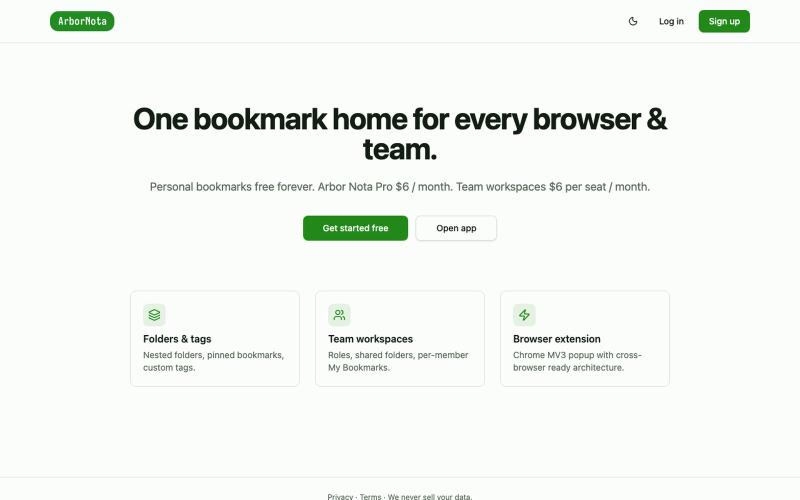
Arbor Nota — 跨浏览器书签管理器,支持团队文件夹共享。

@TimoPrescott · X
I'm working on my bookmark app, It will allow users to manage all of their bookmarks in a singular Universal location, and it will allow teams the ability to share bookmarks in an intuitive way. I didn't like the existing options, so now I'm here 😎

Fan-made tools for ten TCGs. Tune a brew pool or trusted list with Load deck, Refine, and Show Swaps. Price missing singles in the shopping list, then take the deck to your table.

@BinderCurve · X
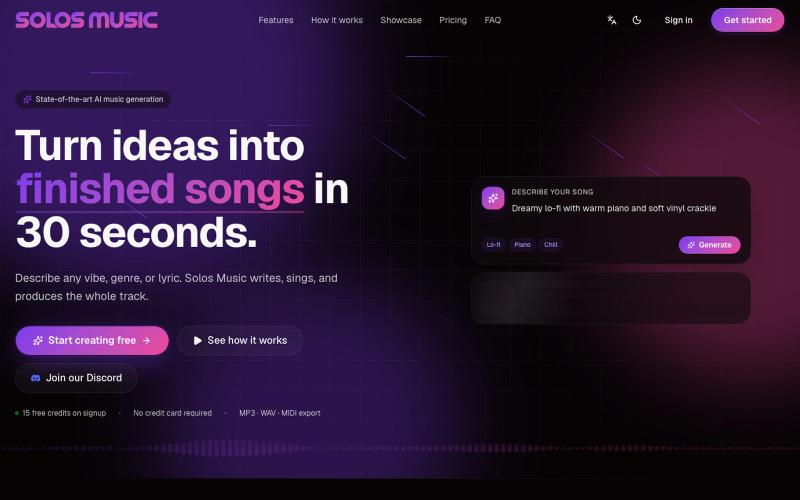
AI 音乐工作室,30 秒内生成完整歌曲,包括词曲、人声和混音。

@creativeaigrl · X
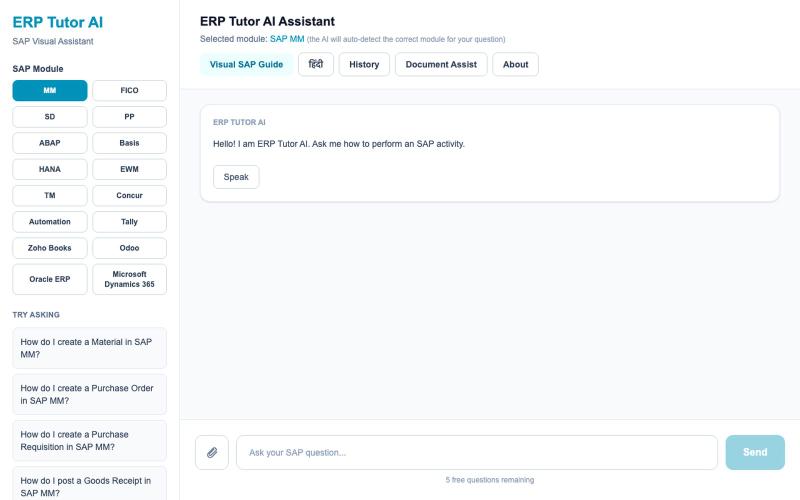
Free AI-powered SAP tutor. Learn SAP MM, FICO, SD, ABAP and more with step-by-step answers and real SAP screenshots. Perfect for SAP learners preparing for interviews or jobs.

@ERPtutor · X

为 Codex Desktop 设计自定义主题,调整背景、颜色、透明度和视觉效果。
plutozc · V2EX
做了个 Codex Desktop 主题预览和切换工具,先调好再安装 最近一直在用 Codex Desktop ,觉得默认界面看久了有点单调,就顺手做了个主题编辑工具,分享一下: [Codex Skin]( https://getcodexskin.com) 可以先在网页里预览主题,调整背景透明度、面板透明度、颜色、模糊和圆角等参数,满意之后再下载并切换到 Codex Desktop 。 目前支持: - 自定义 JPG 、PNG 、WebP 背景 - 在线实时预览主题效果 - 调整透明度、颜色、模糊、圆角 - 预览满意后生成安装命令 - 不喜欢了可以恢复默认外观 目前主要面向 macOS 上的 Codex Desktop ,还是个人项目,功能和兼容性都在继续打磨。 欢迎试试,也想听听大家对主题参数、预览效果和安装流程的反馈。 直接网址: https://getcodexskin.com [轻喷 轻喷,可能还有些 bug