
开发者工具1 month ago
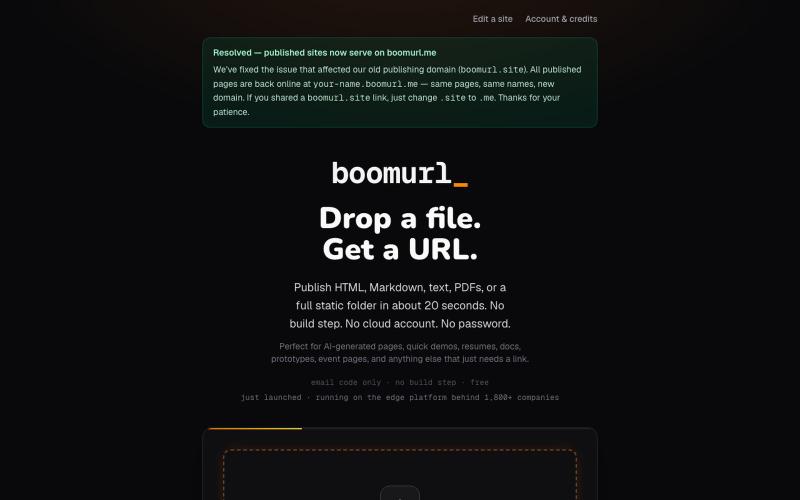
boomurl — drag a folder, get a URL · free static site hosting
拖拽 HTML 文件或项目即可快速发布到自定义域名。

@dorongrinstein · X
drag and drop any .html and go live with a custom domain in 20 seconds
完整作品展
技术栈
13 projects
拖拽 HTML 文件或项目即可快速发布到自定义域名。
@dorongrinstein · X
drag and drop any .html and go live with a custom domain in 20 seconds
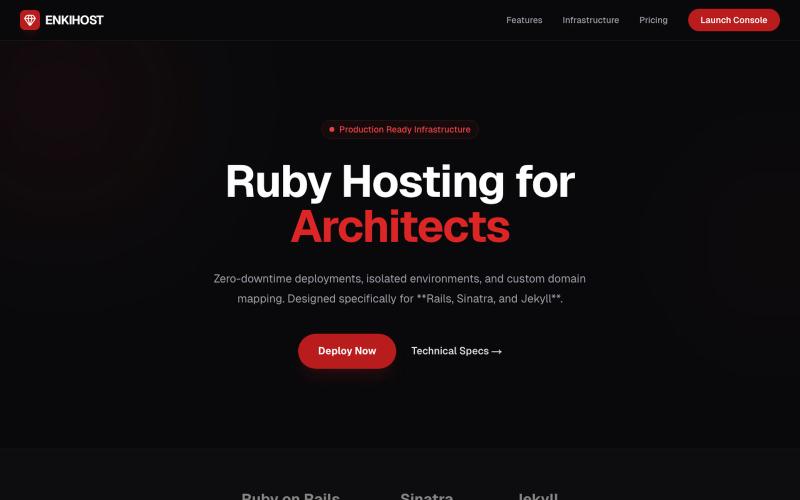
从 GitHub 部署 Ruby on Rails、Sinatra 和 Jekyll 应用。

@aiw3ndil · X
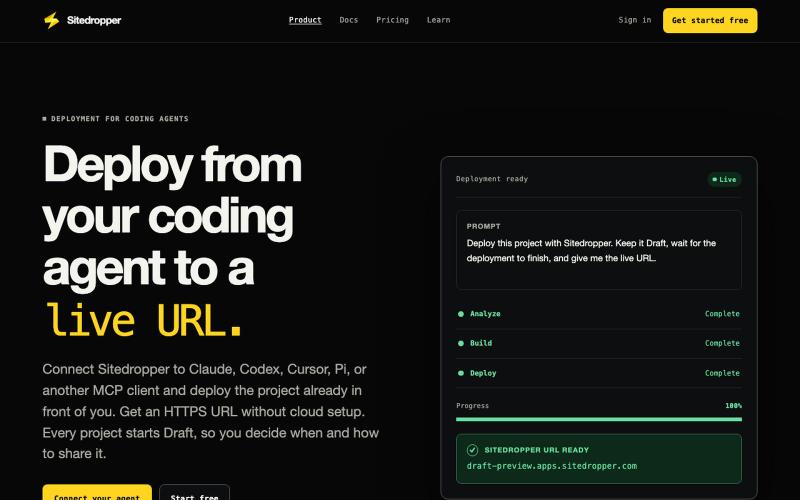
Create a free Sitedropper account and deploy a project from your coding agent, a ZIP, or REST to a live HTTPS URL.

@sitedropper · X
- Local to live without the hassle
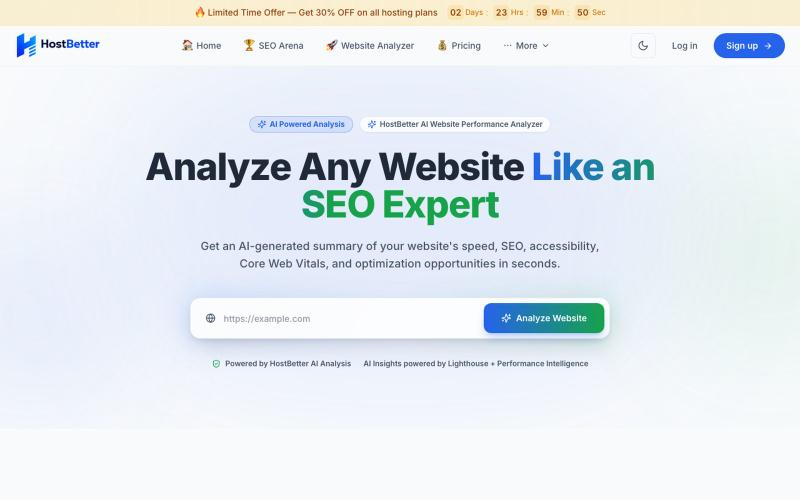
用AI审计工具分析网站速度和性能,超越Google PageSpeed。
manas_kirve · Product Hunt
Host Better AI Website Analyzer Free AI-powered website audits beyond Google PageSpeed.
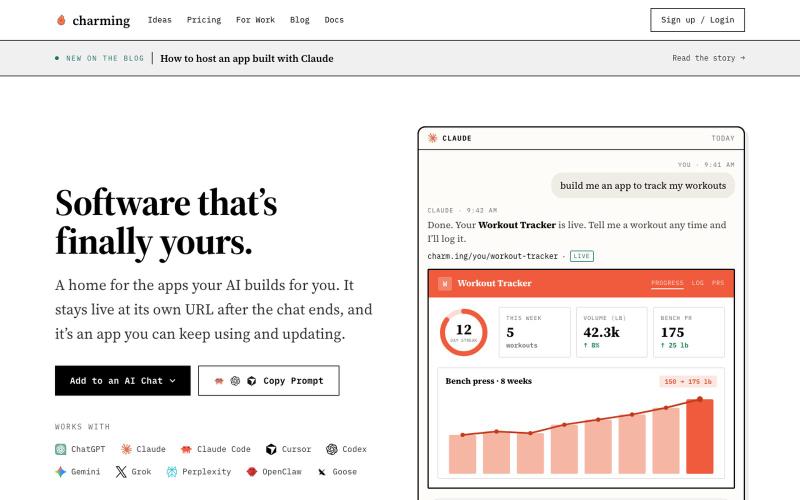
用任何AI构建和托管应用

@akhileshrangani · X
i built codex micro and used it inside of claude to control codex AND claude code it uses a herdr bridge that is running on my mac talks it through a ngrok proxy uses to render inside of claude
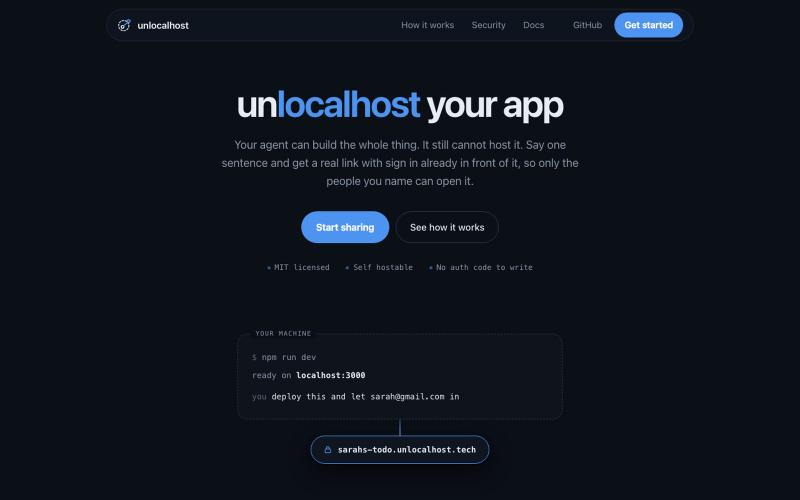
用 unlocalhost 分享本地应用,内置安全登录。

@ArnavGupta47851 · X
Vibe coding is fun. Sharing what you built is not. So I built unlocalhost. Tell your coding agent to deploy, say who is allowed in, and you get a real link with a login wall already in front of it.
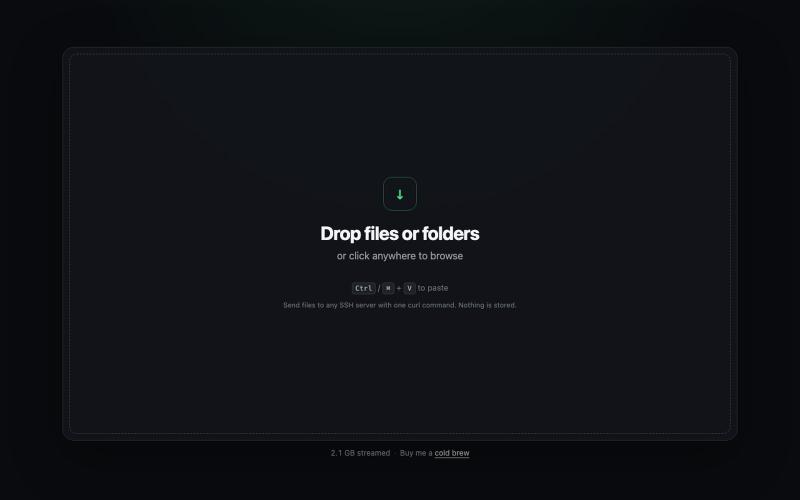
从浏览器直接发送文件到任何SSH服务器,只需一条curl命令。
npartin · HN
TermDrop – Stream a local file to a remote server with one curl command
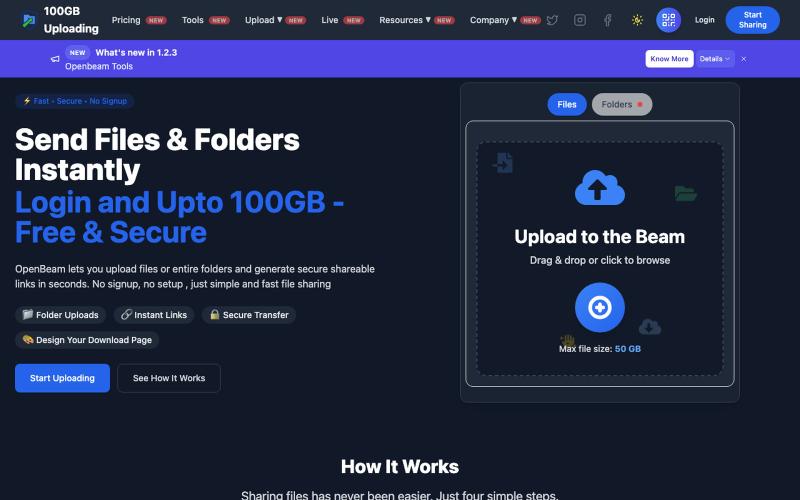
OpenBeam:无需注册,即时分享高达100GB的文件和文件夹。

@Abhishe33854772 · X
Replace Files, Keep the Same Link Upload a file once and share the link Need to update the file later? Simply replace it in and the original link continues to work.
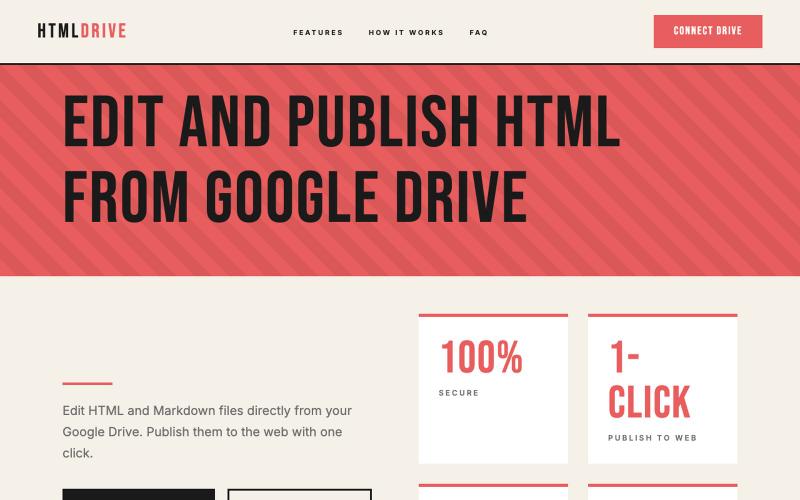
从 Google Drive 编辑和发布 HTML 文件。
debamitro · HN
I found that AI tools are generating excellent HTML documents nowadays, yet there's no easy way to show them to others. Yes, there's GitHub pages - but I don't know if it is user-friendly for non-technical people. This app allows you to keep your HTML file in your Google Drive and serve it from there. Feedback is most welcome.
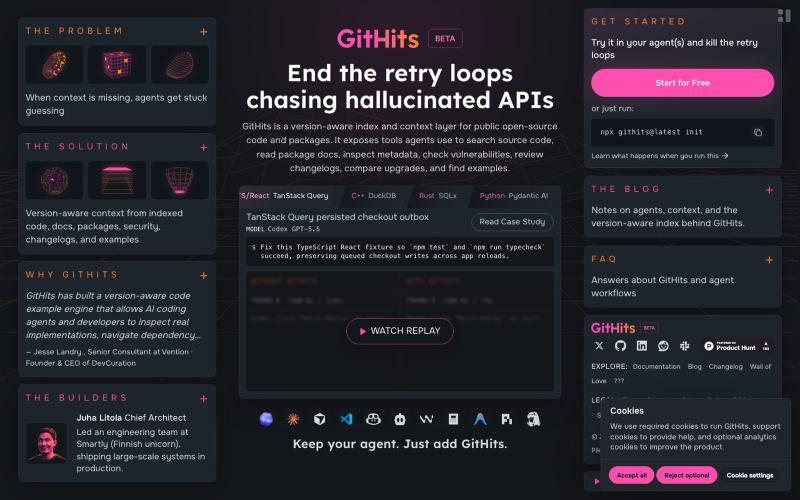
搜索索引化的开源代码和软件包,包含版本、依赖和漏洞信息。

@Jack_Timonen · X
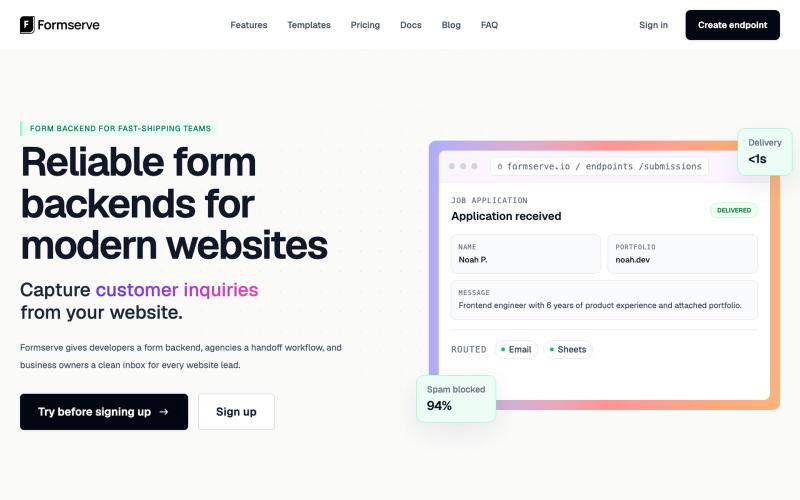
Formserve是静态网站和AI应用的表单后端,捕获提交并路由到你的工具。

@AbhilashVeettil · X
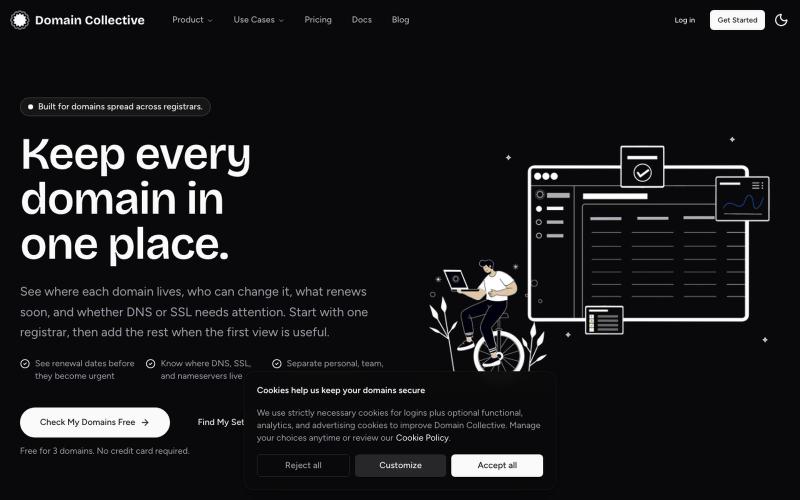
从单一面板管理多个注册商的DNS、SSL、续费和域名所有权。

@itstarun1994 · X