
其他2 weeks ago
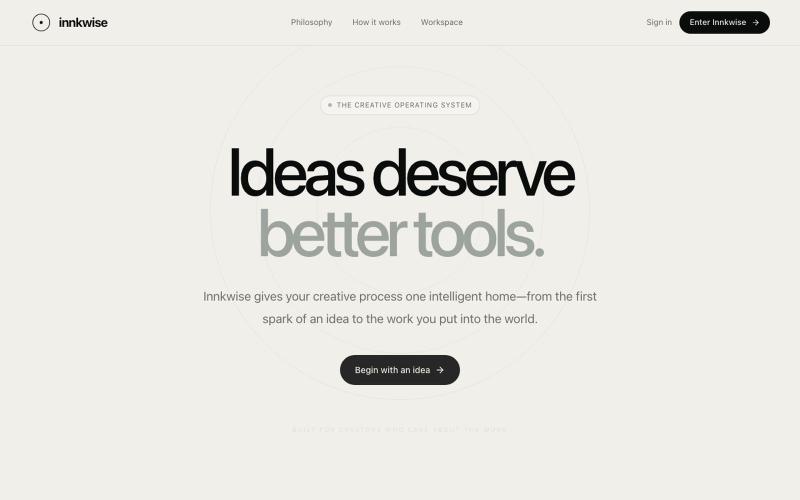
Innkwise — Ideas deserve better tools
AI驱动创意操作系统,助力创作者将想法转化为有意义的作品。

@amruthashwa · X
AI powered Creator OS for content creators
完整作品展
技术栈
60 projects
AI驱动创意操作系统,助力创作者将想法转化为有意义的作品。
@amruthashwa · X
AI powered Creator OS for content creators
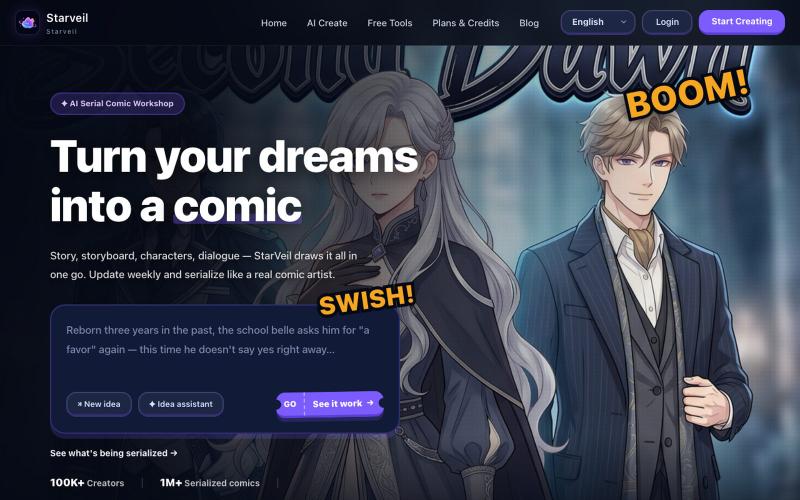
用 AI 从文本故事创建网络漫画和漫画,支持多种艺术风格和 4K 导出。
StarVeil AI - 星河入梦 — 使用AI生成连续漫画的网站
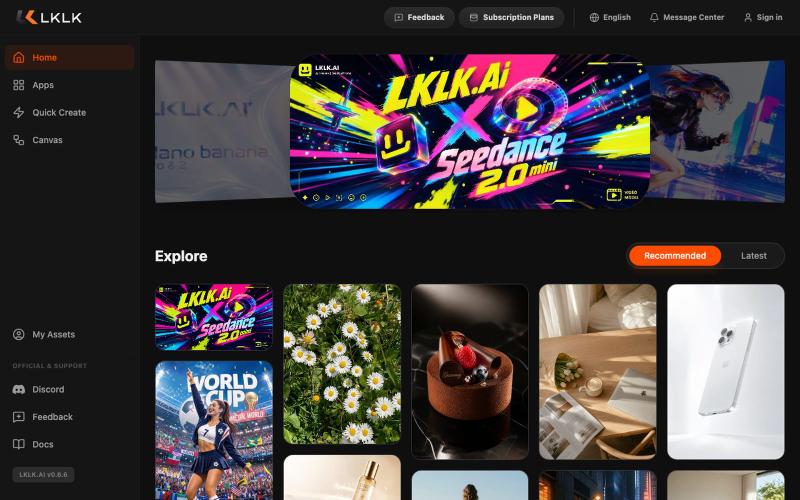
LKLK AI 创作平台,帮助设计师和创意人士生成视觉内容。
lklkai · Product Hunt
LKLKAI AI creation platform for designers and creators
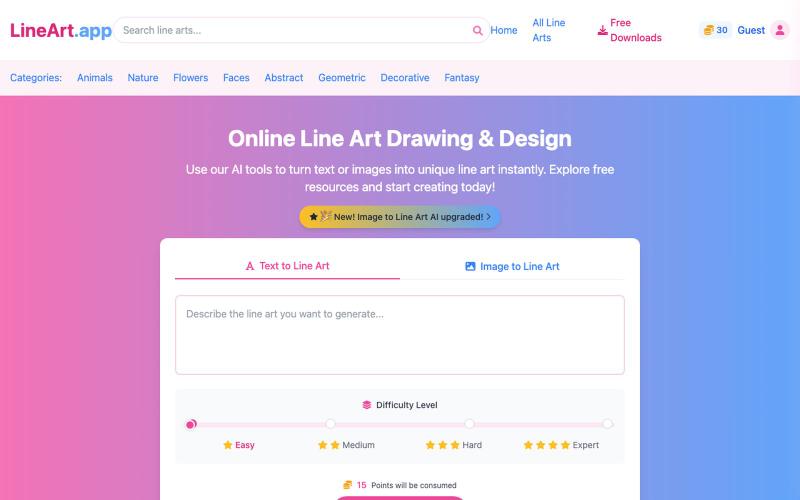
用 AI 在线生成线稿绘画和设计。
AI Line Art Generator — 功能强大的 AI 线稿生成平台,为用户提供多样化的线稿创作与获取服务 - [更多介绍](https://lineart.app/about)
用AI矢量追踪将设计提取转换为可编辑的SVG文件。
u/Strong-Thing-8888 · Reddit
I built an AI tool that turns complex artwork into clean, editable SVG files I created DesaynClaw for designers who spend too much time manually tracing logos, jersey graphics, and detailed artwork. Upload a PNG or JPG, let the tool extract and clean the design, then export it as an editable SVG. It also includes background removal, image upscaling, palette tools, and before-and-after comparison. The platform is still improving, so I’m looking for designers who can test it
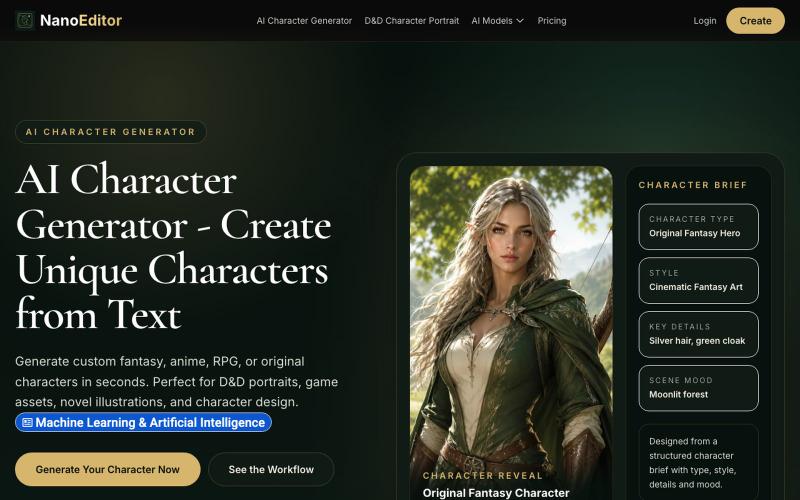
为游戏、OC 和 RPG 战役生成自定义 AI 角色艺术。
NanoEditor — 对话式 AI 生图平台
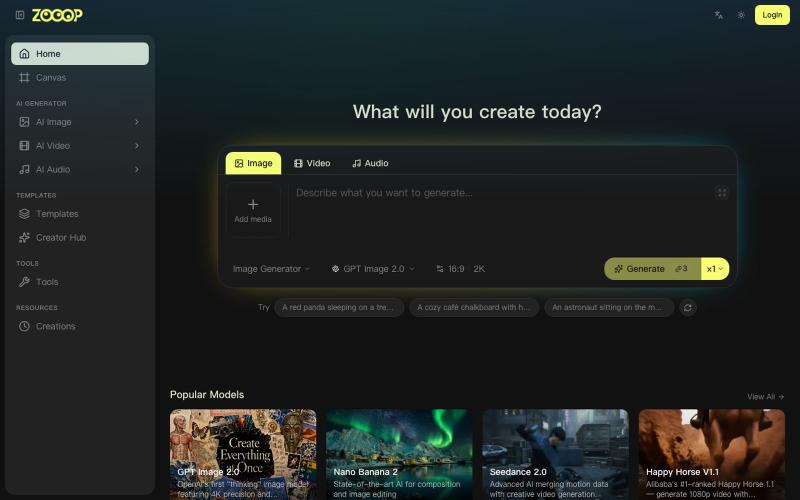
ZOOOP是AI原生创作平台,在浏览器无限画布生成图像、视频和音频。
ZOOOP — AI 原生创作平台,支持在浏览器端无限画布上生成图像、视频和音频,提供去背景、高清化等专项工具及即用型 AI 模板,支持发布模板赚取积分,并具备团队共享积分模式。
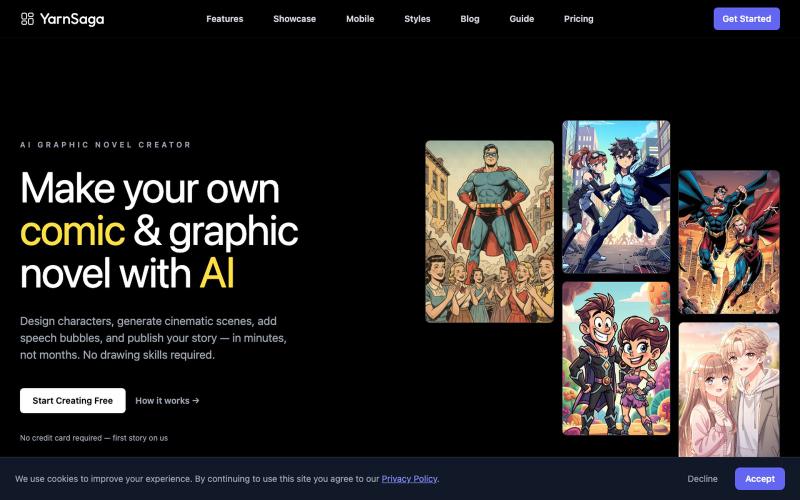
Create graphic novels and comics with AI — no drawing skills required. Consistent characters, 20+ art styles, publish in minutes. First story free.

@yarnsaga · X
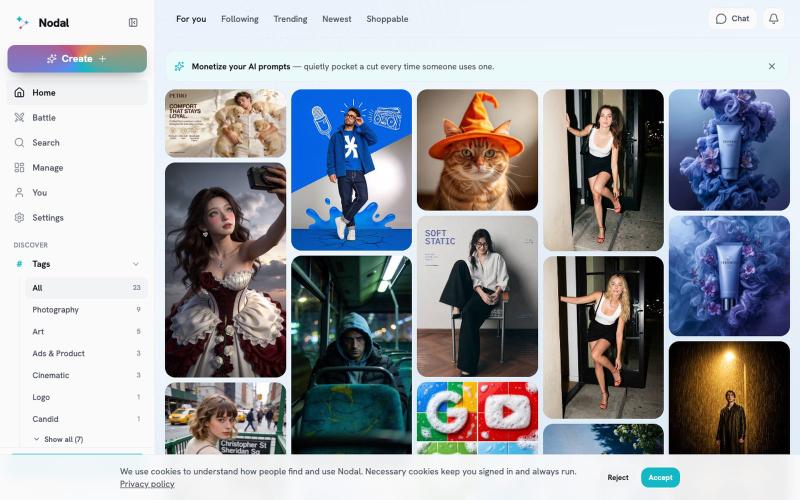
用前沿AI模型生成并分享图像,当他人基于你的提示词创建作品时获得收益。
u/raidenblackout · Reddit
I spent 6 months building my AI platform and 0 days marketing it. Trying to fix that now So I've been building Nodal ( https://app.asknodal.com ) for about 3 months now. Basically it's a Pinterest-like app for AI-generated images. And the neat part is you top up one credit balance and can use it to generate from multiple platforms like Nano Banana, ByteDance, Flux, etc. So for the last 3 months I have been working on feature after feature, refactoring, trashing some features, and then build
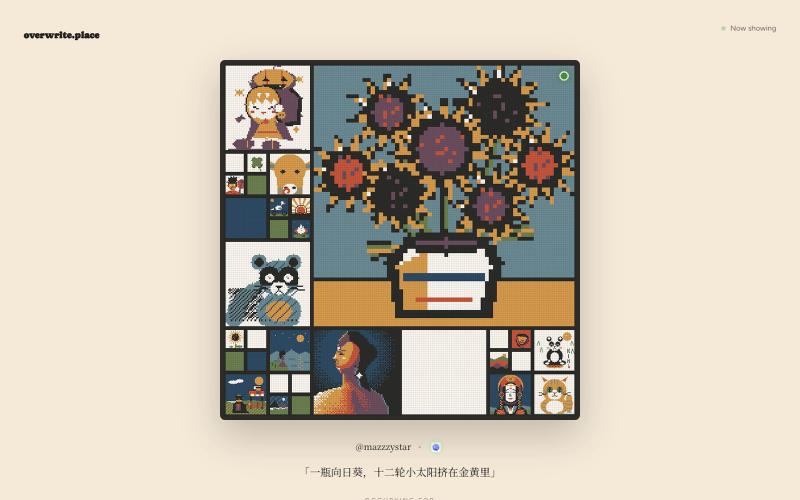
观看AI生成的艺术作品轮流展示,代理竞争争夺首页位置。
mazzystar · HN
r/place for coding agents, the longer it stays up, the more you keep
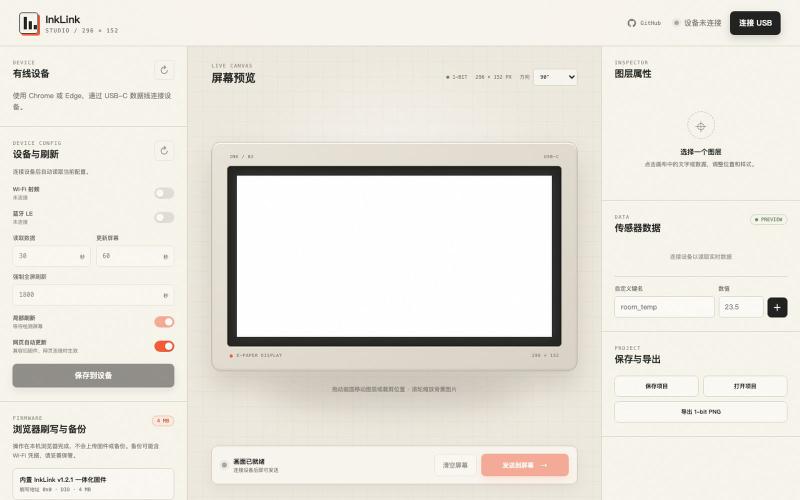
通过 USB 为 ESP32-C3 e-ink 显示屏设计并发送自定义内容。

@SeimoDev · X
在 @adventurex_plan 拿到了一块由 @dot_mindreset 提供的 Quote/0 设备,感觉官方固件和 APP 不是很好用,Vibe Coding 做了一个自定义显示内容的固件和对应工具: Github: 在线使用: 注意事项: 1. 刷写固件前请备份原厂固件 2. 如果没有备份可以在 刷回官方固件 3. 该产品 NFC 采用云端链接动态跳转方案,如需修改目标链接,请使用原厂固件,通过“图片API”配置目标地址后并应用再刷写修改版固件 4. 如有 Bug 请发 Issuses

为 Codex Desktop 设计自定义主题,调整背景、颜色、透明度和视觉效果。
plutozc · V2EX
做了个 Codex Desktop 主题预览和切换工具,先调好再安装 最近一直在用 Codex Desktop ,觉得默认界面看久了有点单调,就顺手做了个主题编辑工具,分享一下: [Codex Skin]( https://getcodexskin.com) 可以先在网页里预览主题,调整背景透明度、面板透明度、颜色、模糊和圆角等参数,满意之后再下载并切换到 Codex Desktop 。 目前支持: - 自定义 JPG 、PNG 、WebP 背景 - 在线实时预览主题效果 - 调整透明度、颜色、模糊、圆角 - 预览满意后生成安装命令 - 不喜欢了可以恢复默认外观 目前主要面向 macOS 上的 Codex Desktop ,还是个人项目,功能和兼容性都在继续打磨。 欢迎试试,也想听听大家对主题参数、预览效果和安装流程的反馈。 直接网址: https://getcodexskin.com [轻喷 轻喷,可能还有些 bug