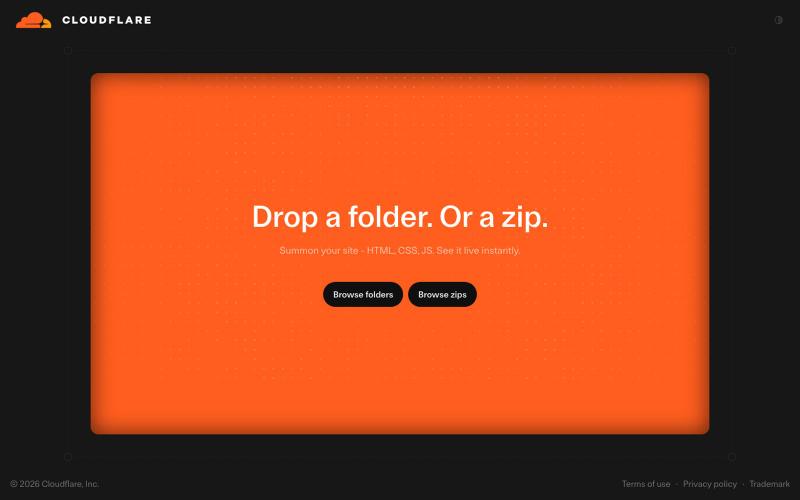
Cloudflare Drop
上传文件夹或 ZIP 到 Cloudflare Drop,即时发布网站。
@vikingmute · X
Cloudflare 也推出了 drop 服务, 上传一个文件夹或者 zip,网站直接上线,不需要登陆。我记得前几天 vercel 刚上线了同样的功能,Vercel Drop 这两老哥天天打嘴炮,功能也都前后脚。 这服务其实要手动操作,没有 CLI 好用,不过不需要登陆是一大优势,而且drop 无脑操作,更适合小白要上线网站。
完整作品展
技术栈
60 projects

上传文件夹或 ZIP 到 Cloudflare Drop,即时发布网站。
@vikingmute · X
Cloudflare 也推出了 drop 服务, 上传一个文件夹或者 zip,网站直接上线,不需要登陆。我记得前几天 vercel 刚上线了同样的功能,Vercel Drop 这两老哥天天打嘴炮,功能也都前后脚。 这服务其实要手动操作,没有 CLI 好用,不过不需要登陆是一大优势,而且drop 无脑操作,更适合小白要上线网站。

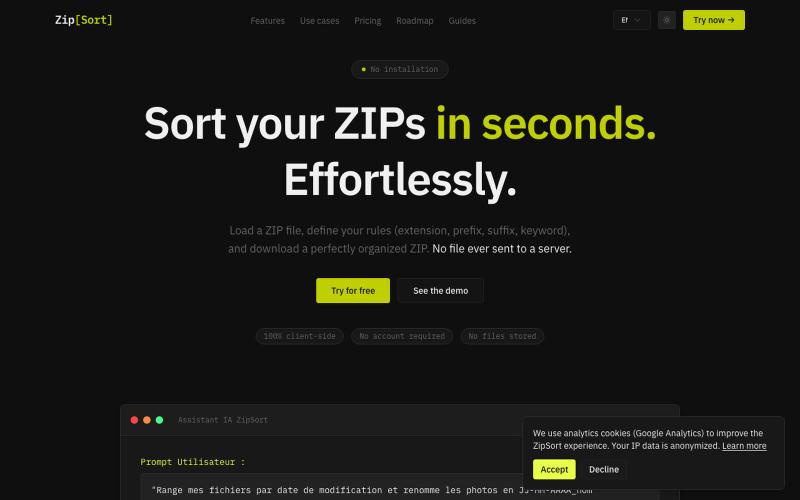
在浏览器中对 ZIP 文件排序、重命名,100% 本地处理,无需上传。
@TraXx474387 · X
Built ZipSort 🗂️ Sort files inside ZIP archives in seconds — no upload, 100% client-side (your files never leave your browser). Set rules by extension, prefix, suffix or keyword → download a clean, organized ZIP. Free to try:

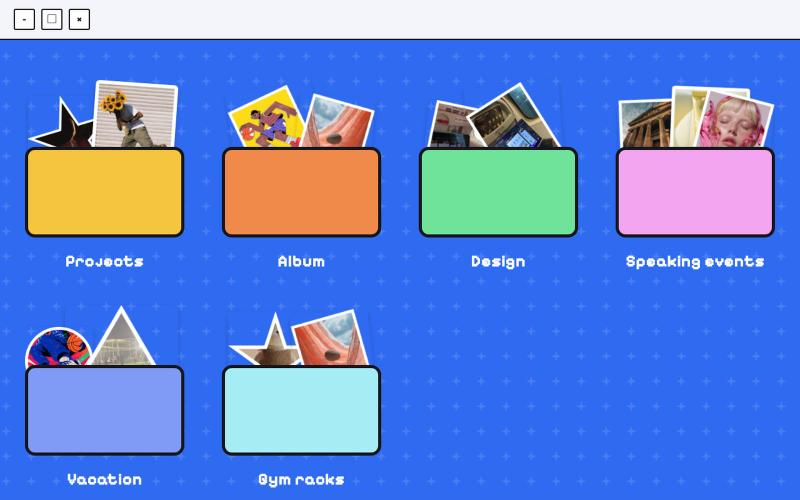
在桌面式界面中组织和管理文件和文件夹。
@jenidesignns · X
Day 19 challenge by @IwuezeAmarachi built with Claude AI 🤖 Live link:

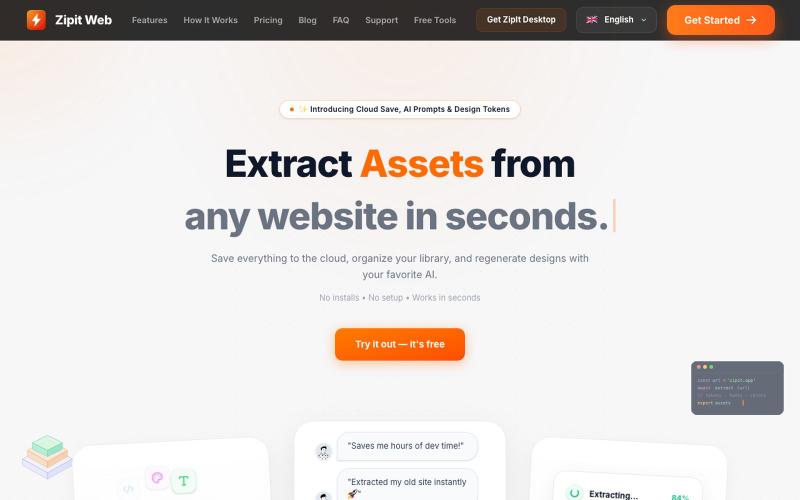
从任何网站即时提取代码、设计令牌、字体、颜色和媒体资源。
@bharatmodi2014 · X
Extract code, design tokens, fonts, colors, and media instantly. Save everything to the cloud, organize your library, and regenerate designs with your favorite AI.

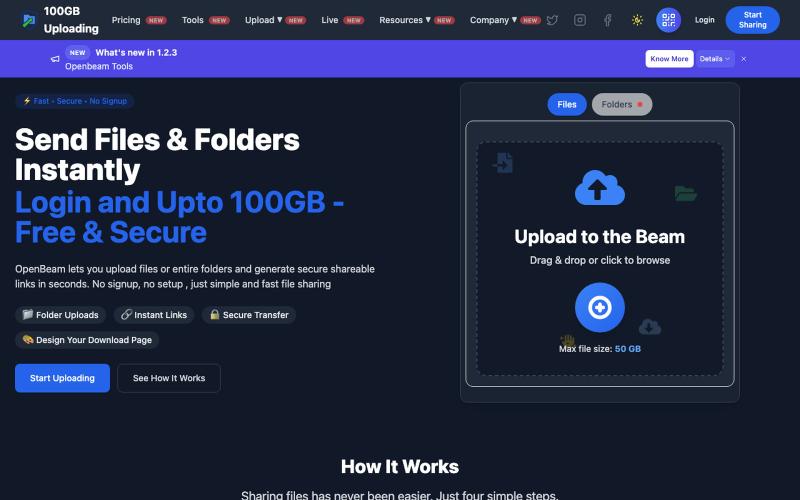
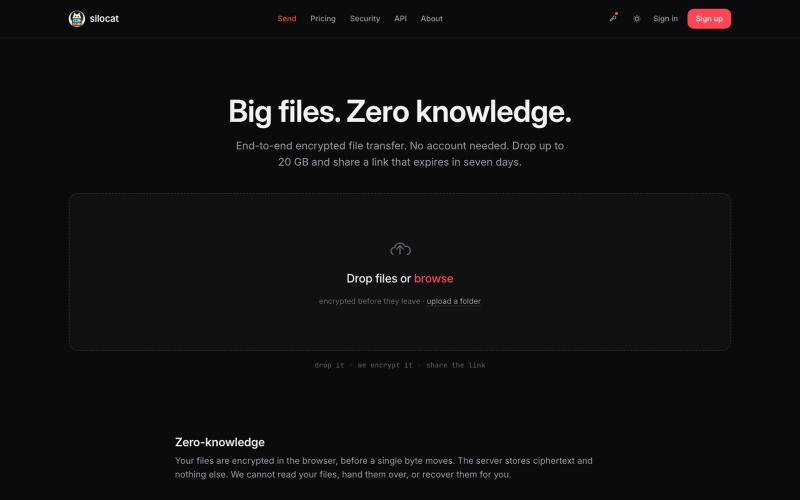
OpenBeam:无需注册,即时分享高达100GB的文件和文件夹。
@Abhishe33854772 · X
Replace Files, Keep the Same Link Upload a file once and share the link Need to update the file later? Simply replace it in and the original link continues to work.

在浏览器中免费转换、压缩和编辑文件,文件不上传服务器。
@faisalhaleem · X
Just launched — free browser-based file tools runs entirely in your browser. Video to GIF (with trim slider) Merge / Split / Shrink PDF Your files NEVER leave your device. No sign-up needed. Free forever. #buildinpublic #webdev #indiedev #tools #privacy

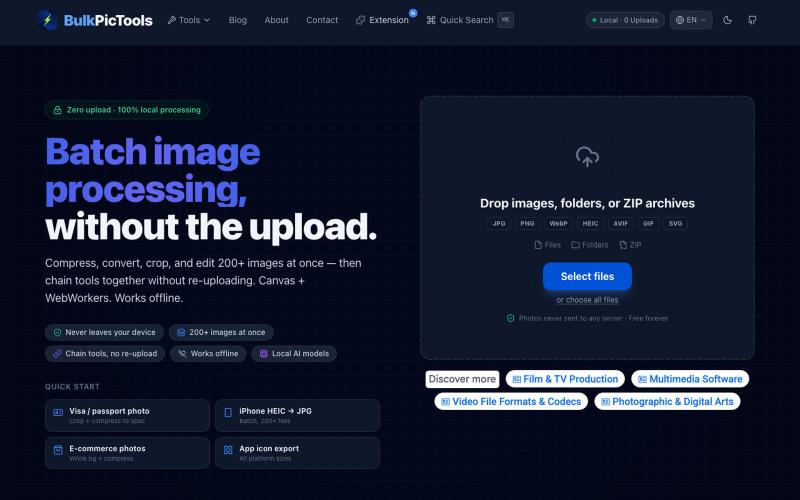
在浏览器中批量处理图片,支持工具链、本地AI和格式转换。
BulkPicTools — 免费浏览器端图片批量处理工具,支持**工具链串联**(压缩→转格式→裁剪一次完成,无需重复上传),本地 AI 去背景/人脸模糊(WebGPU,无需 API Key),支持 200+ 张图片批量处理,文件不上传服务器。

拖拽 HTML 文件或项目即可快速发布到自定义域名。
@dorongrinstein · X
drag and drop any .html and go live with a custom domain in 20 seconds

SaveAnywhere是Chrome扩展,直接将文件、图片、链接保存到Google Drive、Dropbox和OneDrive,本地处理。
@SaveAnywhere · X
Free chrome extension :

用AI和OCR将PDF、截图和邮件转换为整理好的Excel表格。
Messy2Sheet — AI 文档转表格工具,把截图、邮件订单和 PDF 价格表按自定义字段整理成 Excel/CSV,支持保存可复用 Recipe

ArtPlayer 免费浏览器视频和音频编辑工具,支持压缩、裁剪、合并和格式转换。
zhw2590582 · V2EX
最近对网站进行了重构,做成了免费的视频工具站:[ArtPlayer Tools]( https://artplayer.org/tools/) 主要是围绕着 ffmpeg.wasm 和 mediabunny 实现的一些可以直接在浏览器里用的视频/音频工具,常用的有: - 视频压缩:[Compress Video]( https://artplayer.org/compress-video/) - 视频裁剪:[Crop Video]( https://artplayer.org/crop-video/) - 视频合并:[Merge Video]( https://artplayer.org/merge-video/) - 视频尺寸调整:[Resize Video]( https://artplayer.org/resize-video/) - 视频旋转:[Rotate Video]( https://artplayer.org/rotate-video/) - 视频调速:[Change Video Speed]( https://artplayer.org/change-video-speed/) - 添加文字到视频:[Add Text to Video]( https://artplayer.org/add-text-to-video/) - 添加水印:[Watermark Video]( https://artplayer.org/watermark-video/) - 提取字幕:[Subtitle Editor]( https://artplayer.org/subtitle-editor/) - HLS 转 MP4:[HLS to MP4]( https://artplayer.org/hls-to-mp4/) - 音频可视化:[Audio Visualizer]( https://artplayer.org/audio-visualizer/) 大部分工具都是本地处理,文件不会上传到服务器。最开始是因为自己偶尔要处理一些视频,开剪辑软件又有点重,在线工具又担心隐私,所以就慢慢做成了一个站。 目前还在持续完善,体验肯定还有不少粗糙的地方,比如不同浏览器的兼容、移动端操作、长视频性能之类的。 网站: [ArtPlayer Tools]( https:

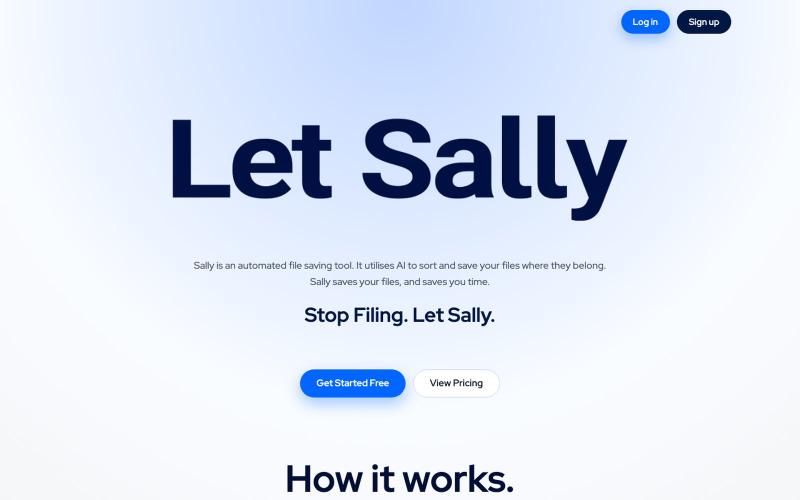
自动整理和重命名 Google Drive 中的文档
@filently · X
Get rid of the CHAOS in document filing