
创意工具1 month ago · 1 次试用
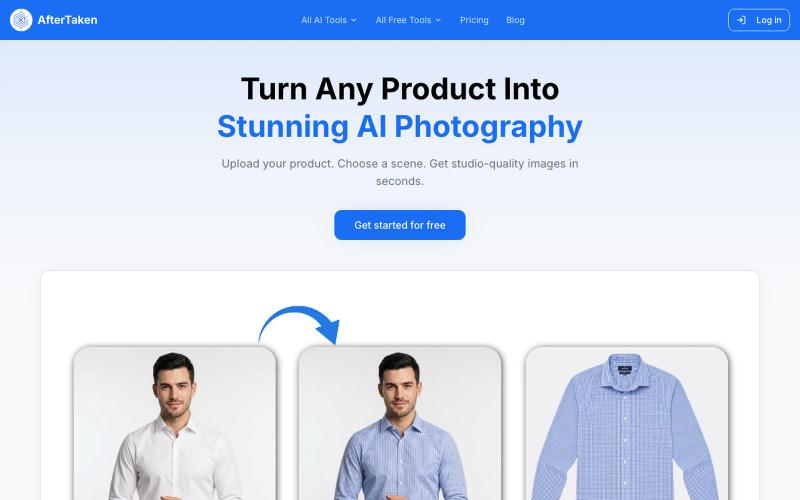
AfterTaken — AI Product Photography | Studio-Quality Photos
上传产品图片,选择场景,AI生成专业级摄影照片。

@aftertakenai · X
for AI e-commerce product photography
完整作品展
技术栈
15 projects
上传产品图片,选择场景,AI生成专业级摄影照片。
@aftertakenai · X
for AI e-commerce product photography
@iAnujVarshney Checkout https://t.co/tUOqRXexa0, I m building this

@AAishakar · X
Checkout I m building this
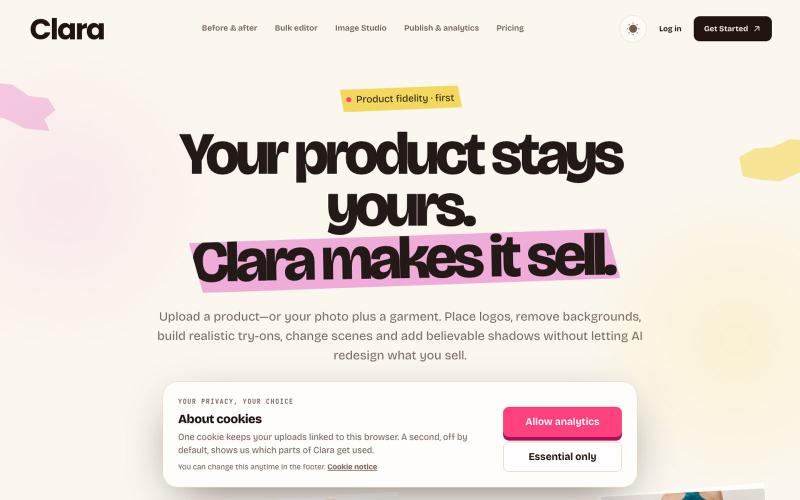
Create accurate product images and videos, keep every generated file, then schedule, publish and manage performance from one workspace.

@devvybrian · X
is my new kid on GitHub block
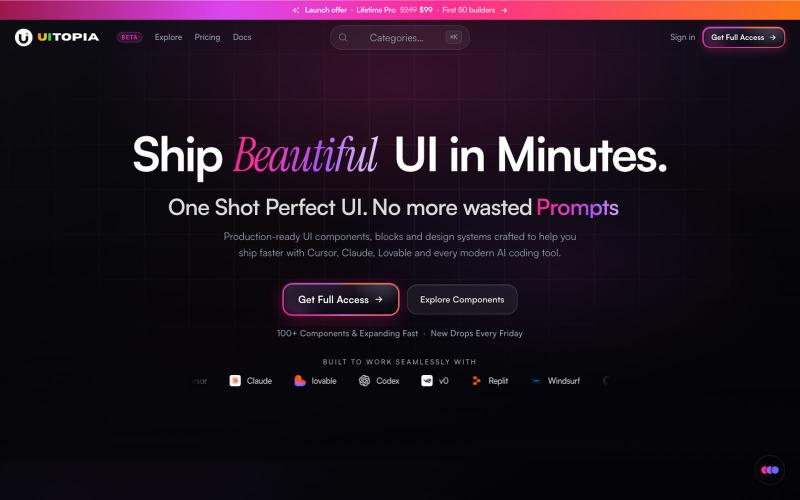
复制并定制生产就绪的UI组件库,用于React和Next.js项目。

@DhanushAriah · X
Helping Devs Ship Beautiful UI in Minutes ⚡ | @uitopiadesign Production ready UI Components for the Agentic Coding Era. - Pick UI components based on your taste. - Copy-paste to your AI IDE & done in minutes, not hours perfecting the UI.
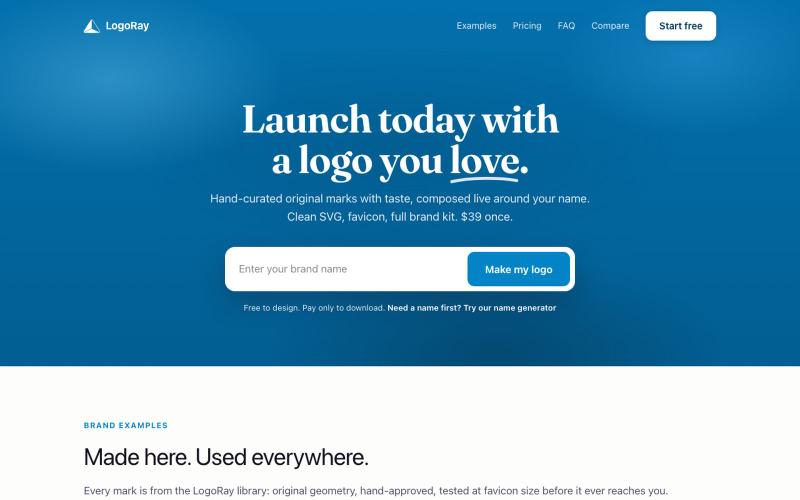
用精选设计元素创建标志和完整品牌套件。

@AlexCommitter · X
I'm building and
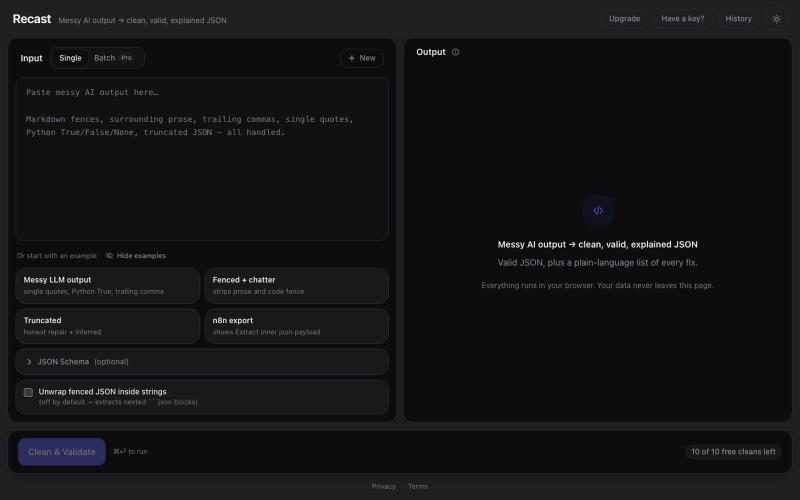
Paste messy AI/LLM output and get clean, valid, beautifully formatted JSON — with a plain-language explanation of every fix. Optional JSON Schema validation. Runs entirely in your

@SNSTRR88 · X
Recast: a browser tool that cleans messy LLM JSON and lists every fix. Nothing uploaded.
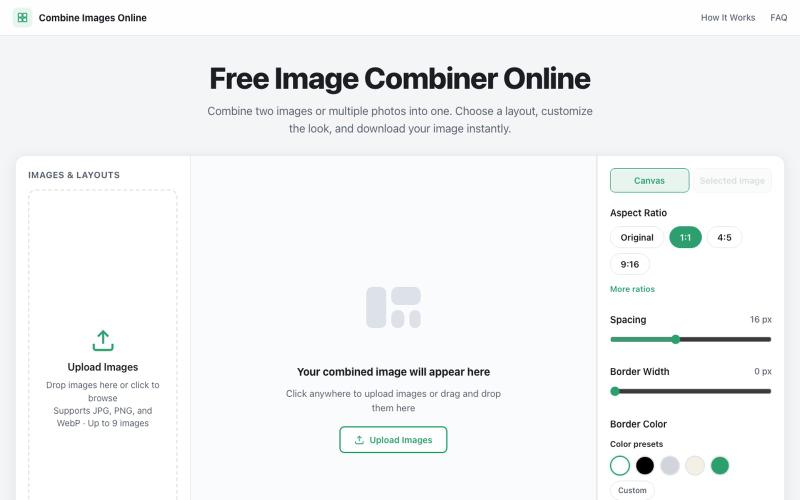
上传多张图片组合为自定义网格,可调整间距、边框和背景。

@dais33923 · X
新手村一号作品在这里: 做了一个免费的在线拼图工具,可以上传多张图片、自由排版、换背景和边框,再导出成图。 欢迎路过玩玩,也欢迎狠狠挑刺:不好用、缺功能、哪里丑,都可以告诉我(虽然我自己也知道嘿嘿)。 先把它养活,后面慢慢养大or再换一个站玩玩哈哈哈😄🧩
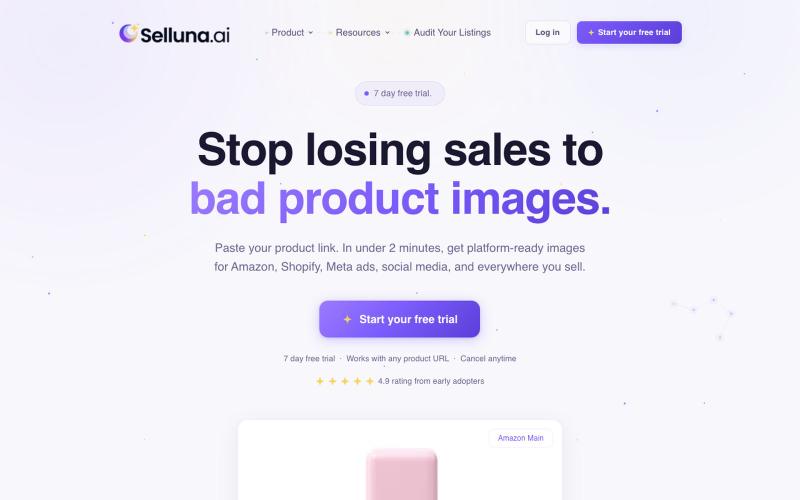
Generate professional, platform-compliant product images in under 2 minutes. Selluna is an AI-powered product photography tool built for Amazon sellers, Shopify brands, and ecommer
david_balan · Product Hunt
Selluna.ai Turn product URLs into marketplace-ready image sets


屏幕录制Chrome扩展,内置自动缩放效果和自定义背景功能。

@gabani_vatsal · X
Building Screen recorder which adds zoom effects and custom backgrounds
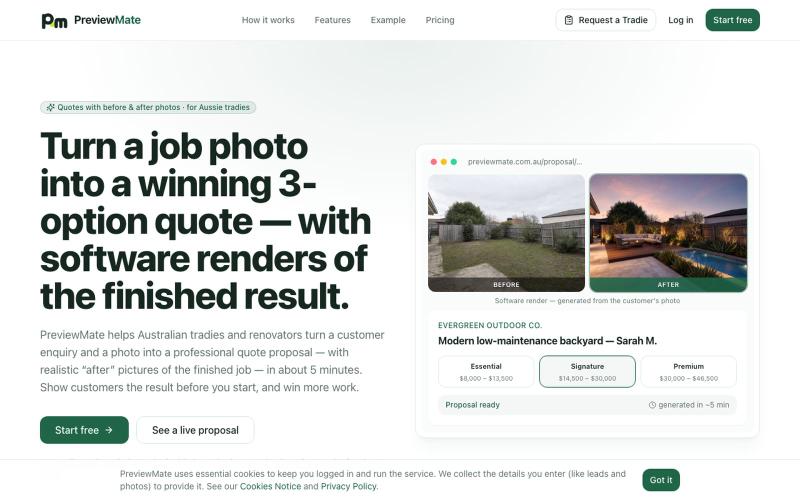
上传工作照生成专业报价和施工完成效果图。

@JoshuaButton22 · X
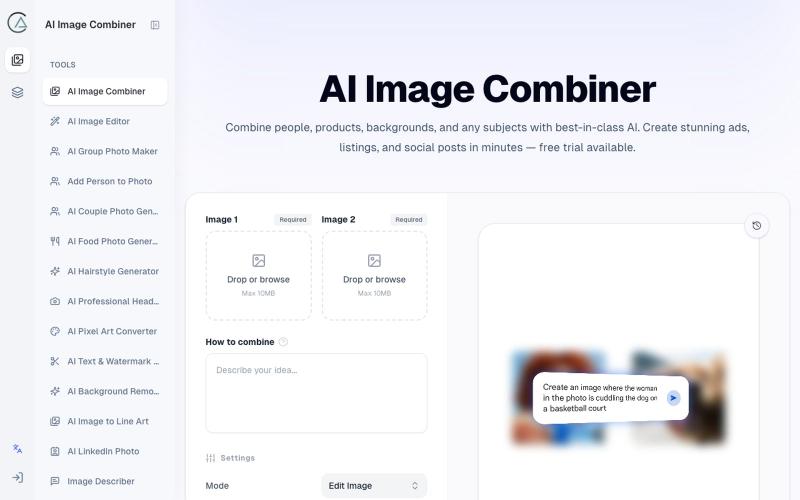
使用 AI Image Combiner 融合两张照片,快速生成专业级视觉效果。
ai image combine — AI 图像站,预设了一些场景的 prompt ,不用编写复杂的 prompt 直接使用
