Task Lemon - Ship Projects Faster. No Setup Required.
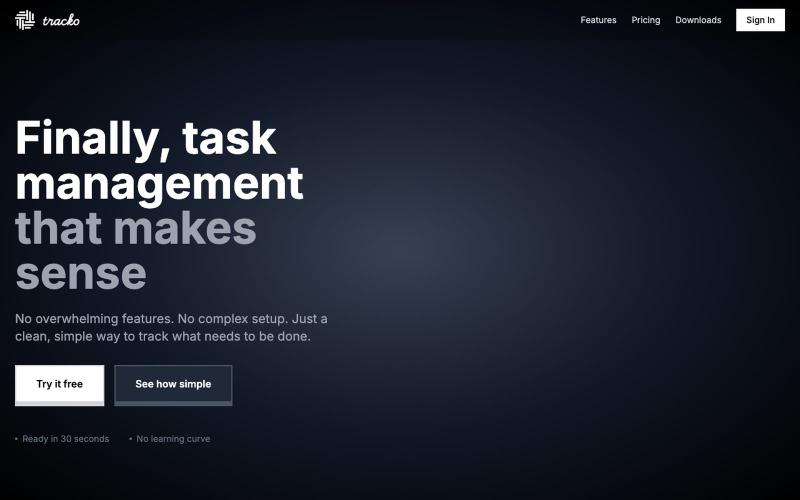
Sign in and start managing projects immediately. No onboarding, no configuration, no switching between tools. One platform, zero friction.
@TaskLemonWorks · X
Dont loose your ideas: Build with ->
完整作品展
技术栈
11 projects

Sign in and start managing projects immediately. No onboarding, no configuration, no switching between tools. One platform, zero friction.
@TaskLemonWorks · X
Dont loose your ideas: Build with ->

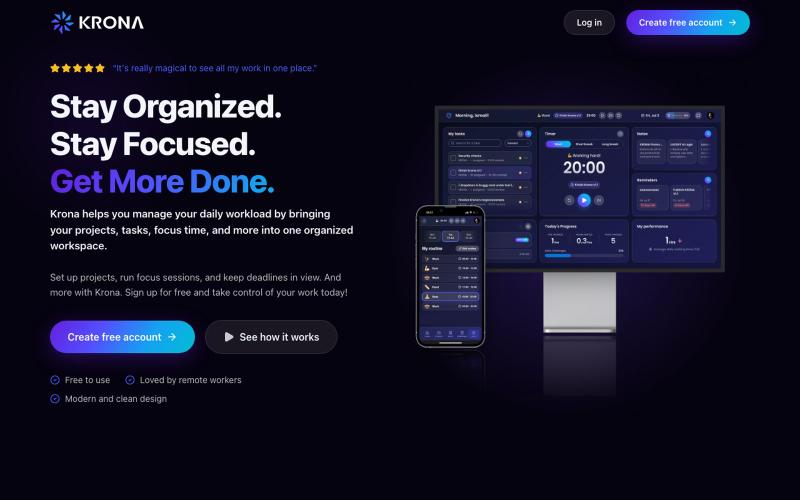
使用Krona工作区通过专注计时器、笔记和日常计划管理自由职业项目和任务。
@mesbahlab · X


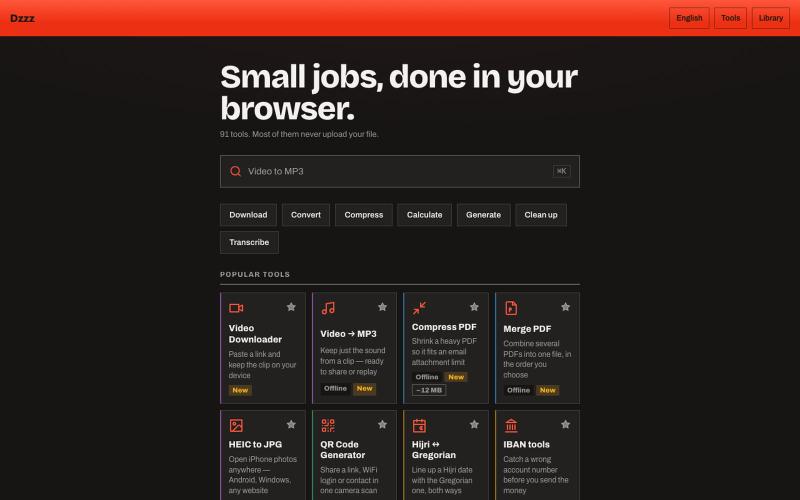
用90+个免费浏览器工具在本地转换、压缩和计算文件。
u/Current-Parking-1296 · Reddit
dzzz.ai over 90 tools in one website privacy focus Hey r/SideProject , I kept uploading private invoices and contracts to random "free PDF tool" sites just to compress a file. Eventually it occurred to me that the browser can do this locally — so I built dzzz.ai : over 90 tools that run entirely on your device. PDF compress/merge, video trim and conversion, background removal, HEIC→JPG, document scanning with your camera, audio transcription, CSV cleanup. All WebAssembly — ffmpeg, Ghost

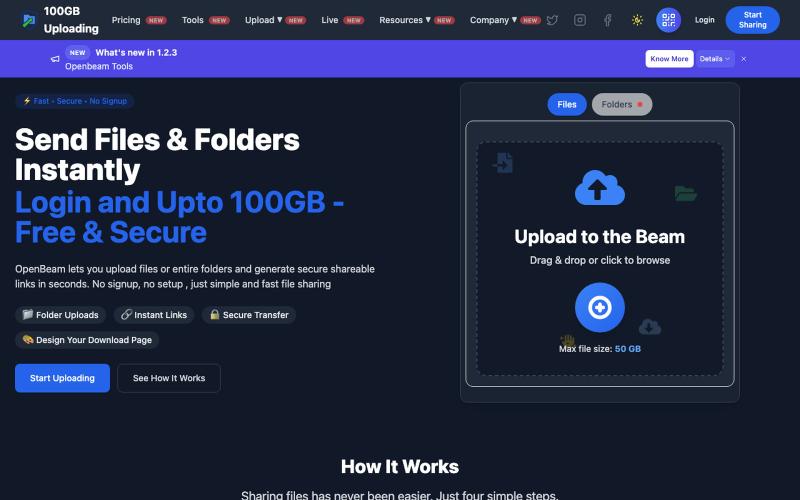
OpenBeam:无需注册,即时分享高达100GB的文件和文件夹。
@Abhishe33854772 · X
Replace Files, Keep the Same Link Upload a file once and share the link Need to update the file later? Simply replace it in and the original link continues to work.

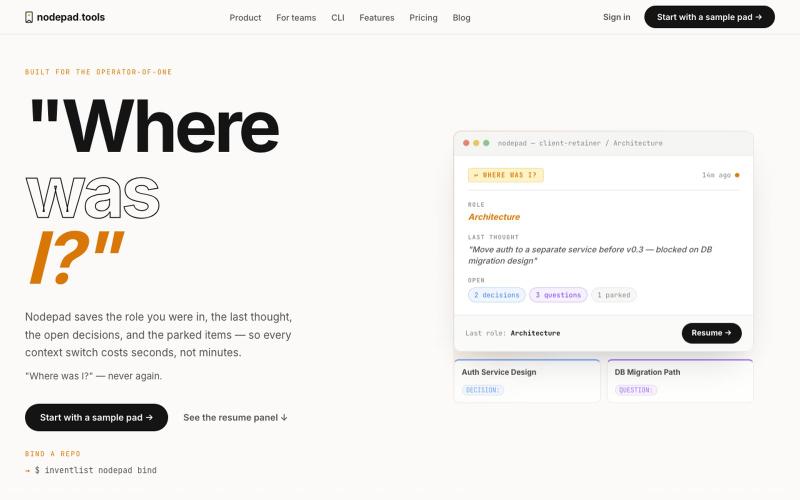
记录项目上下文,随时暂停和恢复工作。
@naumanthanvi · X

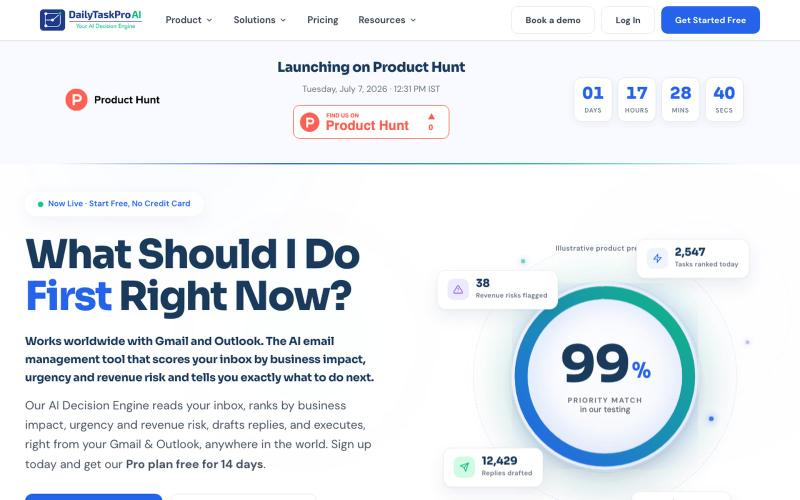
按收入风险评分收件箱、自动起草回复的 AI 邮件管理工具。
@dailytaskproai · X

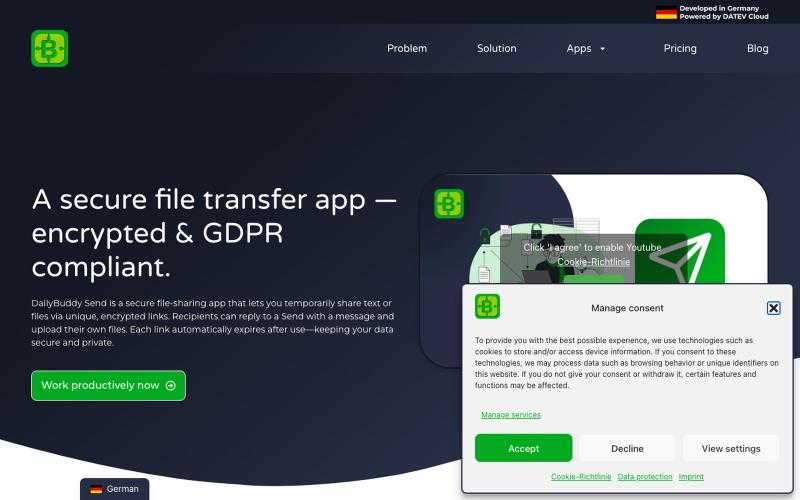
Secure file transfer app with encryption, expiration dates & password protection. Share files GDPR-compliant with DailyBuddy Send
@beckerilja · X
Just shipped: Send is now two-way. 🎉 You could always share files securely. Now the recipient can upload files & send text back too — no account needed. Secure file requests, basically. → #buildinpublic #saas

在浏览器中录制屏幕,保存至 Google Drive,并通过即时链接分享,仅需 $29。
@HashamBuilds · X
Building Walkthrough, screen recorder, $29 once, videos save to your own Google Drive. No subscription, no vendor servers. 14 days refund with no question asked. Now shipping in public daily. 🔗

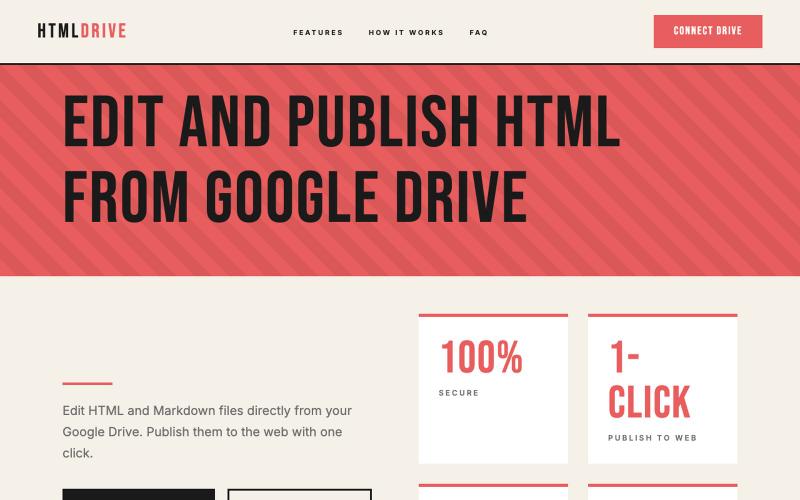
从 Google Drive 编辑和发布 HTML 文件。
debamitro · HN
I found that AI tools are generating excellent HTML documents nowadays, yet there's no easy way to show them to others. Yes, there's GitHub pages - but I don't know if it is user-friendly for non-technical people. This app allows you to keep your HTML file in your Google Drive and serve it from there. Feedback is most welcome.

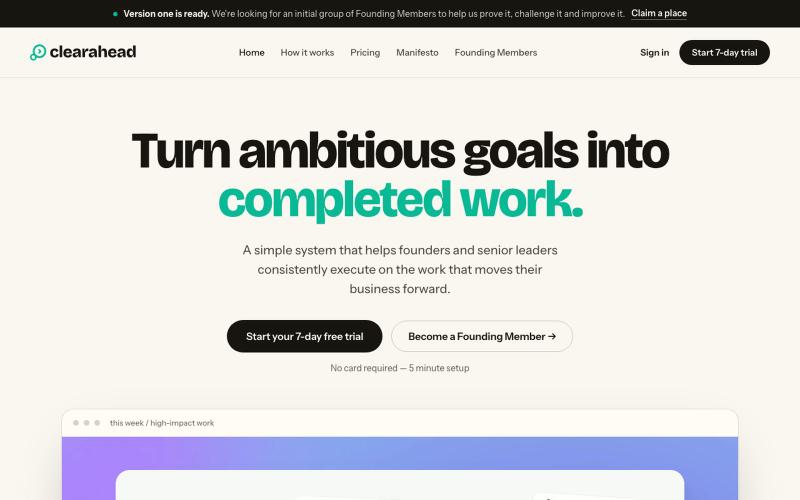
用 Clearahead 简单系统帮助创始人完成远大目标
@Alex_Durston · X
Achieve your most ambitious goals. For founders and senior leaders.