
其他1 month ago
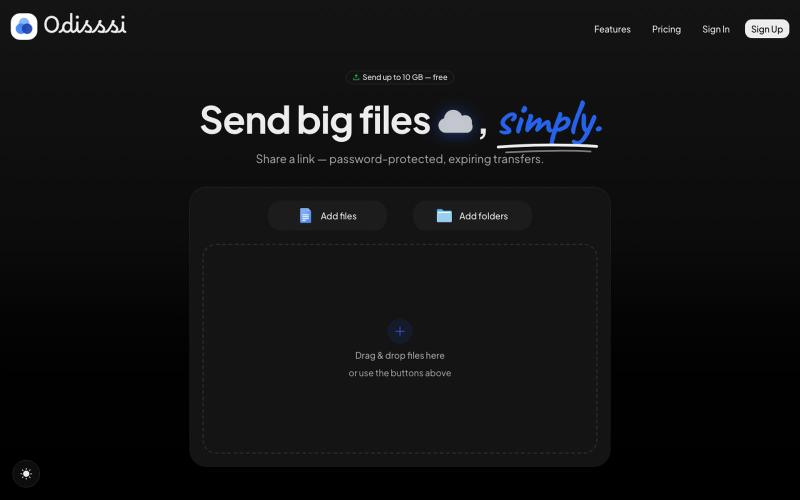
Odisssi — Simple, secure file transfers
Send large files with a simple link. Password-protected, expiring transfers — no account needed to receive.

@Odisssi · X
完整作品展
技术栈
20 projects
Send large files with a simple link. Password-protected, expiring transfers — no account needed to receive.
@Odisssi · X
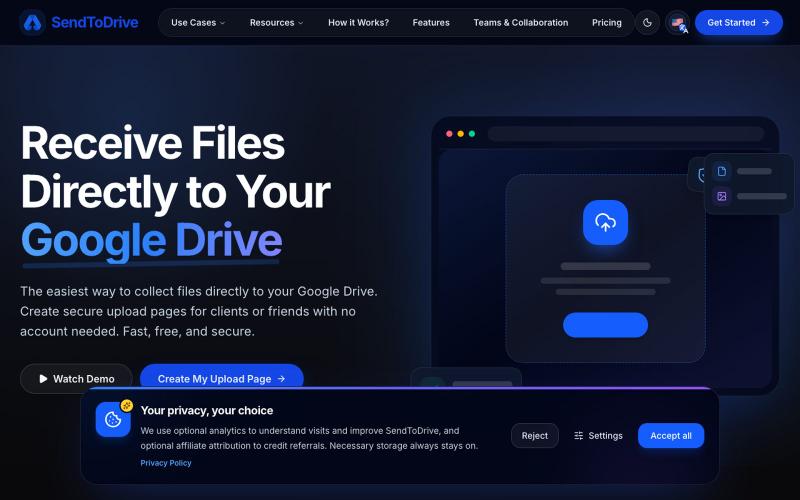
The easiest way to collect and receive files directly to your Google Drive. Create secure upload pages for clients with no account needed. Fast & secure.

@aribmbang · X
receive files from clients directly to your Google Drive
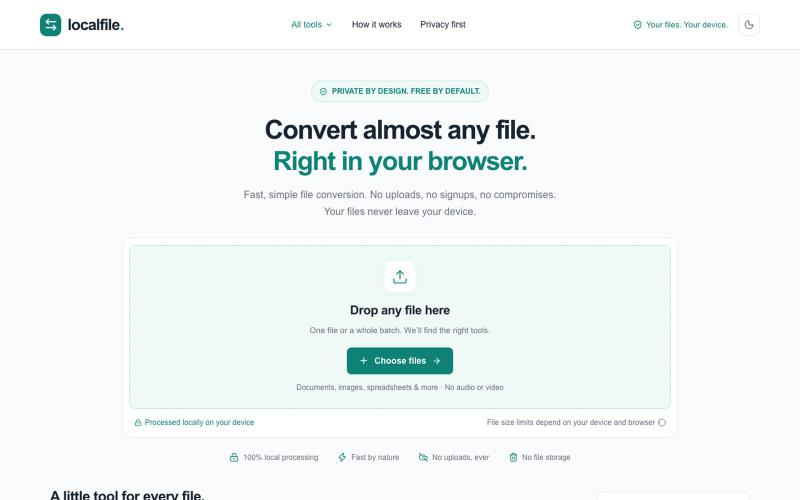
在浏览器中私密转换PDF、图片、文档和压缩包,无需上传。
u/iExistence · Reddit
Local File Converter Testing Hi guys, anyone willing to test out this file converter with the help of AI? It’s still in early testing and I want to see what actually breaks. I’m currently working on PDF → DOCX since there are still some issues with that conversion. https://local-file-converter.localfile.workers.dev Any feedback is appreciated. Especially broken conversions, browser and device issues, or formats you would like added. Thanks! submitted by /u/iExistence t
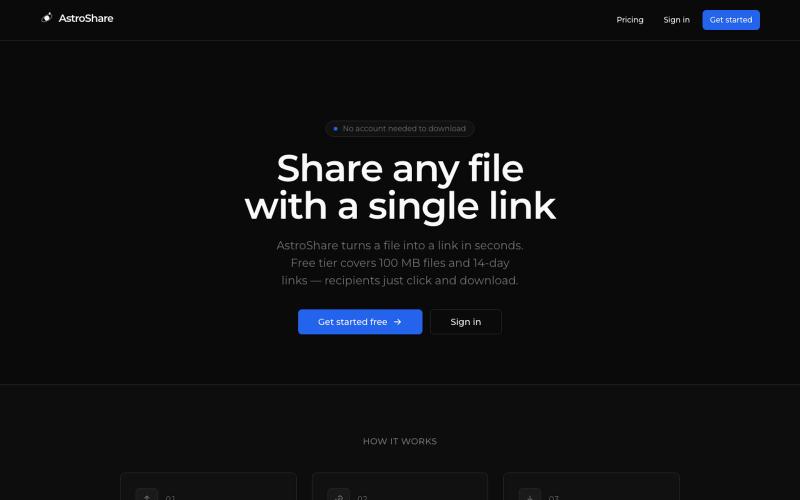
上传文件,生成分享链接让任何人下载。

@astrolinkcc · X
Try one of our products!
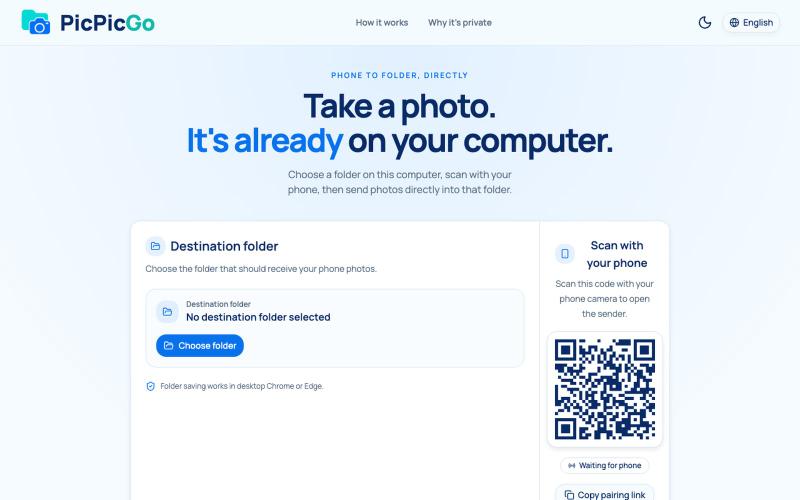
从手机直接将照片传送到电脑文件夹,无需账户或安装。
1010115121 · V2EX
做了个网站,将手机的照片实时同步到电脑指定的文件夹,不需要复杂的操作! 最近自己有个需求:需要把手机刚拍的一批图(十来张)快速传到电脑 试了一圈手机和电脑的同步方案,都有点麻烦,所以自己做了个工具站:PicPicGo https://picpicgo.com 使用很简单: 1 、电脑打开网页,选择一个文件夹 2 、手机扫码进行连接 3 、手机拍照或选择照片 4 、照片自动保存到电脑刚才选择的文件夹 不需要安装电脑软件,也不需要安装手机 App ,打开网页就能用 照片通过 WebRTC 在设备之间直接传输。 目前只支持同局域网的设备,刚发布,发出来看看有没有人也有类似需求,欢迎试用和提意见。
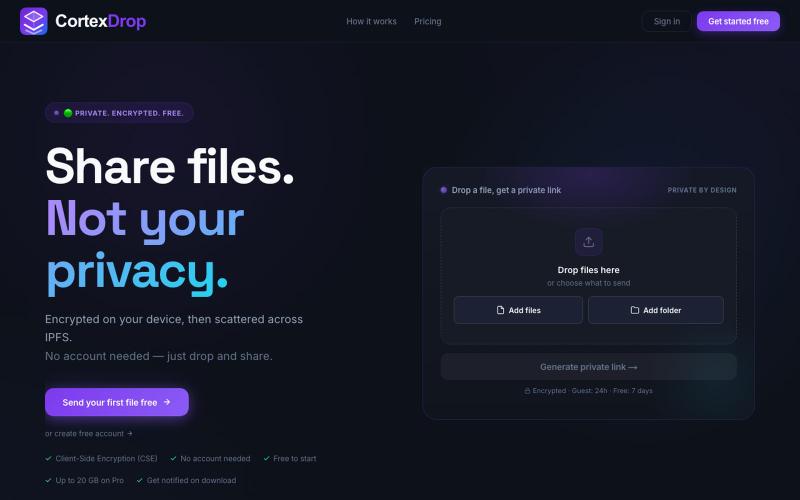
分享加密文件,带自销毁链接,无需注册。

@cortexdrop · X
CortexDrop- first consumer file sharing built on IPFS. Drop a file, get a private link.
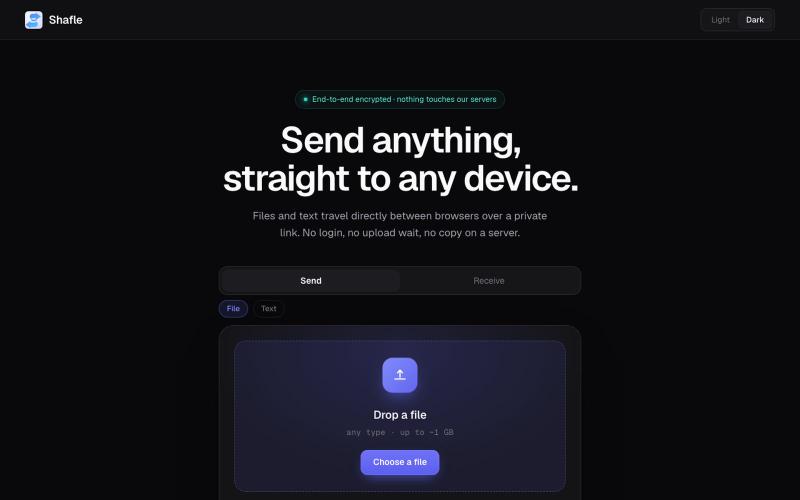
在浏览器间直接共享文件和文本,无需服务器存储或登录

@bytestreak · X
Building a frictionless, forever free file sharing utility tool. Check it out here:

Upload a PDF bank statement, get a clean Excel or CSV file with every transaction verified against the running balance. Statements are never stored.

@bunedbek95381 · X
Built a tool that turns bank statement PDFs into verified Excel — it recomputes the running balance and flags the exact row that doesn't reconcile. Still early, would love feedback →
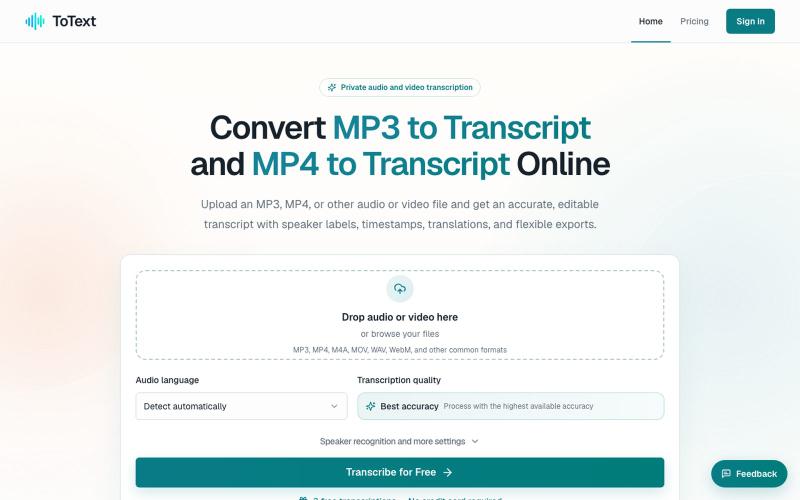
将 MP3 和 MP4 文件转换为带有时间戳和说话人识别的可编辑文字稿。
digiplanp · V2EX
做了一个音视频转文字工具,支持 MP3/MP4、说话人识别和字幕导出 大家好,最近做了一个在线音视频转文字工具 ToText ,想发出来请大家体验一下,也听听 V 友的意见。 最开始做这个工具,是因为我自己在处理会议录音、访谈和视频内容时,发现单纯生成一大段文字并不太实用。转录完成后,通常还需要反复对照原始录音、修改错误、区分说话人,再整理摘要或字幕。 所以现在做成了一个相对完整的工作流: * 上传 MP3 、MP4 、M4A 、MOV 、WAV 、WebM 等音视频文件 * 自动识别语言并生成带时间戳的文字稿 * 支持说话人识别和说话人名称修改 * 点击文字片段可以跳转到对应的音视频位置 * 可以搜索、编辑和校对转录内容 * 自动生成摘要、会议纪要、章节和行动事项 * 支持导出 TXT 、DOCX 、PDF 、SRT 、VTT 、CSV 和 JSON 音频文件可以直接使用 [MP3 to Transcript]( https://totext.app/) 功能,比较适合播客、访谈、课程录音、会议和语音备忘录。 视频文件也使用同一个编辑器,通过
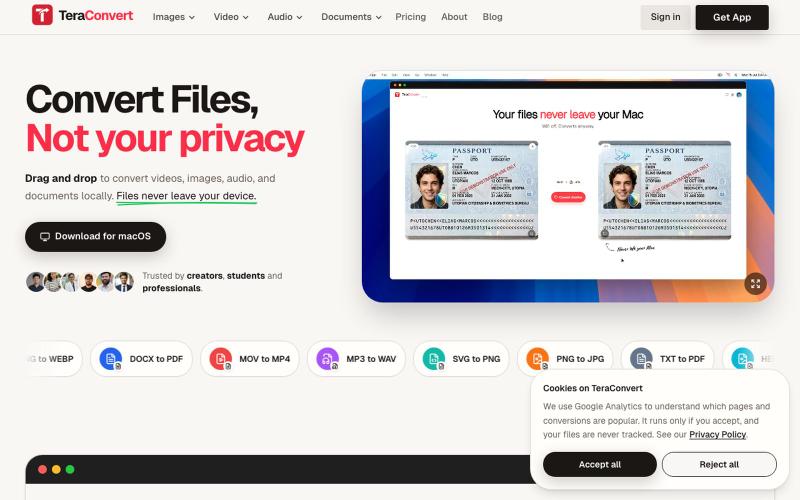
Convert images, video, audio, and documents without uploading a thing. Everything runs on your device. 800+ conversions on Mac, 200+ in the browser. First conversion is free, then

@yogendrasinghx · X
Alright, roast this Privacy-first file converter for Mac 800+ conversions, everything happens locally. Don't hold back 😭
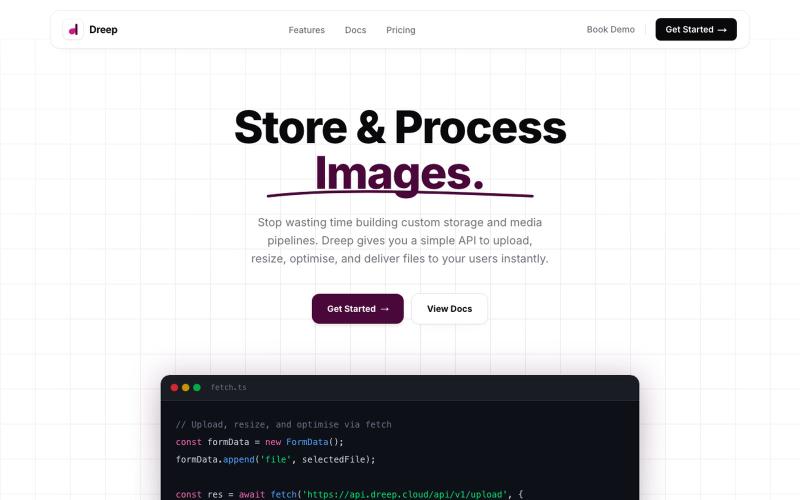
通过 API 和仪表板上传、存储和交付媒体文件。

@SOrjiude · X
Hey Peter, you can store those files here
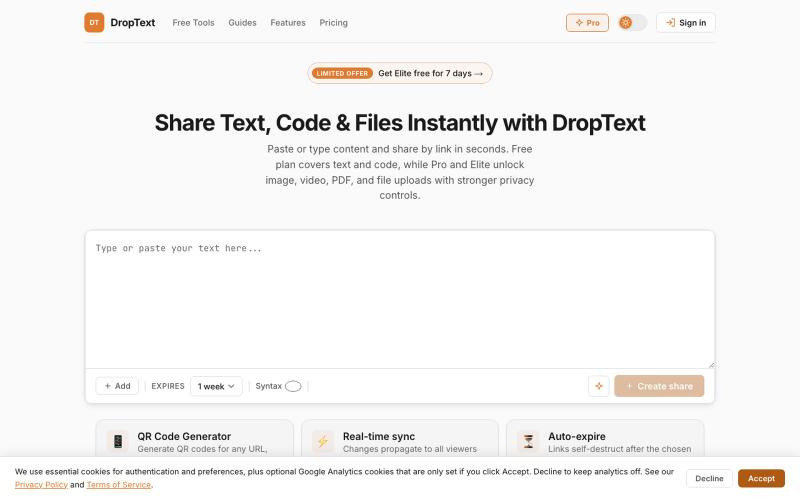
Drop text, files and content, get a link. Share text, code, images, videos, and files with auto-expiry, live collaboration, and secure premium controls.

@Jatin__Saini · X