
生产力3 weeks ago
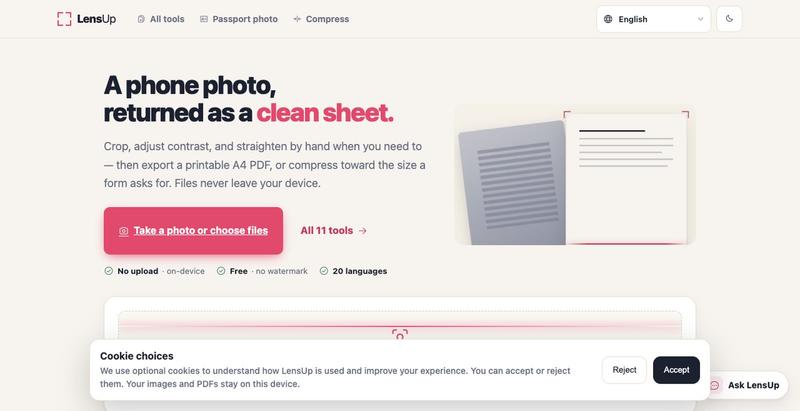
LensUp — Free online document scanner (photo → PDF)
将照片转换为清晰、可打印的PDF,支持自动裁剪、去阴影和压缩。
Open source
完整作品展
技术栈
26 projects
将照片转换为清晰、可打印的PDF,支持自动裁剪、去阴影和压缩。

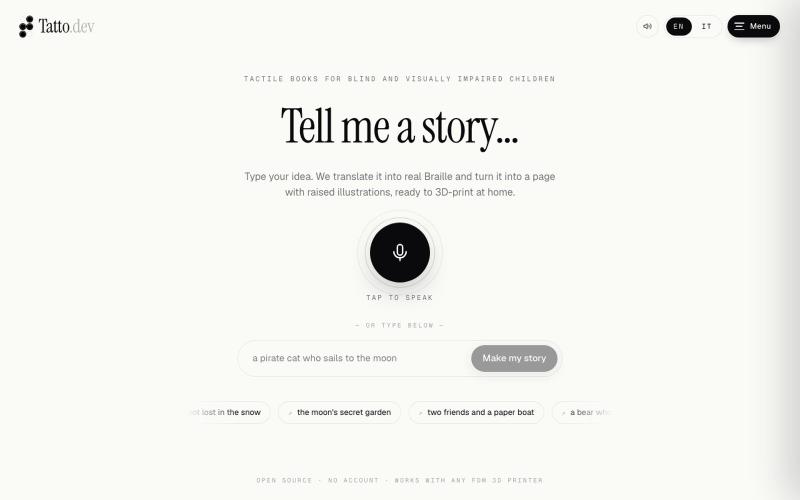
Tatto.dev 将故事创意转化为 3D 打印的盲文触感页面,适合盲童和低视力儿童。

@fgiuliani87 · X
What if every blind or visually impaired child could create—and touch—their own story? ✨ Type an idea. We turn it into real Braille and raised illustrations, ready to 3D-print at home. Built with @lovable to make imagination accessible to everyone. 💜
体验一部可交互的90年代IRC生活回忆录
sascotto · HN
An interactive story about living on IRC in the '90s
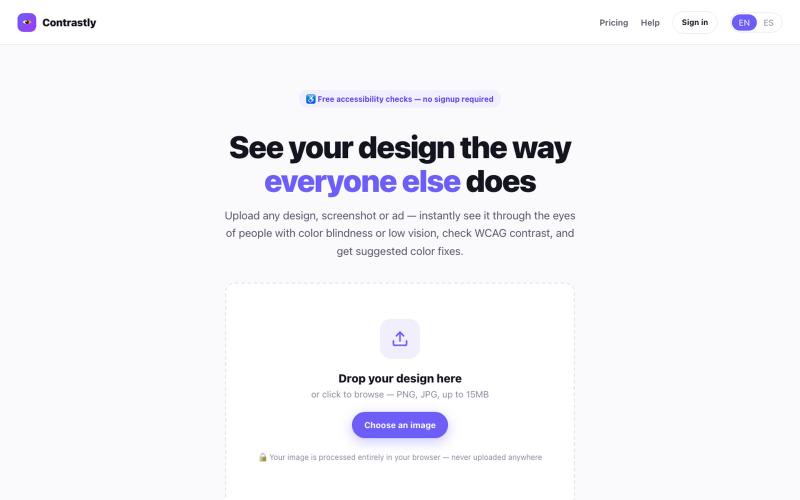
Simulate color blindness and low vision on any design, check WCAG contrast, and get smart palette fixes — instantly, free, no signup.

@contrastlyapp · X
Just launched Contrastly 👁️ See your design through everyone's eyes — instantly simulate color blindness & low vision, check WCAG contrast, get smart palette fixes. Free, no signup needed. 🔗 #accessibility #a11y #buildinpublic #indiehackers
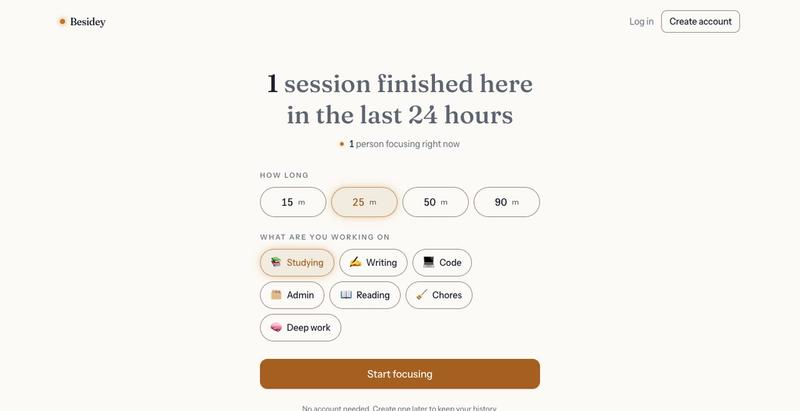
Besidey:一个专注计时器,可以实时看到其他人专注工作,无需摄像头或聊天。

@K_dev001 · X
Working alone is hard. I built Besidey: Start a focus timer and you can see other real people focusing at the same time, what they are working on, and roughly where they are. #buildinpublic #shipit #focus #productivity
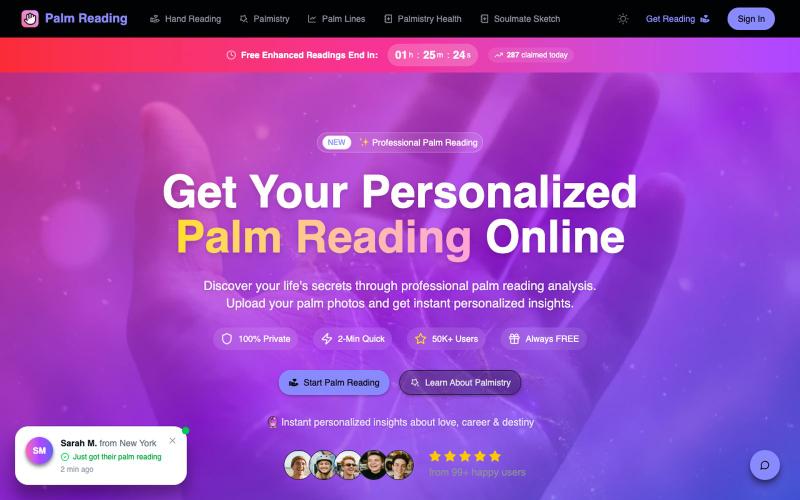
上传手掌照片获取AI驱动的个性化看手相分析。
palm reading online — AI 看手相网站
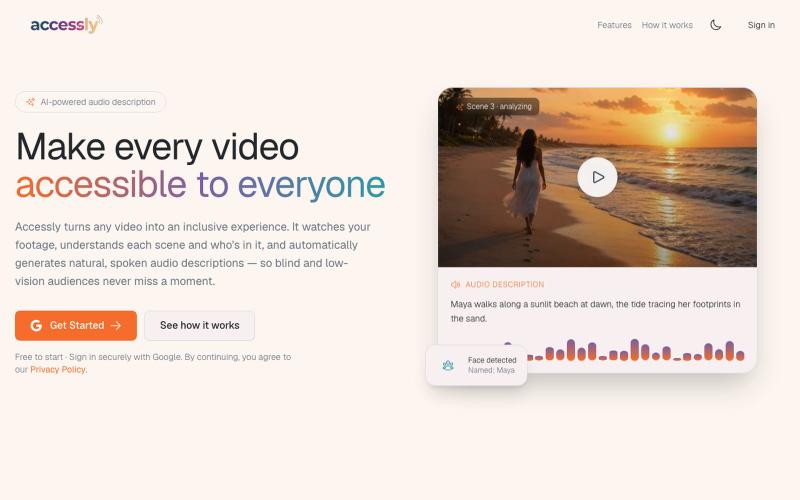
自动为视频生成音频描述,帮助视障用户无障碍访问视频。
u/Thecuriousbloke · Reddit
I built an AI tool that automatically generates audio descriptions for videos. I'd love some honest feedback I've spent the last few months building an AI tool that automatically generates audio descriptions for videos to make them accessible for visually impaired users. I'd love feedback on whether the descriptions are actually useful or if there are obvious issues. Looking for honest feedback. Check it out here - https://accessly.studio submitted by /u/Thecuriousbloke t
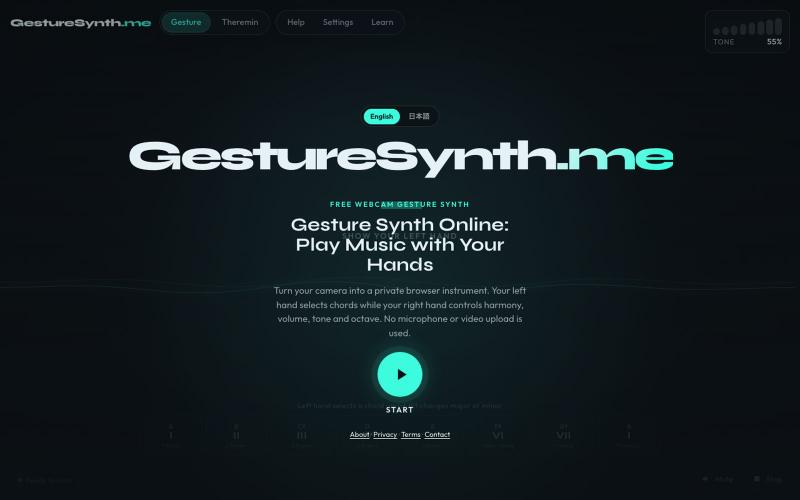
用网络摄像头手势演奏音乐,支持和弦和音高控制,无需下载或注册。
lisheng3698 · V2EX
我把摄像头变成了乐器:从手势识别到 Web Audio,分享 5 个真正踩过的坑 最近做了一个有点不一样的浏览器小项目:用摄像头识别双手动作,再把手的位置和姿势映射成和弦、音高、音量和音色。 不需要安装软件,也不需要麦克风。打开网页、允许摄像头后,就可以隔空演奏。 项目地址:[GestureSynth.me]( https://gesturesynth.me/) 建议使用最新版 Chrome 或 Edge 。摄像头画面只在本地处理,不会上传。 ## 真正难的不是“识别到手” 最开始我以为,只要 MediaPipe 能返回手部关键点,剩下的事情就是把坐标转换成音符。 实际做下来发现:**识别出一只手很容易,让它变成一个“能演奏”的控制器才难。** 摄像头每一帧都会返回一组手部关键点,但这些坐标会轻微抖动,偶尔还会丢失。如果直接把原始坐标连接到音高或者音量,听起来会非常不稳定。 最后形成的处理链路大致是: ```text 摄像头 → 手部关键点识别 → 提取手掌位置、距离和手势 → 平滑、死区和状态保持 → 映

在浏览器中用 Screely 创建专业截图效果图,支持框架、背景和标注。

@Aticmatic_com · X
of course for people:
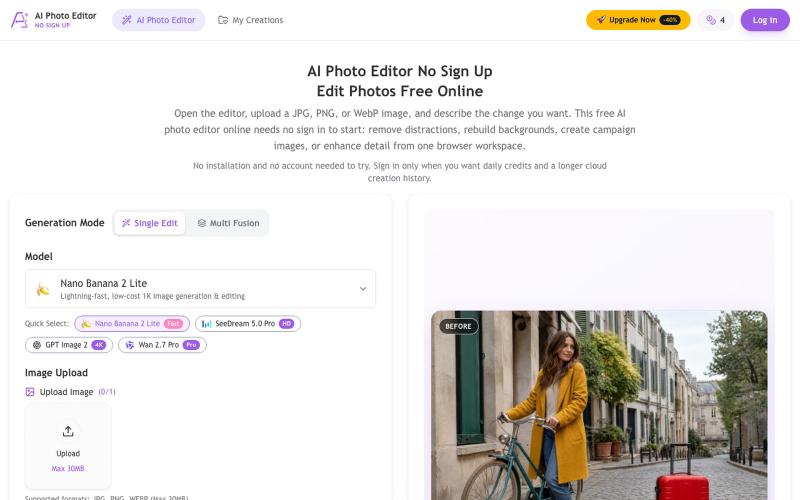
用 AI 去除物体、替换背景、增强照片,无需注册即可下载。
chenliang001 · HN
AI Photo Editor No Sign Up – Edit Photos with Prompts
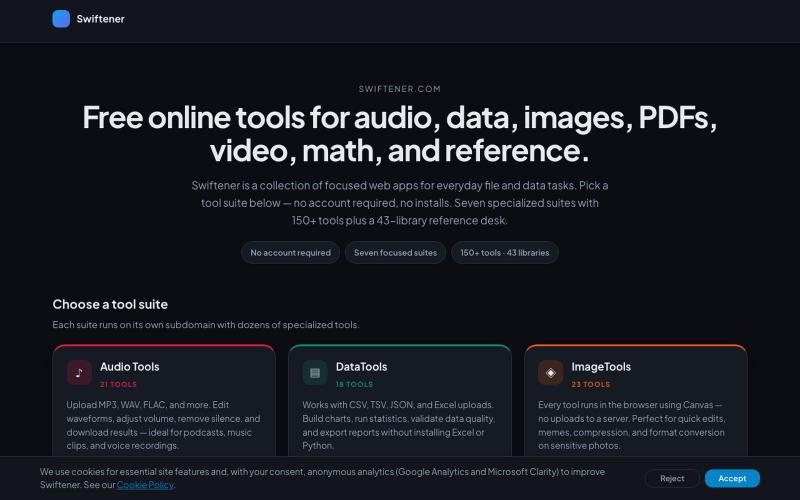
Swiftener:150+免费在线工具,编辑音频、图像、PDF、视频等,无需注册。

@factfile0 · X
