
创意工具1 month ago
AI Pixel Art Generator & Editor for Game Assets | Sprite Fusion
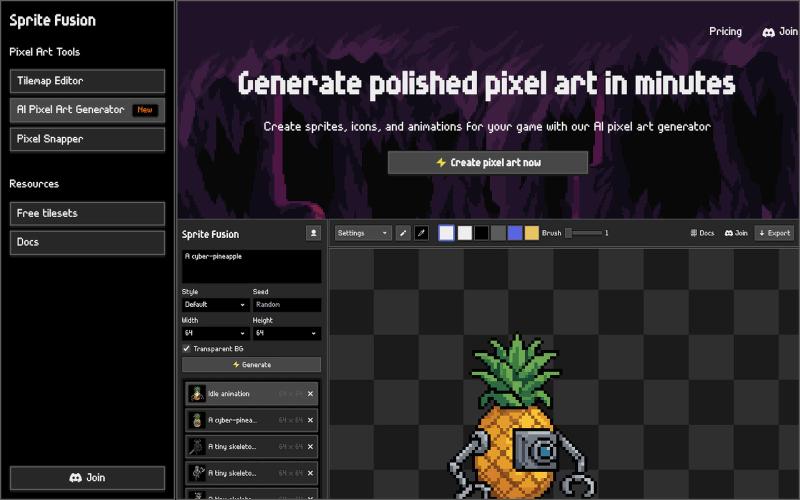
使用AI创建像素艺术精灵和游戏资源,然后在浏览器中编辑并导出。
Open source
hugodpz · Product Hunt
AI Pixel Art Generator The professional AI pixel art generator for game developers
完整作品展
技术栈
13 projects
使用AI创建像素艺术精灵和游戏资源,然后在浏览器中编辑并导出。
hugodpz · Product Hunt
AI Pixel Art Generator The professional AI pixel art generator for game developers
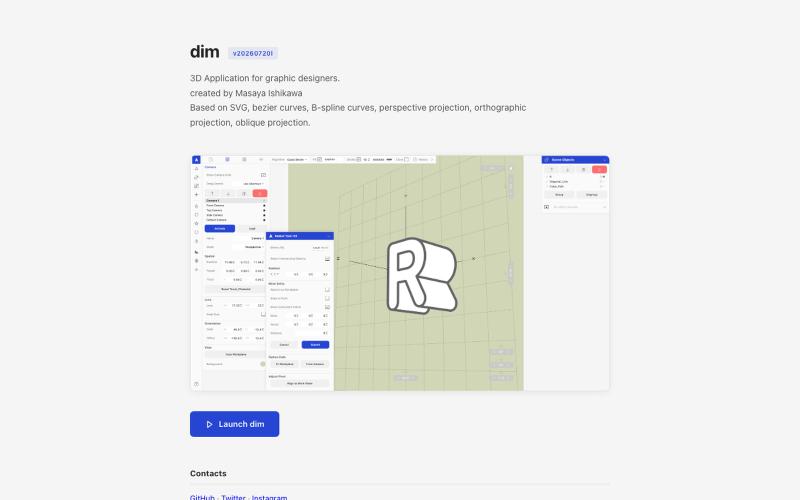
从 Adobe Illustrator 导入 2D 路径,在 3D 中变换并以矢量格式导出。

@kamone · X
I built (vibe coded) my own geometry engine from scratch. It keeps path as path, and does the transformation and the silhouette splitting. You can see the code here. One single html file.
从提示词或图像生成无缝图案纹理,可预览、重新着色和导出。
Seamless Canvas — AI 无缝纹理生成器,通过文字描述或上传图像生成可平铺纹理 - [更多介绍](https://seamlesscanvas.com)
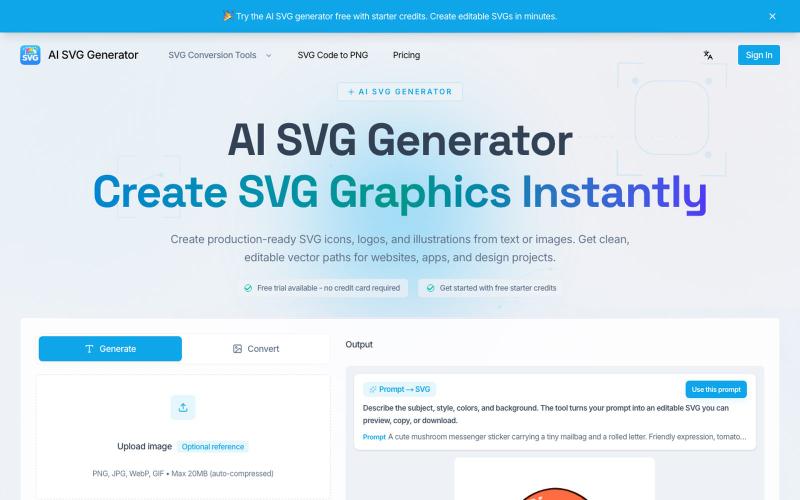
从文本生成 SVG 图标、Logo 和矢量图形。
AI SVG Generator — AI SVG 生成器,可将文本即时转换为精美的 SVG 图标、Logo 和矢量图形。

在浏览器中将照片和视频转换为ASCII艺术、像素艺术和马赛克。

@kail_designs · X
Jokes aside but honestly (Landing page) was built with Claude (Opus 4.7) in 1 day. But no, it was not just four prompts or some random skills. Here's how I built the entire AsciiMagic landing page with Claude in one day👇 Started with a rough sketched wireframe. Then designed it in @paper Then I used the Paper MCP with Claude to recreate that design in code and get a solid first version running. From there, the real work began. I kept iterating with specialised Claude skills: • impeccable • frontend-design • emil-design-eng • review-animations • responsive-design • seo-audit Each one improved a different part of the experience. By the end, the page had: • Mobile-first responsiveness • Better SEO optimised copy • Smooth micro-interactions • Cleaner frontend architecture Then came the part people don't see. For the next 5–6 hours, I wasn't asking Claude to "make it prettier." I was: • Fine-tuning layouts • Uploading and compressing assets • Moving files across diff
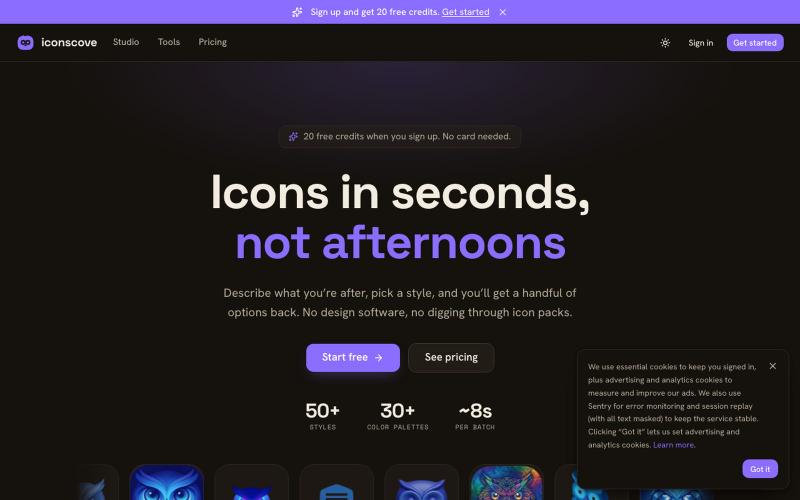
输入文本描述生成专业图标,50+种风格可选,支持PNG下载。
mantasge · Product Hunt
IconsCove AI Icon Generator with 50+ styles and library management
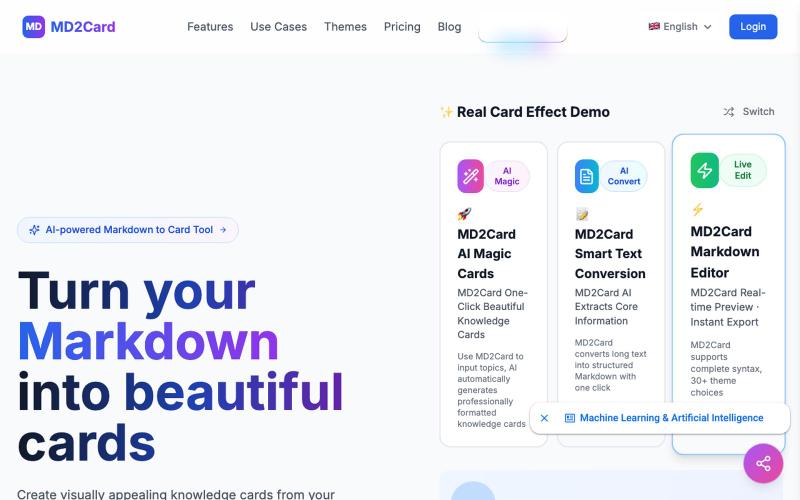
将 Markdown 转换为视觉知识卡片,支持 30+ 主题和多格式导出。
md2card — MD2Card 在线工具,支持多主题,一键将 Markdown 拆分并生成知识卡片,支持 AI 魔幻卡片和长文智能拆分功能,可编辑,可导出 PNG/SVG/PDF,适合笔记分享与社媒传播
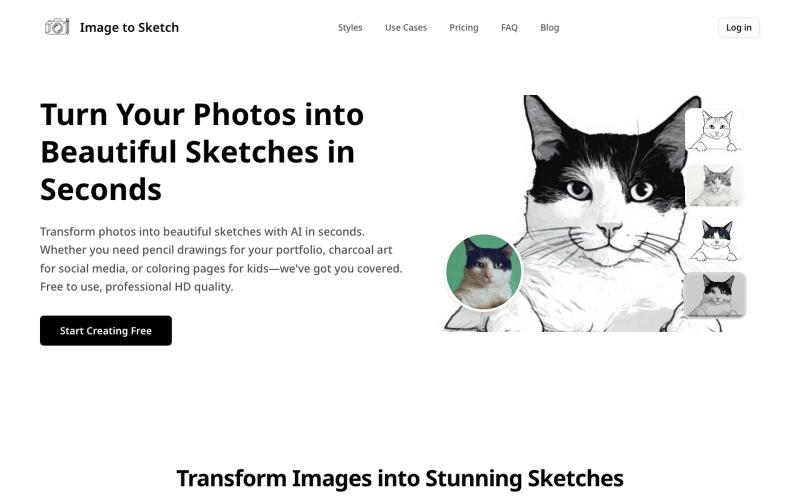
用AI将照片转换成素描、炭画或卡通艺术,即时在线生成。
image-to-sketch — 图片转素描 AI 小工具
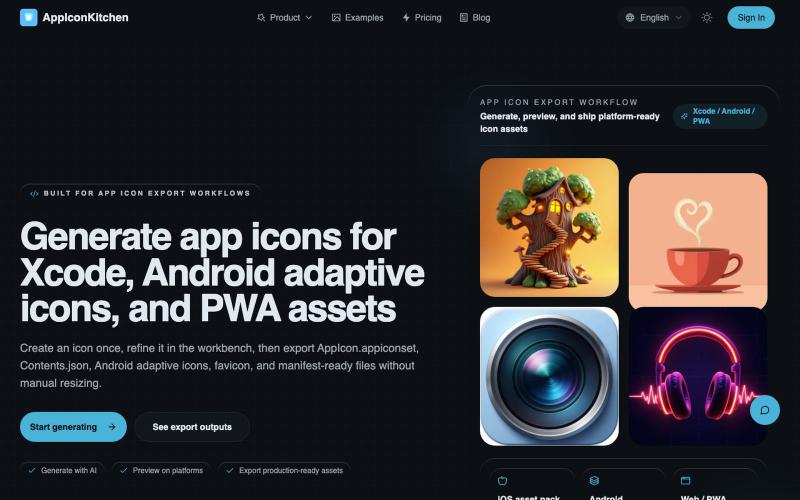
生成 AI 图标,导出 iOS、Android、PWA 优化版本。
AppIconKitchen — 最好用的免费 AI 应用图标生成器,专为开发者设计。一键导出 iOS、Android(支持自适应图标)和 Web/PWA 全平台资源,完美符合 App Store 和 Google Play 规范。

图片转 ASCII 字符画、复制符号、查看码表、进制转换——全在浏览器。
HeStudy · V2EX
做了个纯前端的 ASCII 工具站:图片转字符画、banner 生成、符号一键复制 平时偶尔需要查 ASCII 码表、复制一些特殊符号(箭头、制表符这类),每次都是搜一个满屏广告的老站凑合用,索性自己做了一个: https://getascii.com 目前有这些工具: 图片转 ASCII 字符画(拖一张图进去就行,支持调宽度/字符集/反色) 文字转 ASCII banner 大字 常用符号一键复制(箭头、制表符、数学符号、颜文字) 完整 ASCII 码表 + 一个交互式键盘映射图(点键盘上的键显示对应的 dec/hex 码) 进制转换器( hex/dec/bin ↔ ASCII ) 几个实现上的点: Astro 构建的纯静态站,所有工具都是纯客户端计算,图片不会上传到任何服务器 没有账号系统,没有付费墙,打开就用 整站是绿色荧光终端风( CRT 扫描线 + JetBrains Mono ),算是给终端审美交个作业 顺手给它做了个 25 秒的宣传片: https://www.youtube.com/watch?v=AjzU5mw1PrI
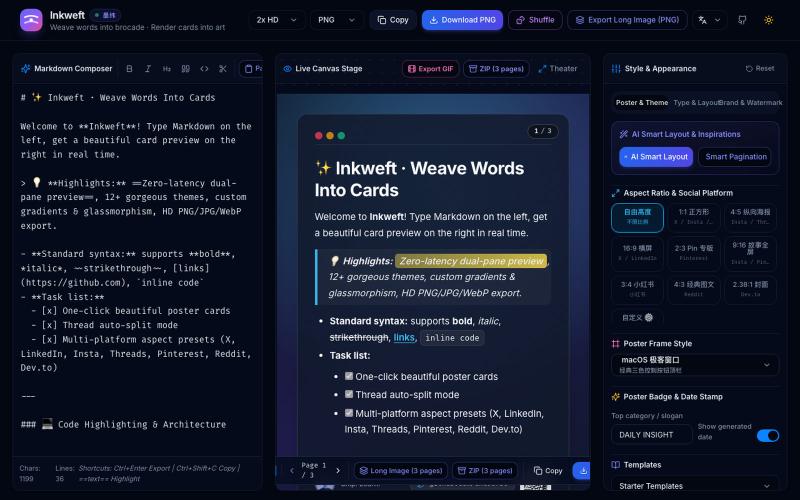
将 Markdown 笔记转换为高颜值社交海报卡片,12 个主题,导出 PNG/JPG/WebP。

@dxer0730 · X
做了一个把 Markdown 笔记 3 秒变成高颜值社交海报的小工具,支持连载切图与无缝长图拼接 在线体验 / 开源:
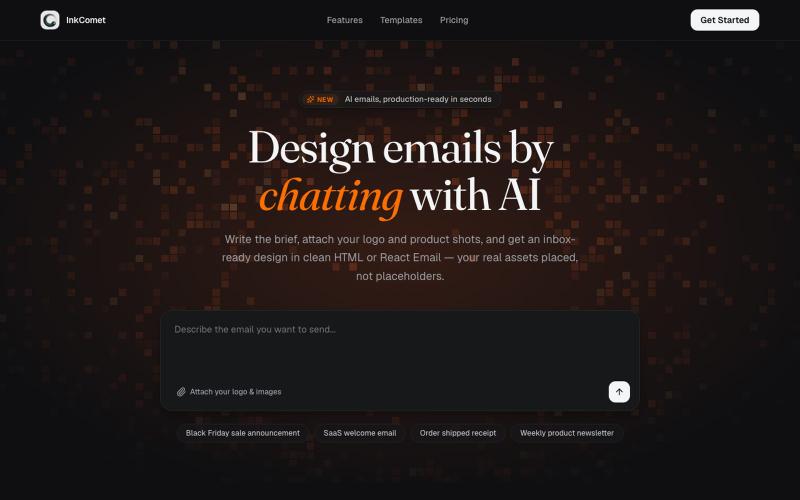
使用AI设计电子邮件模板,导出为HTML或React Email格式。

@aaryanpatel_06 · X
If you have an app and you have to design emails, then you also have