

AI 智能体1 week ago
Computer Agents | Agentic Compute Platform
在云平台构建和部署AI代理,支持持久线程、Webhook和计划任务。

@computer_agents · X
完整作品展
技术栈
24 projects
在云平台构建和部署AI代理,支持持久线程、Webhook和计划任务。
@computer_agents · X

网站AI客服小工具,基于获批来源为客户解答问题

@titask420 · X

从 Google Drive 编辑和发布 HTML 文件。
debamitro · HN
I found that AI tools are generating excellent HTML documents nowadays, yet there's no easy way to show them to others. Yes, there's GitHub pages - but I don't know if it is user-friendly for non-technical people. This app allows you to keep your HTML file in your Google Drive and serve it from there. Feedback is most welcome.

使用 Claude Code 构建可通过 SMS 与外部系统交互的 AI agent。
jacobgc · HN
Outside Agent – Build SMS Agents from Claude Code
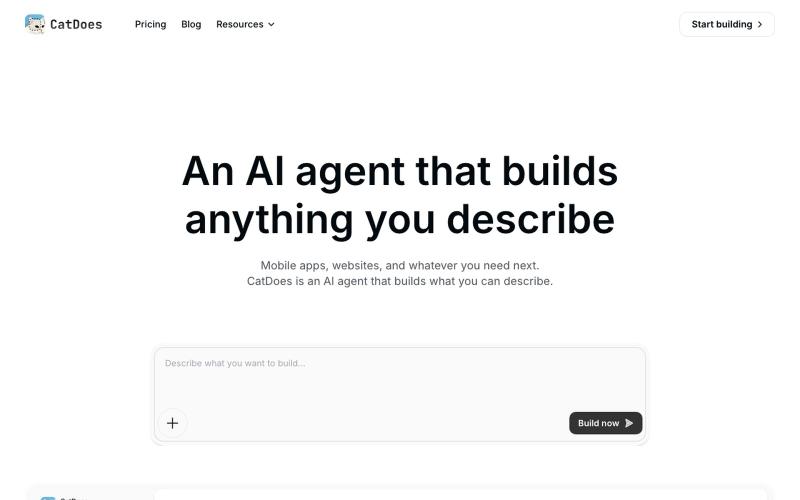
输入提示词让AI代理自动生成、测试和部署移动应用与网站代码。

@f_lecroissant · X
building apps for business on

按职业场景语义搜索 AI Skills,保存收藏集,一键装入 Claude Code。
SkillForge — Claude Skill 发现与分发平台,按职业场景组织 5700+ skill 覆盖 30 个垂直领域,一行命令装到 Claude Code / Cursor,登录后可留存自己的工具集

将 HTML 和 Markdown 转换成可分享的链接和二维码。

@gomixo · X
和团队做了一个非常实用的小工具:HTMLShare。 现在用 AI 生成网页、报告、可视化作品越来越方便,但生成后的 HTML 文件,想分享给别人却很麻烦:要么发文件,要么部署网站,要么截图。 HTMLShare 解决的就是这个问题: 👉 欢迎体验,也欢迎反馈建议。
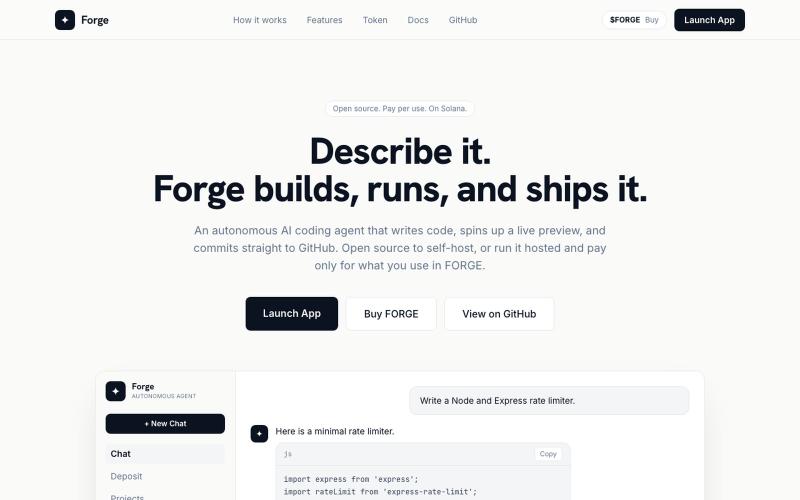
从文本提示自动生成、构建和部署完整项目的AI代理。

@liquidated0x · X
building an AI coding agent that ships full projects from a prompt — if you're if you're curious
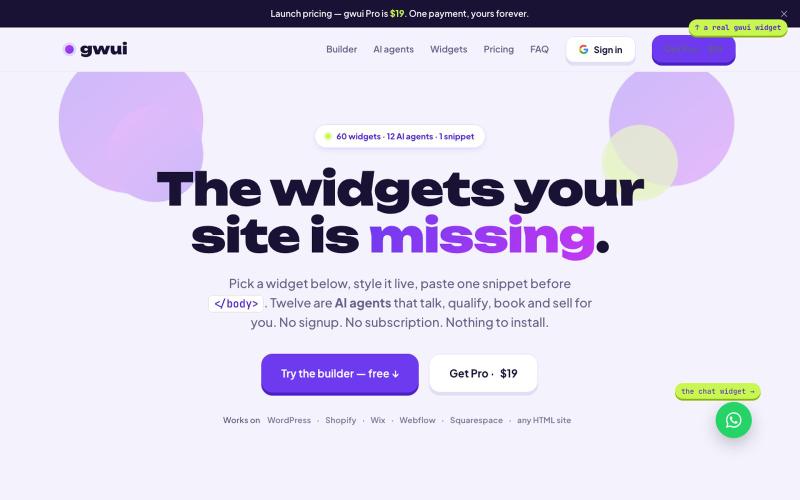
粘贴60个网站小工具和12个AI助手(聊天、搜索、预约等)到你的网站,无需注册。

@TiyebDomainking · X
The AI widgets your site is missing.

在统一终端中同步管理多个AI代理和项目。

@soracstv · X
I run my AI coding agents with AgentsRoom, a visual command center for multi-agent development. @AgentsRoomDev #VibeCoding #AI
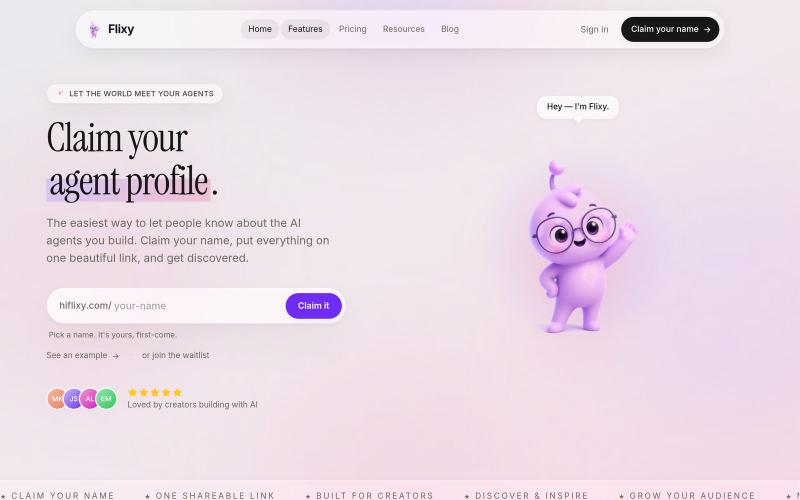
为您的 AI 代理创建个人资料,并通过一条链接分享所有内容。

@Samly139 · X
Linktree for agents!
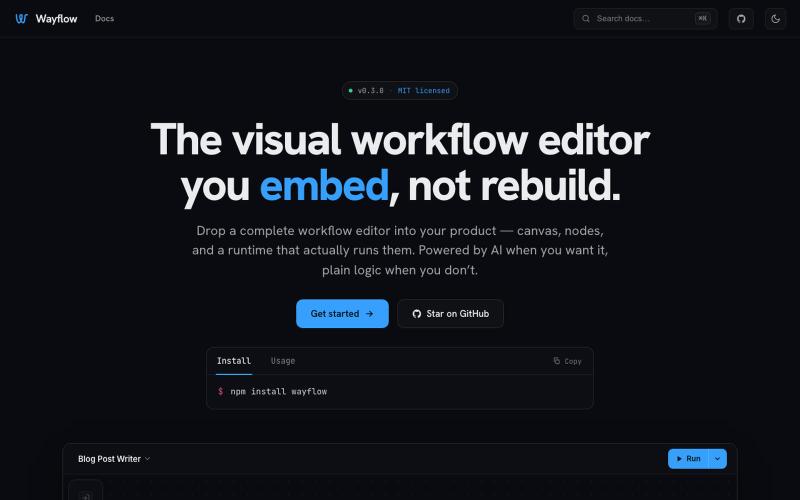
可嵌入的可视化工作流编辑器,支持AI驱动或纯逻辑设计。
tahazsh · HN
Hi! I’m Taha. In many agentic products that support workflows (including one I worked on), I noticed they either don’t support node-based editors, or use React Flow and go through the difficult work of integrating it into their product to run it and work with their existing logic. So I thought about creating a tool that could help with this by closing the gap between the editor and the runtime. That’s why I created Wayflow. The basic architecture is simple: you just need to create a graph (which is a JSON object) that the runtime knows how to run. The runtime doesn’t care where that graph is coming from, it just needs the right schema. And with the help of the editor, you can create the graph, and then export it or directly save it on your backend in your database. And then when you want to execute it, you just hand it to the runtime. The runtime can either stream the execution (which is useful for the editor), or give you the final result. How you execute the graph is up to you: t