
其他2 weeks ago
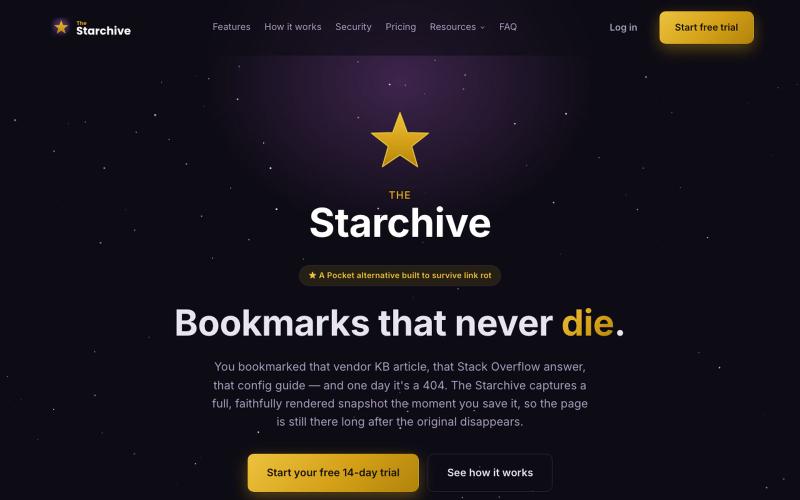
The Starchive — Bookmarks that never die
Archive a web page in one click with the Chrome or Firefox extension — a full, rendered snapshot, not just a link, still there after the original 404s.

@TheStarchiveX · X
完整作品展
技术栈
26 projects
Archive a web page in one click with the Chrome or Firefox extension — a full, rendered snapshot, not just a link, still there after the original 404s.
@TheStarchiveX · X

从浏览器或手机跨设备管理您的 coding agents。

@vilmire_tmp · X
Tired of alt-tabbing between terminals to check if my coding agents were done, stuck, or waiting on approval. So I built ADHDev: control Claude Code / Codex / Cursor CLI from your browser or phone, on every machine you own. AGPL self-hosted edition too.
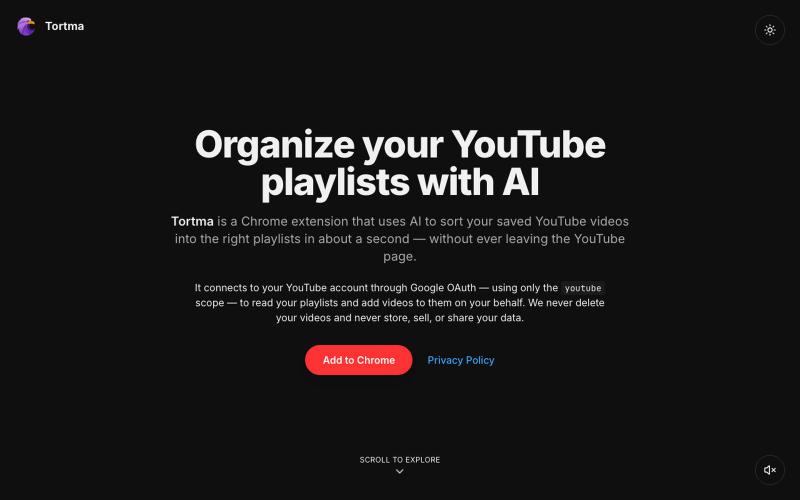
用AI自动整理YouTube视频到播放列表的Chrome扩展。

@almalimir · X
– a @YouTube extension for organizing videos
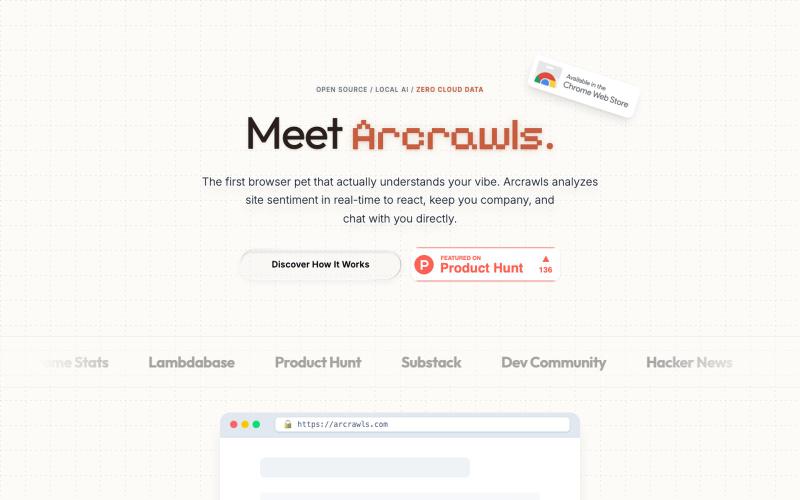
一个会对网页内容做出反应的虚拟宠物。

@fujidevv02 · X
the world's first context-aware, local AI browser pet companion!
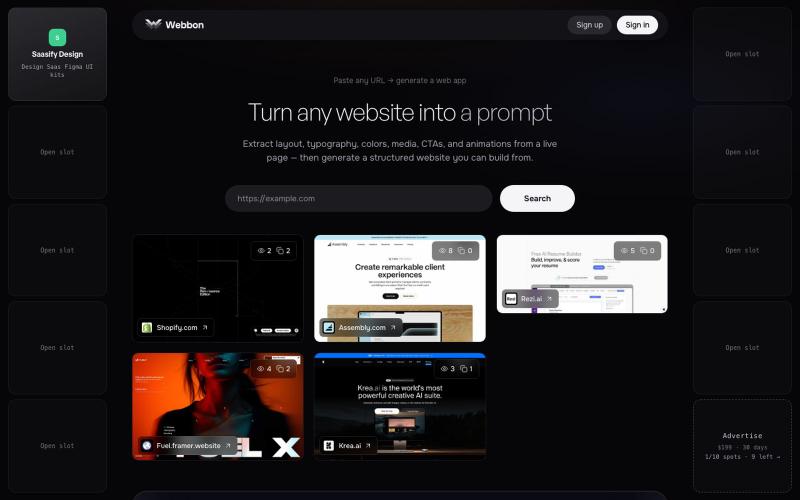
Paste any URL on webbon.xyz to generate a structured website from a live page — layout, typography, colors, media, CTAs, and animations.

@prakashuix · X
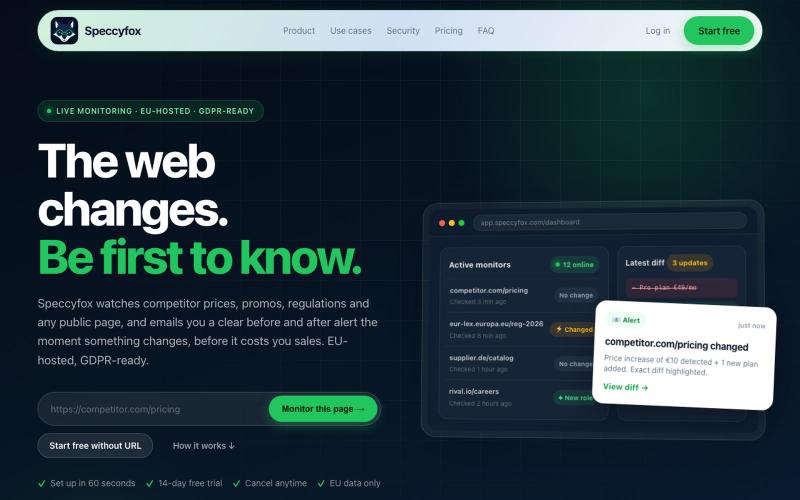
Speccyfox monitors any public webpage and instantly alerts you when something changes — competitor prices, regulations, supplier catalogs, job postings. Set up in 60 seconds. No co

@swir_builds · X
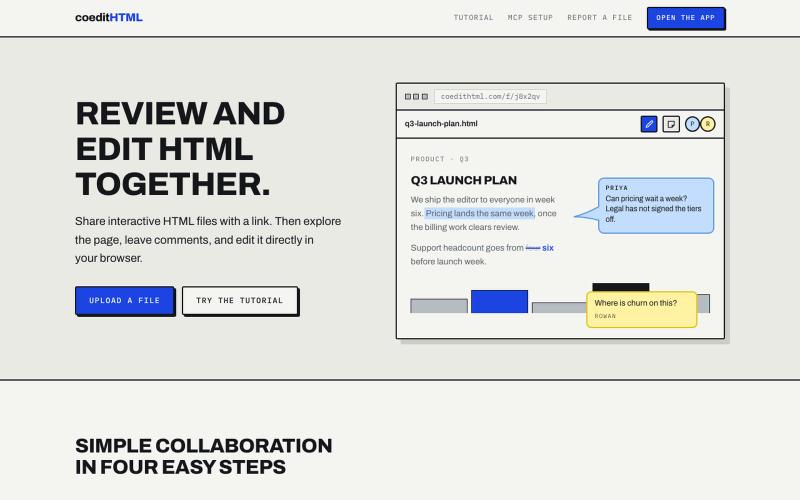
Share and collaborate on standalone HTML files in real time. Leave comments, drop sticky notes, and edit files directly in your browser.
u/Vast-Grapefruits · Reddit
I built a tool to collaborate on HTML artifacts like a PowerPoint As a consultant, I've watched artifacts become more common as a way to communicate ideas and insights, both internally and with clients. The problem is there's no good way to comment on them, collaborate, or make quick edits; so in practice, they're slow to actually use. I built a free tool that lets you leave comments and edit directly, all while sharing with your team. After you make your edits you can export
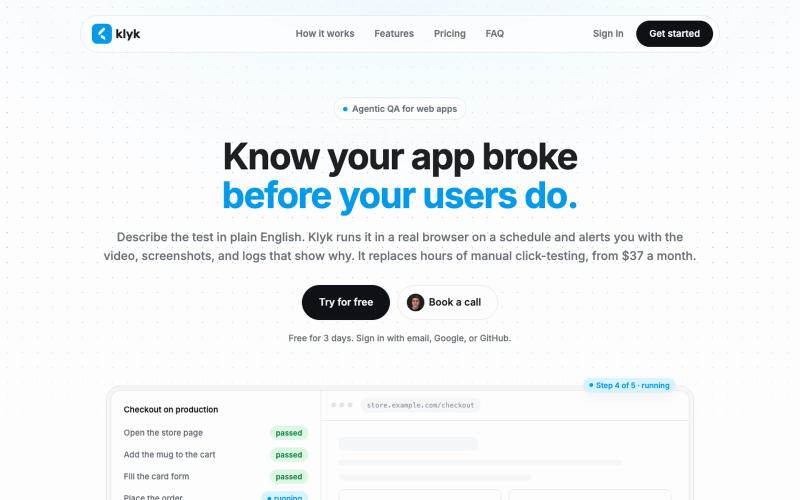
用纯英文编写端到端测试,在真实浏览器上按计划运行。

@vgavrilovikj · X

在浏览器中编辑、压缩、转换和合并视频和音频文件。
zhw2590582 · V2EX
最近对网站进行了重构,做成了免费的视频工具站:[ArtPlayer Tools]( https://artplayer.org/tools/) 主要是围绕着 ffmpeg.wasm 和 mediabunny 实现的一些可以直接在浏览器里用的视频/音频工具,常用的有: - 视频压缩:[Compress Video]( https://artplayer.org/compress-video/) - 视频裁剪:[Crop Video]( https://artplayer.org/crop-video/) - 视频合并:[Merge Video]( https://artplayer.org/merge-video/) - 视频尺寸调整:[Resize Video]( https://artplayer.org/resize-video/) - 视频旋转:[Rotate Video]( https://artplayer.org/rotate-video/) - 视频调速:[Change Video Speed]( https://artplayer.org/change-video-speed/) - 添加文字到视频:[Add Text to Video]( https://artplayer.org/add-text-to-video/) - 添加水印:[Watermark Video]( https://artplayer.org/watermark-video/) - 提取字幕:[Subtitle Editor]( https://artplayer.org/subtitle-editor/) - HLS 转 MP4:[HLS to MP4]( https://artplayer.org/hls-to-mp4/) - 音频可视化:[Audio Visualizer]( https://artplayer.org/audio-visualizer/) 大部分工具都是本地处理,文件不会上传到服务器。最开始是因为自己偶尔要处理一些视频,开剪辑软件又有点重,在线工具又担心隐私,所以就慢慢做成了一个站。 目前还在持续完善,体验肯定还有不少粗糙的地方,比如不同浏览器的兼容、移动端操作、长视频性能之类的。 网站: [ArtPlayer Tools]( https:
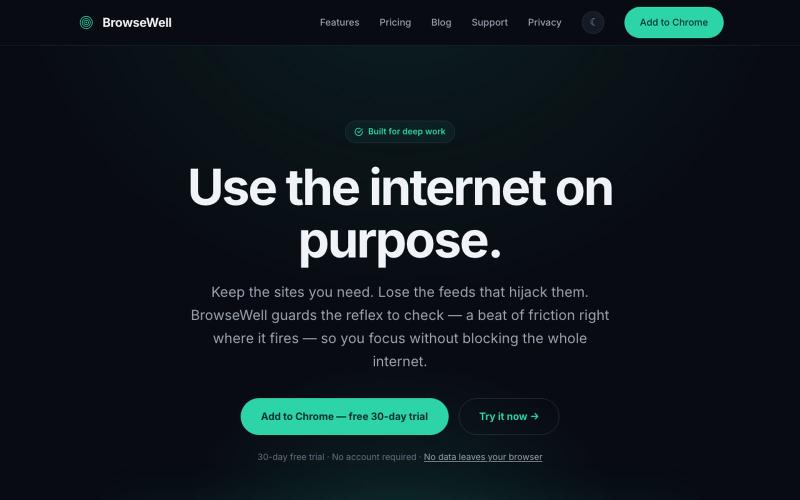
BrowseWell 是一款 Chrome 扩展程序,在保持所需网站访问的同时屏蔽干扰。

@mashrurio · X
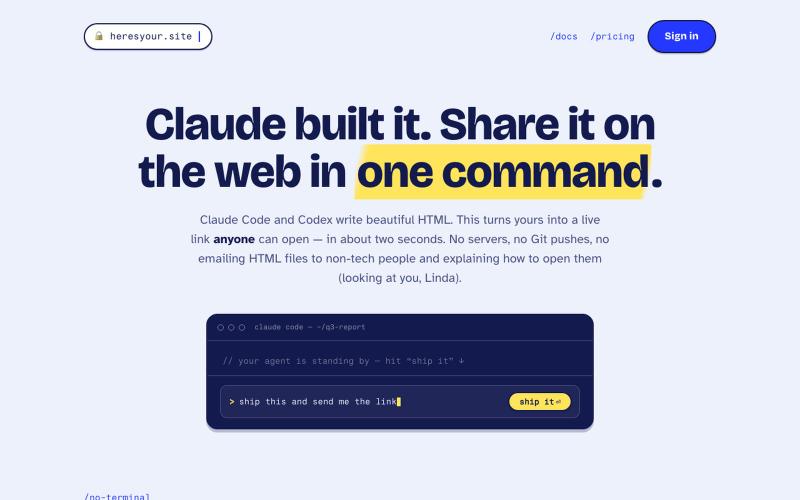
用一条命令即时将 HTML 文件分享为实时链接。
tim33 · HN
Heresyour.site

在浏览器中直接编辑和筛选 RAW 照片,本地处理无需上传。

@am56ay · X