
生产力2 months ago · 1 次试用
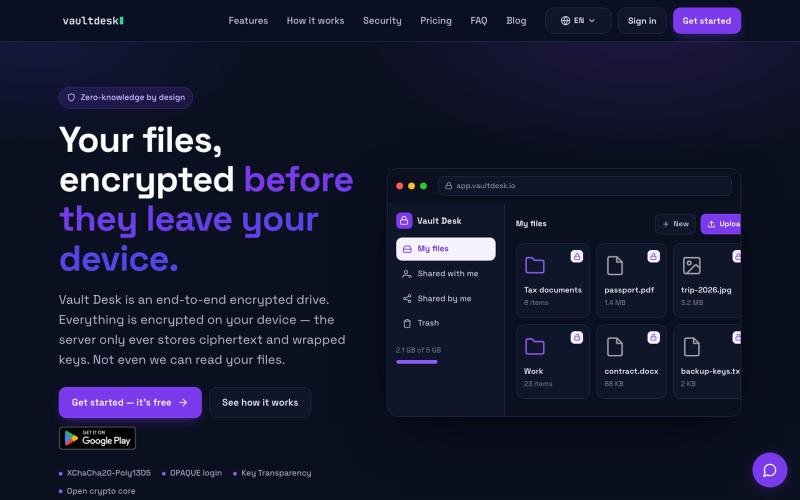
Vault Desk — Zero-knowledge encrypted cloud storage
用端到端加密存储和同步文件,对服务器完全隐藏。

@vaultdesk · X
完整作品展
技术栈
61 projects
用端到端加密存储和同步文件,对服务器完全隐藏。
@vaultdesk · X
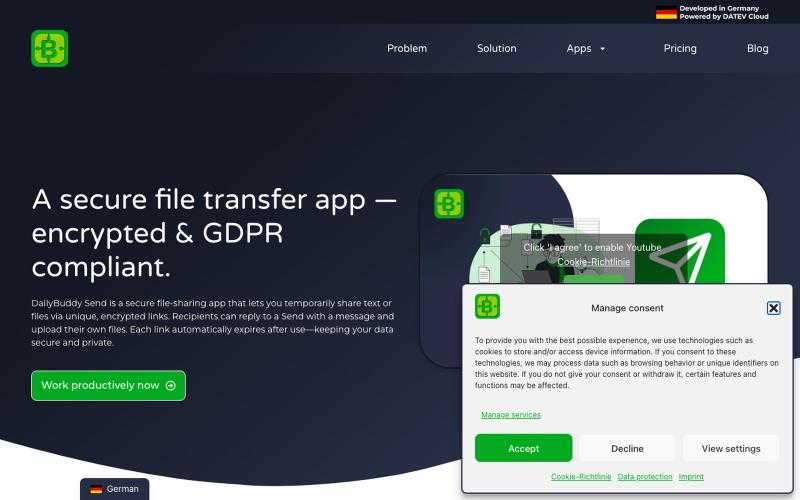
Secure file transfer app with encryption, expiration dates & password protection. Share files GDPR-compliant with DailyBuddy Send

@beckerilja · X
Just shipped: Send is now two-way. 🎉 You could always share files securely. Now the recipient can upload files & send text back too — no account needed. Secure file requests, basically. → #buildinpublic #saas
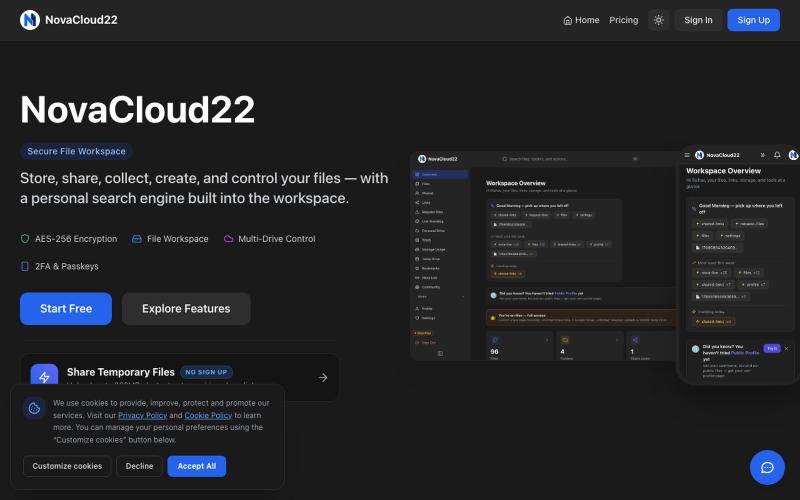
NovaCloud22 is a secure file workspace founded by Rishav Kumar Jha. Store, share, collect & protect with AES-256 encryption and advanced sharing controls.

@rishavjha006 · X
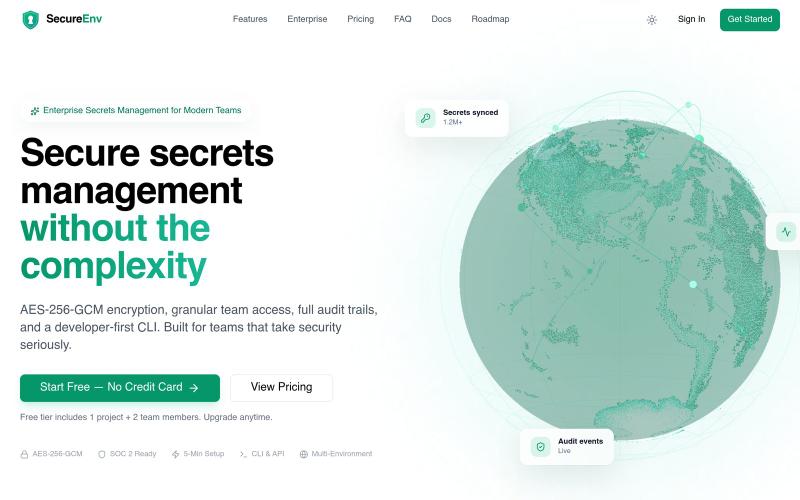
SecureEnv - 零知识加密的团队密钥存储和共享工具

@kkworld · X
Introducing SecureEnv. A secure, developer-first platform for managing environment variables and secrets. Simple. Secure. Built for developers. 🌐 #SecureEnv #BuildInPublic #Programming
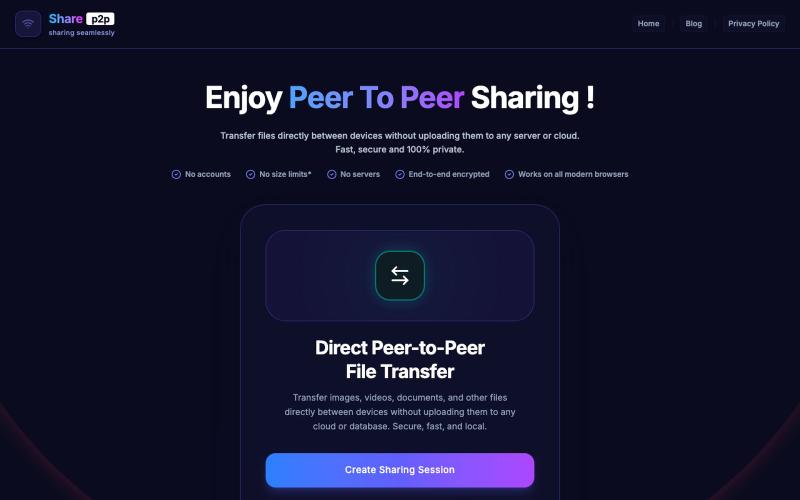
使用端对端加密安全地进行点对点文件共享。

@GanvirSaga97246 · X
Pls check here:
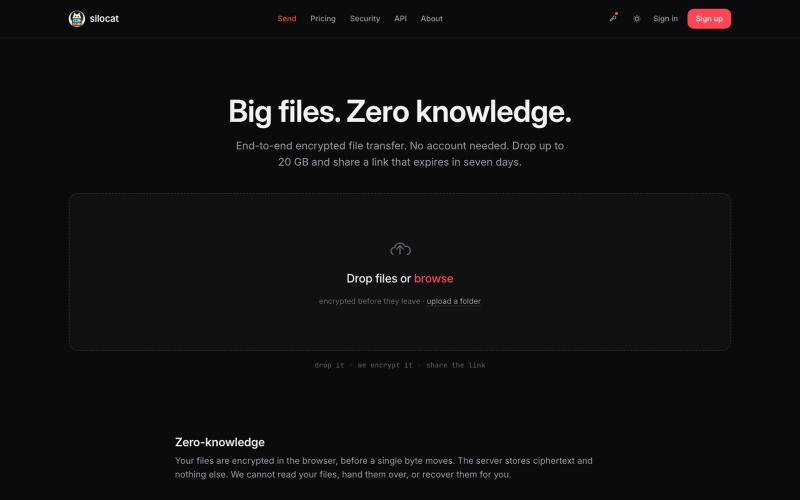
分享最高 20 GB 文件,采用零知识加密和自动链接过期。

@clickswave · X
vibe coded slop
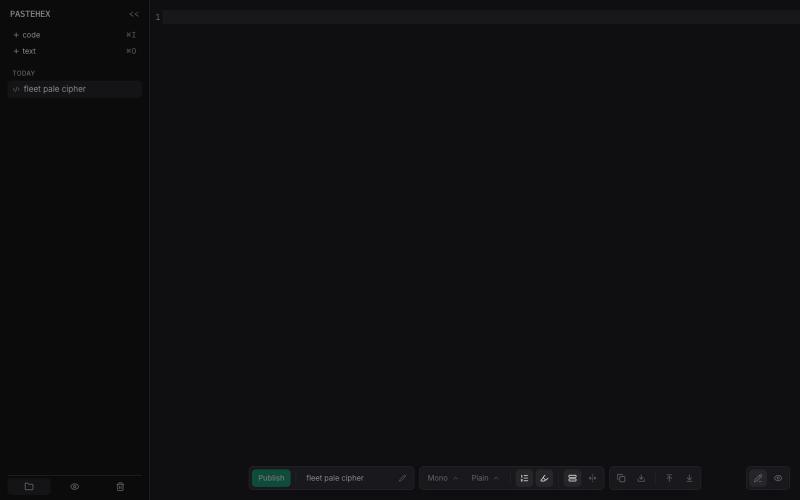
为 HTML 和 Markdown 页面添加加密的绘图和注释。
pandrre · HN
I've built tldraw for HTML and Markdown pages (with encryption)
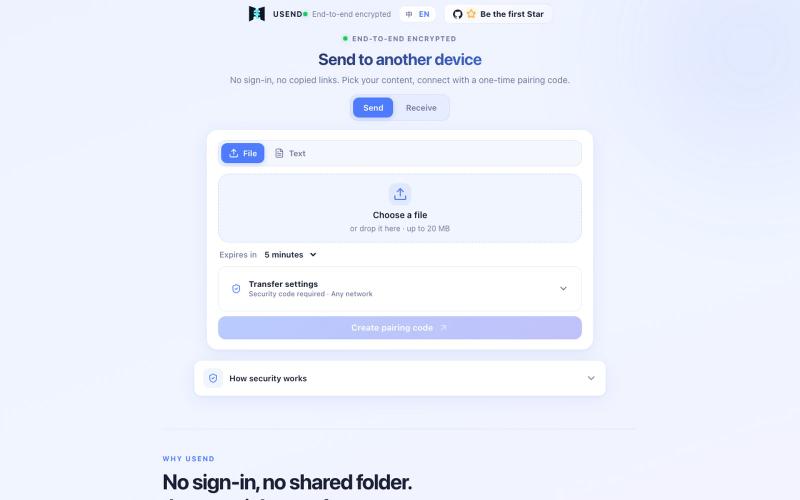
USend 是无需登录的安全文件转移工具,用一次性配对码在设备间传输文件或文本,支持端到端加密和自动删除。

@FrankFika · X
Still using a chat app to send files to yourself? I built USend: no sign-in, no app, no permanent share link. An 8-digit code moves a file or text between devices. Browser-side encryption. Auto-delete after receipt or expiry. Try it: #VibeCoding #OpenSource
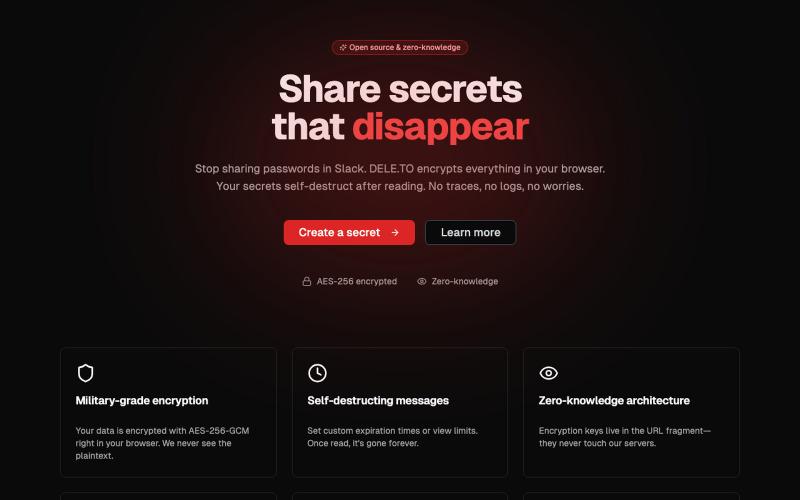
Secure credential sharing with client-side AES-256 encryption

@deleto_sec · X

用零知识加密发送自毁笔记和文件,支持截图保护。
minpym · HN
Flashpaper – Self-destructing secret sharing with no database
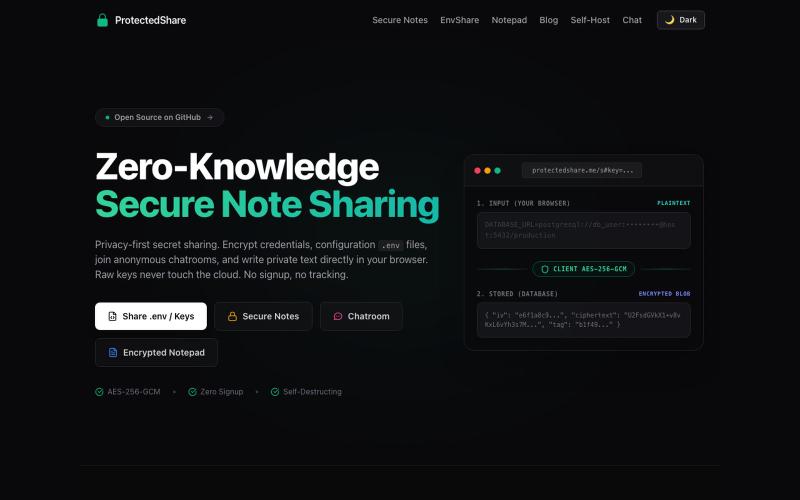
The modern ProtectedText alternative and secret sharing website. Free encrypted online notepad, .env file sharing (EnvShare), and self-destructing secret links — all with AES-256 z

@kunal_twts · X
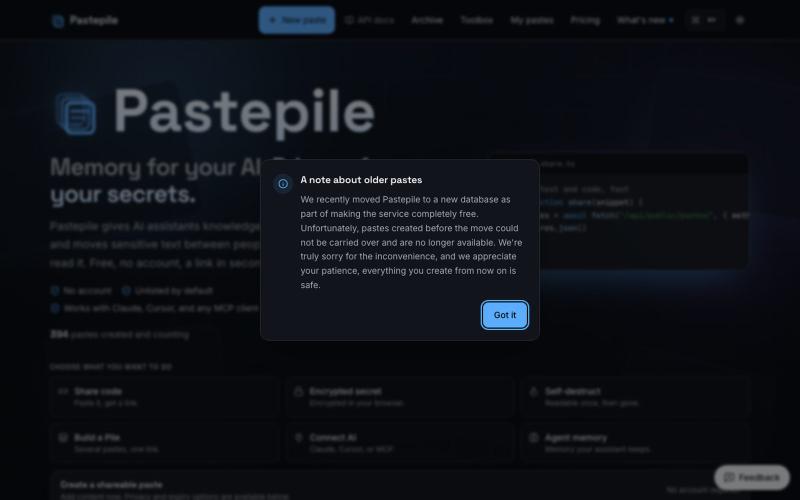
与AI助手分享加密代码和文本,它会记住对话上下文。
u/clausyn · Reddit
I built Pastepile because I was tired of re-explaining the same context to Claude and Cursor I originally built Pastepile as a fast way to share code, logs, configs, and text without creating an account. While using AI coding tools, I kept running into another problem: every new session meant explaining the same architecture, decisions, debugging history, and project context all over again. So I added an MCP server that lets Claude, Cursor, Windsurf, VS Code, and other MCP clients save us