videoduck - AI Video Generation
通过 Claude Code 集成创建 AI 驱动的视频
@videoduck_ai · X
Introducing the VideoDuck MCP Connect Claude Code or Codex to create videos Brainstorm ideas in your preferred agent and make videos using our MCP Try it now
完整作品展
技术栈
32 projects

通过 Claude Code 集成创建 AI 驱动的视频
@videoduck_ai · X
Introducing the VideoDuck MCP Connect Claude Code or Codex to create videos Brainstorm ideas in your preferred agent and make videos using our MCP Try it now

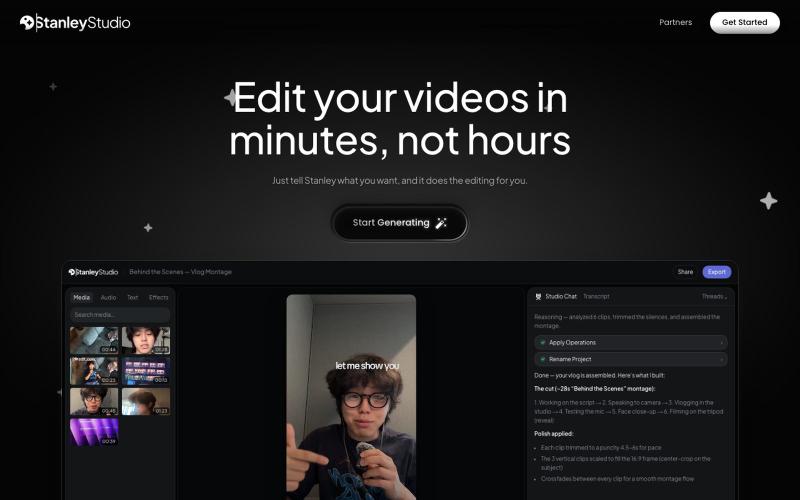
Stanley是根据指令自动编辑视频的AI编辑器。
therealdanielpark · Product Hunt
Stanley Studio The AI video editor you hire that edits like a human

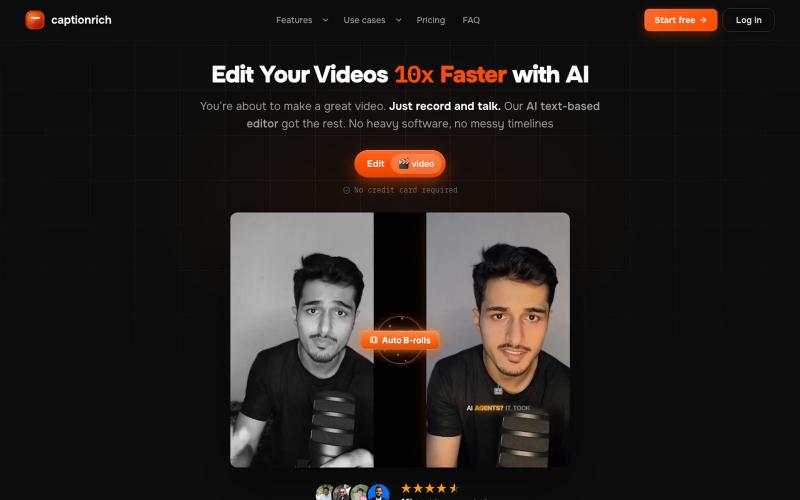
captionrich is an AI-powered, text-based video editor. Edit your video by editing the transcript — cut, add B-roll, sound effects, and motion graphics — plus 99% accurate animated
@techtasium · X
Record the damn video, what's stopping you

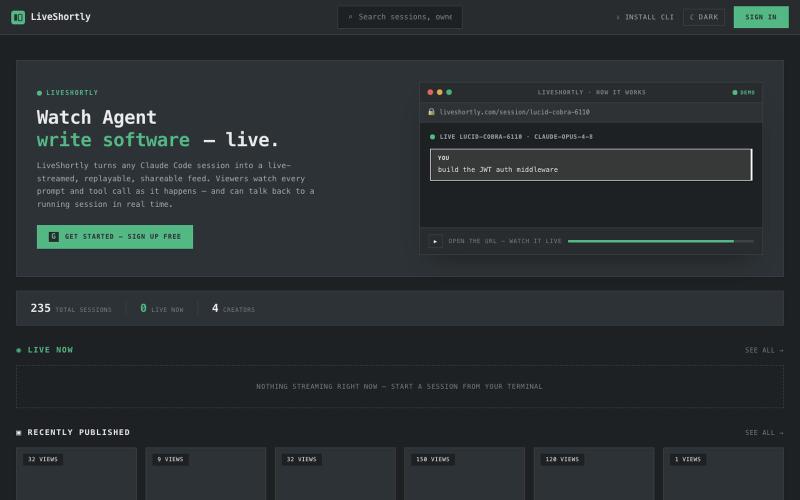
直播您的Claude Code会话,支持即时回放和分享
malviyamukul · HN
Liveshortly - stream and pair prompt with ai agents

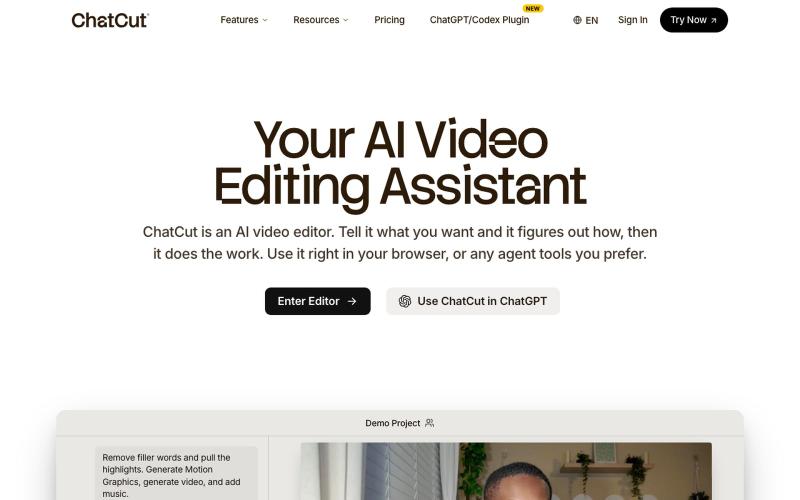
使用文字提示编辑视频,支持ChatGPT、网页和桌面版。
zaczuo · Product Hunt
ChatCut Your AI video editor in ChatGPT, desktop, and web

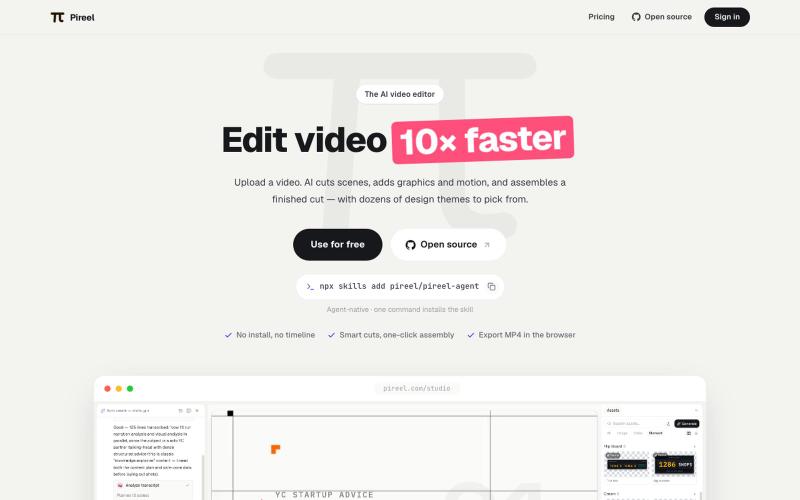
AI视频编辑器,自动剪辑、添加图形动画、应用主题生成成品。
pireel · GitHub
pireel Open-source, backend-free AI video editor for talking-head video — storyboarding, designed graphics, kinetic captions, themes and in-browser WebCodecs export. Drivable by any AI agent over MCP.

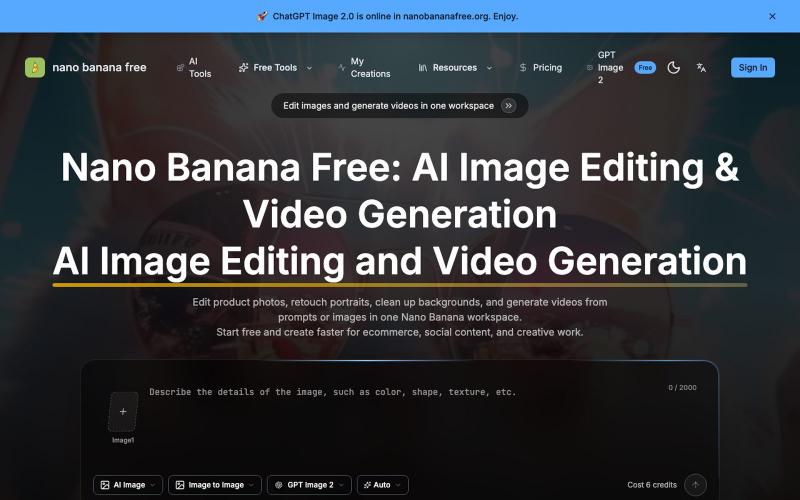
使用AI编辑照片、生成视频、去除水印的在线工具。
Nano Banana Free — 图像编辑与视频生成工作台,支持产品图精修、人像润色、背景替换和视频生成,并在一个工作流里整合多个 AI 工具。

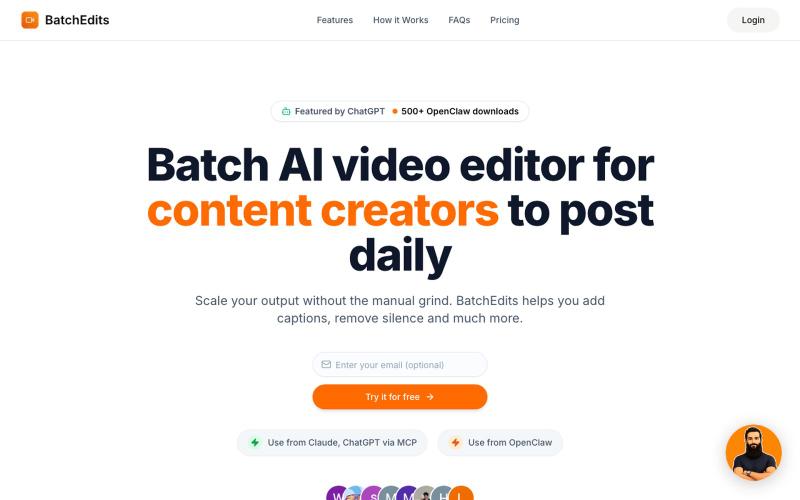
使用 AI 批量编辑视频:移除静音、自动生成字幕,快速导出多个视频。
shayannadeem321 · HN
BatchEdits – Batch AI video editor to edit content in volume

用于查看和接受Claude代理代码编辑的Markdown编辑器
samuelstros

浏览器中的AI视频编辑器,支持云工作流和快速编辑。
@AtifIqrar · X
Building TurboCut 🚀 An AI video editor that runs directly in your browser for private, lightning-fast editing, with optional cloud AI for heavier workflows. Built for YouTubers, content creators, educators and agencies who want to save hours editing.

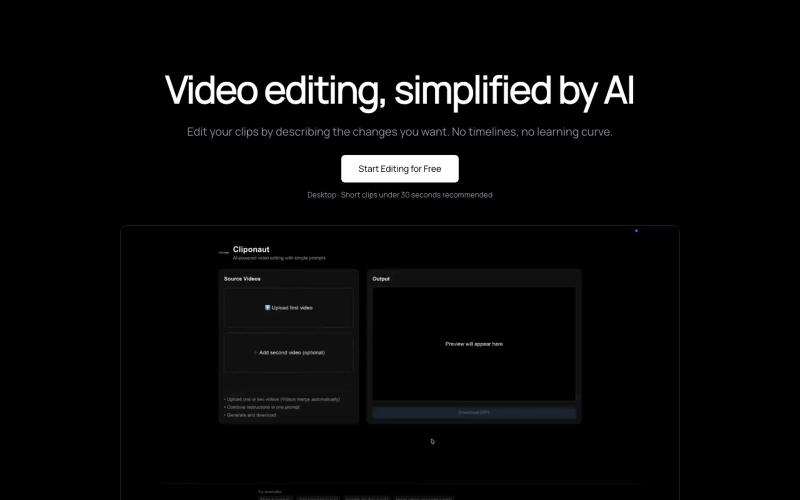
通过描述来编辑视频。无时间轴。无复杂性。
@uxayaan · X
Building Cliponaut - ChatGPT for video editing

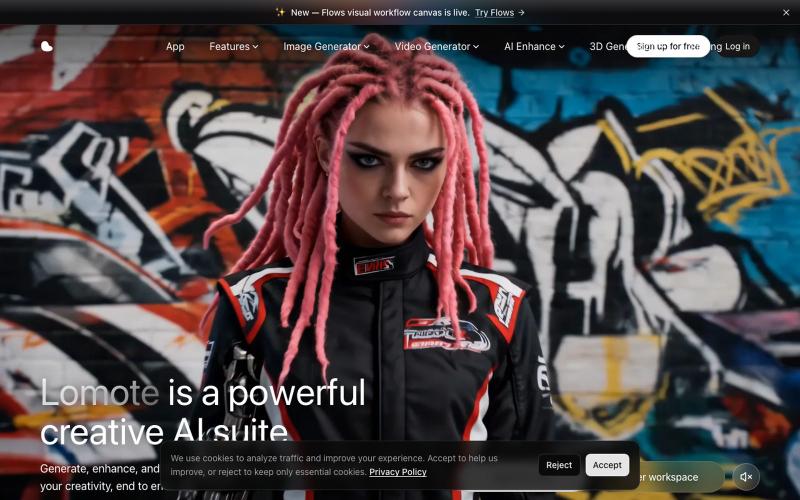
Lomote:AI 创意工作室,可生成、增强和编辑图像、视频及 3D 模型。
@Agueroyps3 · X
折腾了一段时间,我做的 Lomote 终于上线了。 想解决的问题很简单:生成图片、视频、3D 模型,做图片或视频增强、搜索相似图片时,不用在一堆工具之间来回切换。 在 Lomote 里,这些能力都可以通过工作流组合起来。 感兴趣可以试试: