
生产力2 weeks ago
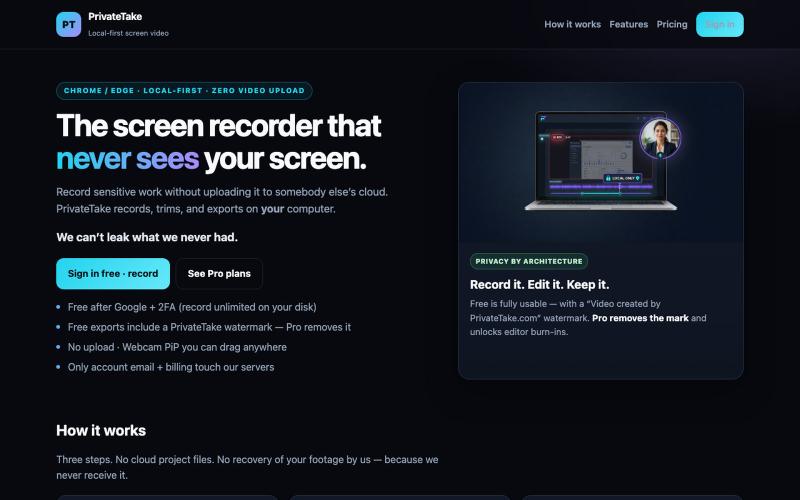
PrivateTake | Local-First Private Screen Recorder
在本地录制和编辑屏幕视频,无云存储和上传。

@MarkZofMarkZ · X
Screen Recorder that doesn't share your recordings to the cloud:
完整作品展
技术栈
28 projects
在本地录制和编辑屏幕视频,无云存储和上传。
@MarkZofMarkZ · X
Screen Recorder that doesn't share your recordings to the cloud:
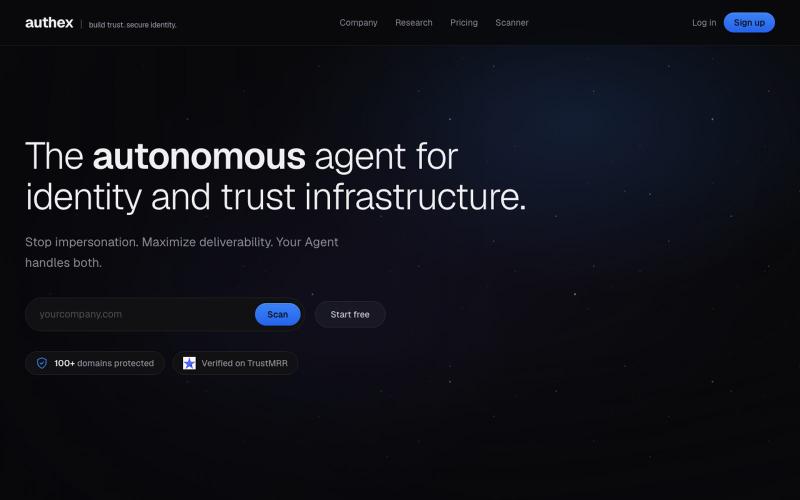
自动配置 DMARC、SPF 和 DKIM 协议,防止域名冒充,保护电子邮件可送达。

@okamigenshin · X
Try Authex, for securing your domain and email autonomously.
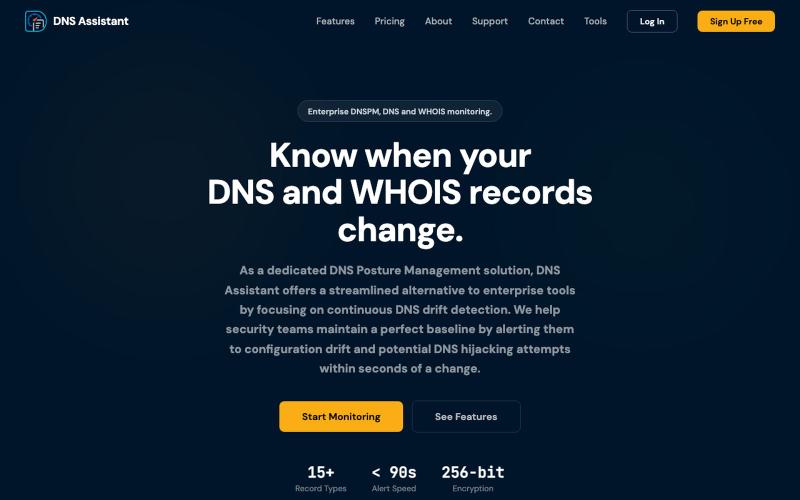
监控 DNS 态势并执行 WHOIS 查询,获得即时见解。

@DNSAssistant_ · X
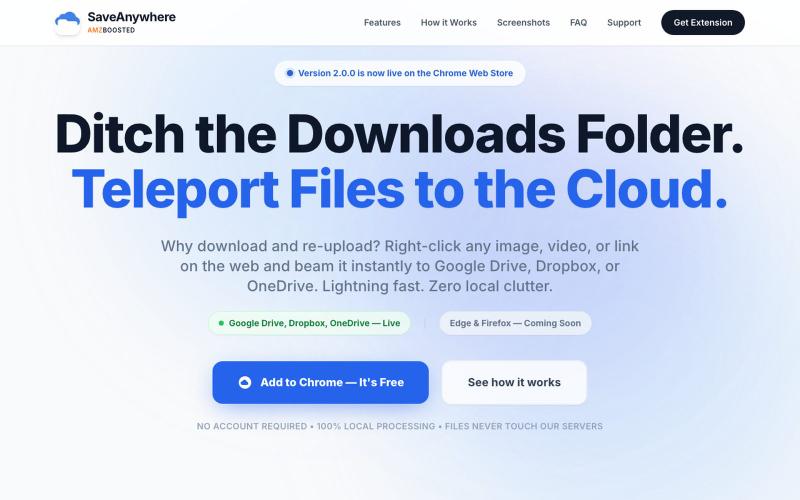
SaveAnywhere是Chrome扩展,直接将文件、图片、链接保存到Google Drive、Dropbox和OneDrive,本地处理。

@SaveAnywhere · X
Free chrome extension :
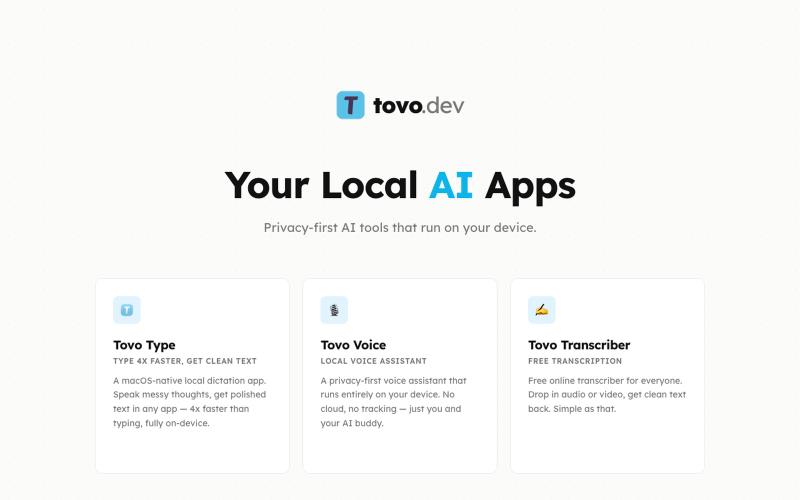
Tovo - 本地AI应用,提供转录和会议协助,完全在设备上运行。
Tovo - AI 会议/面试助手 — 在会议中,Tovo 是一款注重隐私的 AI 助手,完全在您的设备上运行,为会议和对话提供实时转录和智能协助,无需向外部服务器发送任何数据。
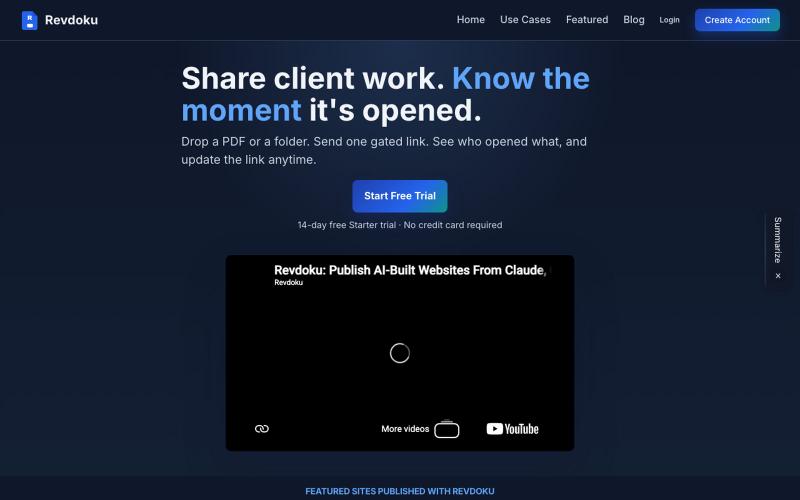
分享受密码保护的PDF和文件夹,实时追踪访客打开。

@emironic · X
- free plugin for Claude and Codex to put your work as public website with single line `publish to Revdoku` prompt.
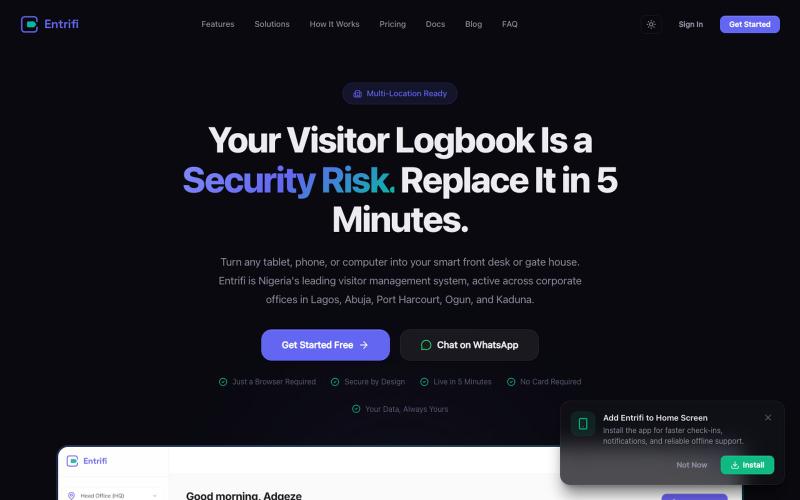
Entrifi提供访客管理、数字签到和徽章打印,为企业设计。

@habeeb_tech · X
How does your team currently manage visitor check-ins at reception? Try Entrifi, a digital visitor management built for Nigerian businesses. Works on any device, no hardware needed. Get started free: Worth sharing with whoever manages your front desk.
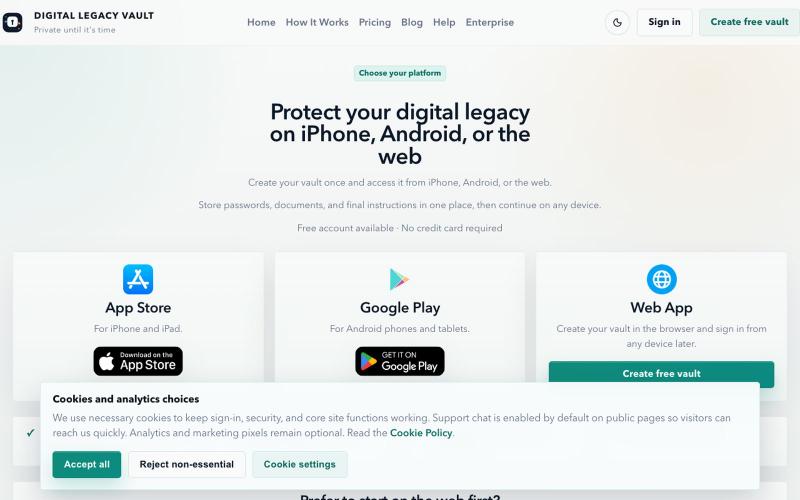
在一个安全的地方整理和管理密码、documents 以及数字遗产信息。

@DLVaultApp · X
Most families aren't prepared for someone's digital life. Passwords. Documents. Recovery information. Important instructions. Digital Legacy Vault helps you organize everything securely and decide exactly who can access it when it's needed. #buildinpublic
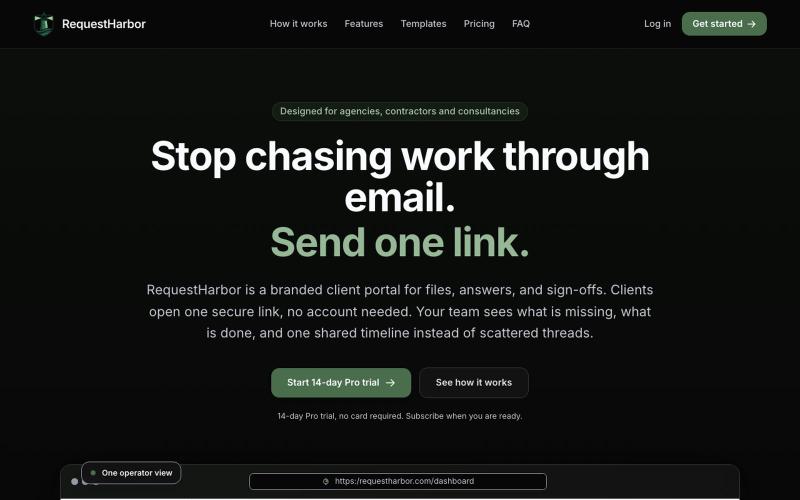
RequestHarbor 安全客户门户,用于共享文件、答案和批准,实时可见状态。

@danielkleach · X
is a branded client portal for files, answers, sign-offs, and signatures. No more scattered email threads, docs in Google Drive, or confusion about who is waiting for whom. Business and client both see what is done and what is in progress on both sides, in

使用450+隐私友好的工具,在浏览器中直接格式化、转换和处理PDF和图像。

@tentaco_cc · X
Hey! I built 🐙 It’s a privacy-first web space packed with over 450+ free micro-tools for tech, design, marketing, and PDFs. The best part? Everything runs 100% locally in your browser. No registration, no ads. Let's connect! 🛠️
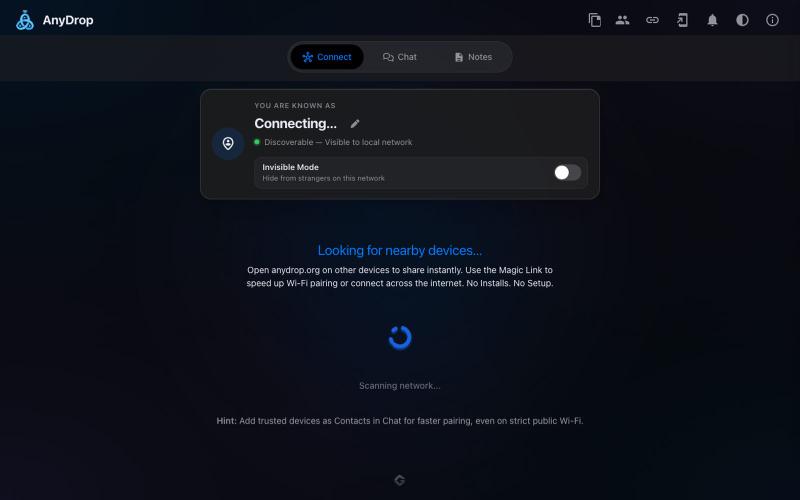
在浏览器中跨设备(Mac、PC、iOS、Android、Smart TV)即时分享文件和文本,无需注册。

@WackyCrocoGator · X
This one doesn’t require any signup or payment. Just load and multiple device by opening the site on them and connect them for an easy way to drop text and file to each other.
