
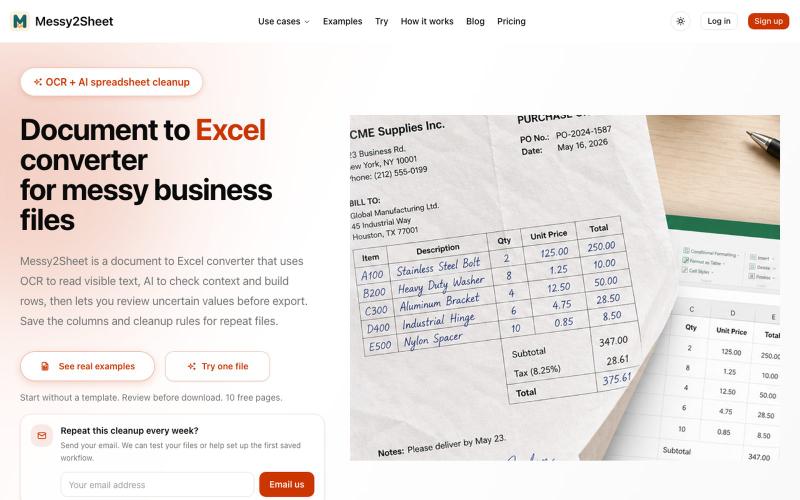
生产力2 days ago
Document to Excel converter for messy business files | Messy2Sheet
用AI和OCR将PDF、截图和邮件转换为整理好的Excel表格。
Messy2Sheet — AI 文档转表格工具,把截图、邮件订单和 PDF 价格表按自定义字段整理成 Excel/CSV,支持保存可复用 Recipe
完整作品展
技术栈
37 projects
用AI和OCR将PDF、截图和邮件转换为整理好的Excel表格。
Messy2Sheet — AI 文档转表格工具,把截图、邮件订单和 PDF 价格表按自定义字段整理成 Excel/CSV,支持保存可复用 Recipe
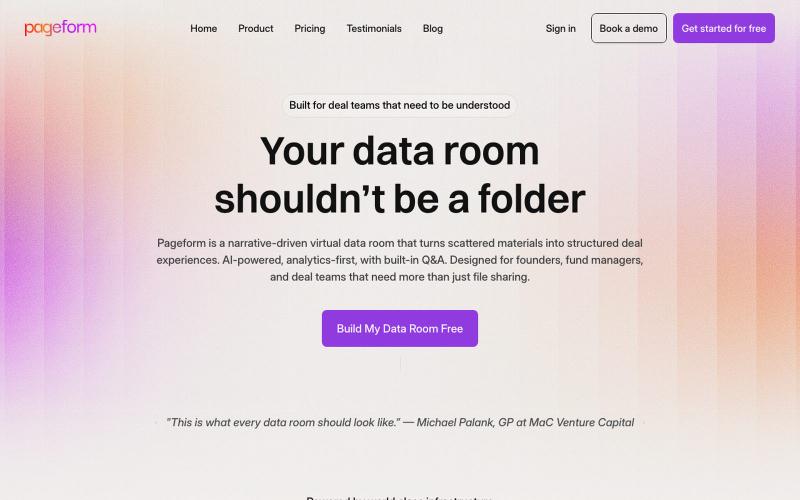
AI驱动虚拟数据室,帮助交易团队将散乱文档转化为引导性体验。

@Puneeeeeeet · X
We help brands go viral on X with organic video campaigns that people actually want to watch. wanna try for
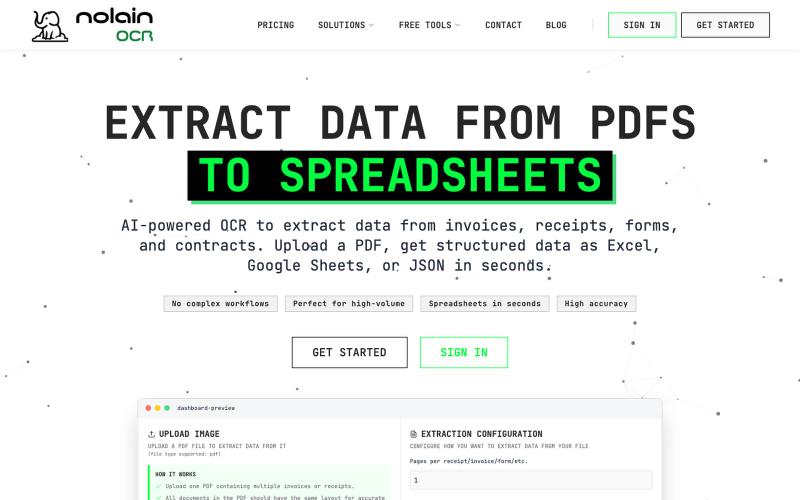
利用AI驱动的OCR技术,轻松将发票和收据数据提取到Excel或Google Sheets中。

@nolain_on_x · X
Turn your batch of invoices/receipts into Excel sheets. Stop manually entering information from your invoices into spreadsheets and save hours of work. Visit us at Contact us for custom solutions on document processing.
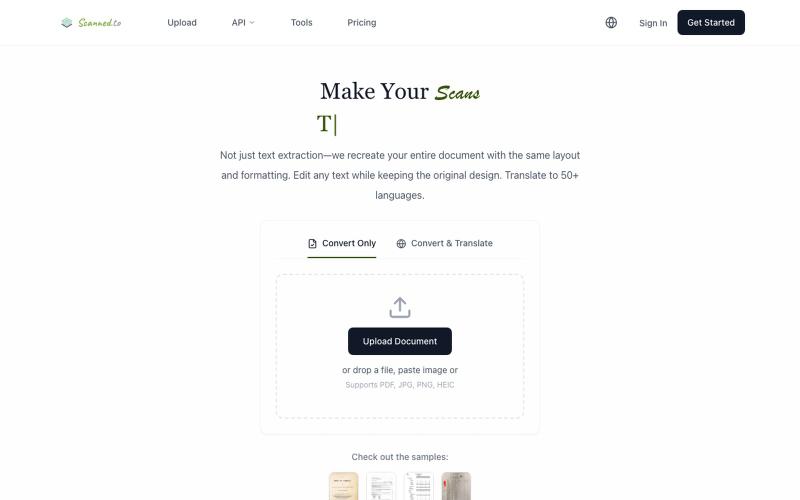
Scanned.to:用 AI OCR 将扫描文档转为可编辑 Word 或文本,支持多语言翻译。
Scanned.to — AI 驱动的 OCR 文档识别与翻译平台,将扫描 PDF/图片转为可编辑 Word/Text,保留原始排版,支持 50+ 语言翻译
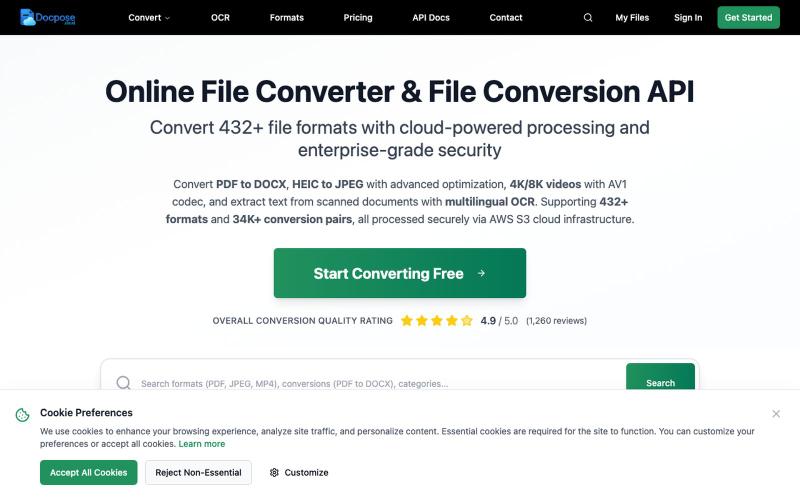
在线转换、查看和管理各种文件格式,包括文档、PDF 和压缩包等。

@FileProInfo1 · X
🚀 has successfully launched! helps users convert, view, process, and manage files online — including documents, PDFs, OCR, archives, email formats, and more. We’re excited to share it with the community. Check it out here:
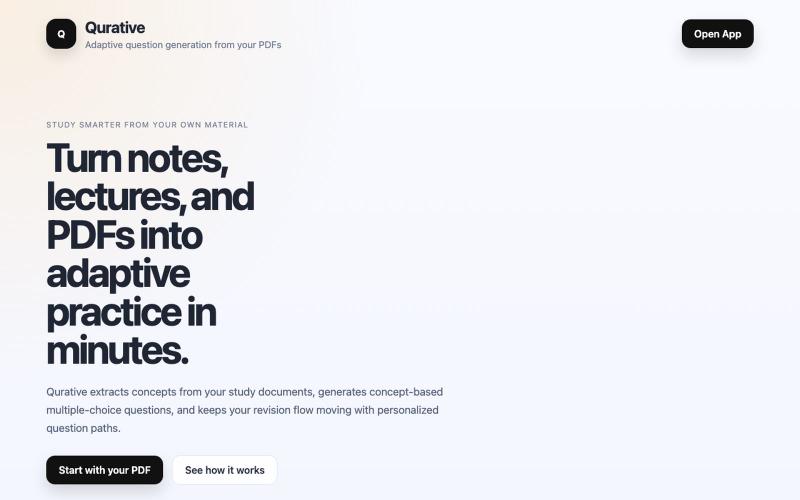
Qurative将PDF转换为自适应练习题和个性化复习流程。

@qurative · X
vibe coded a landing page for seo and shit, will fix it later focusing on adding features to the dasboard
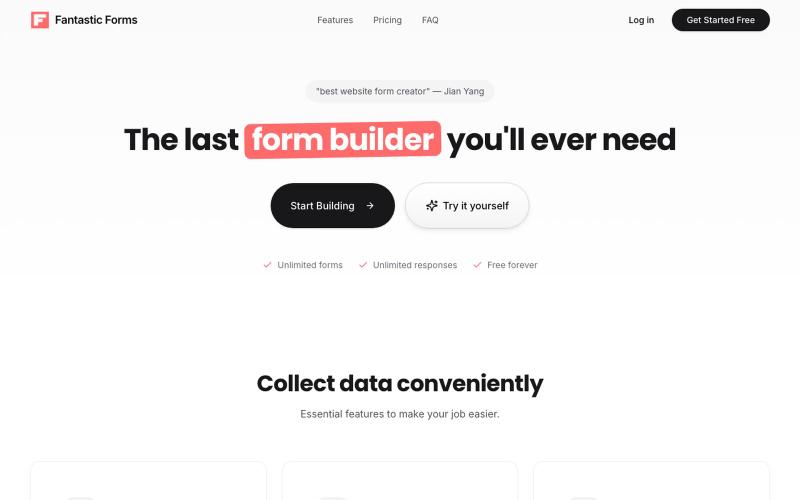
在线构建表单,支持拖放字段、收集响应和跟踪分析。

@SebastianHox · X
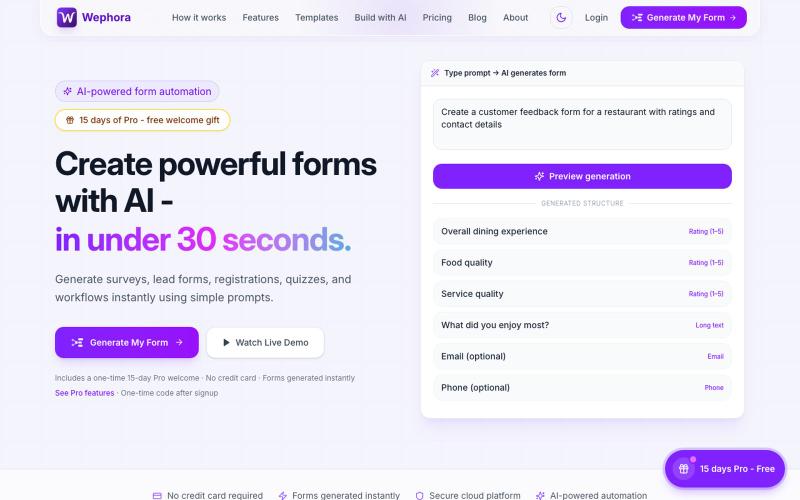
用 AI 根据提示生成表单,可视化定制,内置数据分析。
wephora · Product Hunt
Wephora Build Smarter Forms with AI
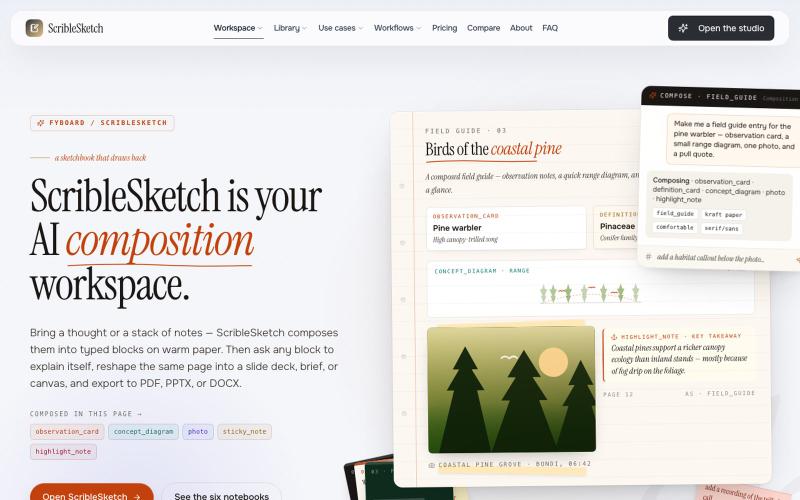
一次编写,多格式导出为笔记、幻灯片、PDF、PPTX、DOCX 或画布。

@mr_wickedhacks · X
Write the doc once → get a notebook, slide deck, canvas, or resume from the same source. No rewriting for every format.
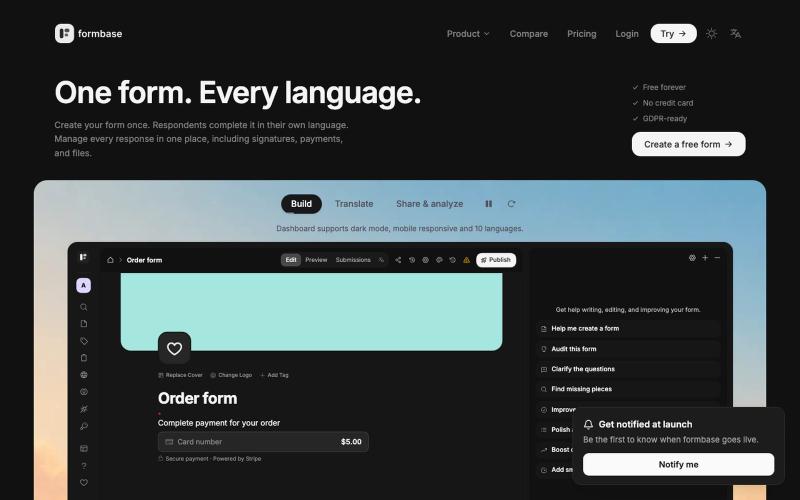
构建或自动生成具有逻辑、支付、签名和集成等功能的多语言表单。

@hkbonur · X
that digitalise paper forms and make everything multi language, so businesses can get better conversion. One form any language.

免费在线PDF工具,支持合并、拆分、转换和编辑,文件不离开您的设备。
u/Key_Caramel_5578 · Reddit
Built a free PDF toolkit solo (with AI help) — need feedback on the in-browser text editor before I keep pushing on it Been heads-down on this for a while: thepdftool.in Standard PDF stuff : merge, split, compress, convert, OCR — but most of the conversion tools run entirely client-side (WASM), so files never leave your browser for those. Built solo, leaned on AI tools for a good chunk of the code and debugging. The feature I care most about right now is an inline text editor :— click i
