
创意工具1 week ago
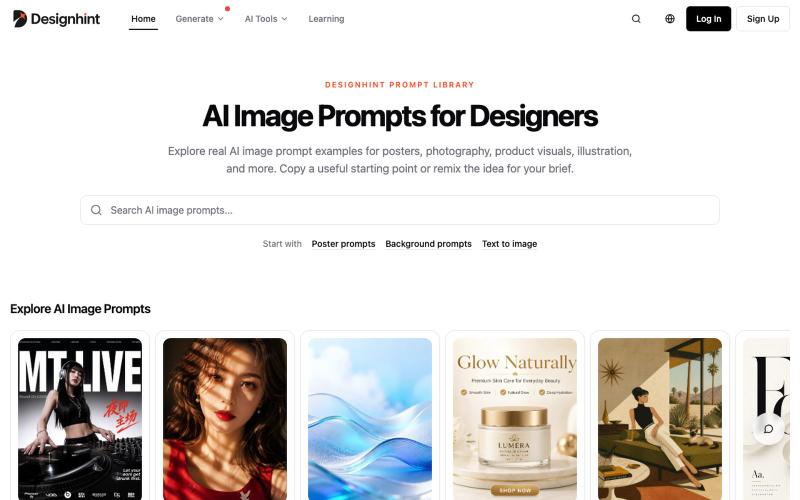
AI Image Prompts & Examples for Designers | Designhint
浏览AI设计提示词示例,复制改编用于海报、产品摄影和插画创作。

@yangming_AI · X
我也做了一个网站专门给设计师、创作者用的提示词库。
完整作品展
技术栈
16 projects
浏览AI设计提示词示例,复制改编用于海报、产品摄影和插画创作。
@yangming_AI · X
我也做了一个网站专门给设计师、创作者用的提示词库。
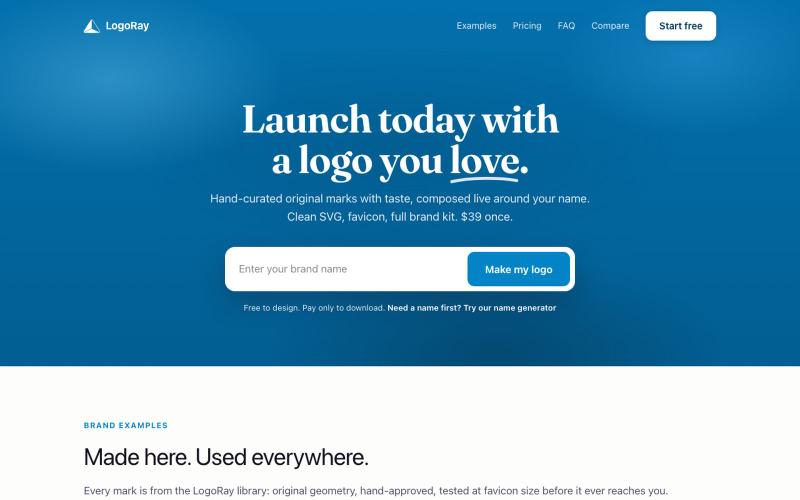
从精心策划的库中设计logo,下载完整的品牌工具包。

@AlexCommitter · X
I'm building and
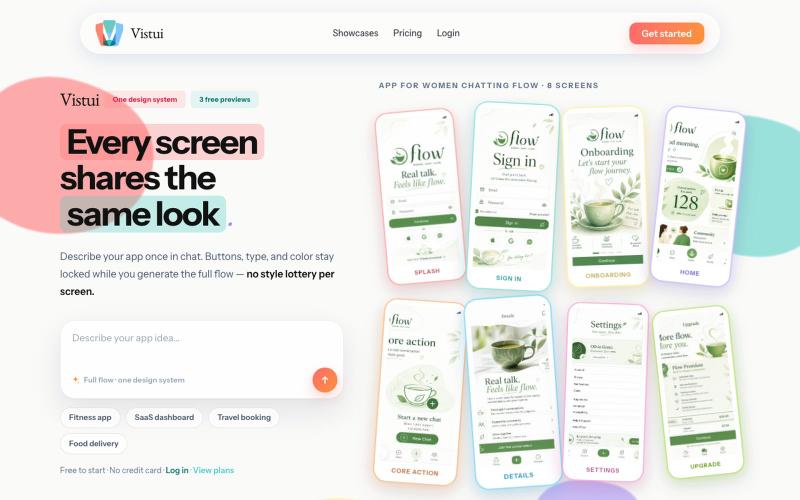
从文本提示生成完整的应用和网站设计流程,包含最多30个屏幕。
u/Salt-Pop6476 · Reddit
(Feedback Needed) I built Vistui – AI that generates complete, consistent app & website design flows from one prompt Hey everyone, I built vistui an AI tool that turns one prompt into a complete multi-screen design flow (up to 30 screens) with a locked design system, so every screen stays consistent. Would love honest feedback from designers and makers: • Does the consistency feel useful in real work? • What’s missing or confusing? • Would you actually use this? You can try 3 free

为 Codex Desktop 设计自定义主题,调整背景、颜色、透明度和视觉效果。
plutozc · V2EX
做了个 Codex Desktop 主题预览和切换工具,先调好再安装 最近一直在用 Codex Desktop ,觉得默认界面看久了有点单调,就顺手做了个主题编辑工具,分享一下: [Codex Skin]( https://getcodexskin.com) 可以先在网页里预览主题,调整背景透明度、面板透明度、颜色、模糊和圆角等参数,满意之后再下载并切换到 Codex Desktop 。 目前支持: - 自定义 JPG 、PNG 、WebP 背景 - 在线实时预览主题效果 - 调整透明度、颜色、模糊、圆角 - 预览满意后生成安装命令 - 不喜欢了可以恢复默认外观 目前主要面向 macOS 上的 Codex Desktop ,还是个人项目,功能和兼容性都在继续打磨。 欢迎试试,也想听听大家对主题参数、预览效果和安装流程的反馈。 直接网址: https://getcodexskin.com [轻喷 轻喷,可能还有些 bug
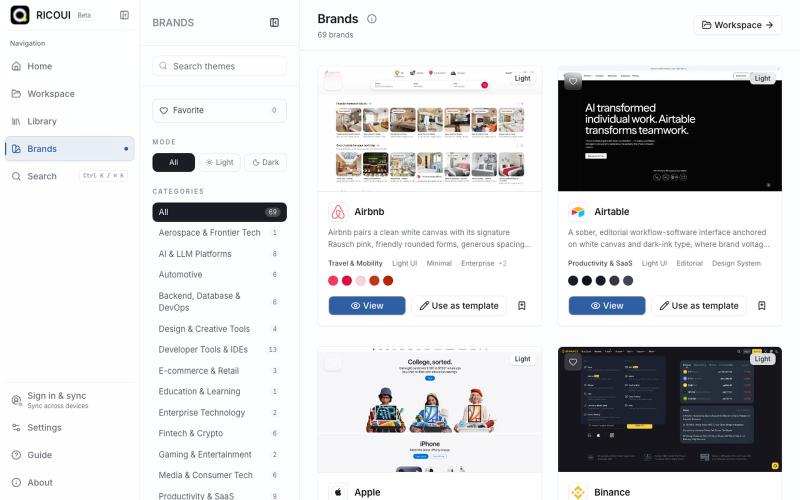
本地优先的工作台,用于编辑、预览和导出 design.md 设计系统。

@ricouii · X
我已经围绕 design.md 做了一个开源的工作台,以及品牌库 工作台支持模板编辑、预览、AI 生成、文件派生 token、css,品牌库方面还支持 HTML preview... 我还是相信 design md 是很有潜力的,比大部分的设计 skill 好用
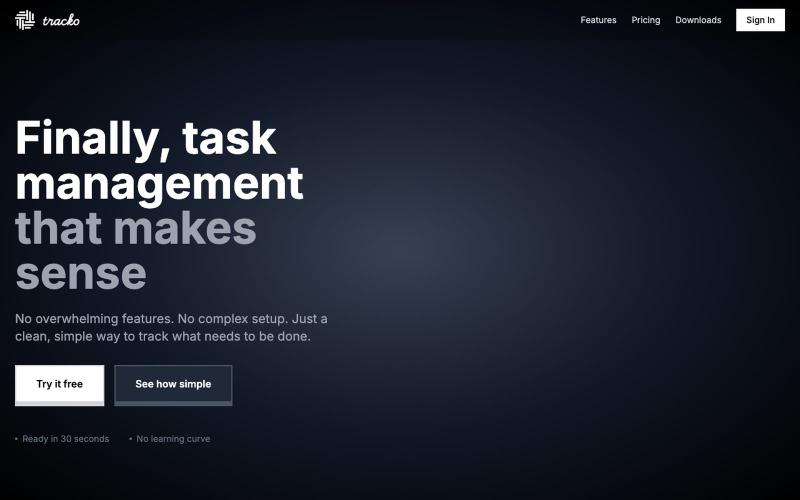
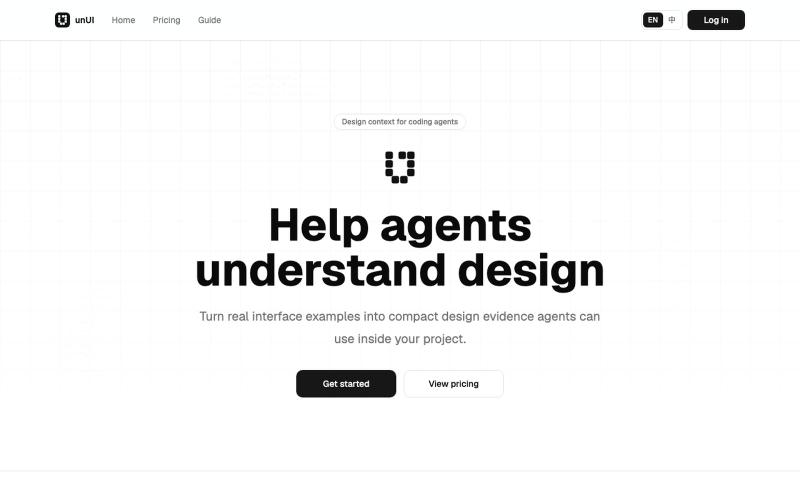
将网页设计元素压缩成AI可读格式,帮助代码代理做出更好的设计决策。
heywitt · HN
UnUI – Help coding agents make better design decisions
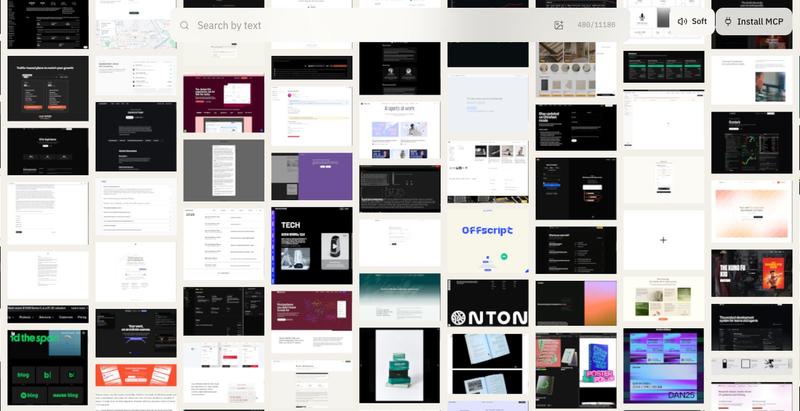
探索网站设计库,按色彩、排版、视觉相似度筛选,配有音频触感反馈。
u/sim04ful · Reddit
Built an interactive website section gallery. How do you find the SFX? (Turn up the volume) I've always felt using sounds and vibrations in software interaction was pretty under-done, so i've tried to make a "language" an audio-haptic-visual one, such that you should be able to tell what's happening even if blind-folded. The explorer has over 11k+ sections, 3k+ fonts from 1.8k+ websites for your AI to design better. explorer.withfudge.com submitted by /u/sim04f
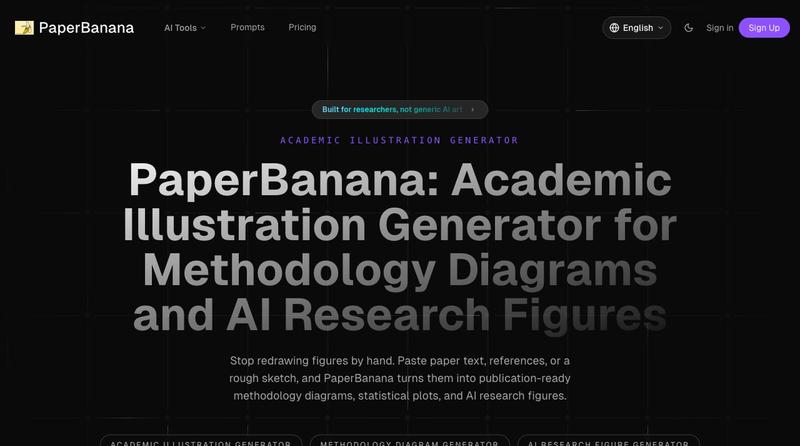
将学术论文和草图转化为发表就绪的研究图表。

通过描述快速生成高保真UI界面,支持移动和网络应用。

@ninakolari · X
Google just dropped Stitch and it changes the entire vibe coding workflow. You describe what you want your app to look like. It builds full high-fidelity screens in seconds. No Figma. No designer. No credit card. Here is how to use it: Go to Sign in with your Google account. That’s it. You’re in. Instead of typing “make me an app” type this: “A lesson planning app for teachers. Clean and calm. Inspired by Notion. Minimal. White space.” The more specific you are the better your screens. Then refine with follow up prompts. Change the nav. Try dark mode. Get 3 menu variations. Or just speak it. Your screens become a clickable prototype in seconds. Click a button and Stitch generates the next screen automatically. Your entire app flow. Before you write one line of code. Then take it further. Export to Lovable or Cursor and build the logic on top. Use the MCP server to keep your design and code in sync. Pull any website’s design system in seconds. Save everything as
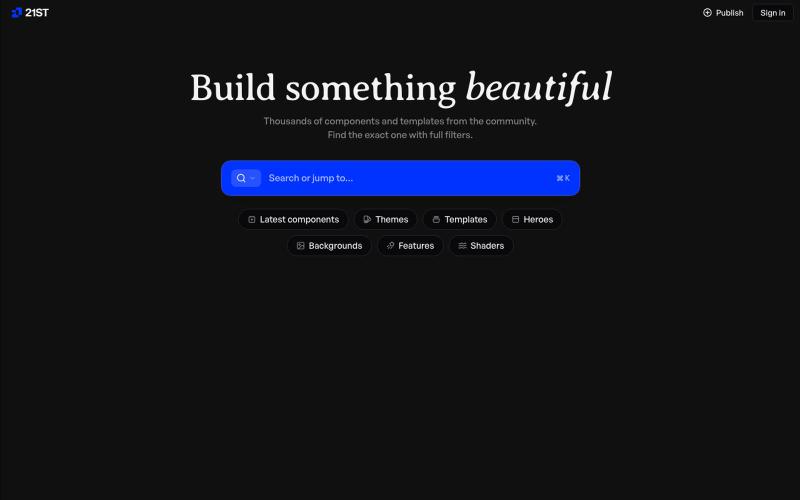
精心制作的 React 组件和模板,用于构建精美的用户界面。

@polyqoy · X
This video shows a fully animated 3D site built in 2 minutes with claude code. one terminal command. but the prompt was almost irrelevant. the real work was the pre-load: ui/ux pro max skill, a hero component from framer motion stacked in before claude touched anything the toolkit did the job. the prompt just pulled the trigger. that's also why most people's claude output looks generic. they skip the setup and blame the model.
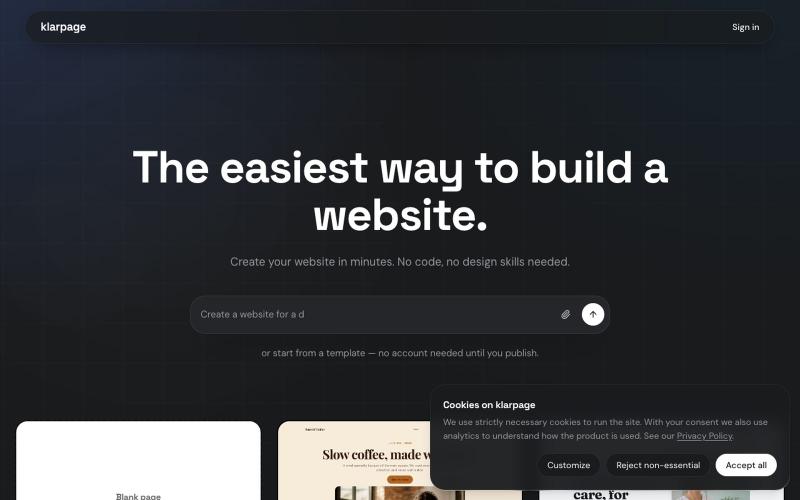
用AI或模板在几分钟内创建和发布专业网站,支持在线编辑。

@KhaledMMatar · X
