
创意工具1 month ago
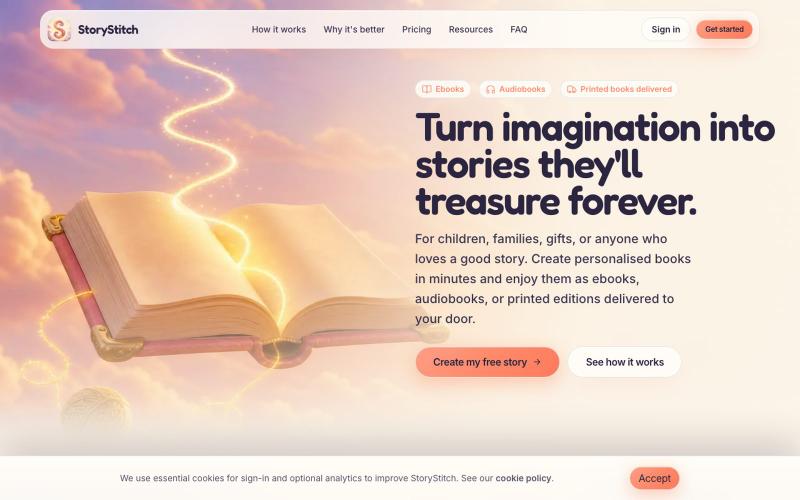
Personalised Storybooks, Audiobooks & Printed Books
利用一致的AI角色创建个性化插图故事书和有声书。

@StoryStitchApp · X
完整作品展
技术栈
16 projects
利用一致的AI角色创建个性化插图故事书和有声书。
@StoryStitchApp · X
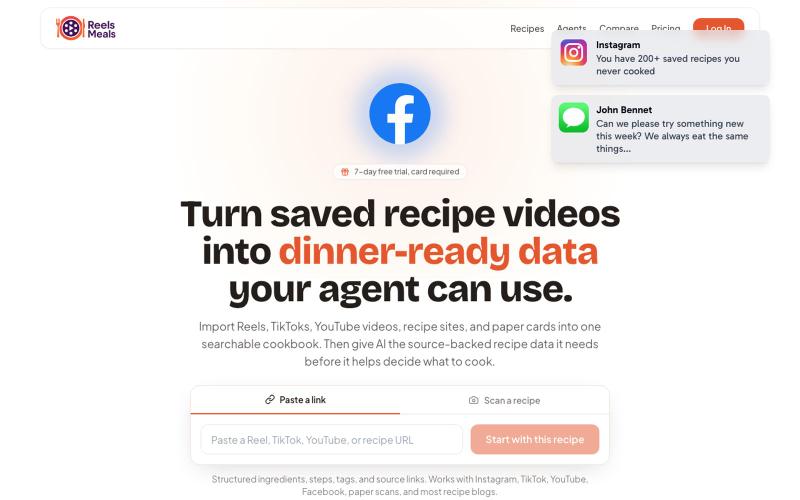
ReelsMeals 将视频食谱转换为可搜索的食谱库,AI助手帮您烹饪。

@jmqcooper · X
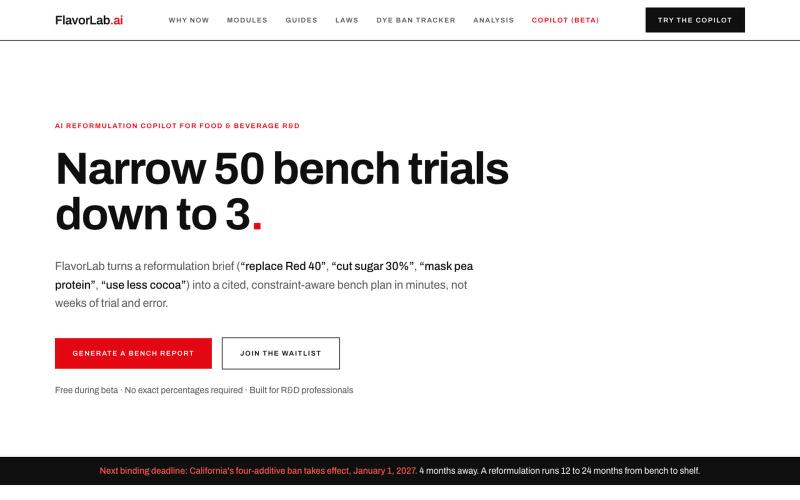
AI reformulation copilot for food & beverage R&D. Replace synthetic dyes, cut sugar, mask protein off-notes, and reduce cocoa, all with cited, constraint-aware bench plans. Narrow

@HamzaC69666 · X
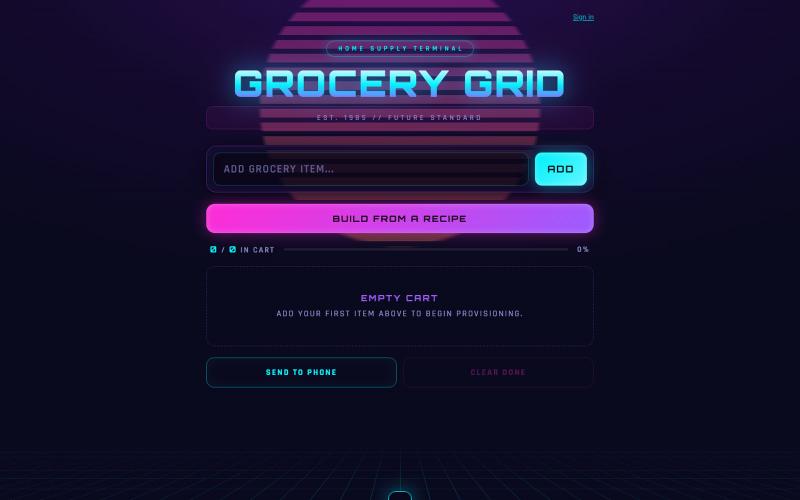
AI驱动的杂货清单应用,生成根据份量、过敏和饮食偏好定制的食谱。

@Thekurtwuckett · X
While I play catchup with the History of Bitcoin Series, I'm going to do a Claude Code vibe-coding episode for tomorrow's stream. I'll go over how I built over the course of 2 days. Step by step, and explaining the tooling, the steps and prompts
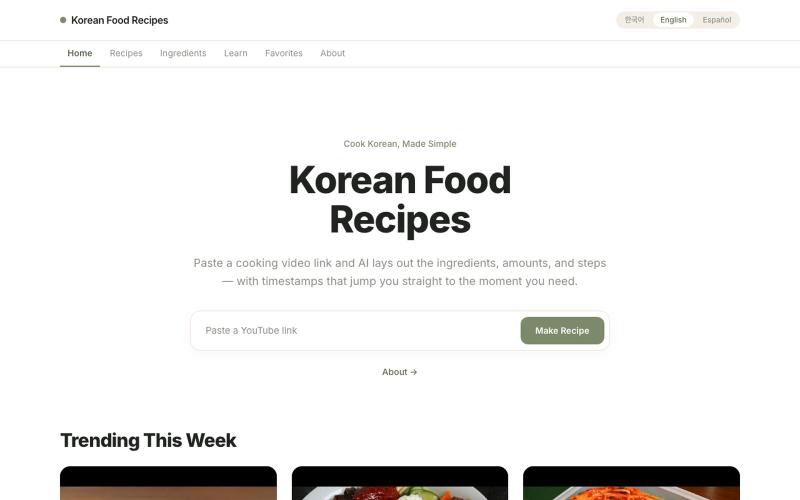
从YouTube烹饪视频提取食谱,包括材料、做法和份量。
u/Federal-Turn1799 · Reddit
I built an AI tool that turns Korean cooking videos into recipes. Would love your honest feedback. Hey everyone! I’m working on a little side project called KRecipes: https://www.krecipes.app/ The idea is pretty simple. You paste in a YouTube cooking video, and AI turns it into: Step-by-step recipe instructions Ingredient list Serving size adjustments Cooking timestamps linked to the video English, Korean, and Spanish support Long term, I’m not just trying to summarize vid
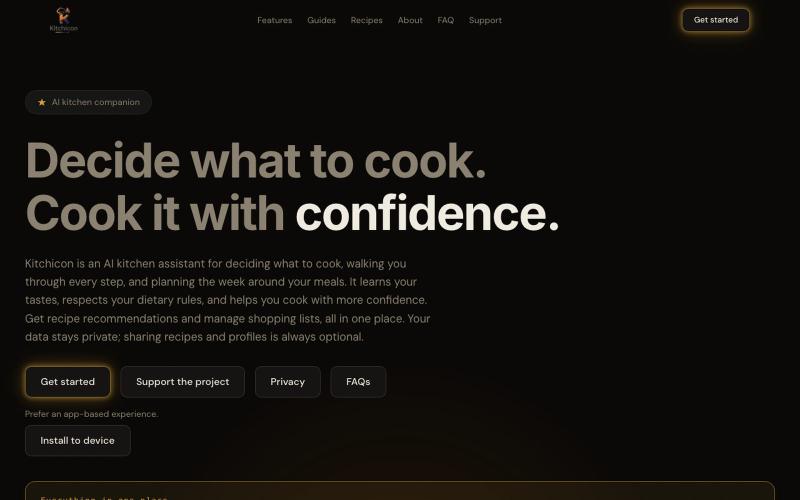
根据饮食需求规划膳食、发现食谱并生成购物清单的AI助手。
nicholasjamesboyd · Product Hunt
Kitchicon The AI assistant that takes the stress out of home cooking
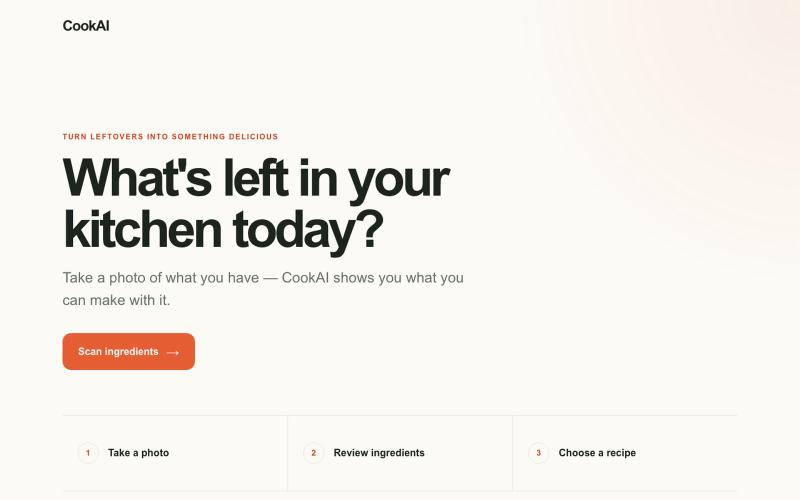
上传食材照片到 CookAI,获取家常菜谱建议。
u/TraVichs12 · Reddit
I built an app that looks at your fridge and tells you what you can cook I kept having the same problem: random ingredients left in the fridge, but no idea what to make with them. So I built CookAI. Take or upload a photo of your ingredients → it detects what's there → you can correct the list → it generates 3 recipes you can make with what you have. It's a free web MVP, no signup or install: https://cookai-mvp-web.vercel.app The main thing I'm trying to validate isn't whether the
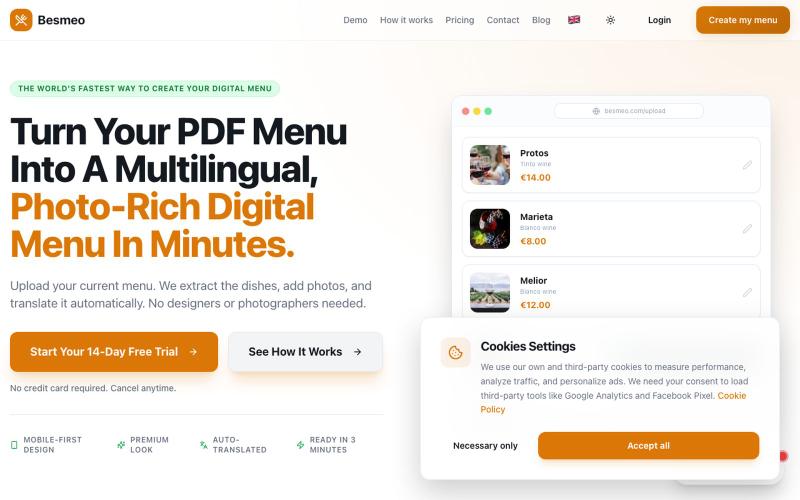
将菜单PDF转换为专业数字菜单,包含图片和5种语言翻译。

@juancastillamar · X
Hi Esther, I’m a frontend developer working in seo for let’s connect and keep growing!
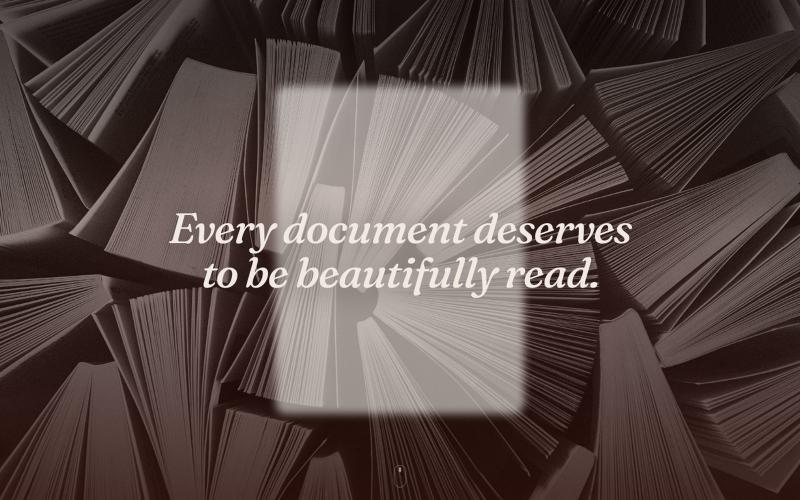
用Dshelf将PDF转化为宁静的阅读体验,配有精美图书馆和AI页面指导。

@dshelf_app · X
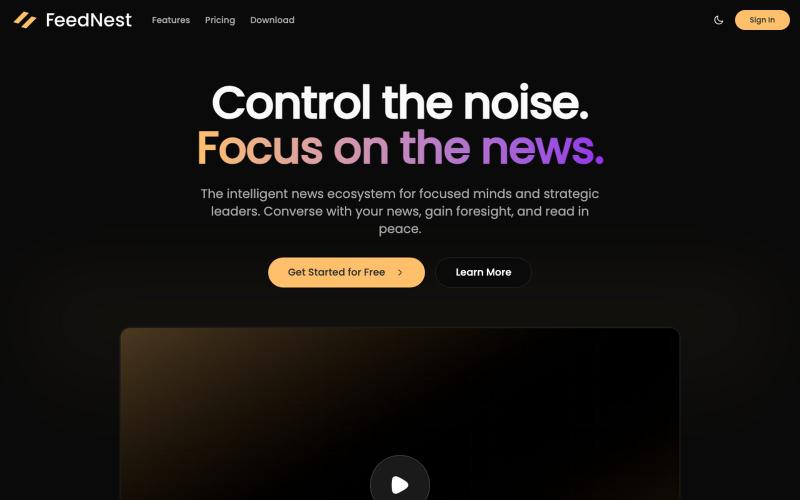
集成 conversational AI 的新闻阅读器,专注阅读并获取市场洞察。

@luca_iaconelli · X
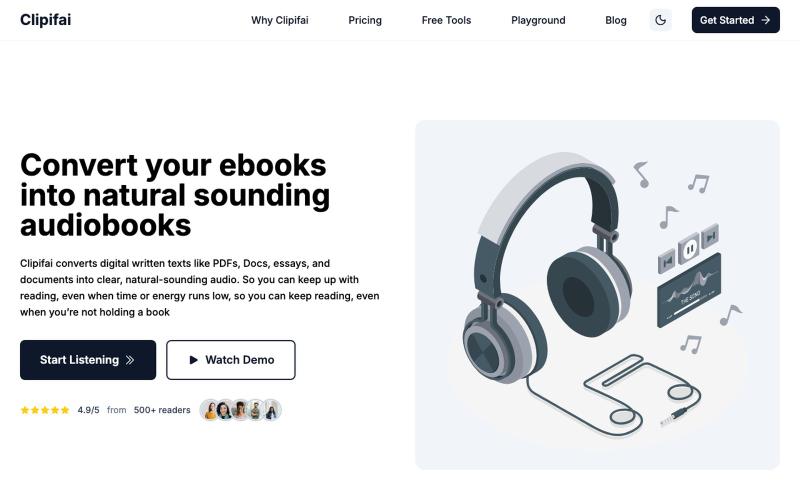
将文档和电子书转换成自然语音的有声书。

@coder_zi · X
Clipifai converts e-books to audiobooks say you have a few books in mind to read, but haven't really had the time to read them, you could just convert them into audiobooks and listen to them on the go...
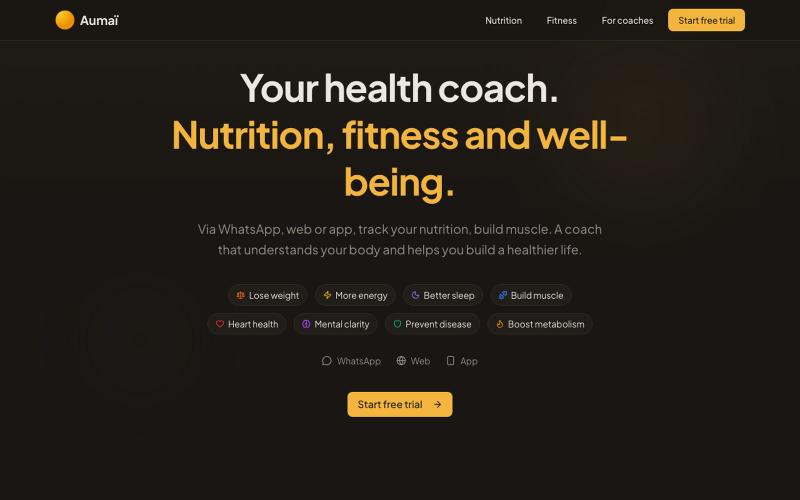
Aumaï——通过文字或照片追踪饮食和锻炼,获得AI营养分析。

@_FrenchSalmon · X
Building Aumaï, nutrition coach Spoiler alert: you can connect via MCP