Marnitus — Your Creative Operating System
生成听起来像您的钩子、帖子、邮件、脚本和活动。
@Yuvrajfounder · X
If you’re building something that shouldn’t stay inside a notebook… Marnitus is worth watching. $25K hackathon incoming. More soon. Visit
完整作品展
技术栈
21 projects

生成听起来像您的钩子、帖子、邮件、脚本和活动。
@Yuvrajfounder · X
If you’re building something that shouldn’t stay inside a notebook… Marnitus is worth watching. $25K hackathon incoming. More soon. Visit

一个网页操作系统,支持多窗口、终端、包管理器和90+应用,完全运行在浏览器中。
blank9485 · HN
Hi all! It has a graphical UI with windowed multitasking, a terminal, 90+ commands and apps, an APT-style package manager, local IndexedDB storage, games, and a process manager. The terminal and graphical interface use the same underlying system rather than being separate demos. The newest update also introduces OrbitOS Agent, an AI assistant that can understand the current OrbitOS screen and app context, suggest actions, and execute multiple OrbitOS commands directly without requiring confirmat

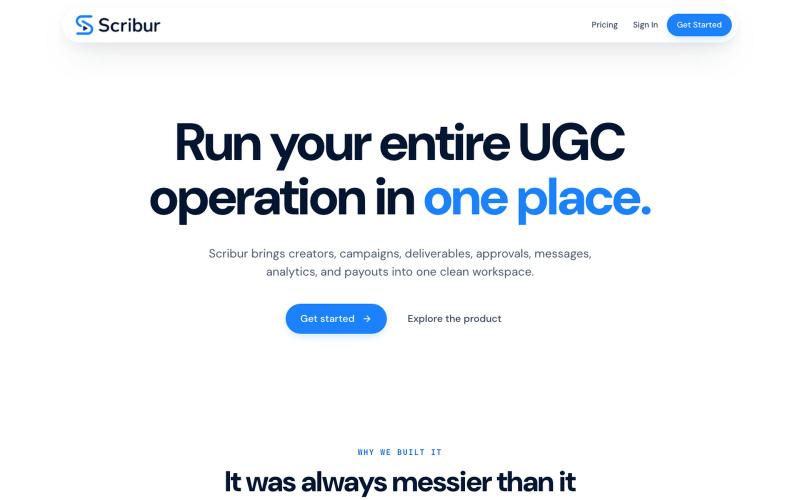
在一个工作区中规划、制作、审查和发布创作者内容。
@DaiwikShashi · X
Building Scribur — the operating system for in-house UGC teams. We help in-house teams manage campaigns, content ideas, scripts, submissions, revisions, approvals, creator communication, and performance tracking all in one place.
AI 操作系统,用于规划目标和构建网站、应用及媒体。
@GenesisBrandHQ · X
One AI operating system for your work, life, agents, and creations.

Create, repair, enhance, animate, write, and reuse image, video, audio, and text work from one AI creative workspace for faster production workflows.
@qingdanqianlv · X
用Minimax H3做了一个产品介绍视频,实测选效果有种小时候看《动漫世界》开头动画的体验,纸艺小人也会跟着视频动效做反应,非常有趣味性。 想免费试用的朋友可以直接把官方提示词投喂给豆包+豆包生成视频,效果会差一些。 产品是Linocut图文生成网站:

为多个客户管理创意项目,支持隔离工作区和白标审查链接。
@monkmodeceo · X

包含60+个AI工具的云工作站,支持Claude Code、Codex等。
@CoderLuii · X
A machine for your coding agents.

为AI编程工具提供的Linux工作环境,可在会话间保持文件、依赖项和服务。
@SeagerCortez · X

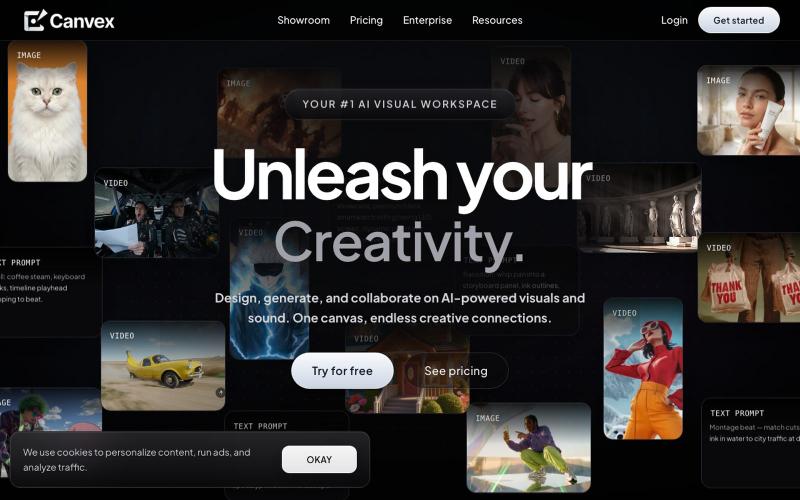
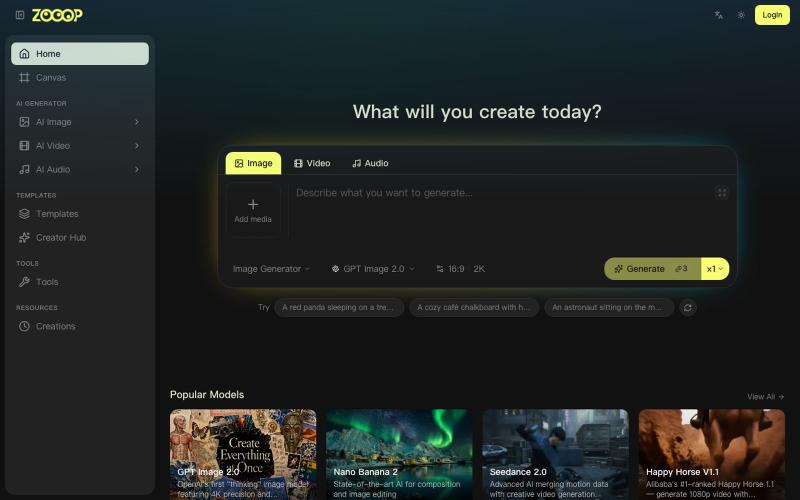
在无限画布上组合AI生成的图像、视频和音频。
ZOOOP — AI 原生创作平台,支持在浏览器端无限画布上生成图像、视频和音频,提供去背景、高清化等专项工具及即用型 AI 模板,支持发布模板赚取积分,并具备团队共享积分模式。

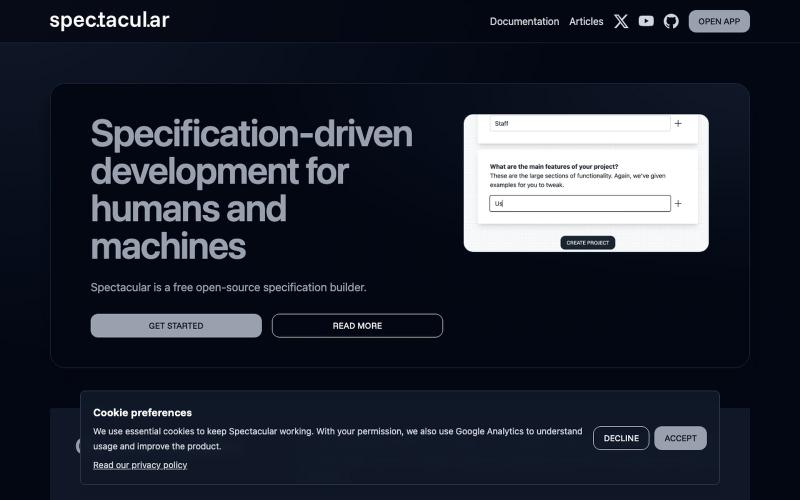
编写人类和AI都能理解的功能规范的开源工具。
@spec_tacul_ar · X
Specifications for humans and AI.


为 Codex Desktop 设计自定义主题,调整背景、颜色、透明度和视觉效果。
plutozc · V2EX
做了个 Codex Desktop 主题预览和切换工具,先调好再安装 最近一直在用 Codex Desktop ,觉得默认界面看久了有点单调,就顺手做了个主题编辑工具,分享一下: [Codex Skin]( https://getcodexskin.com) 可以先在网页里预览主题,调整背景透明度、面板透明度、颜色、模糊和圆角等参数,满意之后再下载并切换到 Codex Desktop 。 目前支持: - 自定义 JPG 、PNG 、WebP 背景 - 在线实时预览主题效果 - 调整透明度、颜色、模糊、圆角 - 预览满意后生成安装命令 - 不喜欢了可以恢复默认外观 目前主要面向 macOS 上的 Codex Desktop ,还是个人项目,功能和兼容性都在继续打磨。 欢迎试试,也想听听大家对主题参数、预览效果和安装流程的反馈。 直接网址: https://getcodexskin.com [轻喷 轻喷,可能还有些 bug