
创意工具4 weeks ago
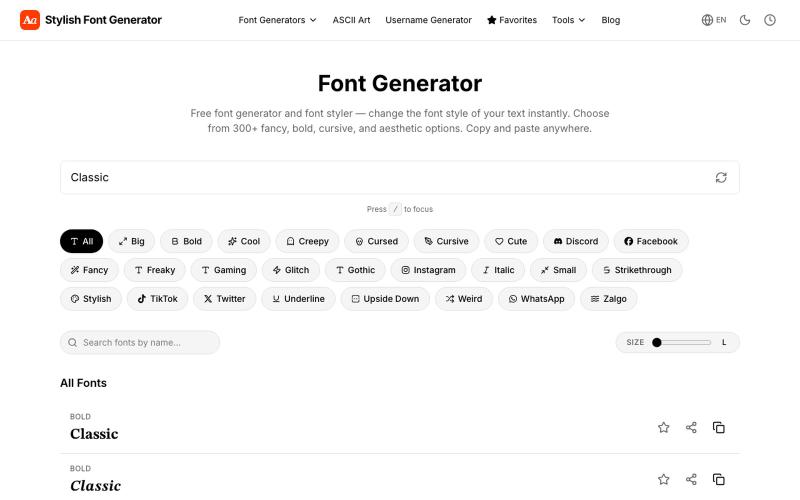
Stylish Font Generator — (𝓬𝓸𝓹𝔂 𝖆𝖓𝖉 𝓹𝓪𝓼𝓽𝓮)
生成花式字体和风格化文本,复制粘贴到社交媒体。
vertex_apps1 · Product Hunt
Stylish Font Generator Turn plain text to fancy fonts, bold, cursive & Zalgo style
完整作品展
技术栈
15 projects
生成花式字体和风格化文本,复制粘贴到社交媒体。
vertex_apps1 · Product Hunt
Stylish Font Generator Turn plain text to fancy fonts, bold, cursive & Zalgo style
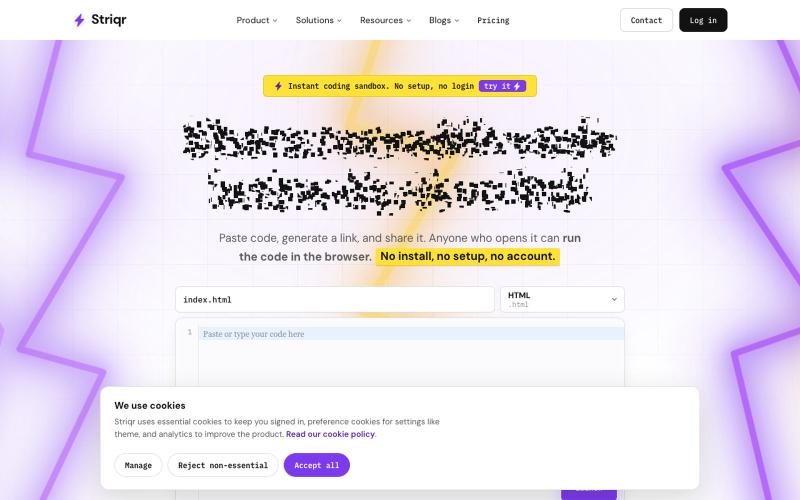
Paste code, get a link, and share it. Anyone opening the link can run your code in the browser. No setup, no install, no login. An instant coding sandbox for snippets, debugging, a

@BillyAwaa · X
Share runnable code instantly and invite users to collaborate. You can spin up any framework such as node JS, flask and more. No sign up needed.
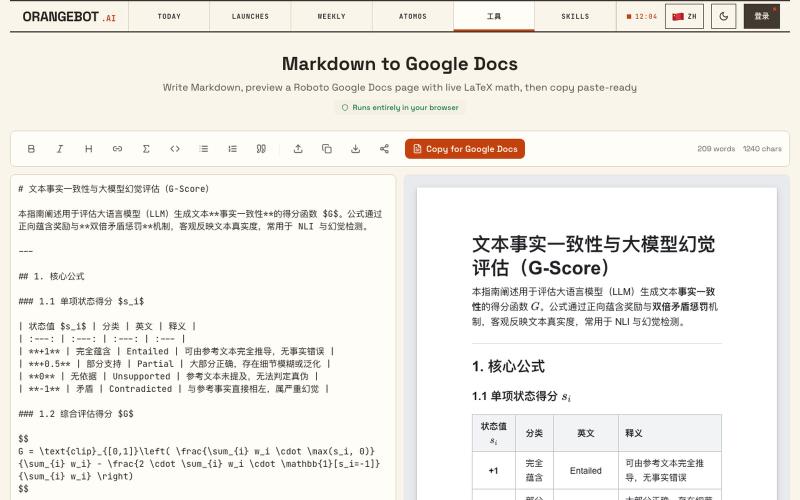
将 Markdown 转换为 Google Docs 文档,支持 LaTeX 数学公式。
shenhuang · Product Hunt
Markdown to Google Docs Paste AI markdown, get a clean Google Doc, math included
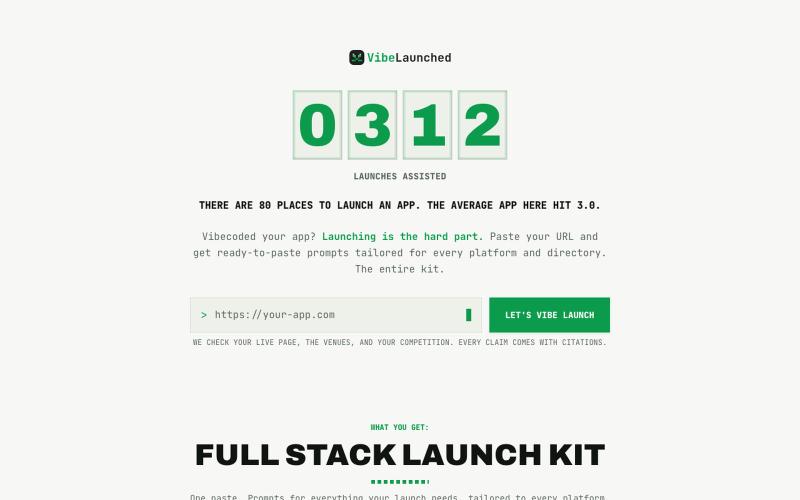
为 vibe-coded 应用生成跨平台启动计划和营销文案。

@VibeLaunched · X
your app is not dead. it's unlaunched. 101 vibe-coded apps on our wall. the average one launched in 1.8 of 80 possible places. we built vibelaunched to fix exactly that.

用于查看和接受 Claude 代理代码编辑的 Markdown 编辑器
samuelstros
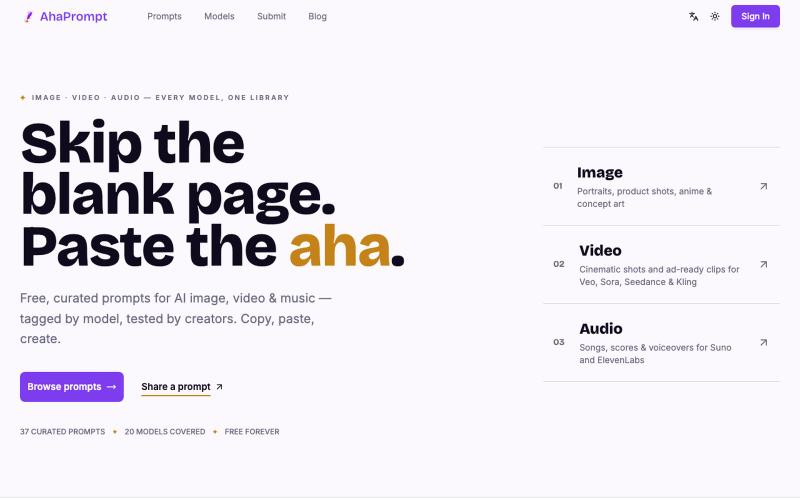
复制精选AI提示词库,用于图像、视频和音频生成。
weijunext · HN
Free, curated prompts for AI image, video and music
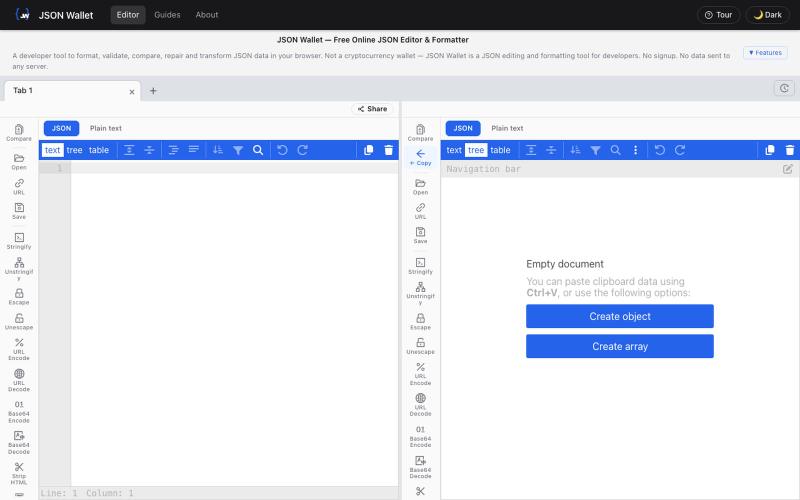
免费在浏览器中编辑和格式化JSON,支持验证和转换。

@bhushankuma491 · X
标记和提取截图部分分享给 ChatGPT 或 Claude。
akshitdandyan · Product Hunt
Label.Photos Make screenshots easier for AI to understand
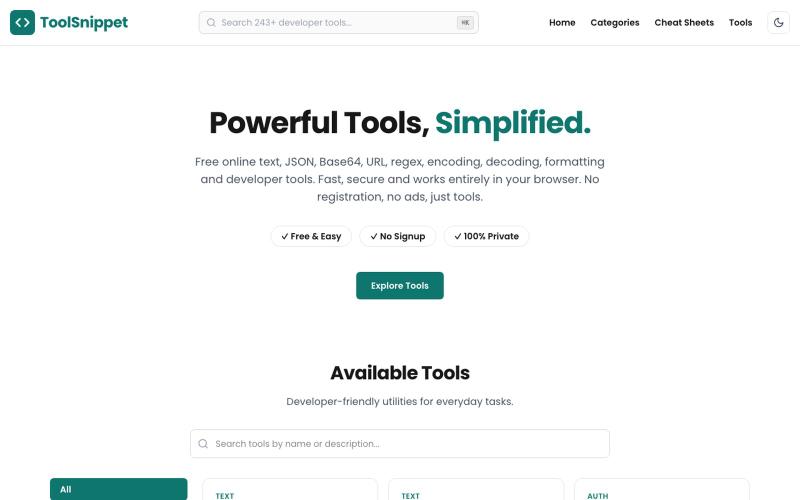
浏览器中的230+免费开发工具,用于JSON、CSV、SQL等数据格式化和转换。
divsince1999 · Product Hunt
ToolSnippet 233+ free, 100% client-side developer & text tools
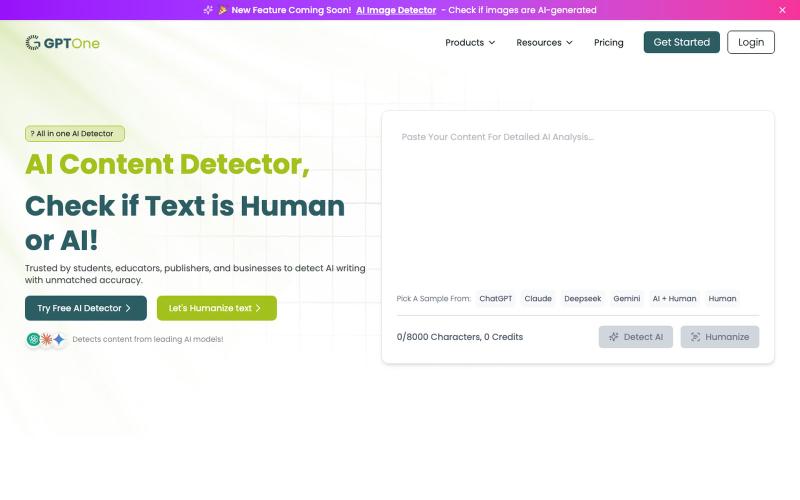
粘贴或上传文本,瞬间检测是否由 ChatGPT、Claude、GPT-4 或 Gemini 生成。
sanabano · Product Hunt
GPTOne Free AI detector for ChatGPT, Claude, Gemini & more
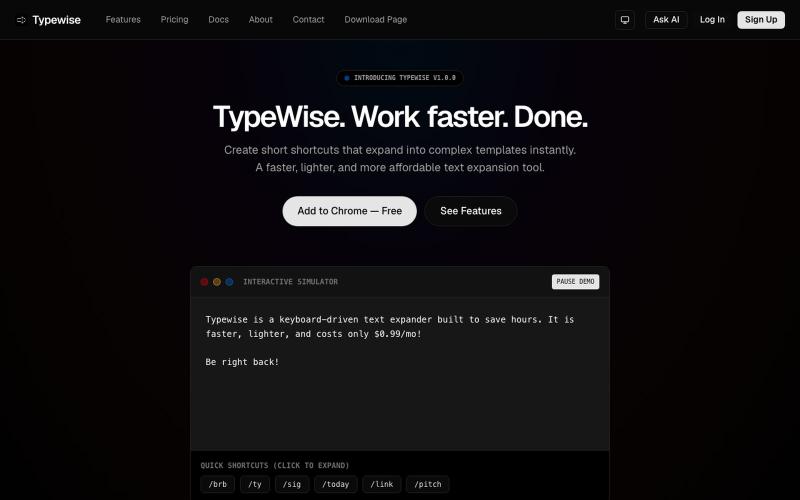
在浏览器中创建文本快捷方式,可自动展开为较长片段。

@goldlion123RP · X
- This is a Snippet Extension tool, with cross device sync, auto cloud backup, sounds, animations etc. features. Do explore it & I'm open to receive feedback.
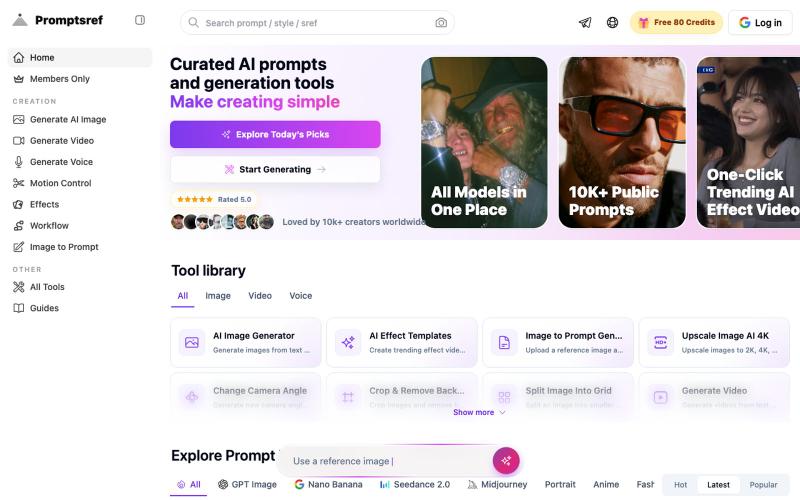
浏览精选的 Midjourney sref 代码库,按风格分类,生成风格一致的 AI 图像。
Midjourney Sref code 精选库 — 在 Midjourney 的 prompt 输入 `--sref xxx` ,可以固定生成某种特定风格的图片。这对很多人来说非常方便,不用写一堆效果词,只要记住几位数字就可以。但 `--sref xxx` 有大概 40 亿个,其中重复或者质量不佳的不在少数。因此做了一个网站把一些个人觉得不错的 sref code 收集起来并进行分类,方便新人或