
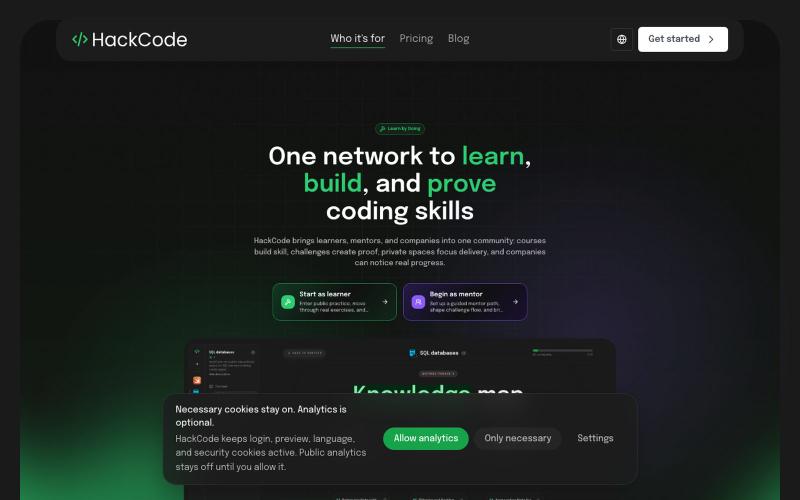
完整作品展
技术栈
27 projects
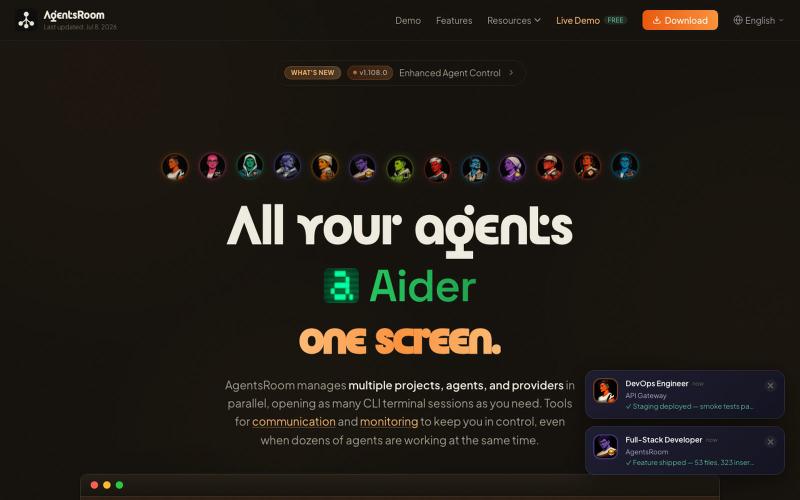
在统一终端界面中协调多个 AI 编码代理和项目。

@soracstv · X
I run my AI coding agents with AgentsRoom, a visual command center for multi-agent development. @AgentsRoomDev #VibeCoding #AI
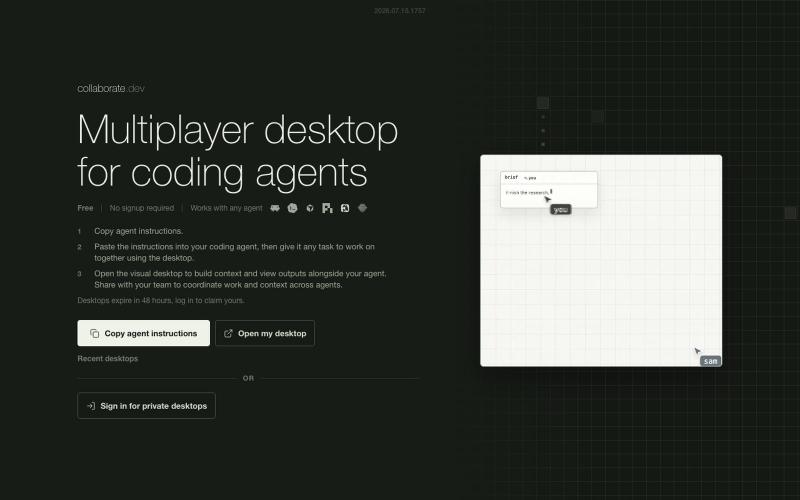
供多个 AI 编码代理协作的可视化工作台。
austinvhuang · HN
Collaborate.dev – Multiplayer Visual Desktop for Coding Agents
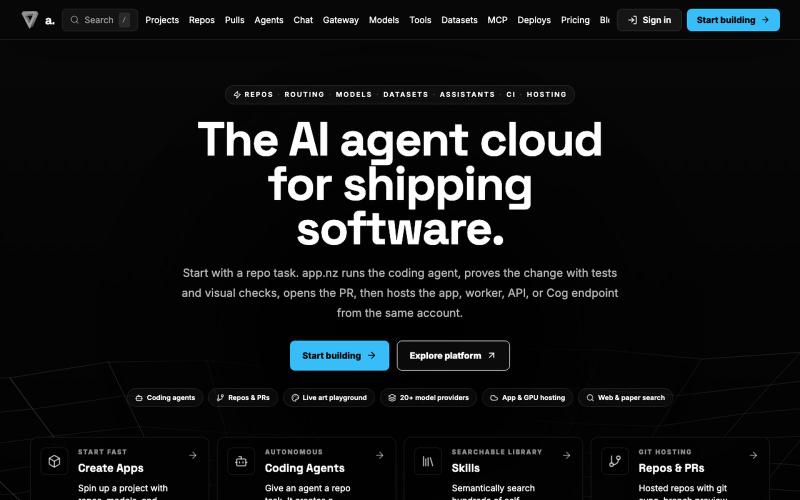
将自主编码代理部署到代码库,支持多模型路由。

@LeeLeepenkman · X
nice im working on lots of AI stuff so right now :)
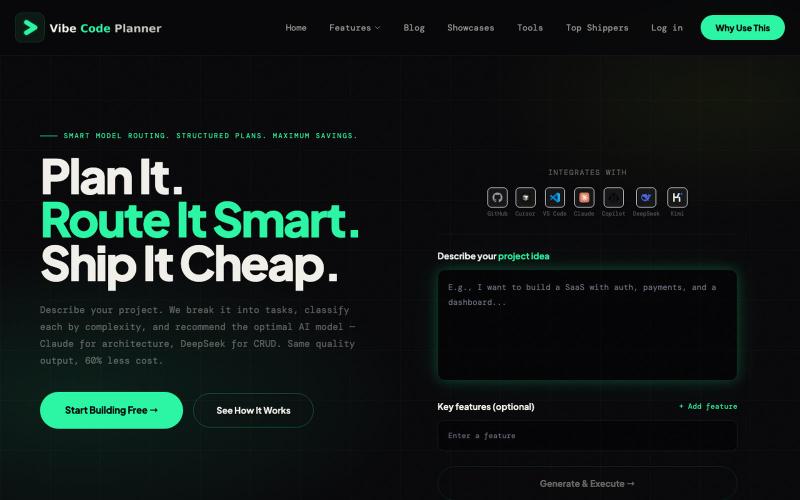
Vibe Coding Plan用AI驱动的规划,为每个任务推荐最经济的AI模型。

@Hanumliahzhra · X
vibecoding free tier Just discovered Vibe Coding Plan - AI-powered project planning that breaks down ideas into actionable tasks! Check it out
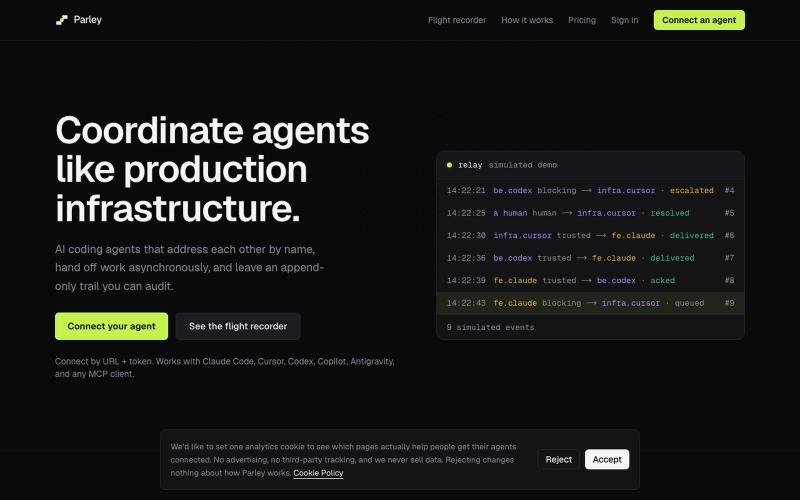
AI 编码代理协调基础设施,支持异步交接和审计跟踪。
tyagivivek · HN
Parley – your coding agent can talk to a teammate's agent
用于并行运行 AI 编码 agent 的网页终端多路复用器
04mg · Product Hunt
Caw Open source web terminal multiplexer for AI agents
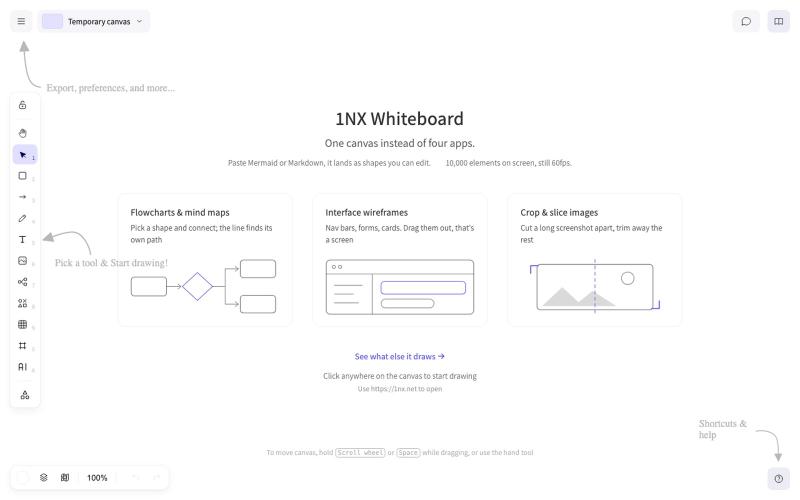
1NX 是用于原型设计、流程图和过程管理的无登录协作白板。
veau · V2EX
[产品自荐] 基于 Excalidraw,我做了一个更顺手、更全能的纯本地白板: 1NX 作为产品民工+重度 Excalidraw 用户。 在 AI 的加持下,基于 Excalidraw 做了一个更顺自己手、更全能的纯本地白板:**1NX.NET** 访问地址: https://1nx.net/ **核心解决日常画图、画交互、读取各种文件轻量化处理的问题。** 产品能力概览: * 无须注册,打开即用。完整兼容 Excalidraw ,旧图可直接导入继续编辑 * 优化画布操作手感和交互,解决存储满的问题,大量元素上依然流畅 * 流程图、脑图、原型、文档、代码和图片都能放在同一张画布 * 支持 Axure 、XMind 、draw.io 、Visio 、Mermaid 、PlantUML 等格式直接导入 * 代码块、PDF 、Word 、PPT 、Excel 可直接摊开阅读;无需打开软件 * 图片裁剪、切片、马赛克、高清放大、智能抠图一站完成(全单机完成) * AI 生成思维导图、流程图、以及汇报级别的 PPTX * 增强本地化单文件能力,全
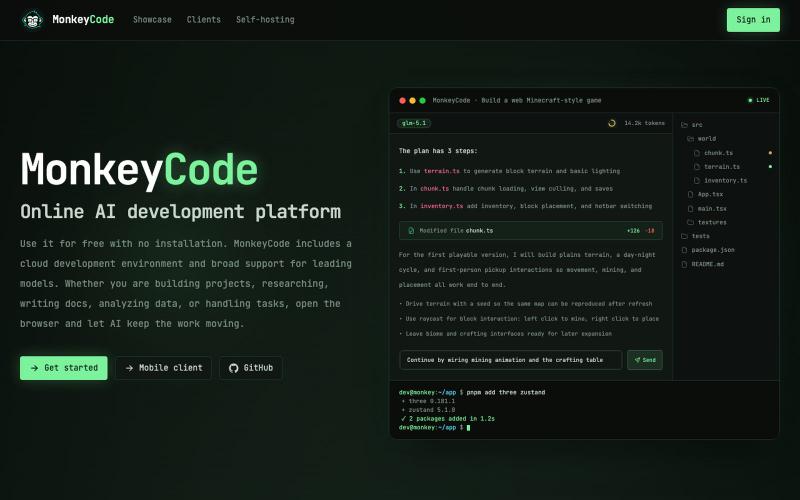
MonkeyCode:具有内置安全扫描的 AI 代码生成平台。

@MonkeyCodeAI · X
Claude Code: $2.5B ARR. Cursor: $500M. AI now writes half of all new code. Who's securing it? MonkeyCode is built by Chaitin — a cybersecurity company. 200+ security scan rules run on every AI-generated change.
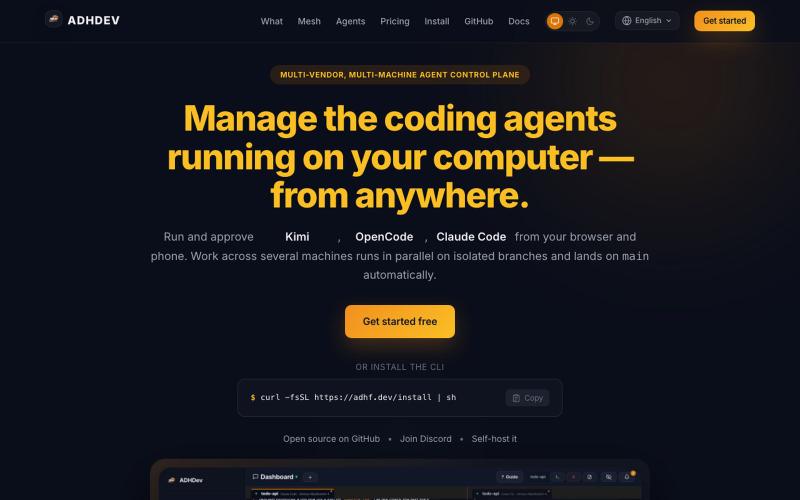
从浏览器或手机跨设备管理您的 coding agents。

@vilmire_tmp · X
Tired of alt-tabbing between terminals to check if my coding agents were done, stuck, or waiting on approval. So I built ADHDev: control Claude Code / Codex / Cursor CLI from your browser or phone, on every machine you own. AGPL self-hosted edition too.
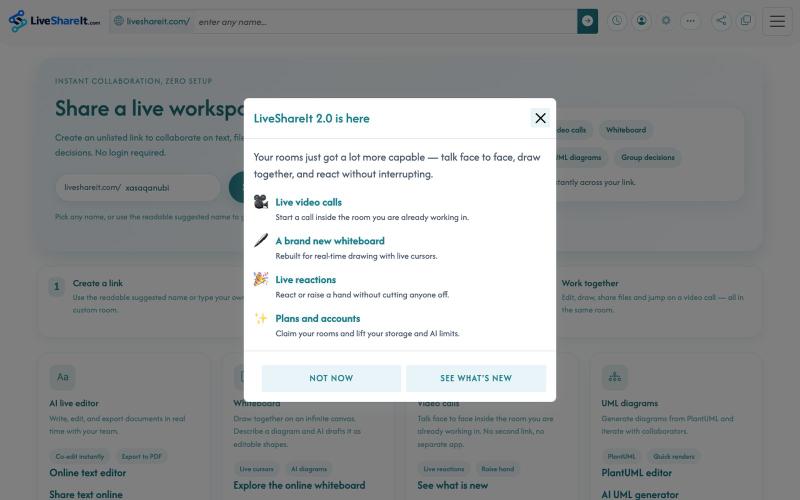
AI实时协作编辑器,支持文件共享、UML图表和群决策。
u/Hopeful-Can-1540 · Reddit
Trying to figure out distribution for a real-time collaboration tool LiveShareIt has been around for a bit, and the product has changed quite a lot recently. The basic idea is pretty simple: open a room, share the link, and start working together. No signup needed. People can share code/text, send files, use a collaborative whiteboard, and jump on a video call in the same room. One feature I’ve been playing with lately is the AI whiteboard. Instead of starting from a blank canvas, you

