

生产力1 month ago
Cubix Capture – Free Screen Recorder with Auto Zoom | Mac & Windows
Mac & Windows 屏幕录制工具,支持点击自动缩放、渐变背景和摄像头叠加。

@zuess05 · X
Shipped some banger updates to
完整作品展
技术栈
19 projects
Mac & Windows 屏幕录制工具,支持点击自动缩放、渐变背景和摄像头叠加。
@zuess05 · X
Shipped some banger updates to

标记和提取截图部分分享给 ChatGPT 或 Claude。
akshitdandyan · Product Hunt
Label.Photos Make screenshots easier for AI to understand
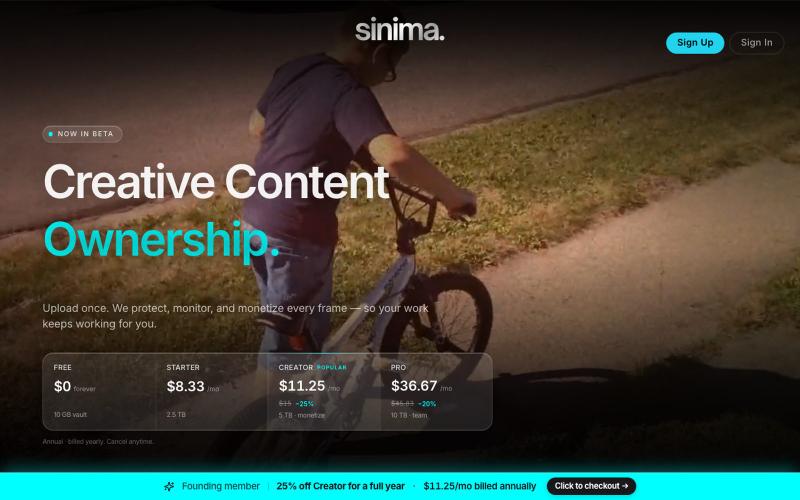
上传屏幕录像以保护并授权给AI平台。

@LisaTrublet · X
Vimeo alternative for creators and filmmakers, with IP protections built in. 25% off Creator Core. 🎉
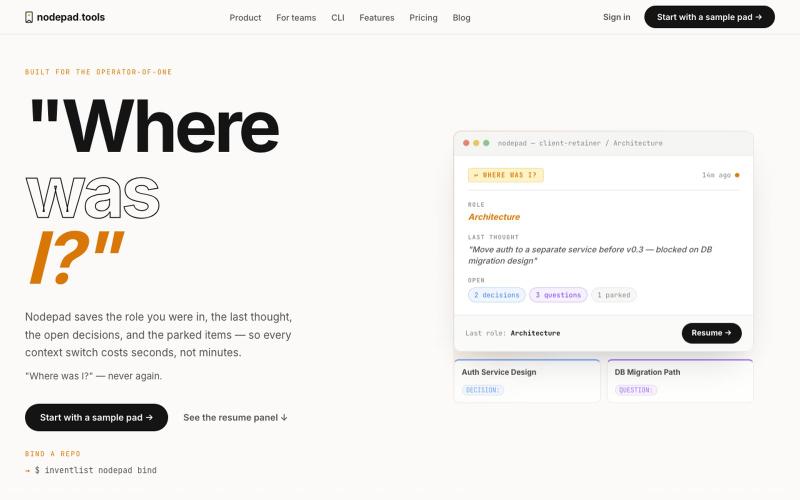
记录项目上下文,随时暂停和恢复工作。

@naumanthanvi · X

Cam-Shot AI 活动照片分享平台,支持人脸识别和白标库。

@Jatinthadani1 · X

A simple CRM for small businesses: capture leads, build branded invoices from your product and service catalog, share them as a link or PDF, and work an automatic follow-up sequenc

@tomfromtampa · X
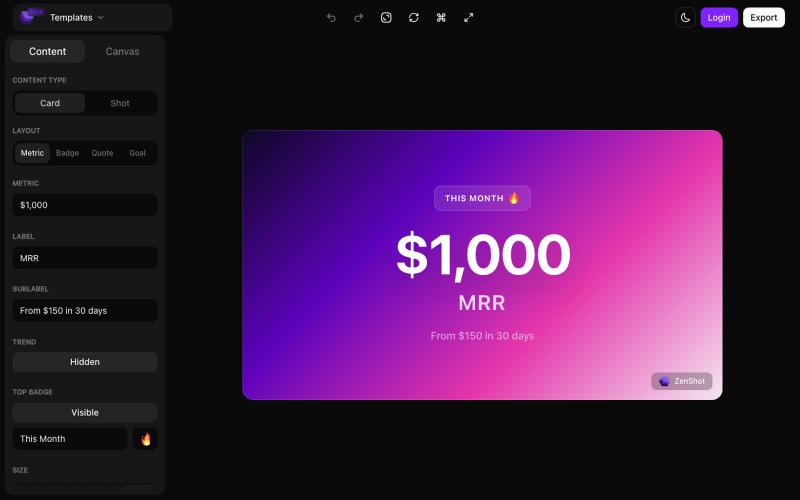
创建精美的 screenshots 和 progress cards,准备好与您的受众分享。

@shreyassihasane · X
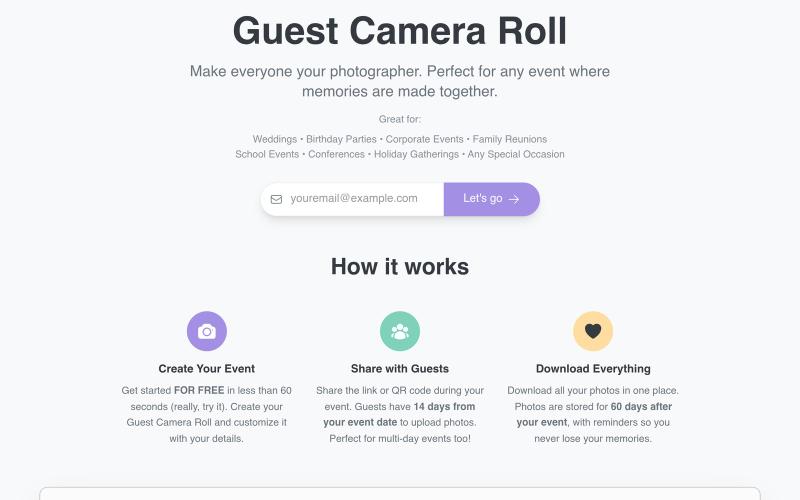
通过共享链接或二维码在活动中收集嘉宾照片。

@aaronbatilo · X
Shout out I made it. Shout out to me. Pre-vibe coding

用 FieldCam 整理工地照片和视频,添加 GPS 和时间戳,自动生成 PDF 报告。

@12squaredAI · X
| @fieldcam_app

Papped hands every guest a disposable camera in one QR scan. Screened photos land live in a shared gallery and in your own Google Drive. No app, no login.

@OneEyedAbhay · X
it's fun and optimised..open for suggestions or roast
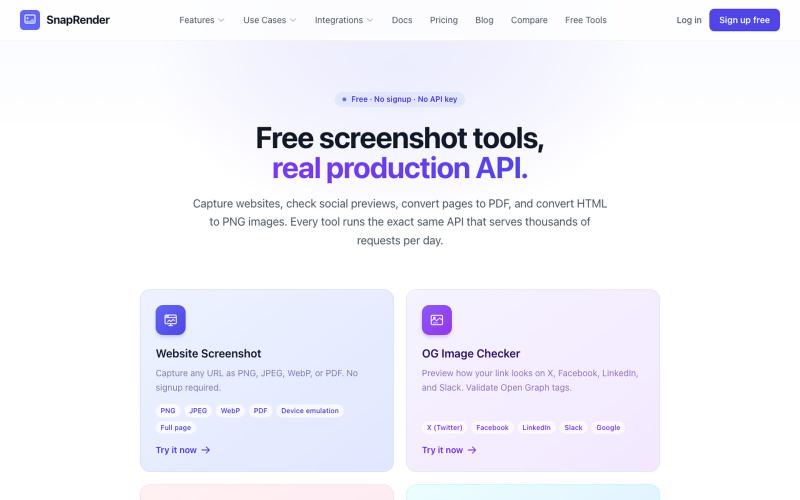
无需登录,支持网站截图、PDF/PNG转换和OG图像检查。
u/SpecificNo8047 · Reddit
I built a screenshot API because my personal Puppeteer setup kept breaking. Six months later it has an MCP server and hundereds of users Solo founder here, this is my product, full disclosure. It started as super simple helper self hosted tool for myself: I needed website screenshots for a project, self-hosted Puppeteer, and spent more time babysitting Chromium than building. So I turned the babysitting into a product, because why not. What it does: one GET request in, rendered screenshot
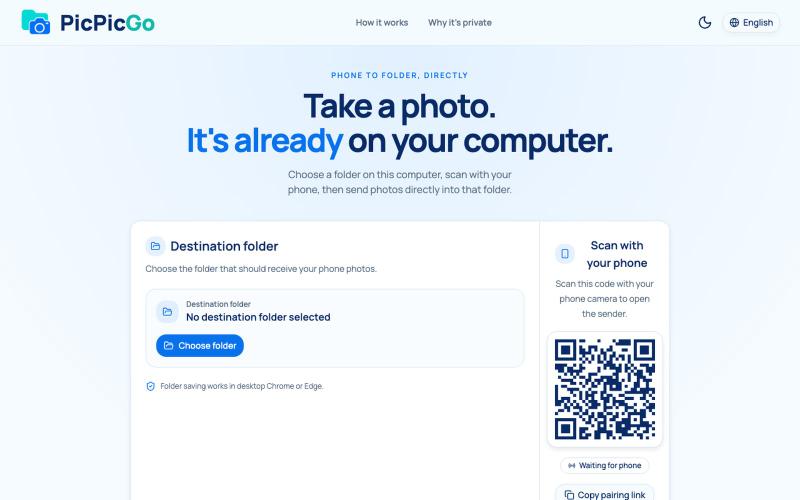
从手机直接将照片传送到电脑文件夹,无需账户或安装。
1010115121 · V2EX
做了个网站,将手机的照片实时同步到电脑指定的文件夹,不需要复杂的操作! 最近自己有个需求:需要把手机刚拍的一批图(十来张)快速传到电脑 试了一圈手机和电脑的同步方案,都有点麻烦,所以自己做了个工具站:PicPicGo https://picpicgo.com 使用很简单: 1 、电脑打开网页,选择一个文件夹 2 、手机扫码进行连接 3 、手机拍照或选择照片 4 、照片自动保存到电脑刚才选择的文件夹 不需要安装电脑软件,也不需要安装手机 App ,打开网页就能用 照片通过 WebRTC 在设备之间直接传输。 目前只支持同局域网的设备,刚发布,发出来看看有没有人也有类似需求,欢迎试用和提意见。