ScribleSketch - AI workspace for notebooks, slides & canvas
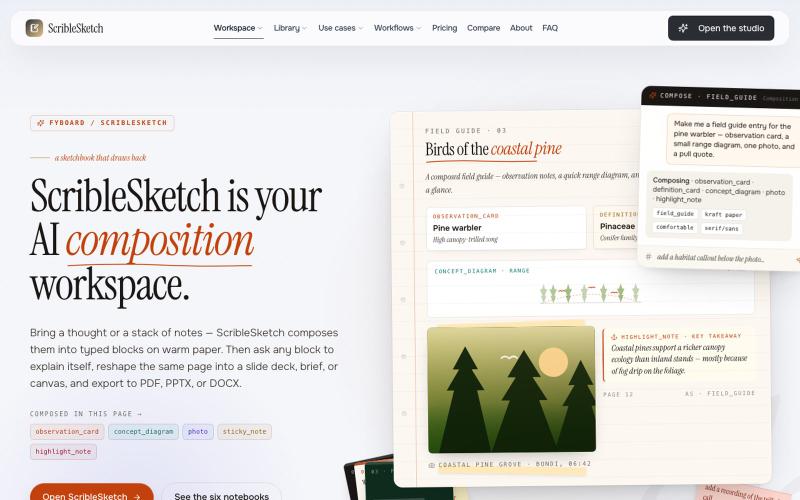
一次编写,多格式导出为笔记、幻灯片、PDF、PPTX、DOCX 或画布。
@mr_wickedhacks · X
Write the doc once → get a notebook, slide deck, canvas, or resume from the same source. No rewriting for every format.
完整作品展
技术栈
36 projects

一次编写,多格式导出为笔记、幻灯片、PDF、PPTX、DOCX 或画布。
@mr_wickedhacks · X
Write the doc once → get a notebook, slide deck, canvas, or resume from the same source. No rewriting for every format.

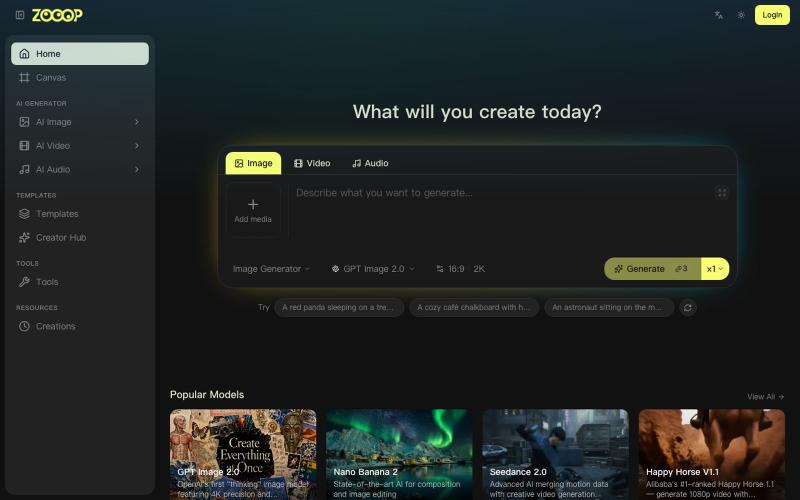
ZOOOP是AI原生创作平台,在浏览器无限画布生成图像、视频和音频。
ZOOOP — AI 原生创作平台,支持在浏览器端无限画布上生成图像、视频和音频,提供去背景、高清化等专项工具及即用型 AI 模板,支持发布模板赚取积分,并具备团队共享积分模式。

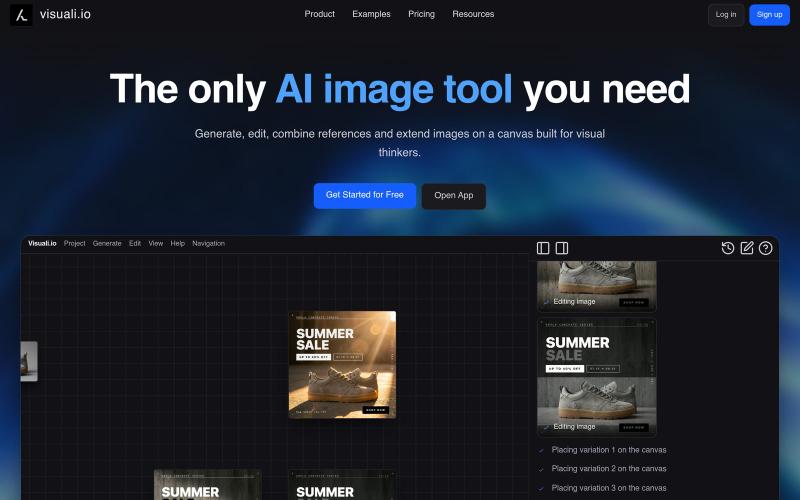
AI 图像编辑与生成工具,在浏览器和移动设备上编辑和扩展图像。
visuali · HN
Like Claude Code for Images

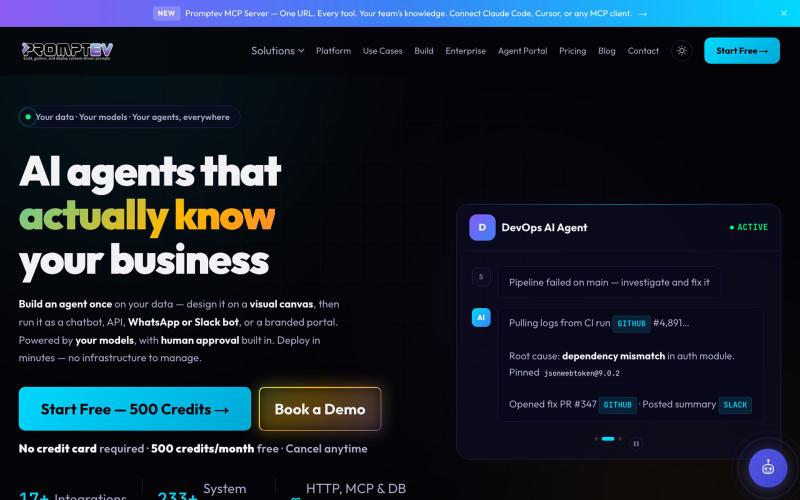
在可视化画布上设计生产级AI代理。
@salmanzafar949 · X

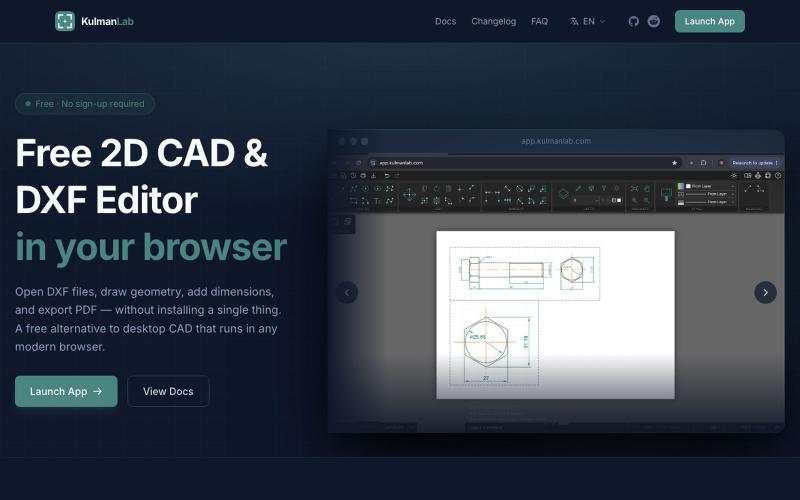
在浏览器中绘制和编辑2D CAD设计,然后导出为DXF或PDF。
@KulmanLab · X
- a free and accountless alternative to Autocad

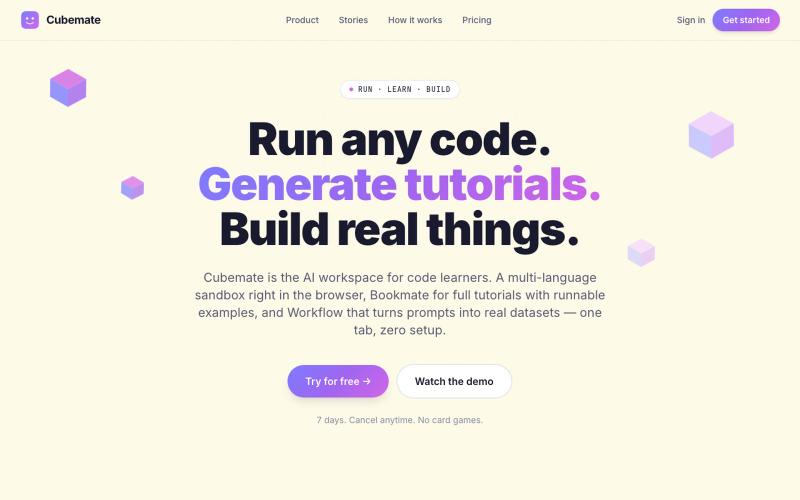
多语言代码学习助手,可在浏览器中直接编写和执行代码。
@francis7_a · X
Building - learning tools for devs and student. happy to connect.

@zdogmode https://t.co/Cdk9FF9iPM - This is a tool I built and was really useful for my own projects, so I made it available.
@tpacker · X
- This is a tool I built and was really useful for my own projects, so I made it available.

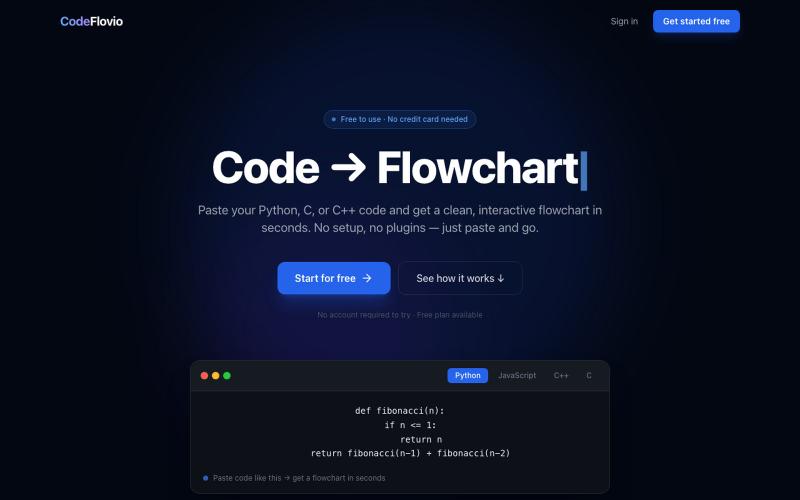
CodeFlovio 将代码转换为交互式流程图,便于学习、调试和文档编制。
@Sparsh209 · X
Hi isha! Check it out here at: Would love to hear your feedbacks

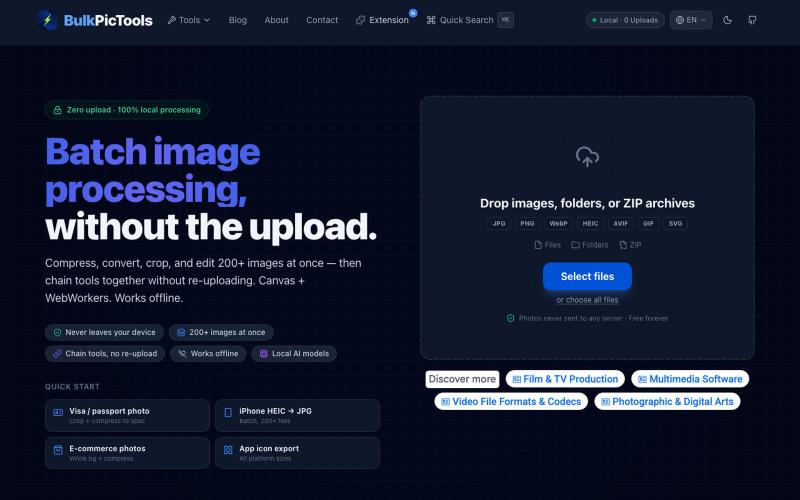
在浏览器中批量处理图片,支持工具链、本地AI和格式转换。
BulkPicTools — 免费浏览器端图片批量处理工具,支持**工具链串联**(压缩→转格式→裁剪一次完成,无需重复上传),本地 AI 去背景/人脸模糊(WebGPU,无需 API Key),支持 200+ 张图片批量处理,文件不上传服务器。

图片缩放、JSON格式化、PDF处理、文本分析和设计资产创建的浏览器工具,无需登录。
musekit · Product Hunt
Free AI Tools Free browser tools for everyday tasks, no login

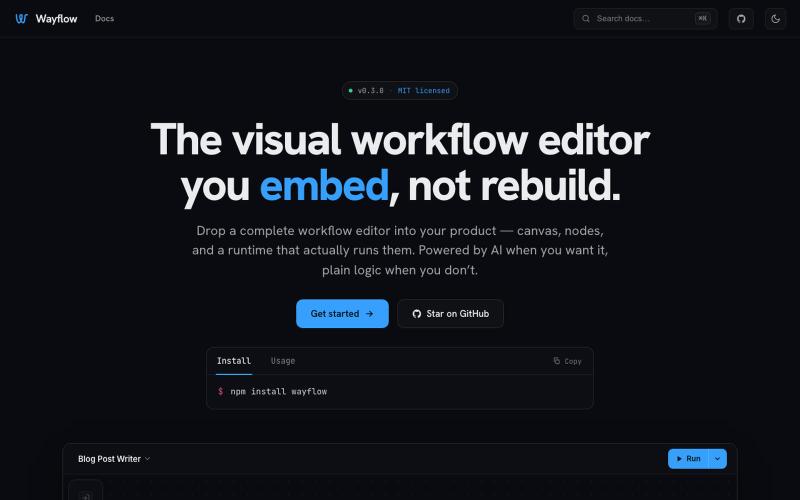
可嵌入的可视化工作流编辑器,支持AI驱动或纯逻辑设计。
tahazsh · HN
Hi! I’m Taha. In many agentic products that support workflows (including one I worked on), I noticed they either don’t support node-based editors, or use React Flow and go through the difficult work of integrating it into their product to run it and work with their existing logic. So I thought about creating a tool that could help with this by closing the gap between the editor and the runtime. That’s why I created Wayflow. The basic architecture is simple: you just need to create a graph (which is a JSON object) that the runtime knows how to run. The runtime doesn’t care where that graph is coming from, it just needs the right schema. And with the help of the editor, you can create the graph, and then export it or directly save it on your backend in your database. And then when you want to execute it, you just hand it to the runtime. The runtime can either stream the execution (which is useful for the editor), or give you the final result. How you execute the graph is up to you: t

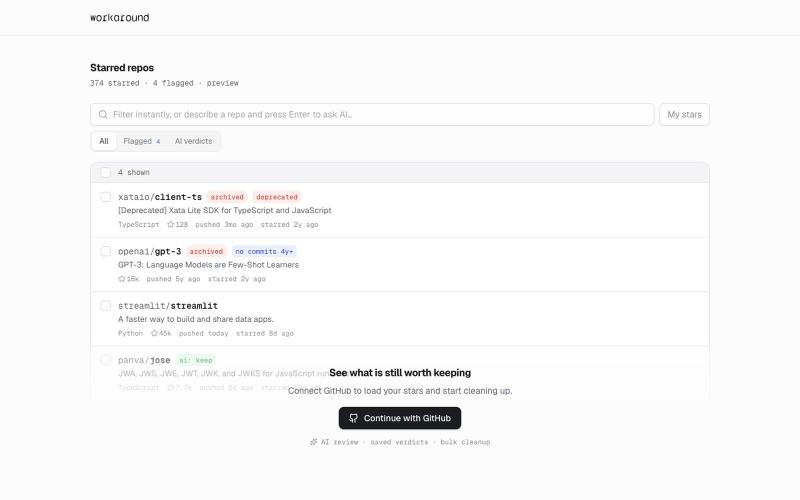
提供日常软件实用修复的浏览器工具,首先支持GitHub。
yusveng · HN
Workaround – Unstar GitHub Repos in Bulk