

完整作品展
技术栈
26 projects
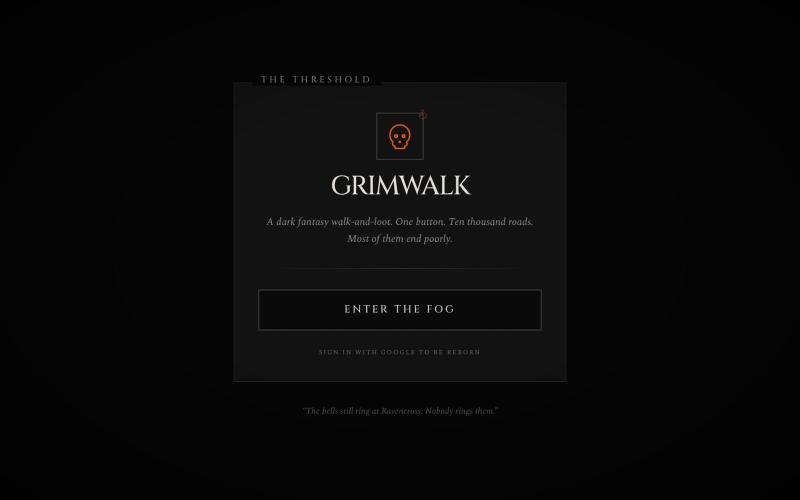
GrimWalker是一款黑暗幻想浏览器游戏,目前处于前期开发。

@grimwalkerSM · X
CODES ON MY PROFILE
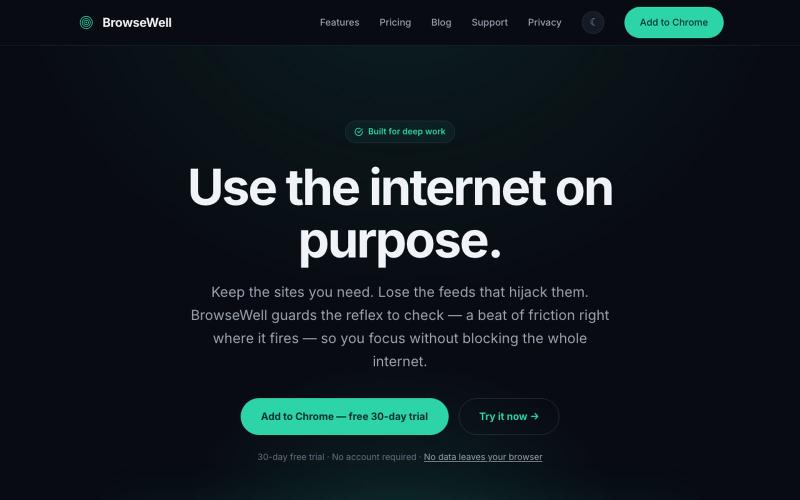
BrowseWell 是一款 Chrome 扩展程序,在保持所需网站访问的同时屏蔽干扰。

@mashrurio · X
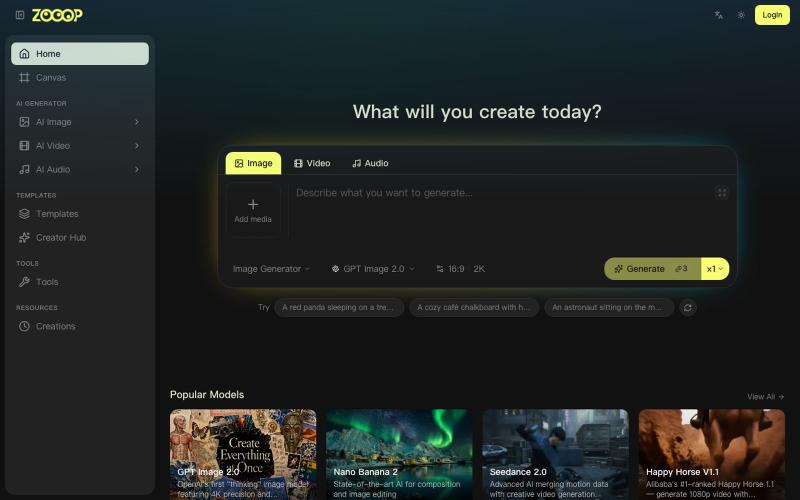
在无限画布上组合AI生成的图像、视频和音频。
ZOOOP — AI 原生创作平台,支持在浏览器端无限画布上生成图像、视频和音频,提供去背景、高清化等专项工具及即用型 AI 模板,支持发布模板赚取积分,并具备团队共享积分模式。
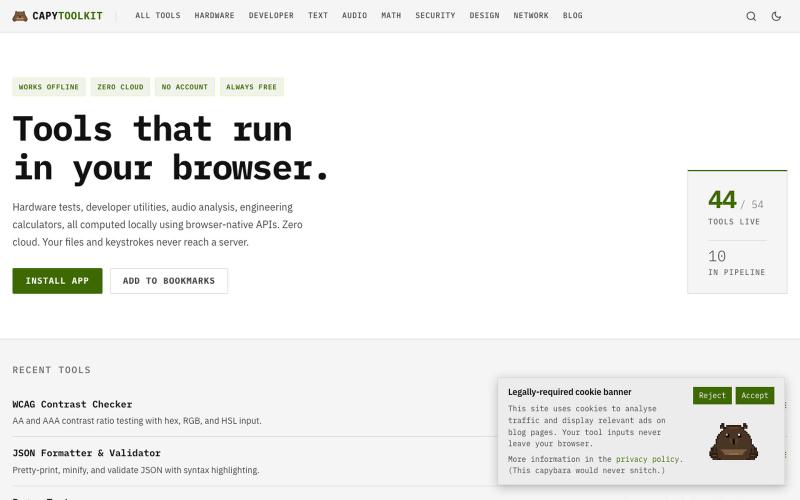
免费浏览器工具集合,支持开发者工作、硬件测试和音频,完全客户端运行。
ChillyCapy · HN
CapyToolkit – Browser-native developer and hardware diagnostic tools

在浏览器中直接编辑和筛选 RAW 照片,本地处理无需上传。

@am56ay · X

一个网页操作系统,支持多窗口、终端、包管理器和90+应用,完全运行在浏览器中。
blank9485 · HN
Hi all! It has a graphical UI with windowed multitasking, a terminal, 90+ commands and apps, an APT-style package manager, local IndexedDB storage, games, and a process manager. The terminal and graphical interface use the same underlying system rather than being separate demos. The newest update also introduces OrbitOS Agent, an AI assistant that can understand the current OrbitOS screen and app context, suggest actions, and execute multiple OrbitOS commands directly without requiring confirmat
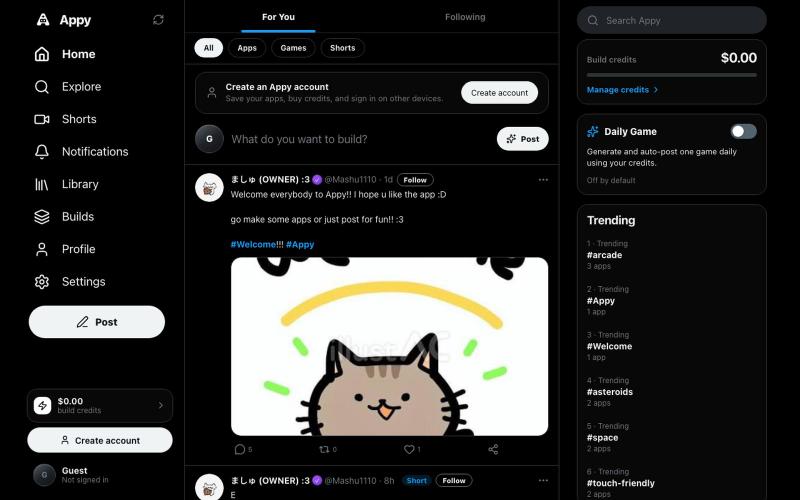
创建、发布和游玩AI生成的应用和游戏。

@Starexgames2026 · X
Hey elon :D is it ok if I can make it in my app so people can use their supergrok sub to build with the AI in the app? Its like X but for vibe coded apps :3 very simular to websim before but with a X interface :D it would mean a lot :D
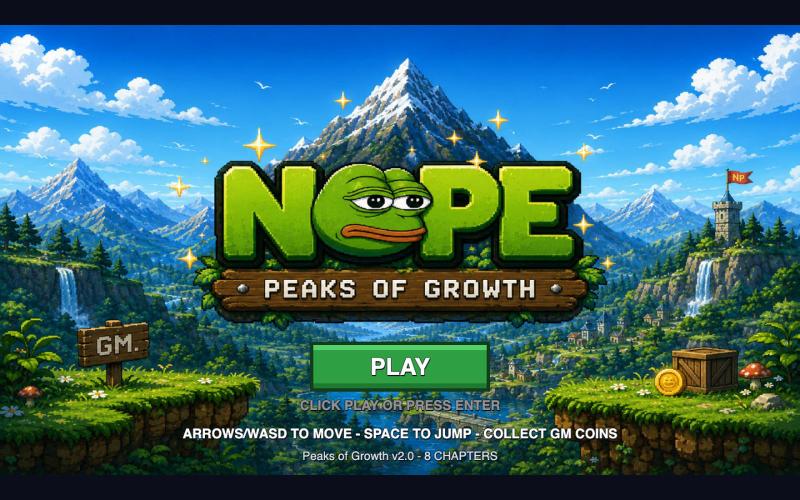
可直接在浏览器玩NOPE游戏,无需钱包或设置。

@NormiePepeNFT · X
Want to have some fun? 🐸🎮 Try the NOPE game — built entirely with Claude Code. No wallet connection required. No complicated setup. Just jump in and play. Have some fun. Be NOPE. 💚

Imagerry - 浏览器图片编辑工具,可裁剪、缩放、转换格式

@its_ajseven · X
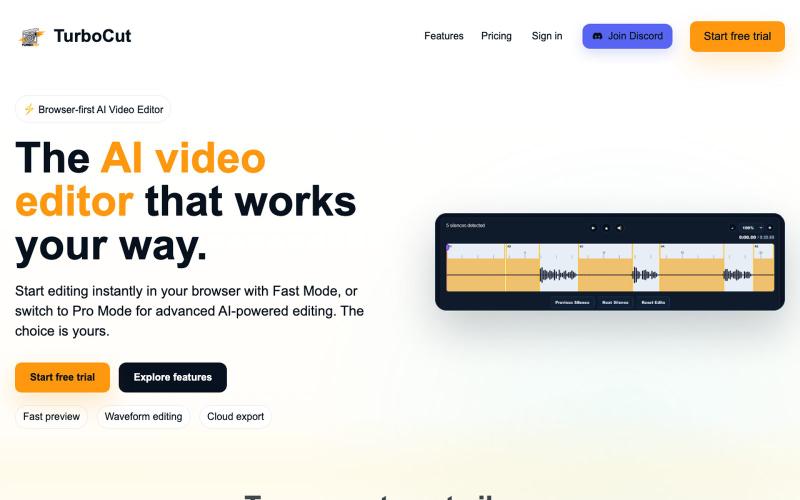
浏览器中的AI视频编辑器,支持云工作流和快速编辑。

@AtifIqrar · X
Building TurboCut 🚀 An AI video editor that runs directly in your browser for private, lightning-fast editing, with optional cloud AI for heavier workflows. Built for YouTubers, content creators, educators and agencies who want to save hours editing.
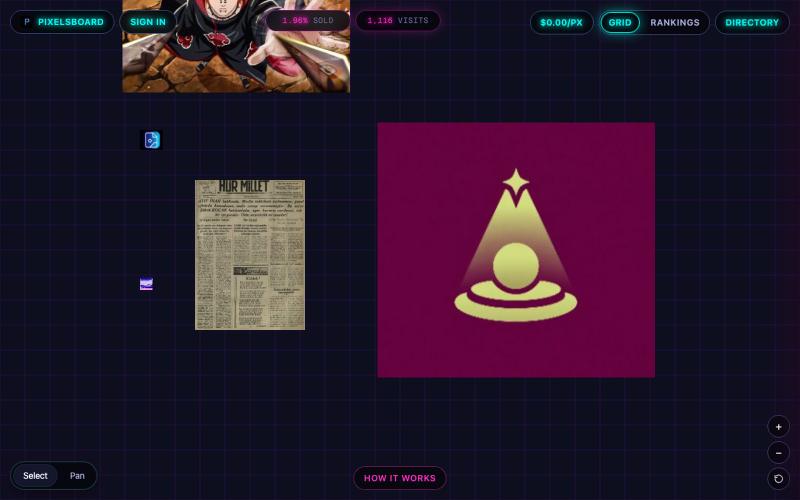
@anupamrjp https://t.co/Rpmg9F3PWM

@Saassy_Dev · X
