

完整作品展
技术栈
60 projects
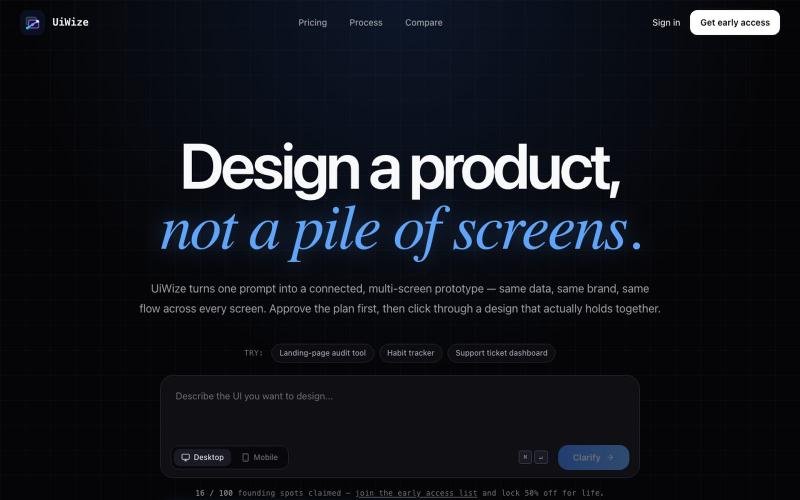
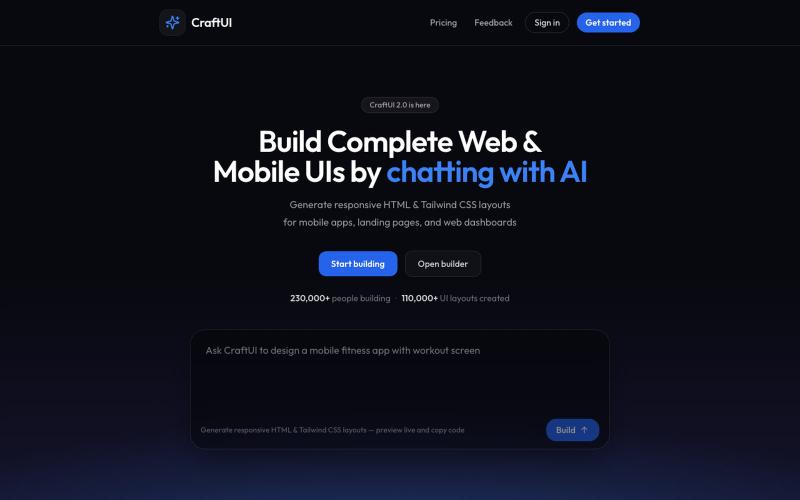
与 AI 聊天生成生产级 HTML 和 Tailwind UI。

@AmberProgrammer · X
I am building an Ai powered ui generator that can generate Mobile App UI, Desktop App UI, Website UI & Responsive Web Design. Try it!
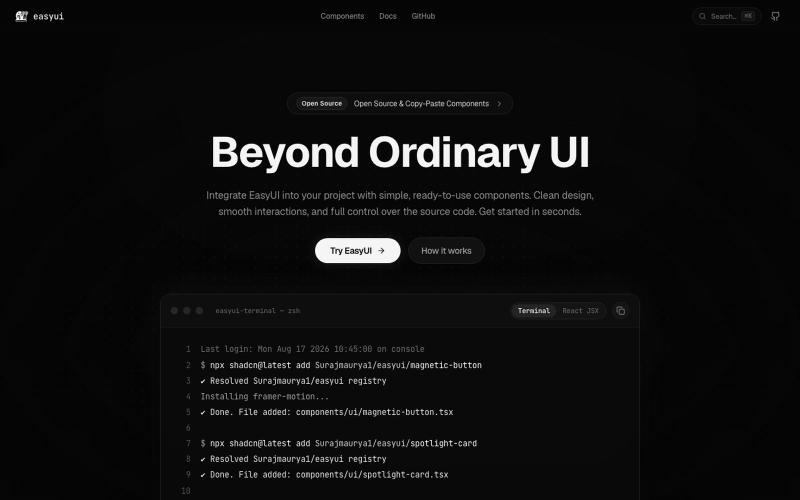
Production-ready, beautifully crafted animated UI components built with React, Tailwind CSS, and Framer Motion for modern web applications.

@surajmaurya_m · X
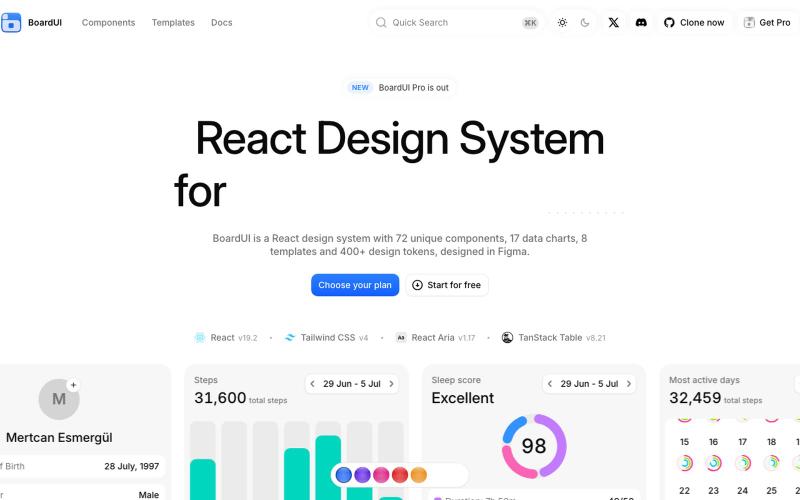
用 72 个 React 组件构建 AI 仪表板和智能代理界面。
BoardUI · GitHub
boardui React design system for agentic interfaces. Every free BoardUI component as source, with a working AI chat app on your own model key as the homepage.
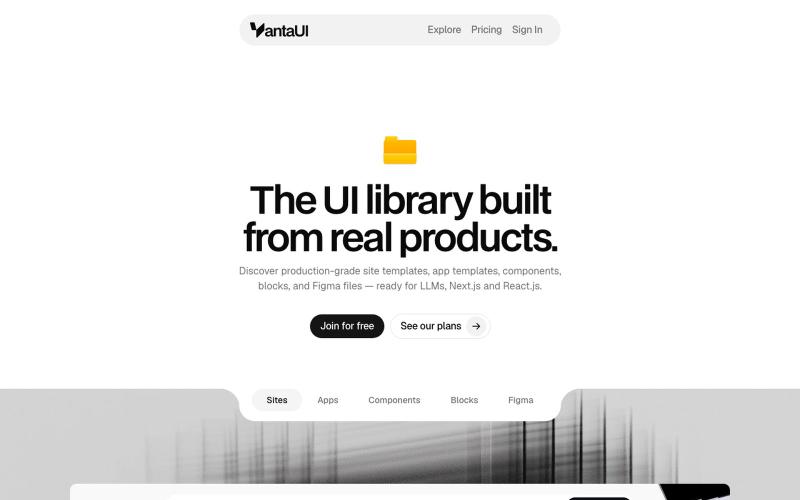
浏览 React 和 Next.js 的生产级 UI 模板和组件库。

@vanta_ui · X
UI Library built from real products
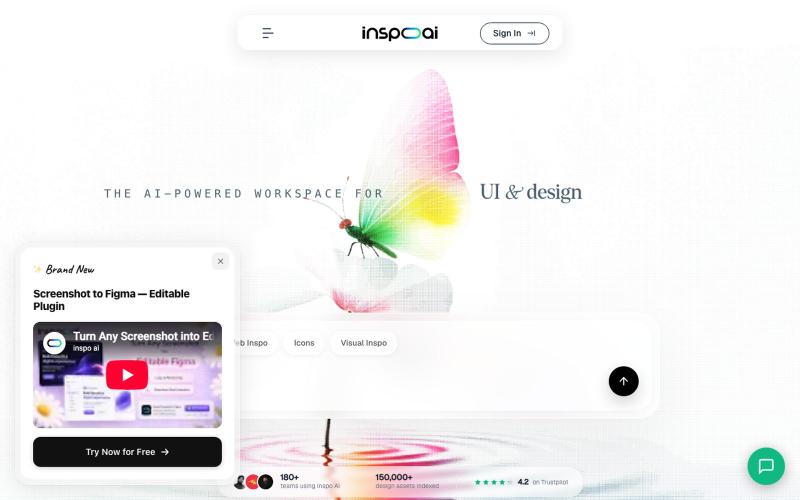
浏览50K+设计屏幕,创建灵感板,生成AI设计界面。
u/Successful_Draw4218 · Reddit
Our design platform reached 300K Google impressions, 5K organic clicks & ~1,900 users. We're testing a new monetization idea. Over the last few months, we've been building Inspo AI ( https://inspoai.io ), a platform where designers discover UI inspiration, AI-generated interfaces, and curated design resources. One thing we didn't expect was how well SEO would perform. Today we're roughly at: ~1,900 registered users 300K Google Search impressions 5K organic clicks Aro
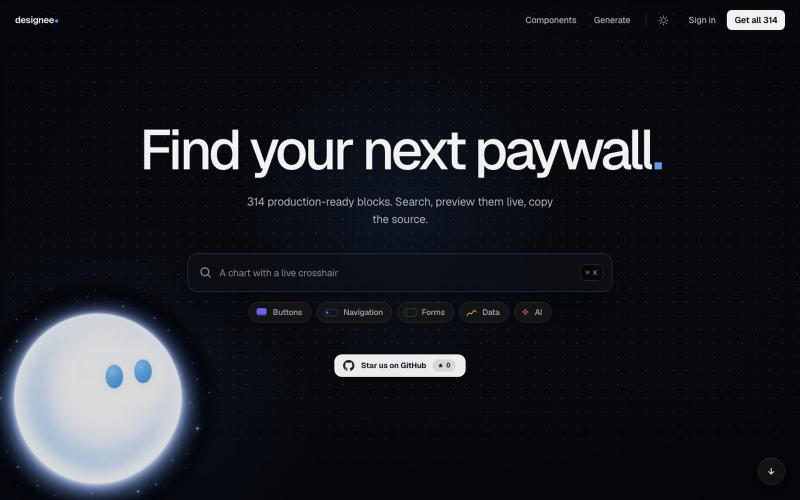
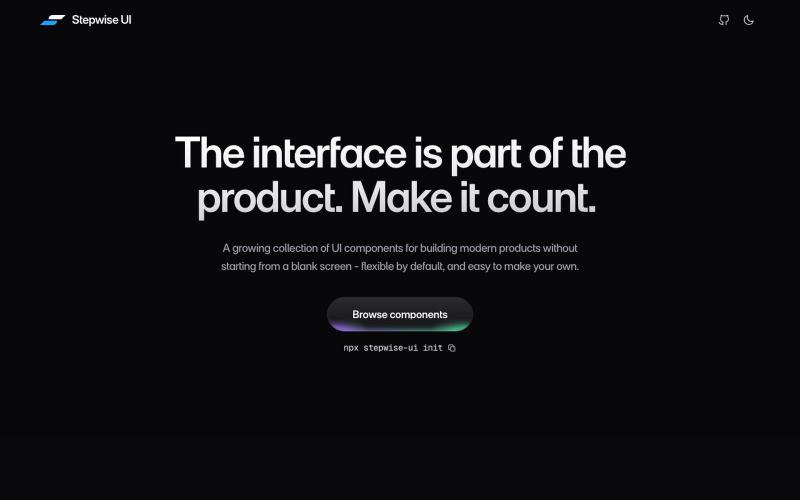
A growing collection of React components for building modern products. Each one arrives as source you can read and edit, and works with your coding agent, so what it ships looks de

@akhil_4109 · X
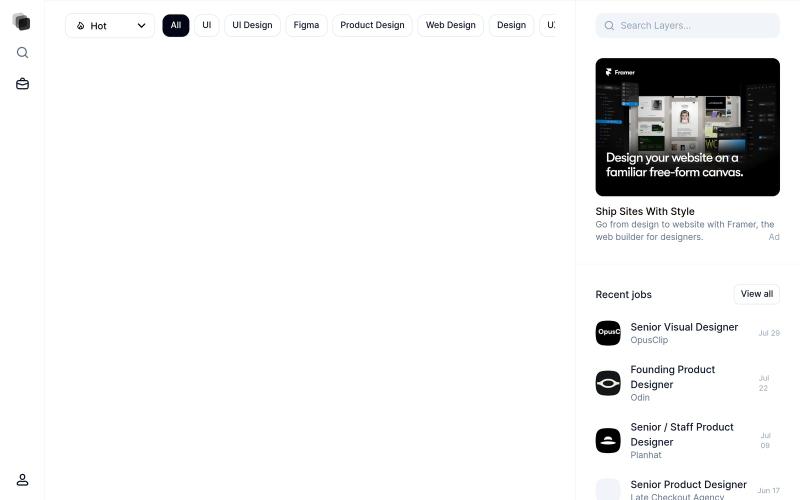
探索并重用社区分享的设计图层和UI组件。

@imdecentralized · X
How I avoid UI's that looks vibe coded: This is my inspiration store. Beyond just an existing website it has specific components and animations that you can use directly rather than asking claude to generate some based on a website. Stop the slop
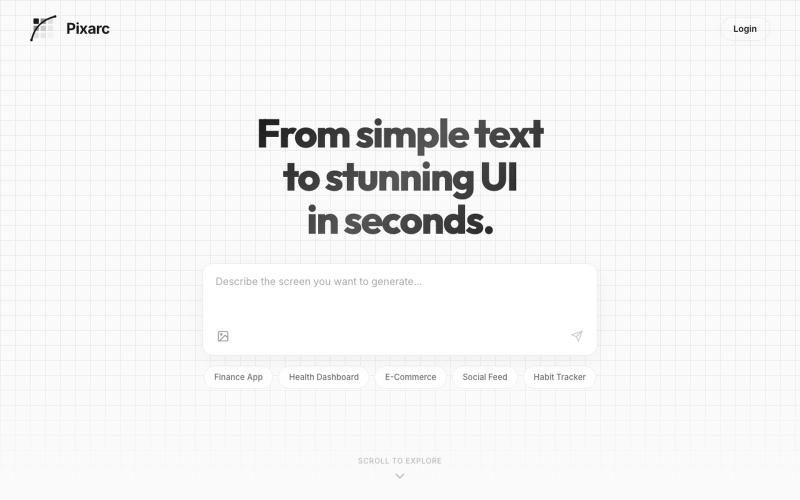
描述应用界面即可生成交互式UI设计,可导出为代码或Figma。

@ArjunVr58131189 · X
- Design mobile apps like you own a team!

通过描述快速生成高保真UI界面,支持移动和网络应用。

@ninakolari · X
Google just dropped Stitch and it changes the entire vibe coding workflow. You describe what you want your app to look like. It builds full high-fidelity screens in seconds. No Figma. No designer. No credit card. Here is how to use it: Go to Sign in with your Google account. That’s it. You’re in. Instead of typing “make me an app” type this: “A lesson planning app for teachers. Clean and calm. Inspired by Notion. Minimal. White space.” The more specific you are the better your screens. Then refine with follow up prompts. Change the nav. Try dark mode. Get 3 menu variations. Or just speak it. Your screens become a clickable prototype in seconds. Click a button and Stitch generates the next screen automatically. Your entire app flow. Before you write one line of code. Then take it further. Export to Lovable or Cursor and build the logic on top. Use the MCP server to keep your design and code in sync. Pull any website’s design system in seconds. Save everything as


