
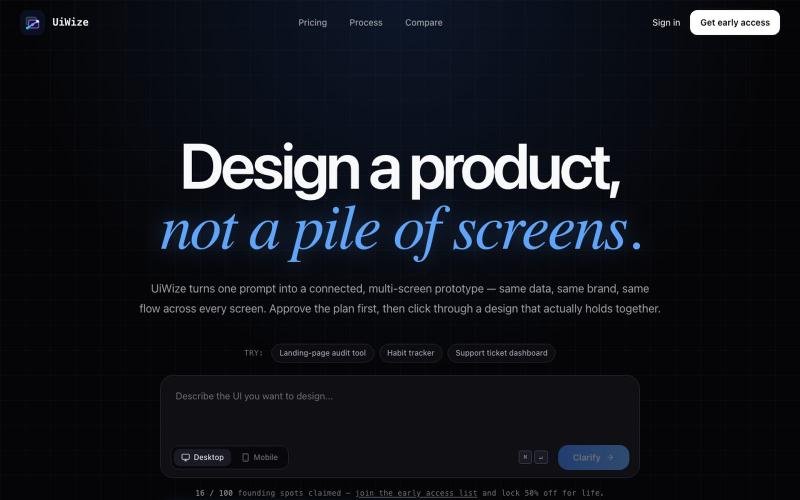
完整作品展
技术栈
26 projects
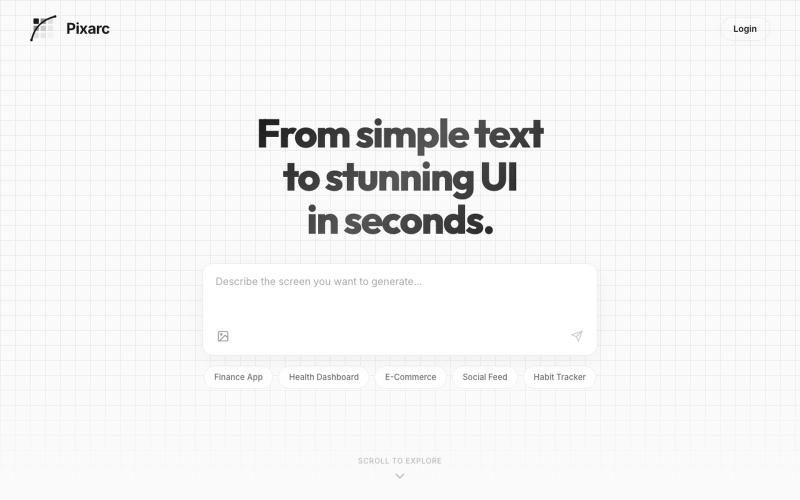
描述应用界面即可生成交互式UI设计,可导出为代码或Figma。

@ArjunVr58131189 · X
- Design mobile apps like you own a team!
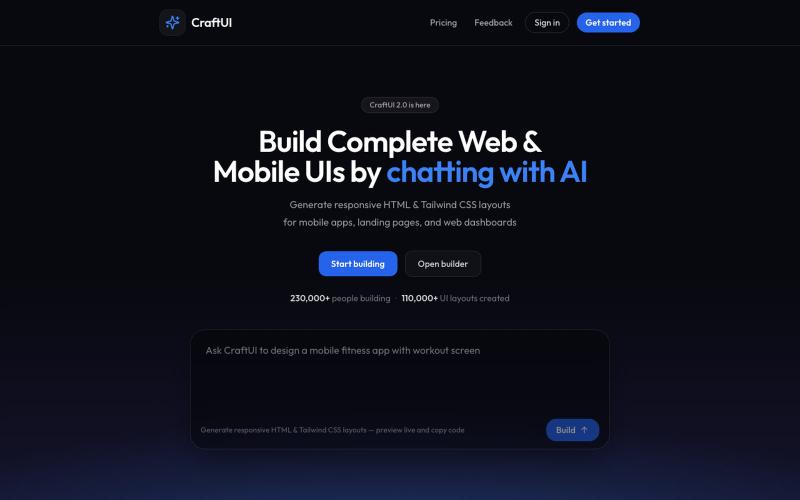
与 AI 聊天生成生产级 HTML 和 Tailwind UI。

@AmberProgrammer · X
I am building an Ai powered ui generator that can generate Mobile App UI, Desktop App UI, Website UI & Responsive Web Design. Try it!
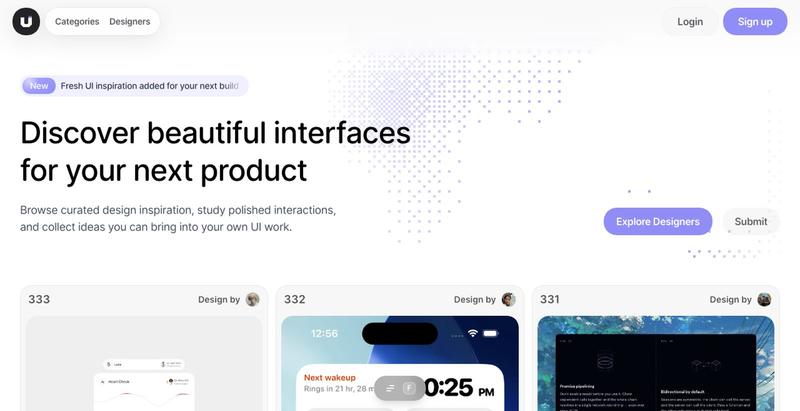
浏览精选的UI设计灵感,涵盖移动应用、仪表板和着陆页。

@taher_max_ · X
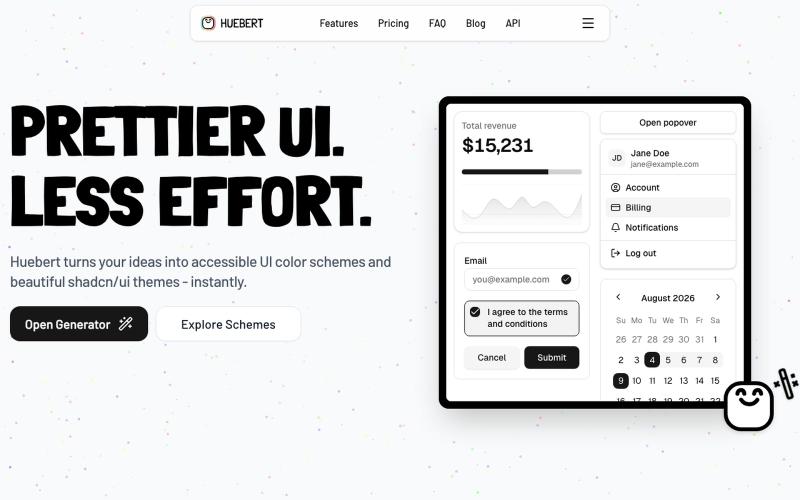
Generate accessible UI color schemes and shadcn/ui themes in seconds.

@FlowHaa · X
Let's go :) My latest product: What are you working on?
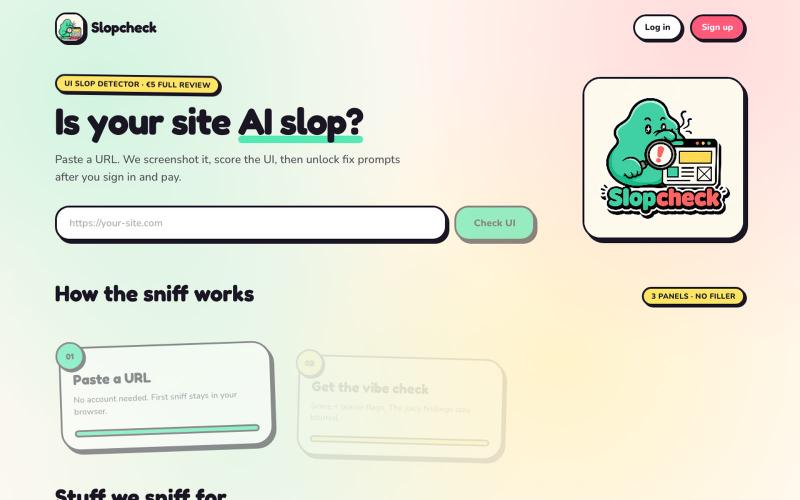
粘贴URL以评估网站UI是否看起来像AI生成内容,获取改进提示。

@Salta1414 · X
Whats your slop score?
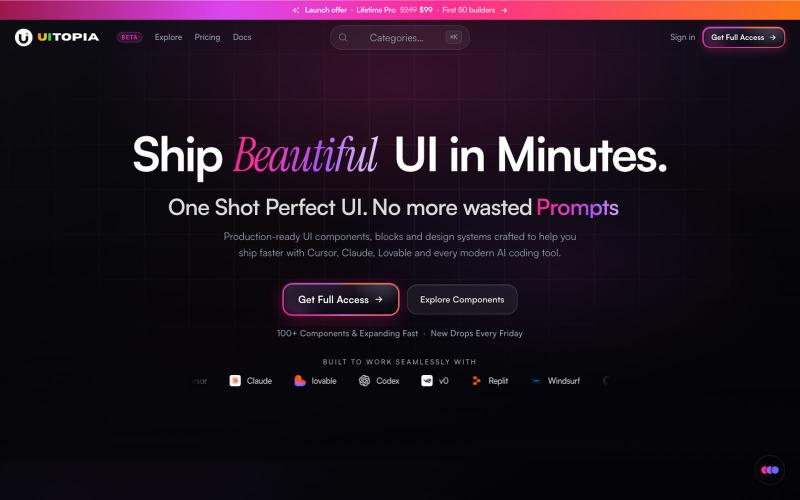
复制并定制生产就绪的UI组件库,用于React和Next.js项目。

@DhanushAriah · X
Helping Devs Ship Beautiful UI in Minutes ⚡ | @uitopiadesign Production ready UI Components for the Agentic Coding Era. - Pick UI components based on your taste. - Copy-paste to your AI IDE & done in minutes, not hours perfecting the UI.
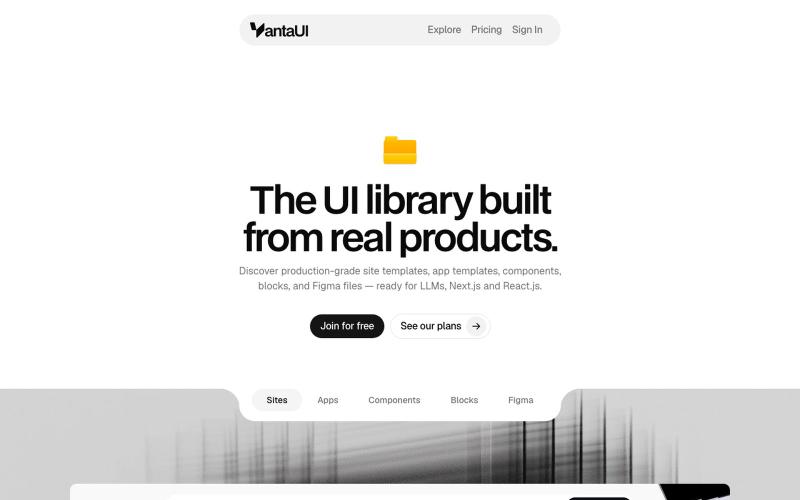
浏览 React 和 Next.js 的生产级 UI 模板和组件库。

@vanta_ui · X
UI Library built from real products
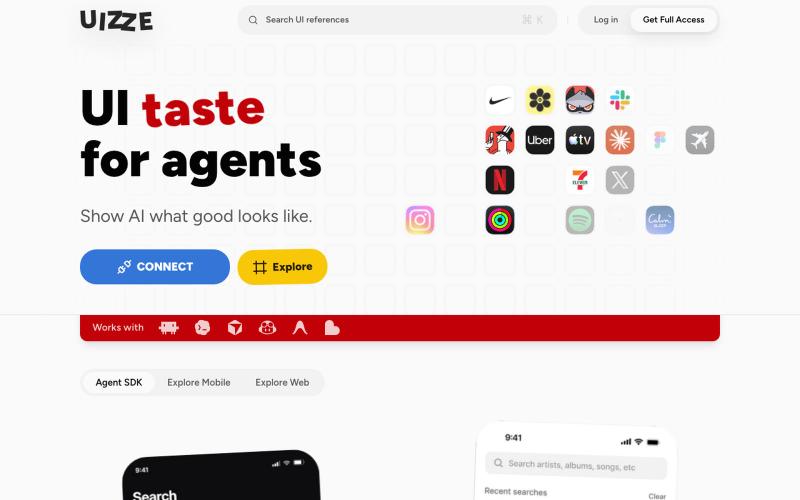
UIZZE 分析 UI 截图并为 AI 代理提供设计审计。
u/albanianspy · Reddit
the boring internal tool became the product we didn’t start with a saas idea. we were just annoyed that every agent-built UI looked weirdly related. so we made an internal finish gate: real screen references, a design contract, browser checks, and a ban list for generic AI defaults. one developer kept asking why it wasn’t public. eventually we stopped having a good answer. now UIZZE has a few paid users. builder disclosure: it’s mine, $9/mo or $99 lifetime: https://uizze.com current
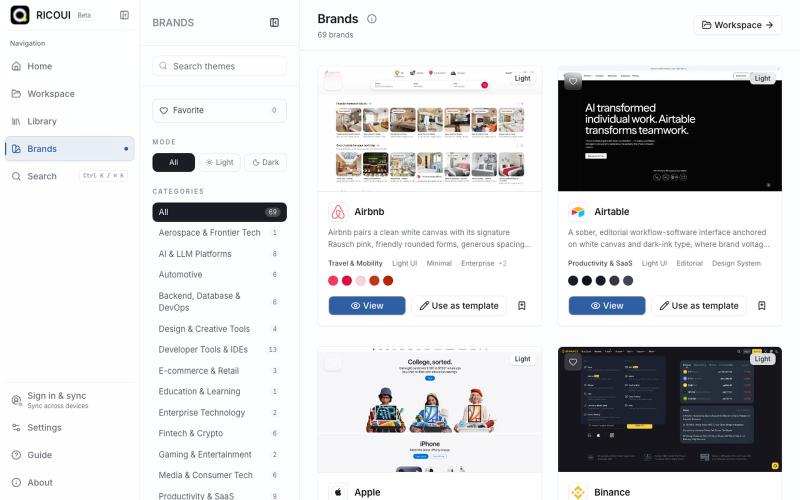
本地优先的工作台,用于编辑、预览和导出 design.md 设计系统。

@ricouii · X
我已经围绕 design.md 做了一个开源的工作台,以及品牌库 工作台支持模板编辑、预览、AI 生成、文件派生 token、css,品牌库方面还支持 HTML preview... 我还是相信 design md 是很有潜力的,比大部分的设计 skill 好用
精心制作的 React 组件和模板,用于构建精美的用户界面。

@polyqoy · X
This video shows a fully animated 3D site built in 2 minutes with claude code. one terminal command. but the prompt was almost irrelevant. the real work was the pre-load: ui/ux pro max skill, a hero component from framer motion stacked in before claude touched anything the toolkit did the job. the prompt just pulled the trigger. that's also why most people's claude output looks generic. they skip the setup and blame the model.
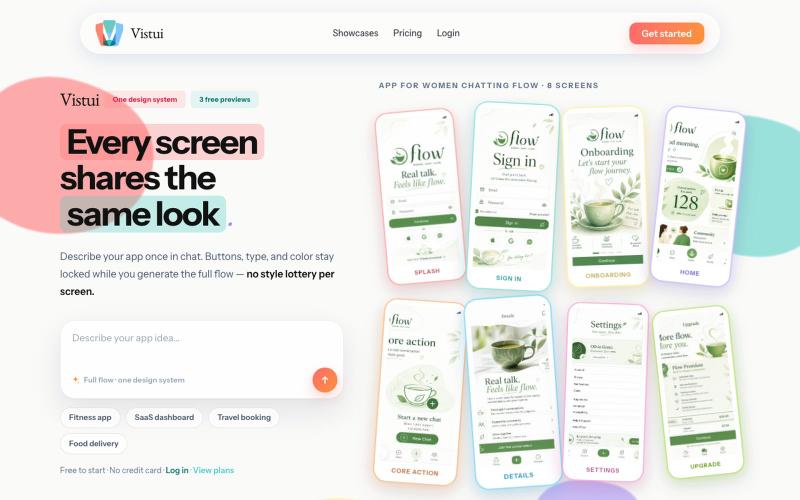
从文本提示生成完整的应用和网站设计流程,包含最多30个屏幕。
u/Salt-Pop6476 · Reddit
(Feedback Needed) I built Vistui – AI that generates complete, consistent app & website design flows from one prompt Hey everyone, I built vistui an AI tool that turns one prompt into a complete multi-screen design flow (up to 30 screens) with a locked design system, so every screen stays consistent. Would love honest feedback from designers and makers: • Does the consistency feel useful in real work? • What’s missing or confusing? • Would you actually use this? You can try 3 free
