
生产力1 month ago
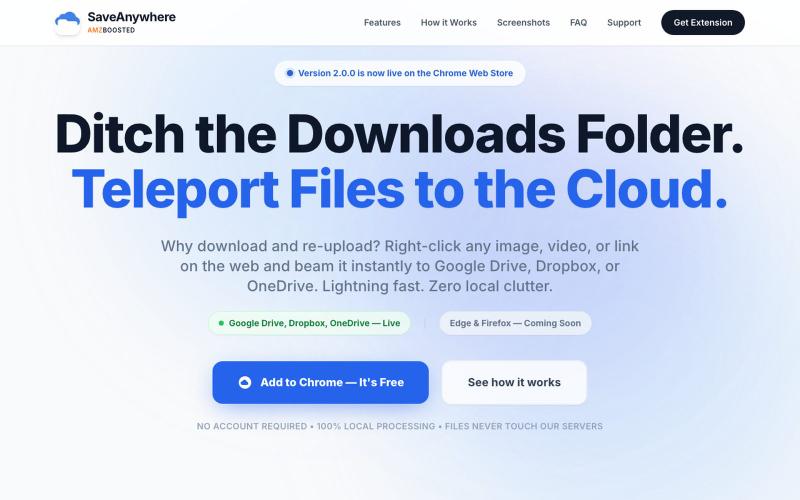
SaveAnywhere by AMZBoosted | Save Directly to Your Cloud
SaveAnywhere是Chrome扩展,直接将文件、图片、链接保存到Google Drive、Dropbox和OneDrive,本地处理。

@SaveAnywhere · X
Free chrome extension :
完整作品展
技术栈
23 projects
SaveAnywhere是Chrome扩展,直接将文件、图片、链接保存到Google Drive、Dropbox和OneDrive,本地处理。
@SaveAnywhere · X
Free chrome extension :
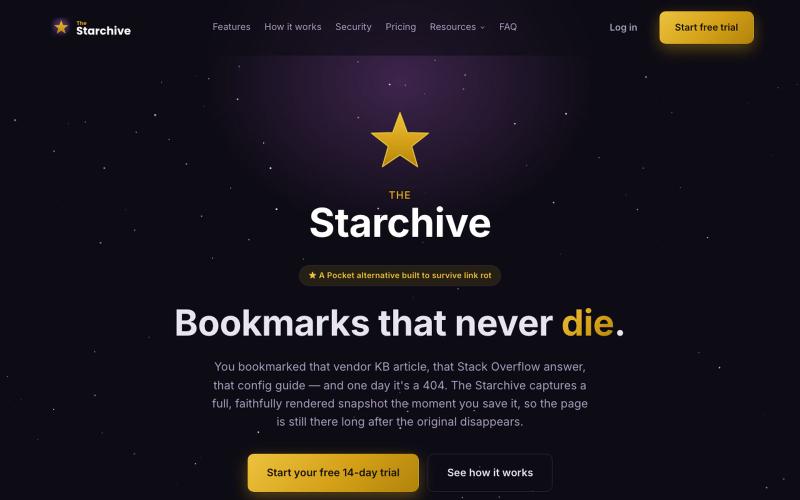
Archive a web page in one click with the Chrome or Firefox extension — a full, rendered snapshot, not just a link, still there after the original 404s.

@TheStarchiveX · X
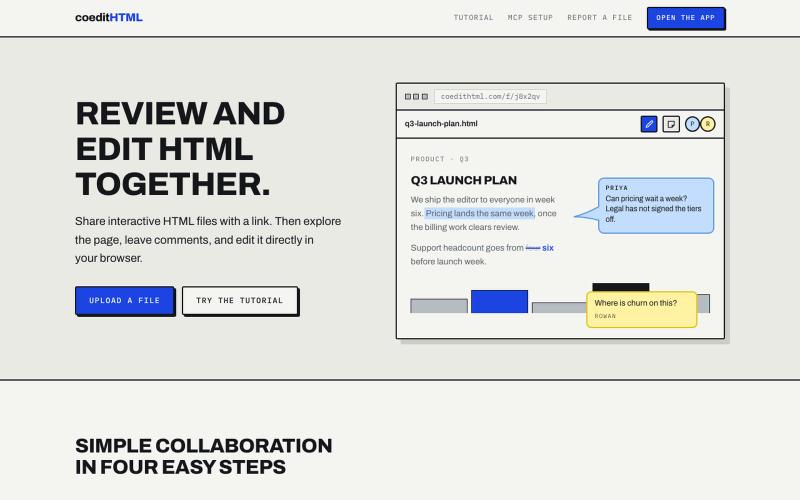
Share and collaborate on standalone HTML files in real time. Leave comments, drop sticky notes, and edit files directly in your browser.
u/Vast-Grapefruits · Reddit
I built a tool to collaborate on HTML artifacts like a PowerPoint As a consultant, I've watched artifacts become more common as a way to communicate ideas and insights, both internally and with clients. The problem is there's no good way to comment on them, collaborate, or make quick edits; so in practice, they're slow to actually use. I built a free tool that lets you leave comments and edit directly, all while sharing with your team. After you make your edits you can export

在浏览器中直接编辑和筛选 RAW 照片,本地处理无需上传。

@am56ay · X

在浏览器中免费转换、压缩和编辑文件,文件不上传服务器。

@faisalhaleem · X
Just launched — free browser-based file tools runs entirely in your browser. Video to GIF (with trim slider) Merge / Split / Shrink PDF Your files NEVER leave your device. No sign-up needed. Free forever. #buildinpublic #webdev #indiedev #tools #privacy
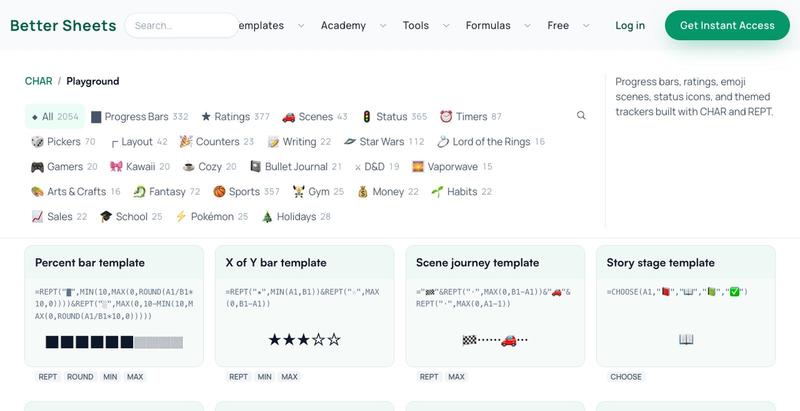
浏览并复制2054+个Google Sheets公式,用于进度条、星级评分和视觉效果。

@Kamphey · X
I made a database of 2,000 google sheets formulas that bring JOY to sheets. includes Star Wars, Lord of the Rings progress bars, and timers, and compasses too.
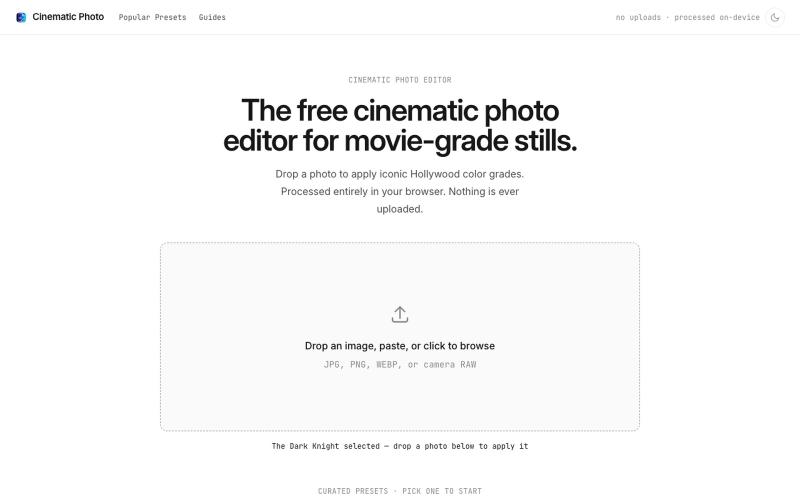
Cinematic Photo Editor 可在浏览器中对照片一键应用电影风格调色
u/huuughmangasorr · Reddit
I built a tool that gives your photos a movie color grade (no AI generation) I kept seeing photo tools that "cinematic-ify" images by running them through AI and spitting out something that's basically a different picture. I wanted the opposite: keep my actual photo, just make it feel like a frame from a film. So I built CinematicPhoto — a browser tool where you upload a photo, pick a movie look, and get a graded version back. Your original stays intact; it's color grading and effects d
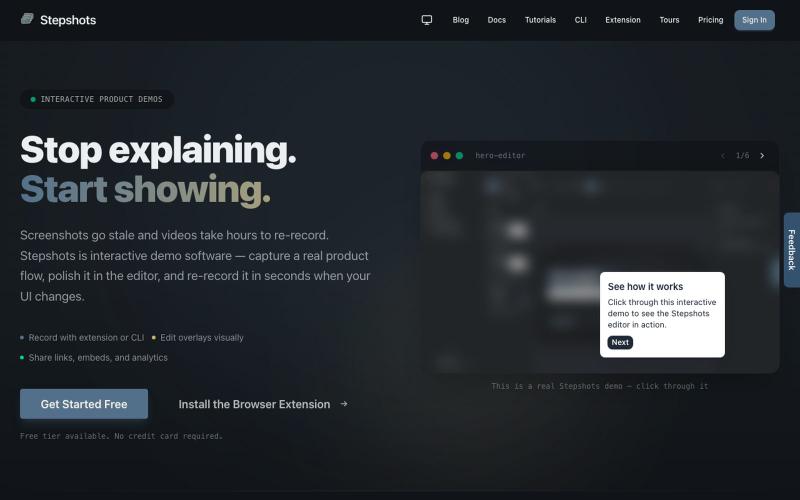
用浏览器扩展或命令行录制交互式产品演示,支持编辑、分享、引导导览和参与度追踪。

@haukejung · X
Need interactive demos showing your product in action? Try
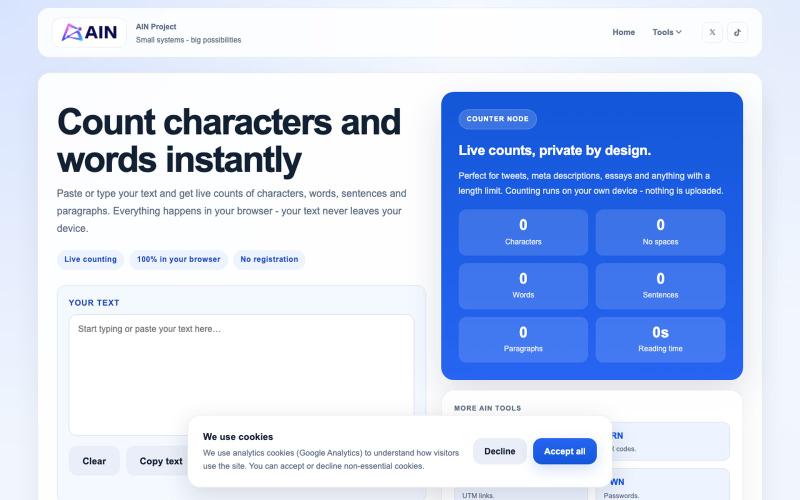
在浏览器中快速计数字符、单词、句子和段落。

@AIN_Project · X
Just shipped CNT - a simple text counter characters, words, sentences, paragraphs and reading time. Fast, free and no account required. #buildinpublic #indiehackers
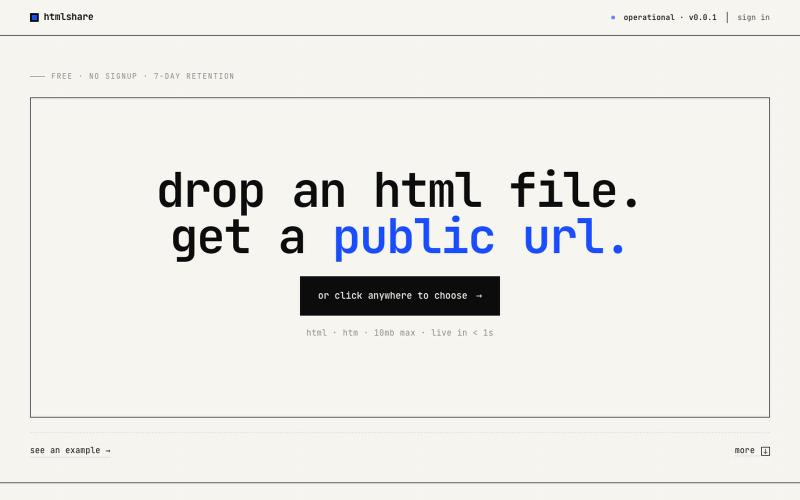
drop an html file. get a public url. free, no signup, links live for 7 days. share single-page html in one click.

@kylebuildsweb · X

在浏览器中编辑、压缩、转换和合并视频和音频文件。
zhw2590582 · V2EX
最近对网站进行了重构,做成了免费的视频工具站:[ArtPlayer Tools]( https://artplayer.org/tools/) 主要是围绕着 ffmpeg.wasm 和 mediabunny 实现的一些可以直接在浏览器里用的视频/音频工具,常用的有: - 视频压缩:[Compress Video]( https://artplayer.org/compress-video/) - 视频裁剪:[Crop Video]( https://artplayer.org/crop-video/) - 视频合并:[Merge Video]( https://artplayer.org/merge-video/) - 视频尺寸调整:[Resize Video]( https://artplayer.org/resize-video/) - 视频旋转:[Rotate Video]( https://artplayer.org/rotate-video/) - 视频调速:[Change Video Speed]( https://artplayer.org/change-video-speed/) - 添加文字到视频:[Add Text to Video]( https://artplayer.org/add-text-to-video/) - 添加水印:[Watermark Video]( https://artplayer.org/watermark-video/) - 提取字幕:[Subtitle Editor]( https://artplayer.org/subtitle-editor/) - HLS 转 MP4:[HLS to MP4]( https://artplayer.org/hls-to-mp4/) - 音频可视化:[Audio Visualizer]( https://artplayer.org/audio-visualizer/) 大部分工具都是本地处理,文件不会上传到服务器。最开始是因为自己偶尔要处理一些视频,开剪辑软件又有点重,在线工具又担心隐私,所以就慢慢做成了一个站。 目前还在持续完善,体验肯定还有不少粗糙的地方,比如不同浏览器的兼容、移动端操作、长视频性能之类的。 网站: [ArtPlayer Tools]( https:
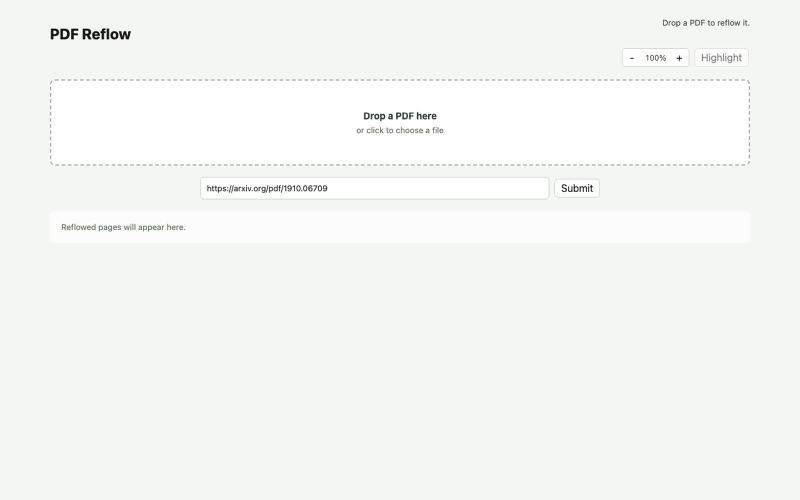
使用本地AI模型在浏览器中重排PDF。
ldenoue · HN
Show HN: PDF reflow in the browser with local AI model