
生产力1 month ago
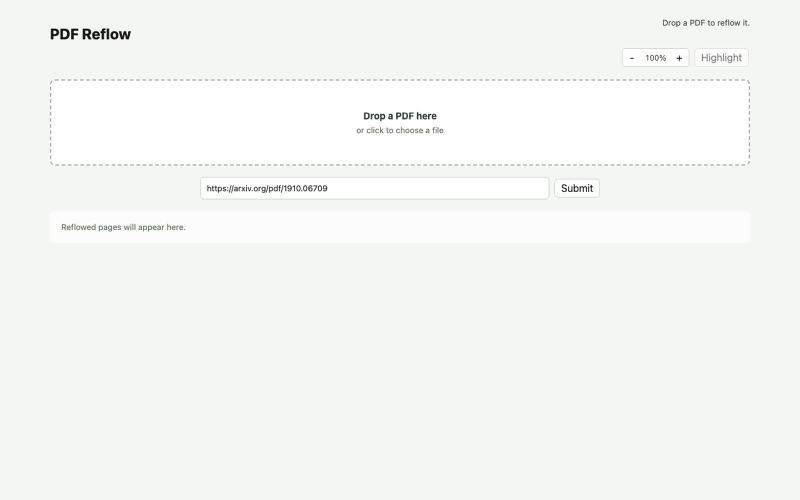
PDF Reflow
使用本地AI模型在浏览器中重排PDF。
ldenoue · HN
Show HN: PDF reflow in the browser with local AI model
完整作品展
技术栈
16 projects
使用本地AI模型在浏览器中重排PDF。
ldenoue · HN
Show HN: PDF reflow in the browser with local AI model

在浏览器中免费转换、压缩和编辑文件,文件不上传服务器。

@faisalhaleem · X
Just launched — free browser-based file tools runs entirely in your browser. Video to GIF (with trim slider) Merge / Split / Shrink PDF Your files NEVER leave your device. No sign-up needed. Free forever. #buildinpublic #webdev #indiedev #tools #privacy
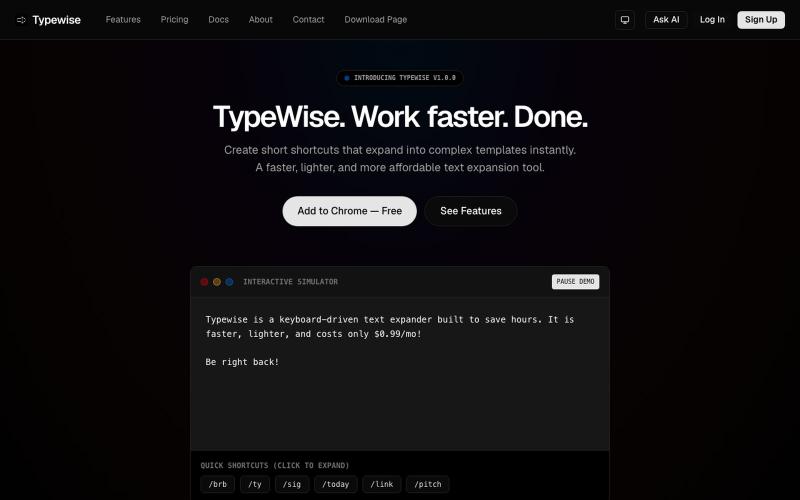
在浏览器中创建文本快捷方式,可自动展开为较长片段。

@goldlion123RP · X
- This is a Snippet Extension tool, with cross device sync, auto cloud backup, sounds, animations etc. features. Do explore it & I'm open to receive feedback.
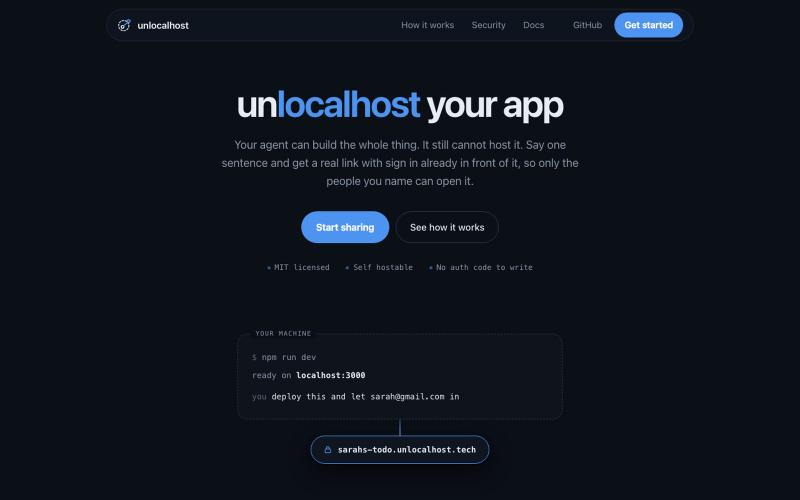
用 unlocalhost 分享本地应用,内置安全登录。

@ArnavGupta47851 · X
Vibe coding is fun. Sharing what you built is not. So I built unlocalhost. Tell your coding agent to deploy, say who is allowed in, and you get a real link with a login wall already in front of it.
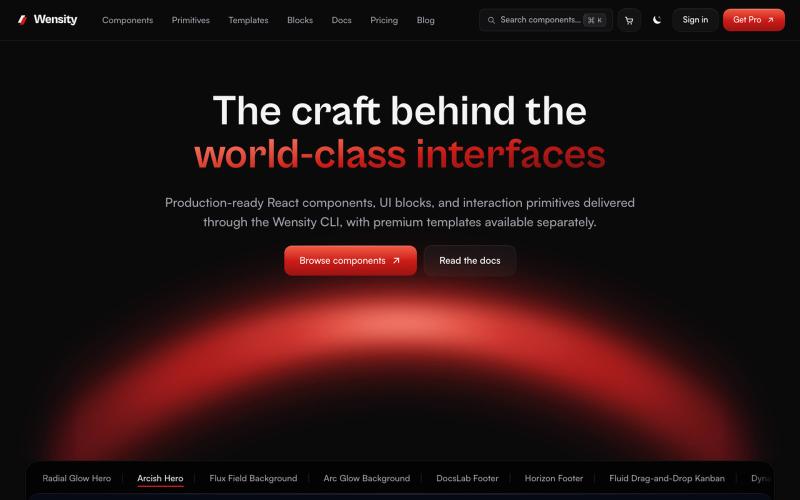
探索 React 和 Next.js 组件库、区块和模板。

@Ksparth12 · X
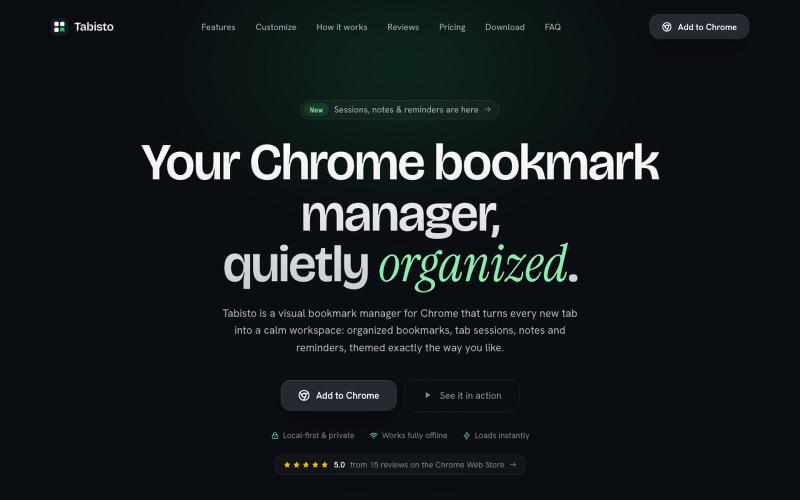
Chrome extension,在新标签页上可视化地组织书签,支持 workspaces 和 notes

@IamYashKapoor · X
Built Tabisto (bookmark manager), a free Chrome extension and launched it in 5 days using Claude Code. Must try, you will really love it.
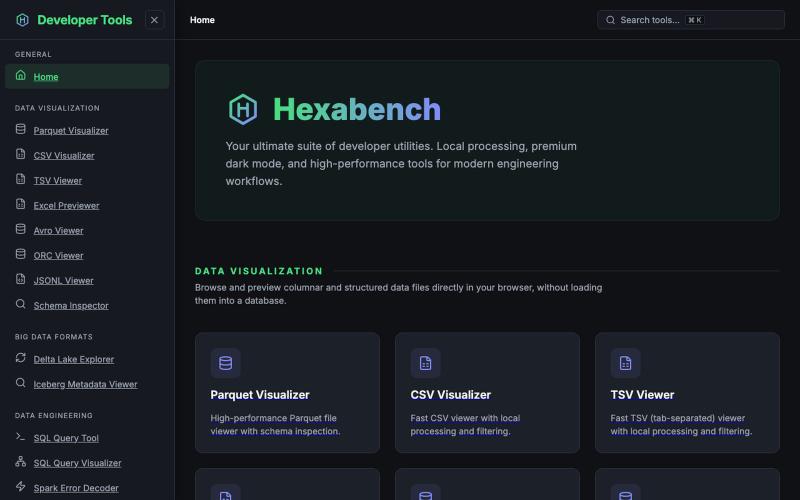
Hexabench 本地开发者工具套件,支持 CSV、Parquet、JSON 格式处理,无需上传。
u/sheshu29 · Reddit
My side project Hey everyone i have just created this website for developer who does not want to rely on ai agents so please visit and give me some feedback if you want any specific tools 🫠 submitted by /u/sheshu29 to r/SideProject [link] [comments]

在浏览器中编辑、调整大小、裁剪和转换图像,无需上传文件。

@its_ajseven · X
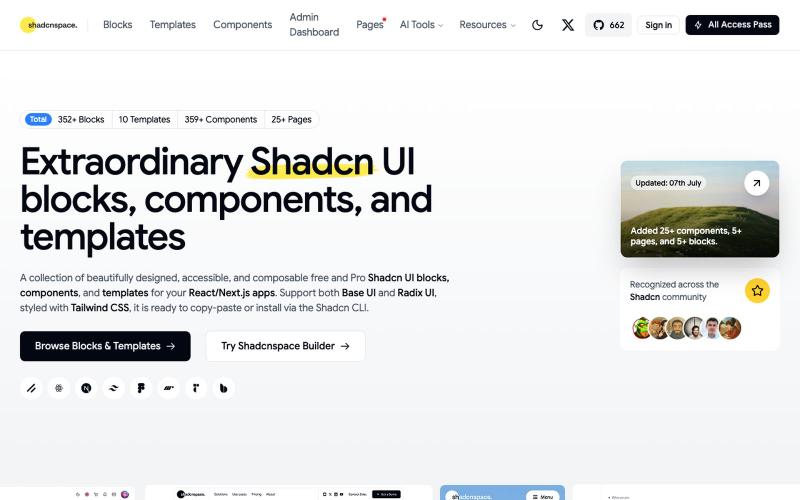
浏览并复制 Shadcn UI 组件、区块和模板库用于 React 开发。

@gupta05_vaibhav · X

用于图片调整、JSON格式化、PDF处理、文本分析和设计的免登录浏览器工具合集。
musekit · Product Hunt
Free AI Tools Free browser tools for everyday tasks, no login

用 Chrome 扩展和网页编辑器将屏幕截图转化为精美设计。

@buildwithshyam · X

在浏览器中编辑、压缩、转换和合并视频和音频文件。
zhw2590582 · V2EX
最近对网站进行了重构,做成了免费的视频工具站:[ArtPlayer Tools]( https://artplayer.org/tools/) 主要是围绕着 ffmpeg.wasm 和 mediabunny 实现的一些可以直接在浏览器里用的视频/音频工具,常用的有: - 视频压缩:[Compress Video]( https://artplayer.org/compress-video/) - 视频裁剪:[Crop Video]( https://artplayer.org/crop-video/) - 视频合并:[Merge Video]( https://artplayer.org/merge-video/) - 视频尺寸调整:[Resize Video]( https://artplayer.org/resize-video/) - 视频旋转:[Rotate Video]( https://artplayer.org/rotate-video/) - 视频调速:[Change Video Speed]( https://artplayer.org/change-video-speed/) - 添加文字到视频:[Add Text to Video]( https://artplayer.org/add-text-to-video/) - 添加水印:[Watermark Video]( https://artplayer.org/watermark-video/) - 提取字幕:[Subtitle Editor]( https://artplayer.org/subtitle-editor/) - HLS 转 MP4:[HLS to MP4]( https://artplayer.org/hls-to-mp4/) - 音频可视化:[Audio Visualizer]( https://artplayer.org/audio-visualizer/) 大部分工具都是本地处理,文件不会上传到服务器。最开始是因为自己偶尔要处理一些视频,开剪辑软件又有点重,在线工具又担心隐私,所以就慢慢做成了一个站。 目前还在持续完善,体验肯定还有不少粗糙的地方,比如不同浏览器的兼容、移动端操作、长视频性能之类的。 网站: [ArtPlayer Tools]( https: