

生产力1 month ago
Cubix Capture – Free Screen Recorder with Auto Zoom | Mac & Windows
Mac & Windows 屏幕录制工具,支持点击自动缩放、渐变背景和摄像头叠加。

@zuess05 · X
Shipped some banger updates to
完整作品展
技术栈
27 projects
Mac & Windows 屏幕录制工具,支持点击自动缩放、渐变背景和摄像头叠加。
@zuess05 · X
Shipped some banger updates to

免费的原生macOS屏幕录制工具,带内置编辑器和自动缩放。

@screenkite_com · X

在浏览器中编辑、压缩、转换和合并视频和音频文件。
zhw2590582 · V2EX
最近对网站进行了重构,做成了免费的视频工具站:[ArtPlayer Tools]( https://artplayer.org/tools/) 主要是围绕着 ffmpeg.wasm 和 mediabunny 实现的一些可以直接在浏览器里用的视频/音频工具,常用的有: - 视频压缩:[Compress Video]( https://artplayer.org/compress-video/) - 视频裁剪:[Crop Video]( https://artplayer.org/crop-video/) - 视频合并:[Merge Video]( https://artplayer.org/merge-video/) - 视频尺寸调整:[Resize Video]( https://artplayer.org/resize-video/) - 视频旋转:[Rotate Video]( https://artplayer.org/rotate-video/) - 视频调速:[Change Video Speed]( https://artplayer.org/change-video-speed/) - 添加文字到视频:[Add Text to Video]( https://artplayer.org/add-text-to-video/) - 添加水印:[Watermark Video]( https://artplayer.org/watermark-video/) - 提取字幕:[Subtitle Editor]( https://artplayer.org/subtitle-editor/) - HLS 转 MP4:[HLS to MP4]( https://artplayer.org/hls-to-mp4/) - 音频可视化:[Audio Visualizer]( https://artplayer.org/audio-visualizer/) 大部分工具都是本地处理,文件不会上传到服务器。最开始是因为自己偶尔要处理一些视频,开剪辑软件又有点重,在线工具又担心隐私,所以就慢慢做成了一个站。 目前还在持续完善,体验肯定还有不少粗糙的地方,比如不同浏览器的兼容、移动端操作、长视频性能之类的。 网站: [ArtPlayer Tools]( https:
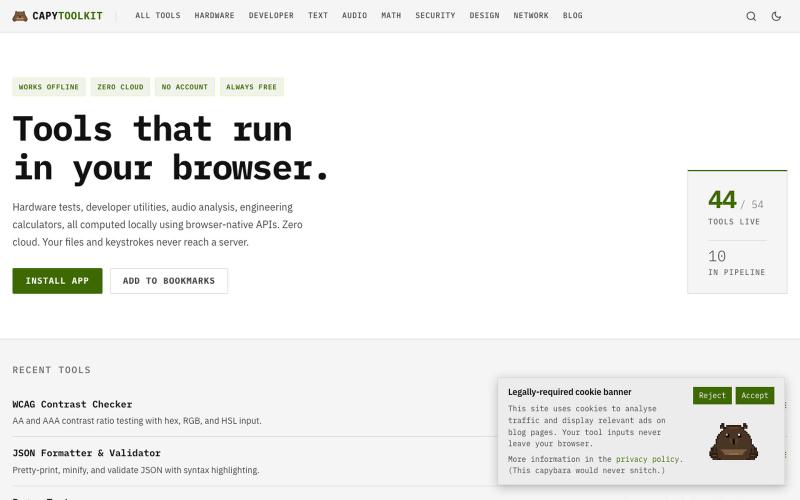
免费浏览器工具集合,支持开发者工作、硬件测试和音频,完全客户端运行。
ChillyCapy · HN
CapyToolkit – Browser-native developer and hardware diagnostic tools

UUZP:本地浏览器选片工具,轻松从数百张照片中筛选最佳作品。
alexmaster · V2EX
玩摄影,选片神马的最烦,于是搞了个选片工具 uuzp.cn 每次拍完照片都是几百张,选片最烦人了。 当然隐私更重要,本地处理,无上传。 纯浏览器端处理。 https://uuzp.cn 欢迎大家使用

在浏览器中免费转换、压缩和编辑文件,文件不上传服务器。

@faisalhaleem · X
Just launched — free browser-based file tools runs entirely in your browser. Video to GIF (with trim slider) Merge / Split / Shrink PDF Your files NEVER leave your device. No sign-up needed. Free forever. #buildinpublic #webdev #indiedev #tools #privacy
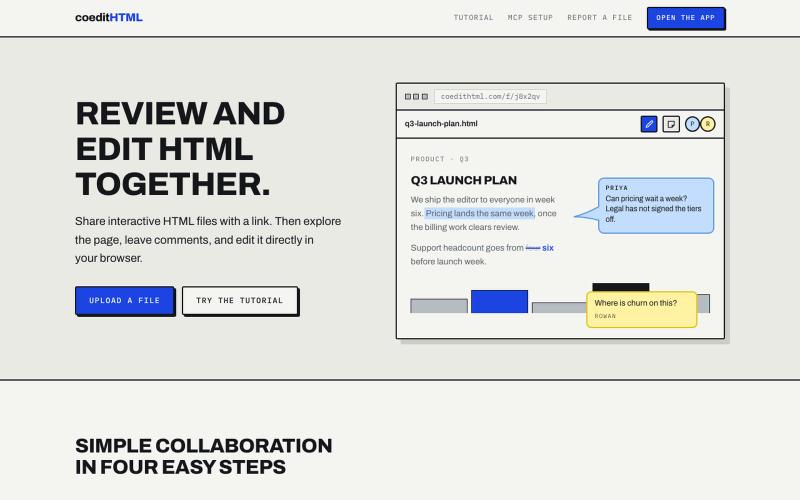
Share and collaborate on standalone HTML files in real time. Leave comments, drop sticky notes, and edit files directly in your browser.
u/Vast-Grapefruits · Reddit
I built a tool to collaborate on HTML artifacts like a PowerPoint As a consultant, I've watched artifacts become more common as a way to communicate ideas and insights, both internally and with clients. The problem is there's no good way to comment on them, collaborate, or make quick edits; so in practice, they're slow to actually use. I built a free tool that lets you leave comments and edit directly, all while sharing with your team. After you make your edits you can export
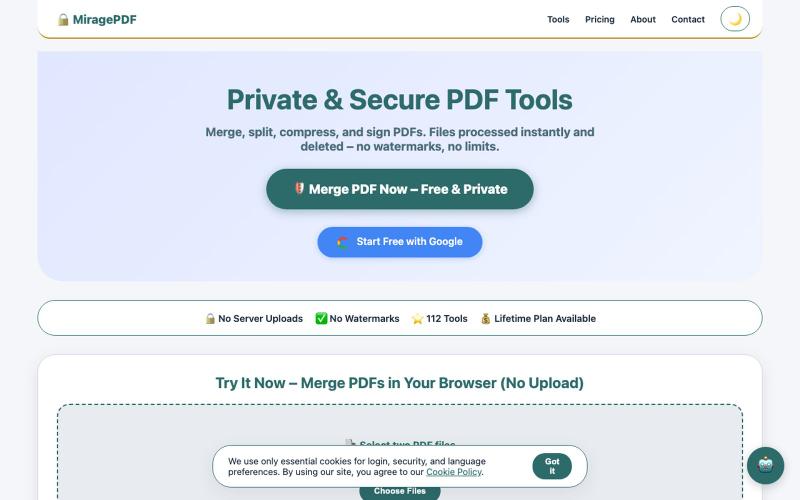
免费浏览器PDF工具,合并、拆分、压缩和保护文件。

@magictoolshup · X
This unique website handles everything for you with great precision and professionalism. A key feature is that it never uploads your files—they remain solely within your browser for maximum privacy. Give it a try,you will discover something impressive.
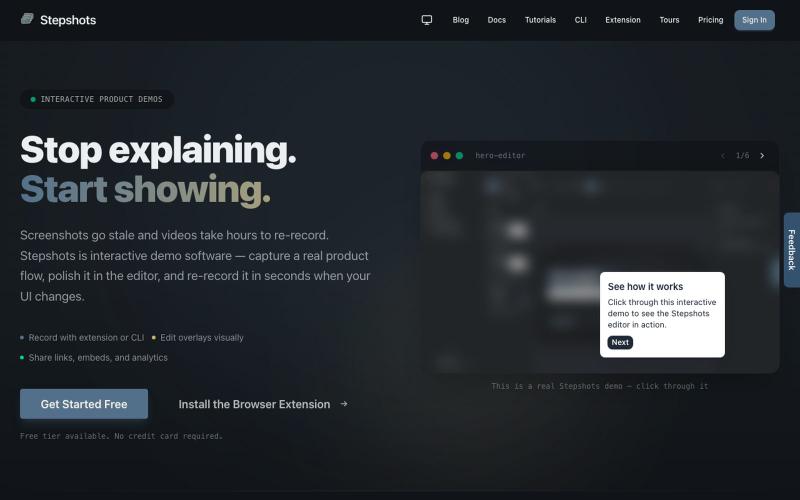
用浏览器扩展或命令行录制交互式产品演示,支持编辑、分享、引导导览和参与度追踪。

@haukejung · X
Need interactive demos showing your product in action? Try
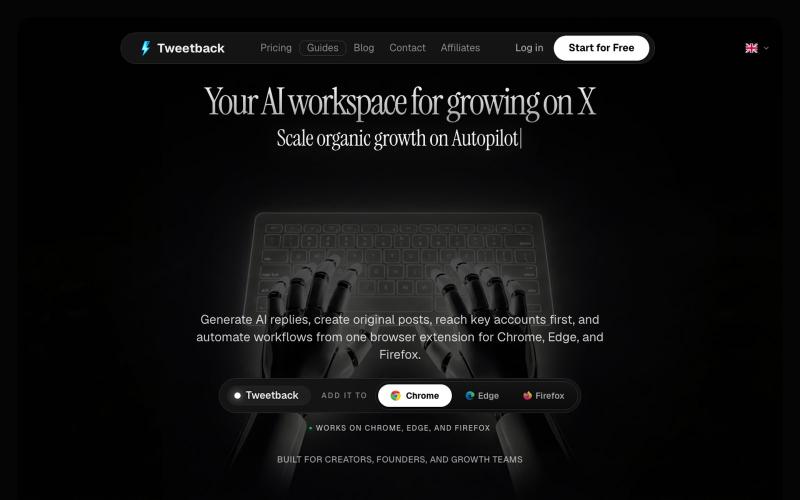
Tweetback 是 AI 驱动的浏览器扩展,可自动化 Twitter/X 发布和互动。
u/alexkendig · Reddit
I got tired of paying monthly for X tools, so I built a BYOK/Local browser extension instead Hey everyone, I use X/Twitter to share product updates, find customers, and build an audience. The problem is that most X tools eventually become another expensive subscription. TweetHunter, Typefully style tools, schedulers, AI assistants, outreach tools, it adds up quickly, often $30–$90/month. So I built Tweetback, a browser extension workspace for X that uses your own AI key in

在浏览器中直接编辑和筛选 RAW 照片,本地处理无需上传。

@am56ay · X
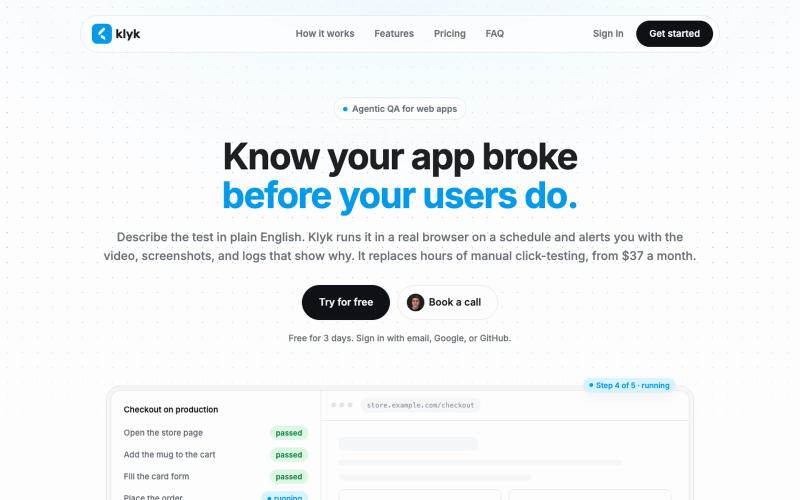
用纯英文编写端到端测试,在真实浏览器上按计划运行。

@vgavrilovikj · X