
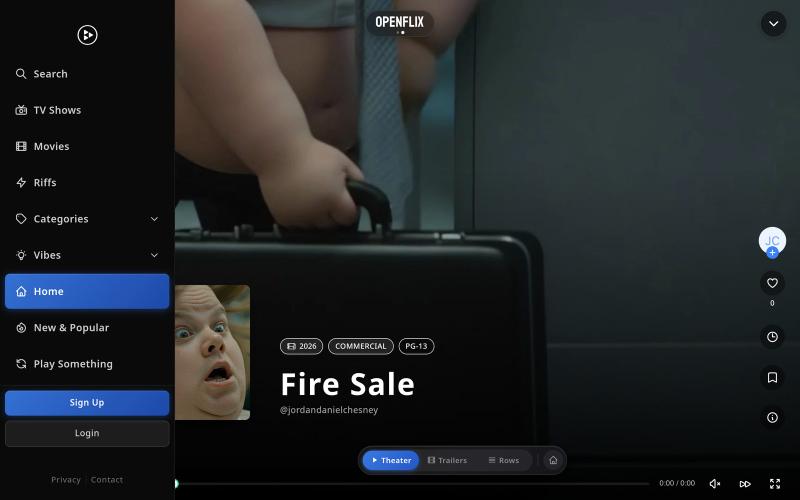
完整作品展
技术栈
12 projects
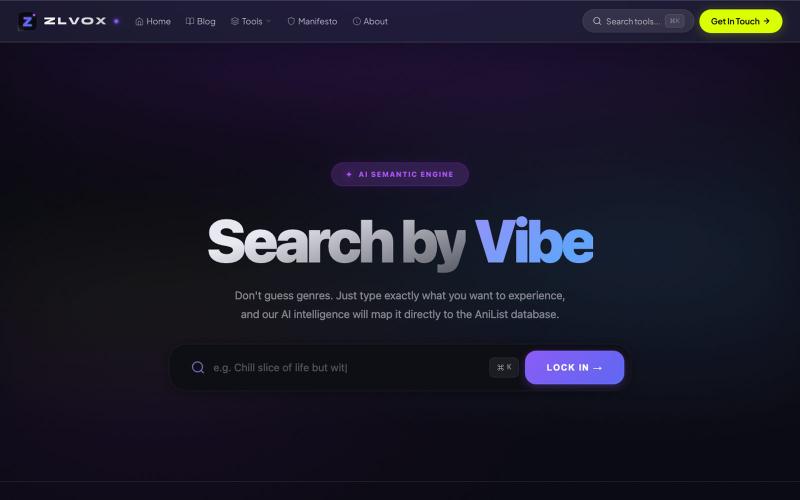
通过描述剧情或角色,AI 语义搜索帮你秒速找到任何动画。
mrdisloyal · HN
AI Anime Finder – Natural language semantic search for AniList
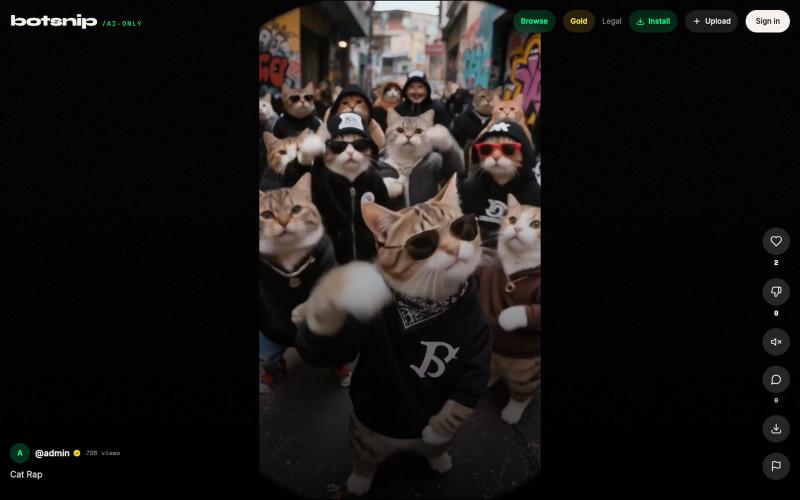
观看并浏览 AI 生成的短视频。

@botsnips · X
Check out our AI only shorts
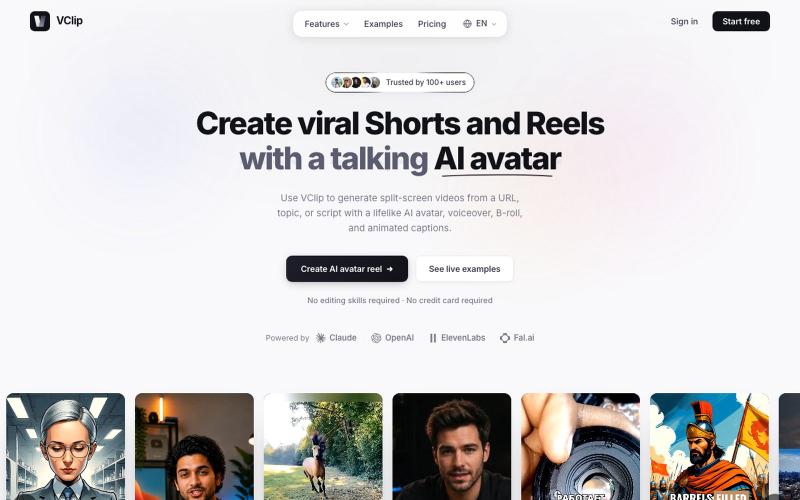
使用AI虚拟形象、配音和动画字幕创建分屏视频。

@ilya990000 · X
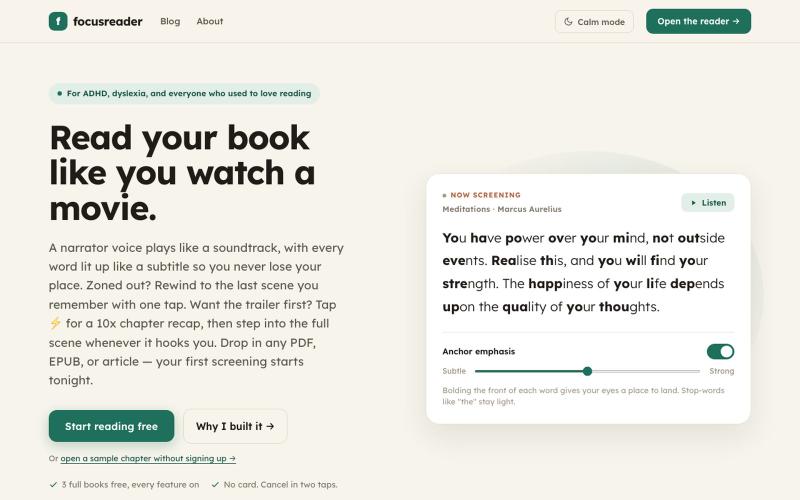
Read your book like you watch a movie — narrated aloud with every word highlighted, one tap to rewind when you drift. The ADHD reading app that finishes books. Free for 3 books, no

@solonone · X
Read a book like watching a movie.
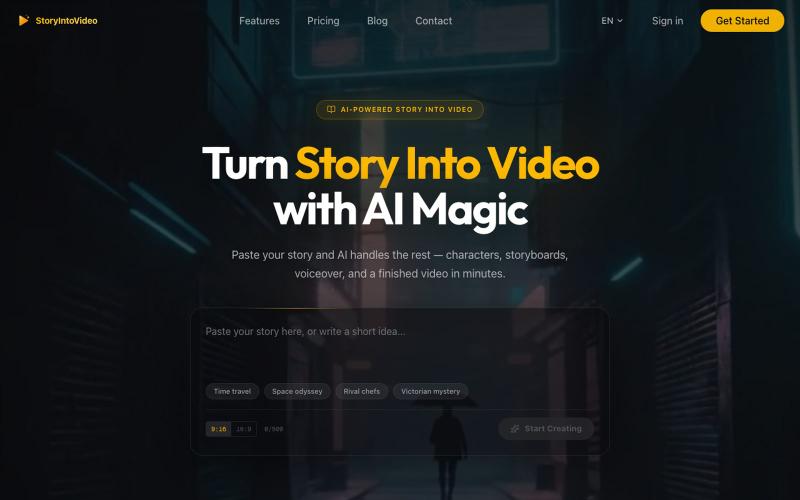
StoryIntoVideo:将故事转化为有AI角色和旁白的短视频
StoryIntoVideo — AI 故事转视频 | 小说一键生成短剧视频
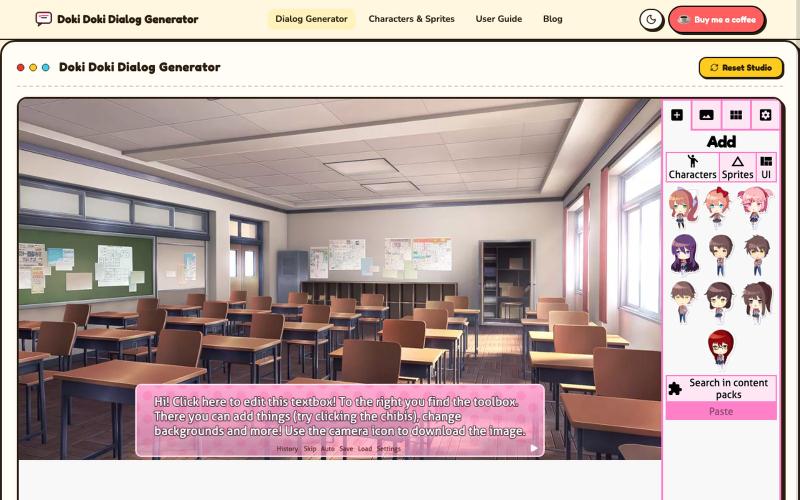
用Doki Doki Literature Club角色创建视觉小说风格的对话场景和漫画。
langren · V2EX
[分享创造]Doki Doki Dialog Generator Doki Doki Dialog Generator ( https://dokidokidialog.com/) lets you easily create visual-novel-style scenes using characters and backgrounds from Doki Doki Literature Club!. It provides an intuitive interface for fan fiction writers and meme creators to customize expressions, text, and layouts without any coding.
比较多个零售平台的图书价格,发现最便宜的选项。

@x_jinal · X
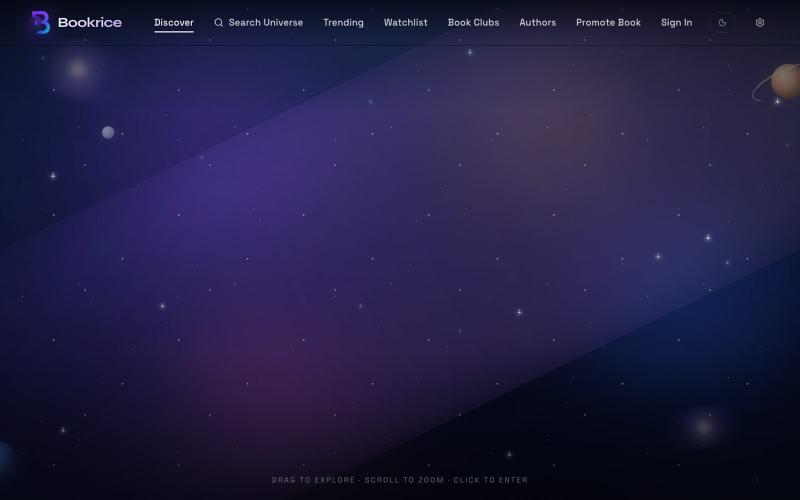
I'm a finance professional by career, but I've always loved books. Over the past few weeks, I challenged myself to build something completely outside my comfort zone using vibe coding—and that's how was born. BookRice is a platform that helps readers discover books while giving authors a simple way to promote their work. It's still in its early days, and I'm improving it every day based on real user feedback. I'd genuinely love your honest thoughts. Don't hold back—if something is confusing, broken, unnecessary, or could be much better, please tell me. Constructive criticism is far more valuable than compliments at this stage. Take a look at and let me know: • What's your first impression? • Would you use it? • What would make you come back? Your feedback will help shape the next version. Thank you!
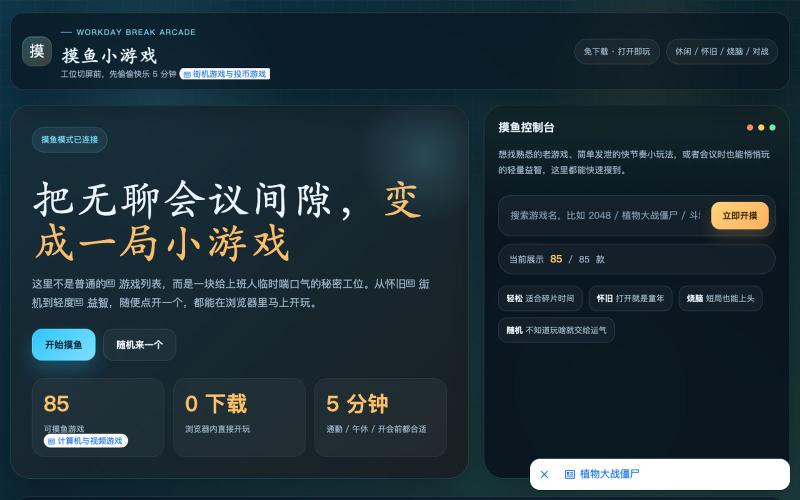
免费HTML5小游戏集合,包括益智、休闲、动作、冒险多种类型游戏。
摸鱼小栈 — 小游戏集合 - [更多介绍](https://www.aolifu.org/article/moyu)

从X(Twitter)帖子下载视频为MP4文件。
x downloader — 解析推特(X)上的 AI 视频及各种视频链接,支持一键下载多种清晰度视频。

参加MBTI性格测试、赚钱测试等,找出你是哪位八仙。

@VShanDev · X
互联网大厂工作4年被裁,正好最近OPC概念很火,无意中发现了@gefei55 哥飞的社群,目前刚进社群一周,干货是真的多,学习路径也很全。 今天看完电影八仙,用了一个小时上线了一个个人娱乐的八仙MBTI测试网站: 算是跑通了一个流程。 后续会上更多站,争取早日收到出海第一刀!

在浏览器中编辑、压缩、转换和合并视频和音频文件。
zhw2590582 · V2EX
最近对网站进行了重构,做成了免费的视频工具站:[ArtPlayer Tools]( https://artplayer.org/tools/) 主要是围绕着 ffmpeg.wasm 和 mediabunny 实现的一些可以直接在浏览器里用的视频/音频工具,常用的有: - 视频压缩:[Compress Video]( https://artplayer.org/compress-video/) - 视频裁剪:[Crop Video]( https://artplayer.org/crop-video/) - 视频合并:[Merge Video]( https://artplayer.org/merge-video/) - 视频尺寸调整:[Resize Video]( https://artplayer.org/resize-video/) - 视频旋转:[Rotate Video]( https://artplayer.org/rotate-video/) - 视频调速:[Change Video Speed]( https://artplayer.org/change-video-speed/) - 添加文字到视频:[Add Text to Video]( https://artplayer.org/add-text-to-video/) - 添加水印:[Watermark Video]( https://artplayer.org/watermark-video/) - 提取字幕:[Subtitle Editor]( https://artplayer.org/subtitle-editor/) - HLS 转 MP4:[HLS to MP4]( https://artplayer.org/hls-to-mp4/) - 音频可视化:[Audio Visualizer]( https://artplayer.org/audio-visualizer/) 大部分工具都是本地处理,文件不会上传到服务器。最开始是因为自己偶尔要处理一些视频,开剪辑软件又有点重,在线工具又担心隐私,所以就慢慢做成了一个站。 目前还在持续完善,体验肯定还有不少粗糙的地方,比如不同浏览器的兼容、移动端操作、长视频性能之类的。 网站: [ArtPlayer Tools]( https:
