
创意工具2 weeks ago
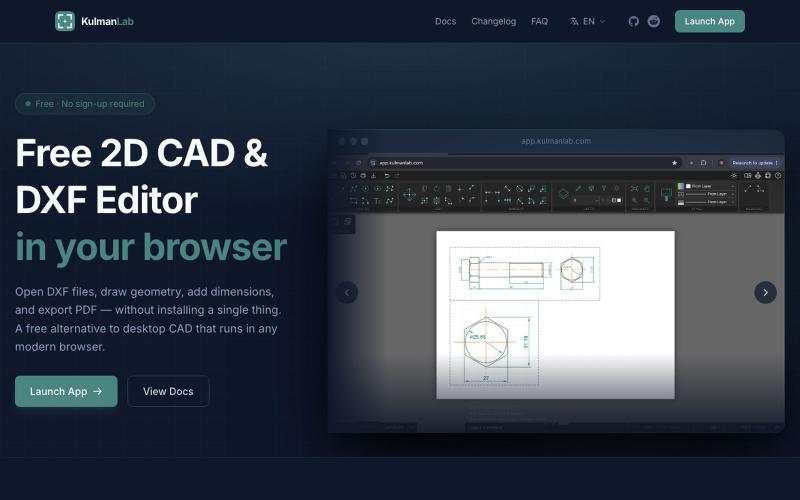
Free Online CAD Editor — Draw, Edit and Export DXF Files in Your Browser
在浏览器中绘制和编辑2D CAD设计,然后导出为DXF或PDF。

@KulmanLab · X
- a free and accountless alternative to Autocad
完整作品展
技术栈
16 projects
在浏览器中绘制和编辑2D CAD设计,然后导出为DXF或PDF。
@KulmanLab · X
- a free and accountless alternative to Autocad
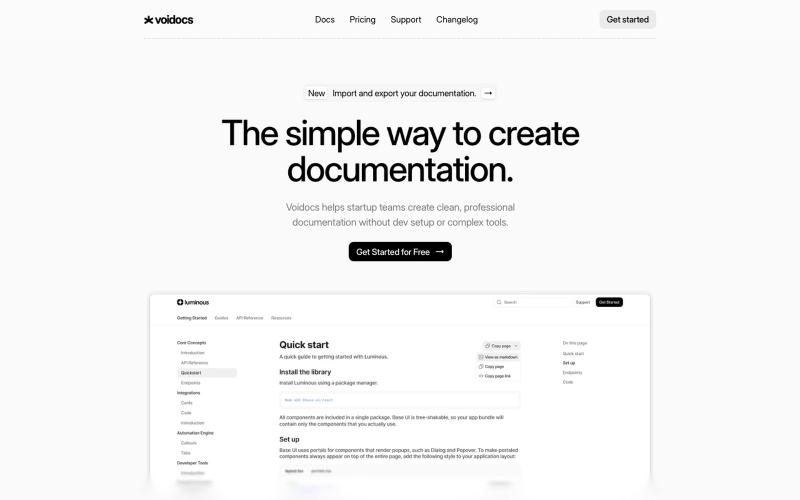
Voidocs 为初创团队创建专业文档,无需代码配置。

@hannah24_app · X

为B2B SaaS创建交互式产品演示平台,无需复杂的测试环境。
u/Easy_Programmer_8376 · Reddit
Third place in ProductHunt Hey y’all! I’m the solo dev behind LiveDemo.ai , an interactive product demo platform built to help B2B SaaS teams showcase their software without needing complex staging environments or boring, static video recordings. After months of grinding out the code, configuring infrastructure, and building integrations, I’m incredibly excited to say that we just launched on Product Hunt again! If you have a few minutes, I’d love for you to check it out and give me
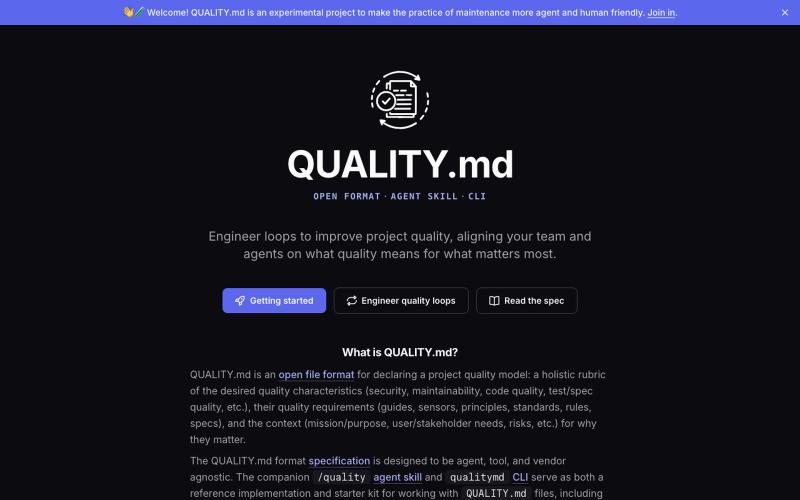
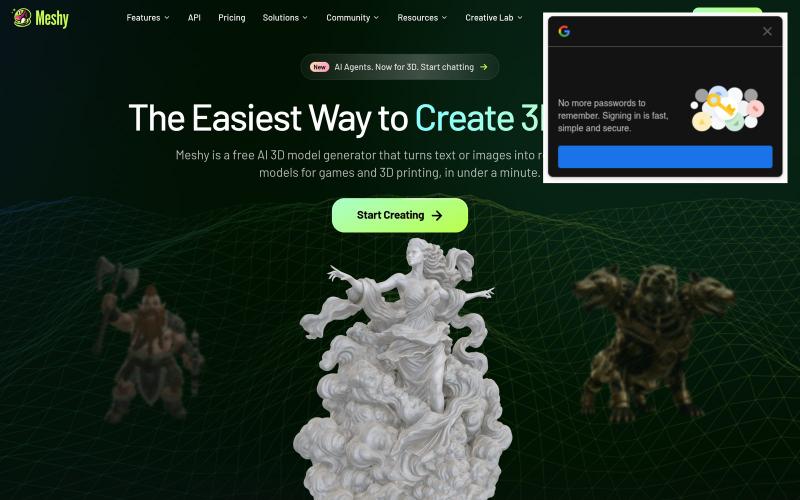
从文本和图像生成生产级3D模型,20-30秒完成。

@kephen20936 · X
I've been playing around idly with ChatGPT since 5.1 (last year), they're now on 5.6(Sol) and have introduced Work and kept Chat as it is, I've done most of my projects on @titanforge3ds with 5.6, I started off with Work, I also use for 3D assets. It's about 20 bucks a month plus tax. Which brings my GPT Business and AI expenses to about 75USD/Month plus another $60.00 USD in Web Hosting expenses per month and $72.00 USD per year in DNS Renewals. If your PC can handle it, cook up some projects with Unreal (@UnrealEngine), Infinity Ward (@InfinityWard) or Unity (@unity), I also just saw a guy use Claude or something with Roblox AI Vibe-Coded game he made for his daughter. You have a lot options coming into it this time of the Season of 2026, but everyone other than OpenAI/ChatGPT seem to want to nickle and dime you for instant-projects (10-30minute 1-passes) rather than doing multi-stage sub-phased projects. I'm not particularly good, and don't expect to g
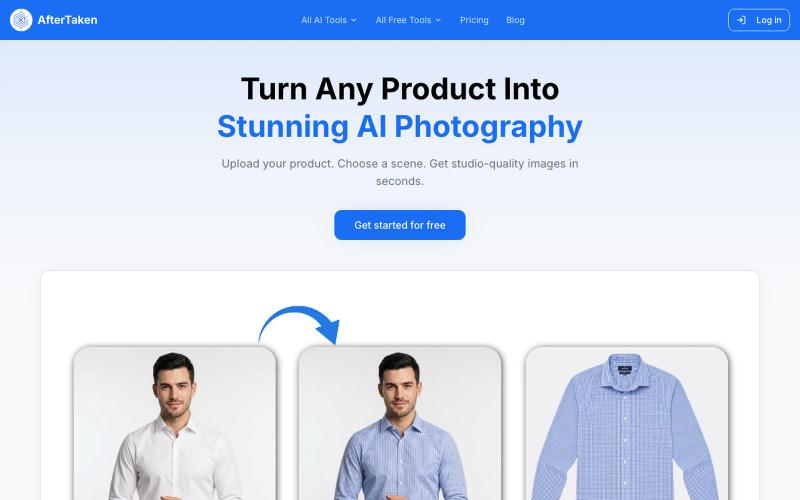
上传产品图片,选择场景,AI生成专业级摄影照片。

@aftertakenai · X
for AI e-commerce product photography
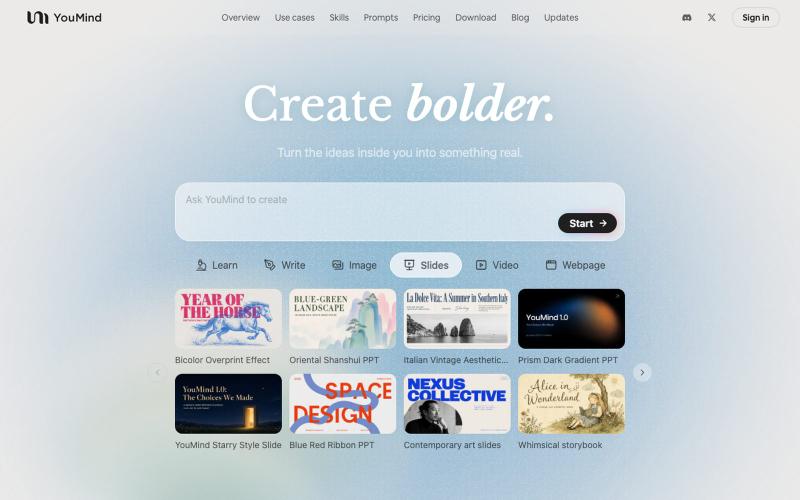
生成式AI工具,可将各类素材转化为精美设计的幻灯片演示。

@leahlibest · X
the most aesthetic AI slides website
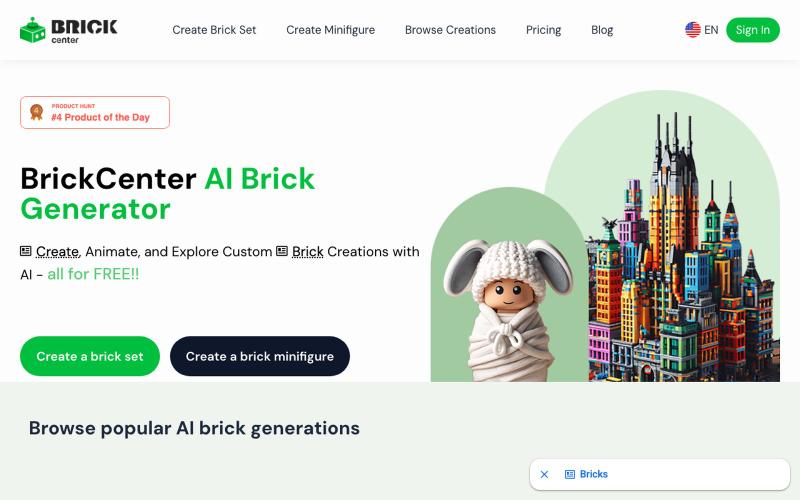
用AI生成定制乐高设计和小人偶,支持文本、照片和动画。
Brick Center — 如果您是一位乐高爱好者,热衷与创造各种乐高形象,BrickCenter 可以将您的创意,自动生成乐高设计图。AI 乐高生成器可以将你的文字转换成定制的乐高套装。轻松地从照片创建你自己的小人偶,如果您觉得乐高头像很酷,也可以将您的自拍图片,生成乐高头像。还可以来网站浏览由爱好者精心制作的独一无二的乐高作品 - [更多介绍](https://www.bilibili.co
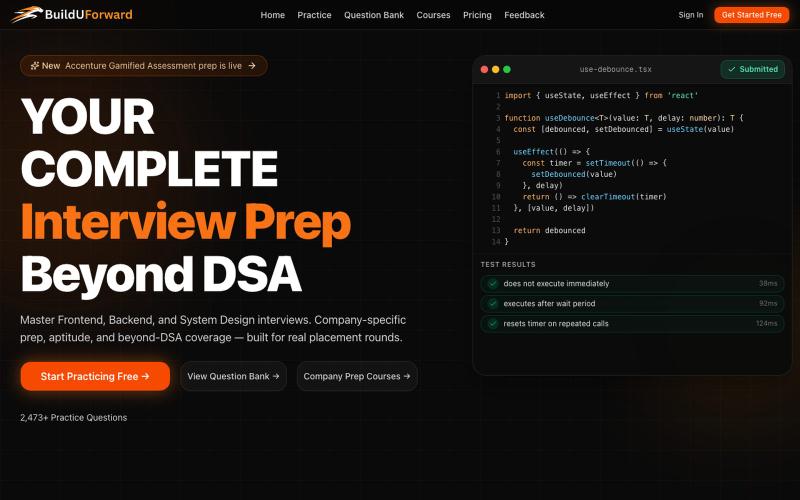
BuildUForward - 超越DSA的面试准备平台,提供系统设计和公司特定指导。

@nomadicinfra · X
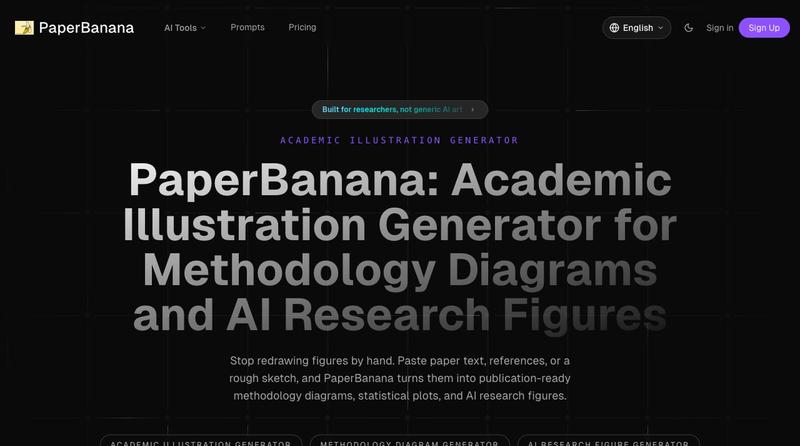
将学术论文和草图转化为发表就绪的研究图表。

使用 SpecIQ 自动生成符合标准的产品规格表和技术文档。

@speciq_app · X
is a documentation engine that transforms unstructured product details into professional, compliant technical documents. Unlike generic AI chat tools, SpecIQ provides structured templates and branded outputs tailored for real business use.

为 Codex Desktop 设计自定义主题,调整背景、颜色、透明度和视觉效果。
plutozc · V2EX
做了个 Codex Desktop 主题预览和切换工具,先调好再安装 最近一直在用 Codex Desktop ,觉得默认界面看久了有点单调,就顺手做了个主题编辑工具,分享一下: [Codex Skin]( https://getcodexskin.com) 可以先在网页里预览主题,调整背景透明度、面板透明度、颜色、模糊和圆角等参数,满意之后再下载并切换到 Codex Desktop 。 目前支持: - 自定义 JPG 、PNG 、WebP 背景 - 在线实时预览主题效果 - 调整透明度、颜色、模糊、圆角 - 预览满意后生成安装命令 - 不喜欢了可以恢复默认外观 目前主要面向 macOS 上的 Codex Desktop ,还是个人项目,功能和兼容性都在继续打磨。 欢迎试试,也想听听大家对主题参数、预览效果和安装流程的反馈。 直接网址: https://getcodexskin.com [轻喷 轻喷,可能还有些 bug