
开发者工具9 hours ago
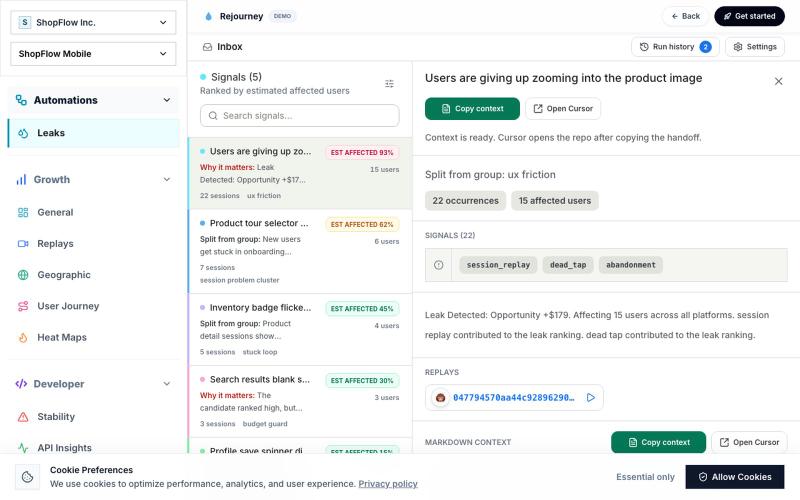
Leaks - Rejourney
扫描应用和网站找出意外的数据泄露。
mrr7337 · HN
Rejourney – Finds user "leaks" in apps and websites
完整作品展
技术栈
14 projects
扫描应用和网站找出意外的数据泄露。
mrr7337 · HN
Rejourney – Finds user "leaks" in apps and websites
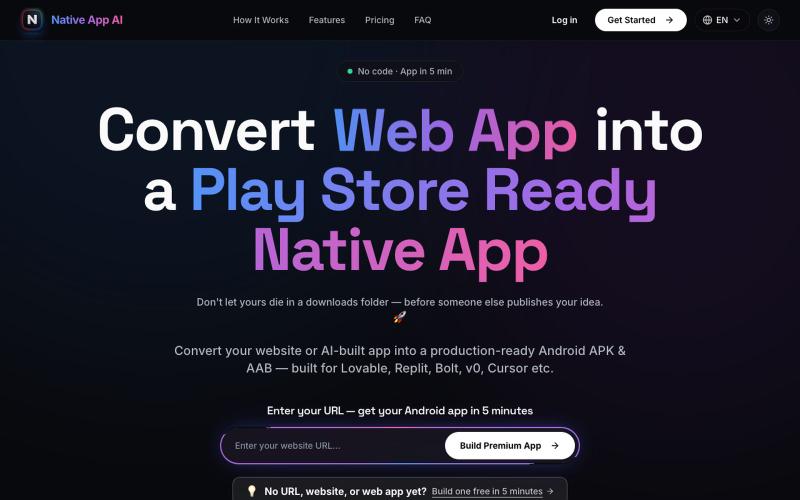
将网站转换为 Play Store 上线的原生 Android 应用。
reena_ratra · Product Hunt
Native App AI Convert website into a play store ready native app
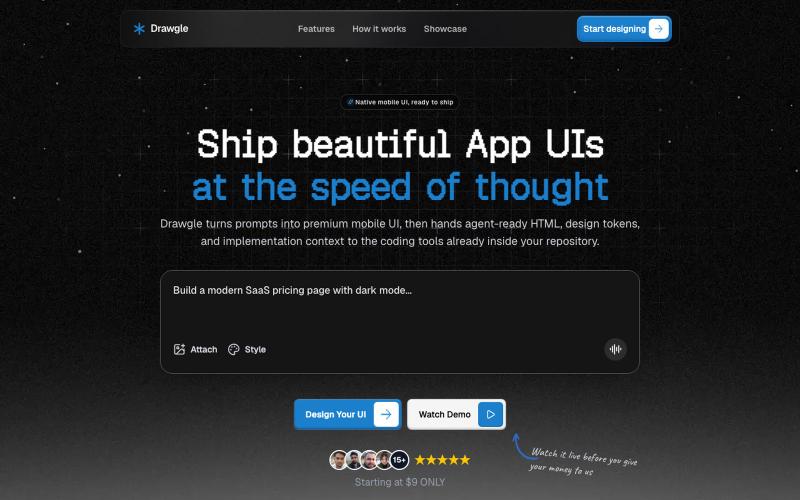
使用AI设计移动应用界面,导出HTML、设计令牌和代码。

@9to5_Dad · X
Ai mobile app ui designer with taste
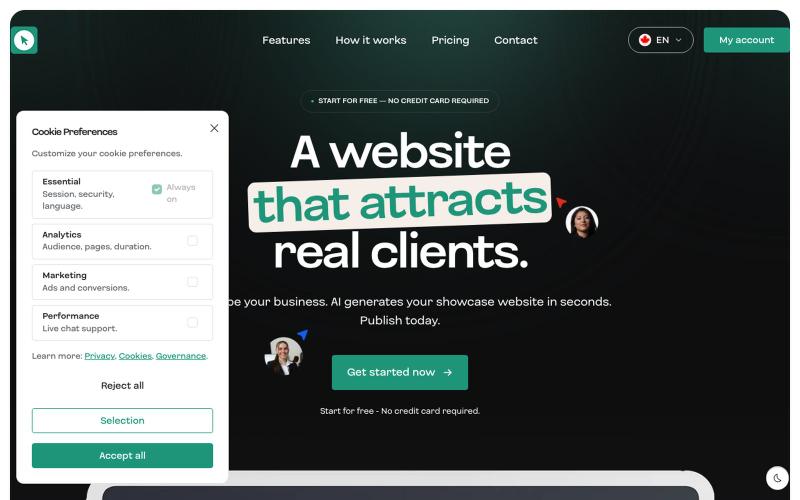
Create professional websites without coding. Drag & drop editor, AI generator, ready-to-use templates. Launch your site in minutes with Orfolio.

@OrfolioApp · X
Building Orfolio 🚀 — an AI website builder made for francophone SMBs. Describe your business, get a live site in minutes. No code, no agency. 👉
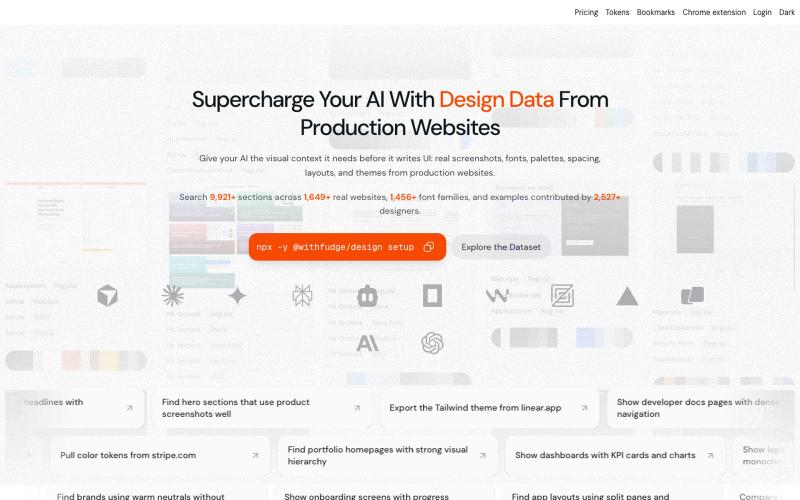
Fudge: 浏览来自真实网站的设计灵感、字体和调色板。
sim04ful · HN
Fudge – Web Design References for AI
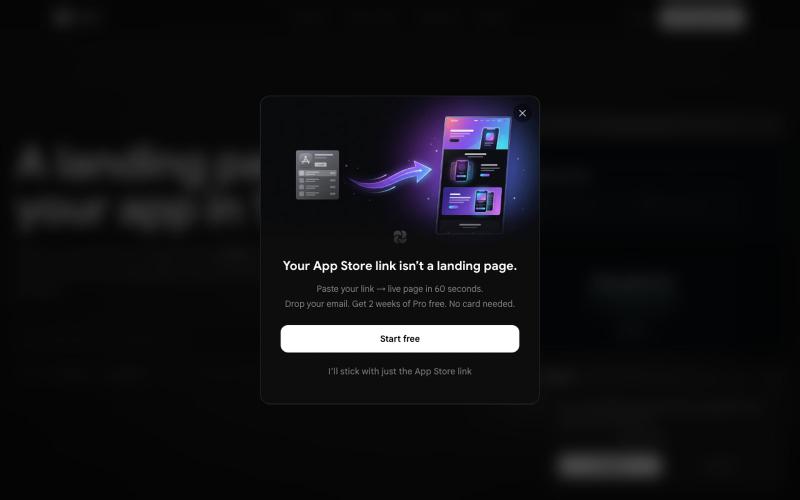
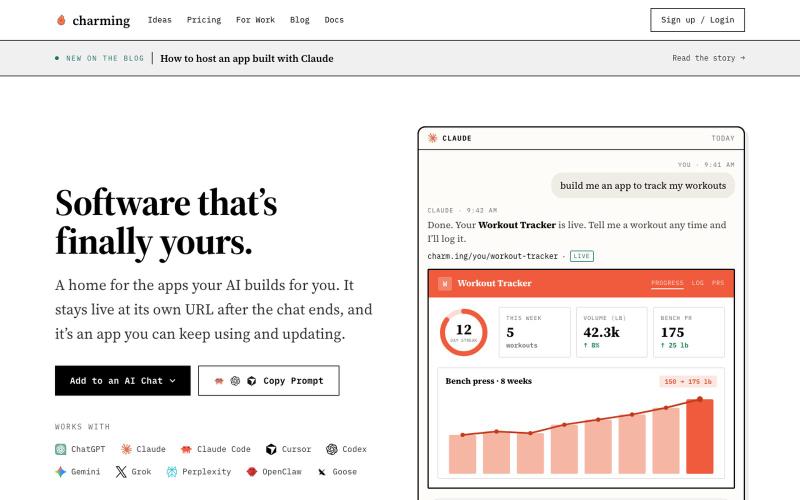
用任何AI构建和托管应用

@akhileshrangani · X
i built codex micro and used it inside of claude to control codex AND claude code it uses a herdr bridge that is running on my mac talks it through a ngrok proxy uses to render inside of claude
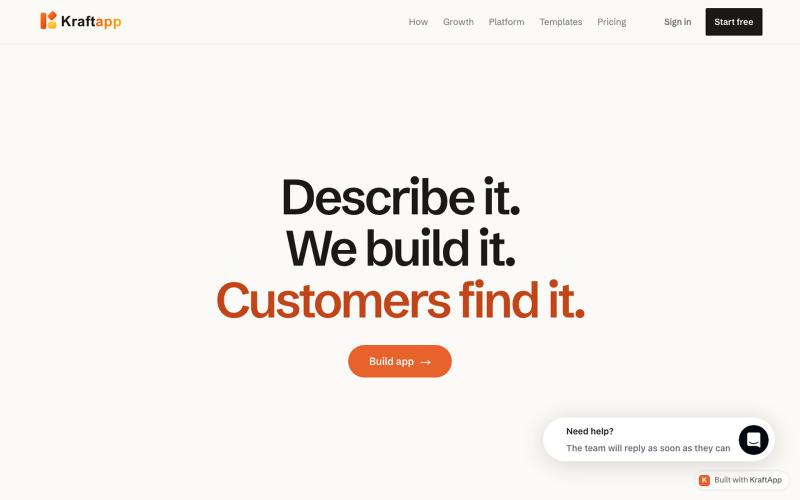
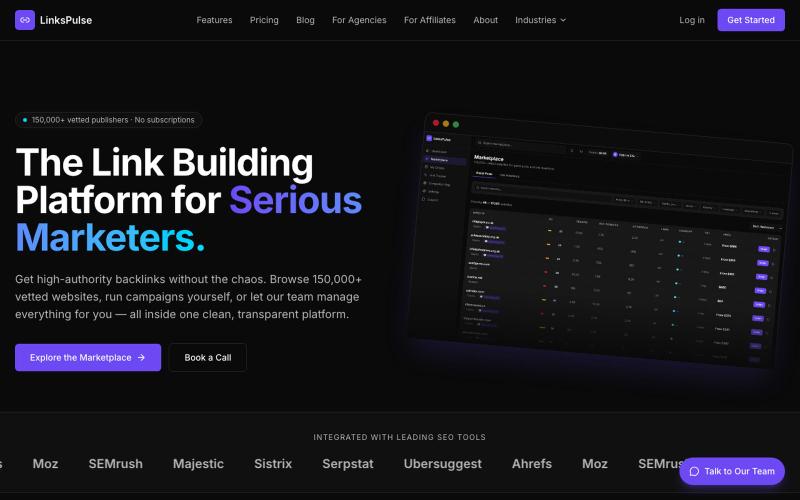
浏览 150,000+ 个网站并购买用于 SEO 的反向链接,或使用托管服务。

@BMFDigital · X
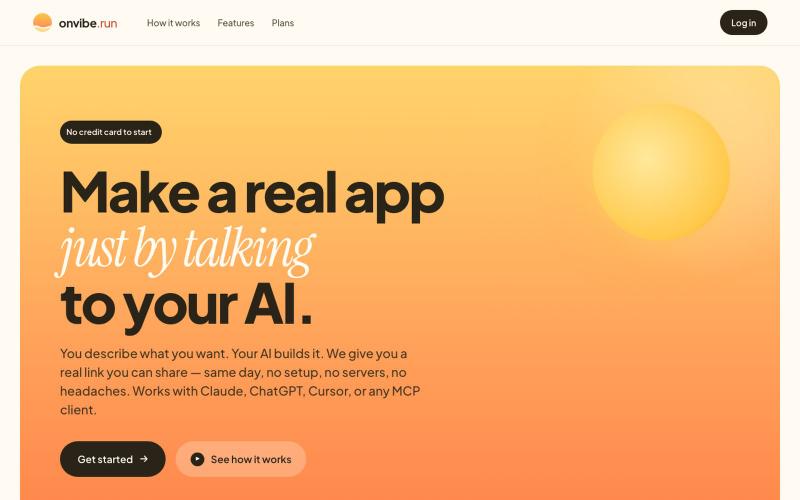
通过与AI对话创建和部署网页应用的平台。
ceritium · HN
I built a kind of paas for llms, the idea was to allow my family deploy webs cheap and easy, my family doesn't use It, but It end being very useful form mento deploy small apps. You can check It out on https://onvibe.run there is a list of forkable apps that I use. I did some kind of meta thing, because bownI can create apps with llm (like Claude) and expose an mcp on theme (like the notes and todolist apps).
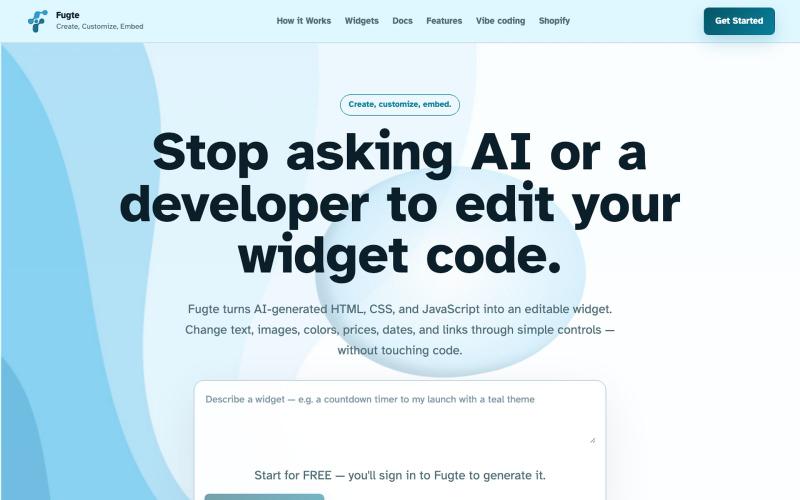
用 AI 创建和自定义交互式小部件,然后将其嵌入到您的网站上。

@fugteapp · X
which empowers nontechnical users to be able to customize code generated by AI or developer, and be able to share and embed it to the website they are already using

通过描述快速生成高保真UI界面,支持移动和网络应用。

@ninakolari · X
Google just dropped Stitch and it changes the entire vibe coding workflow. You describe what you want your app to look like. It builds full high-fidelity screens in seconds. No Figma. No designer. No credit card. Here is how to use it: Go to Sign in with your Google account. That’s it. You’re in. Instead of typing “make me an app” type this: “A lesson planning app for teachers. Clean and calm. Inspired by Notion. Minimal. White space.” The more specific you are the better your screens. Then refine with follow up prompts. Change the nav. Try dark mode. Get 3 menu variations. Or just speak it. Your screens become a clickable prototype in seconds. Click a button and Stitch generates the next screen automatically. Your entire app flow. Before you write one line of code. Then take it further. Export to Lovable or Cursor and build the logic on top. Use the MCP server to keep your design and code in sync. Pull any website’s design system in seconds. Save everything as

