
开发者工具1 week ago
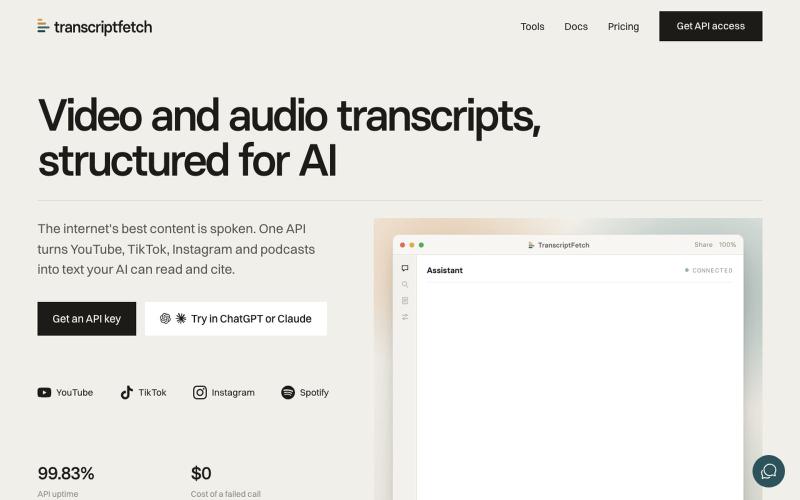
TranscriptFetch: Social Video & Audio to text API for builders
API 和 MCP 服务器,可将社交视频和播客转录为带时间戳的文本。
chandler_casey · Product Hunt
TranscriptFetch Video and audio transcripts, structured for AI
完整作品展
技术栈
15 projects
API 和 MCP 服务器,可将社交视频和播客转录为带时间戳的文本。
chandler_casey · Product Hunt
TranscriptFetch Video and audio transcripts, structured for AI
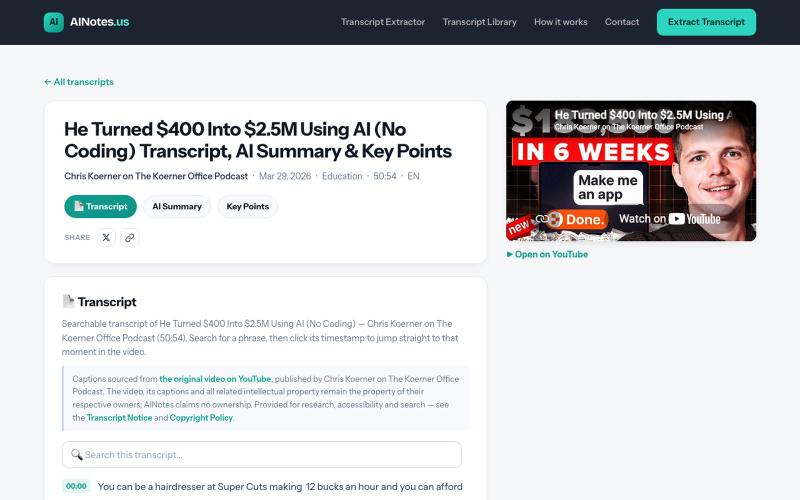
搜索并浏览播客和视频的AI生成摘要及文字记录。

@ainotesus · X
He Turned $400 Into $2.5M Using AI (No Coding) Teaching employees to automate their own jobs can turn them into the company's AI expert. via Chris Koerner on The Koerner Office Podcast · 50:54 #AINotes #VibeCoding #AI
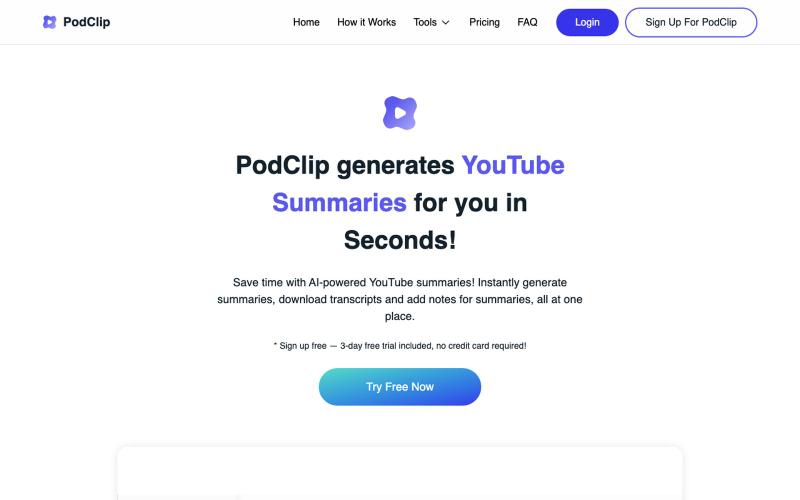
用AI总结YouTube视频和播客,然后保存或下载摘要和文字稿。

@slaven_ra · X
- recently added subscribe to Youtube channel feature to receive auto-summaries via email on each new published video
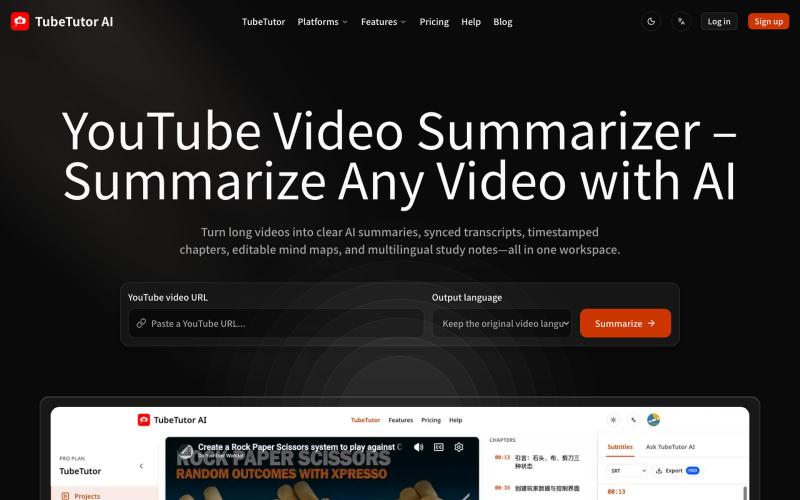
用AI总结YouTube视频,生成文字稿、思维导图和多语言学习笔记。
mychary · V2EX
做了十多年视频后期,我 vibecoding 了一个 YouTube 视频分析总结工具 大家好,我是一个做了十多年影视后期的从业者,最近开始学习 vibecoding ,尝试自己做产品。 由于之前工作的需要,随时学习最新的技术,所以需要经常看些教程,比如 C4D 或者 Houdini 之类的,但是这类教程往往都是英文的,对于我这种英文不好的人来说,简直是地狱,看一会就困得不行,尤其是听不懂,只能看操作,一个教程看下来,实际吸收的知识我估计只有 30%左右。出于这个原因,我就考虑做一个学习工具,于是有了这个产品。 这个工具叫 TubeTutor AI: https://www.tubetutor.top 我看过很多现在市面上的 YouTube 工具,主要依赖字幕。用来总结访谈、播客和课程问题不大,遇到屏幕录制、软件教程、代码演示或者旁白比较少的视频,往往需要暂停,来看清楚作者到底操作了什么,或者输入了什么命令,这样无形中浪费了大量的时间。 所以我给 TubeTutor 做了一个视觉分析功能。 它会结合视频字幕和画面,尝试整理视频中出现的工具、网页、代码
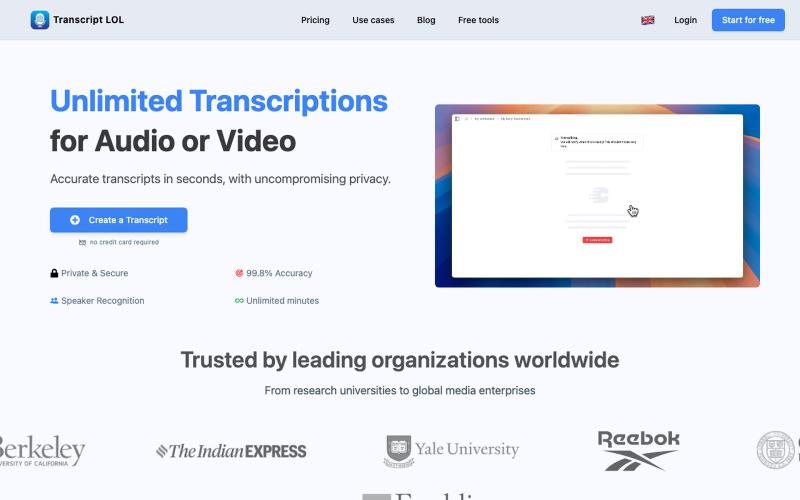
用AI转录音频和视频为文本和摘要

@Mahima_Akkina · X
Yes, you can check - It's a tool used to convert both and video into text and summaries
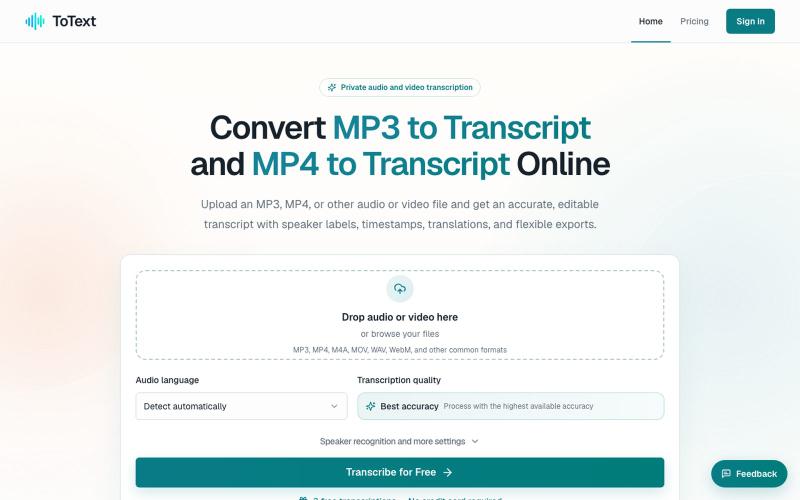
将 MP3 和 MP4 文件转换为带有时间戳和说话人识别的可编辑文字稿。
digiplanp · V2EX
做了一个音视频转文字工具,支持 MP3/MP4、说话人识别和字幕导出 大家好,最近做了一个在线音视频转文字工具 ToText ,想发出来请大家体验一下,也听听 V 友的意见。 最开始做这个工具,是因为我自己在处理会议录音、访谈和视频内容时,发现单纯生成一大段文字并不太实用。转录完成后,通常还需要反复对照原始录音、修改错误、区分说话人,再整理摘要或字幕。 所以现在做成了一个相对完整的工作流: * 上传 MP3 、MP4 、M4A 、MOV 、WAV 、WebM 等音视频文件 * 自动识别语言并生成带时间戳的文字稿 * 支持说话人识别和说话人名称修改 * 点击文字片段可以跳转到对应的音视频位置 * 可以搜索、编辑和校对转录内容 * 自动生成摘要、会议纪要、章节和行动事项 * 支持导出 TXT 、DOCX 、PDF 、SRT 、VTT 、CSV 和 JSON 音频文件可以直接使用 [MP3 to Transcript]( https://totext.app/) 功能,比较适合播客、访谈、课程录音、会议和语音备忘录。 视频文件也使用同一个编辑器,通过
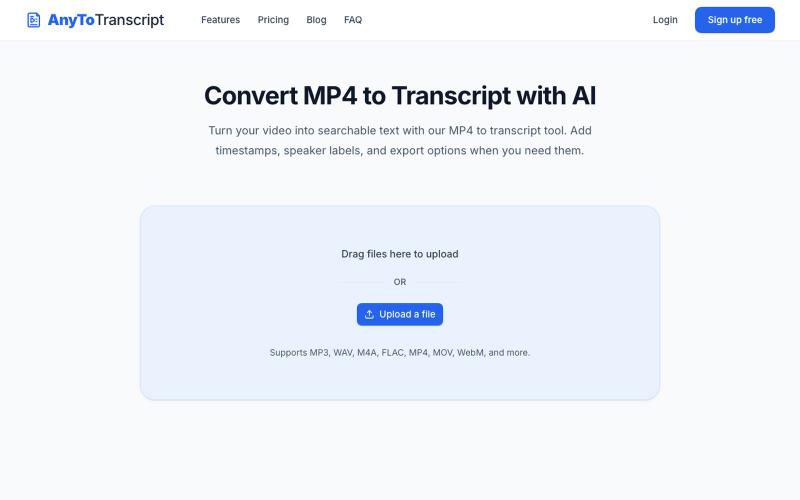
上传音频或视频文件,转换为可搜索的文本记录。
yongkunchen · V2EX
新上线了一个音视频转文字的小工具 最近抽时间做了一个小工具 AnyToTranscript ,主要是把音频和视频快速转换成文本,支持时间戳和说话人识别。 目前已经上线了,自己也还在不断优化。如果你平时有整理访谈、会议、课程或者视频字幕的需求,欢迎体验一下: https://anytotranscript.com/ 如果你愿意试用,也很欢迎告诉我使用过程中遇到的问题,或者有哪些功能是你觉得值得加的。对独立开发者来说,这些反馈真的很有帮助。
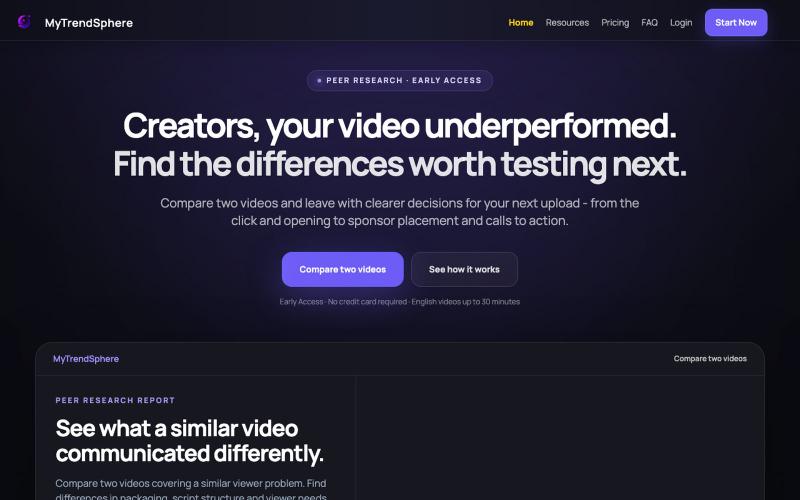
Compare two English long-form YouTube videos side by side. Peer Research highlights differences in packaging, structure, viewer guidance and key script moments so creators can make

@MyTrendSphere · X
Here's mine.
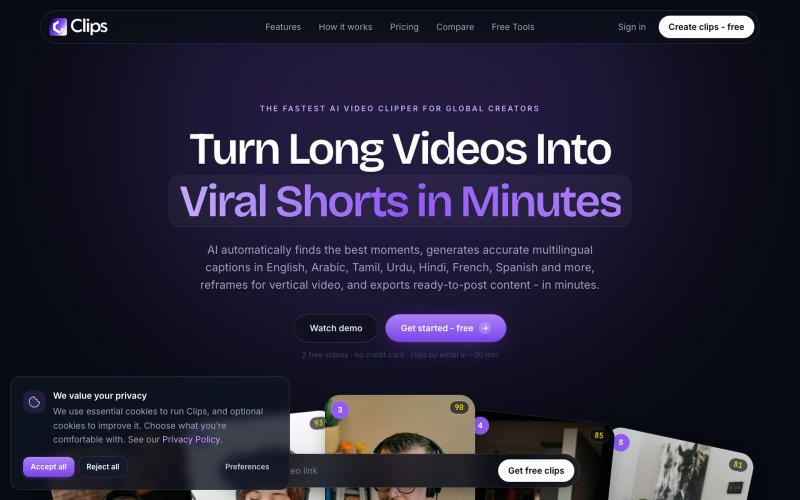
Turn any podcast, interview, or long video into ranked, captioned, vertical clips.

@rishadmohemed · X
If you're looking for an AI tool to turn long videos into viral Shorts, give Clipshq a try. Built for creators who publish globally with accurate multilingual captions and AI-powered clipping. 🌍 Happy to offer a special discount - just send me a DM.
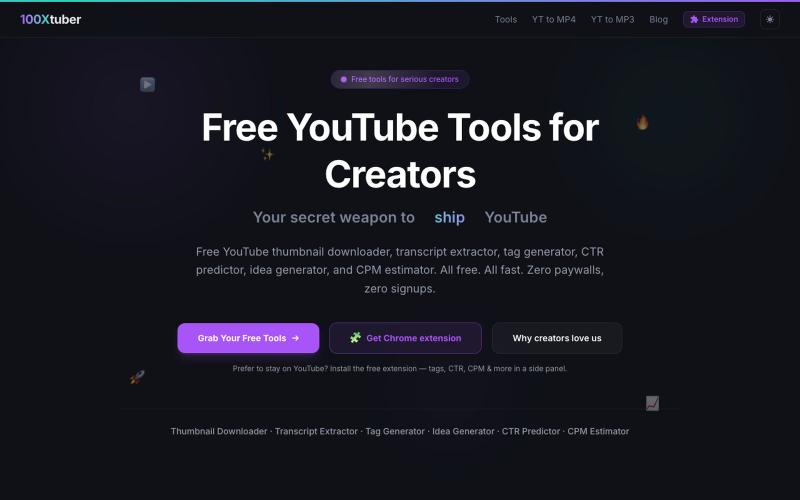
100Xtuber提供免费YouTube工具,下载缩略图、提取字幕、生成标签等。

@100xTuber · X
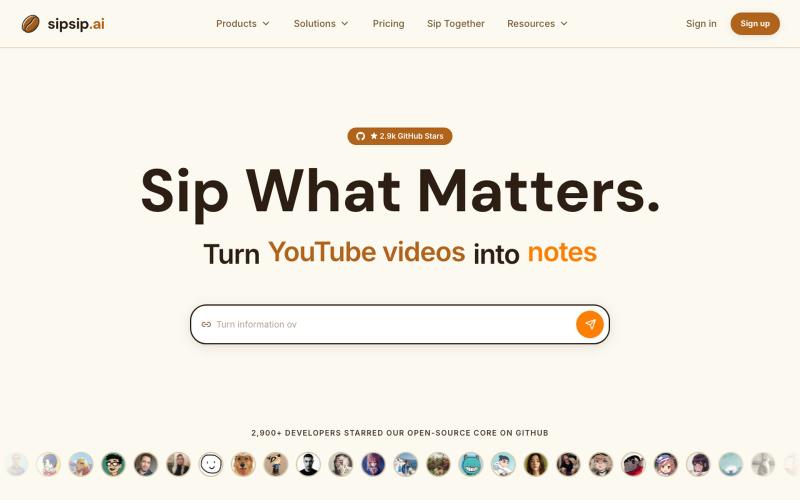
用AI转录和总结YouTube视频、播客、PDF和MP3/MP4文件。
sipsip.ai — 支持30+平台视频AI转录并提取摘要,订阅RSS可以每天发送早报
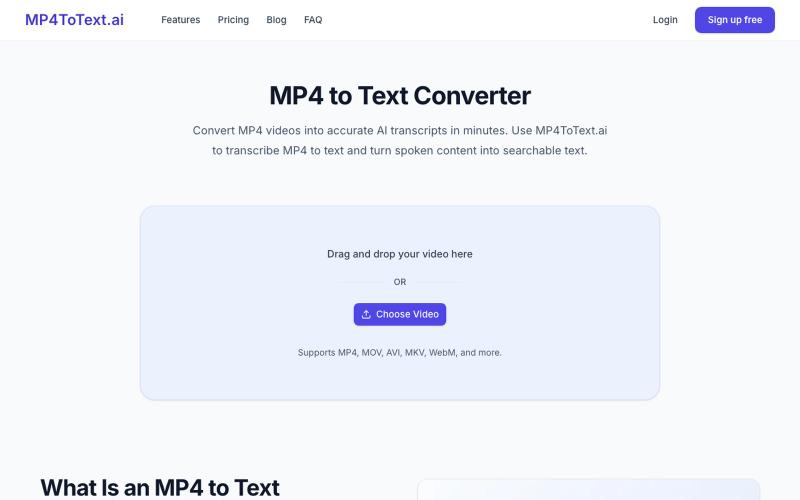
将 MP4 视频转录为文本,支持时间戳和说话人标签。
yongkunchen · V2EX
做了一个 MP4 转文字的小工具 最近自己做了一个 MP4 转文字的 AI 小工具,主要用于把视频快速转换成文本。 项目地址: https://mp4totext.ai/ 开发过程中发现,真正麻烦的并不是调用语音识别模型,而是视频格式兼容、音频提取、长视频处理以及异步任务这些细节。 目前还在持续优化,如果大家平时有视频转文字的需求,欢迎试试看。 也想听听大家对视频转写类工具还有哪些实际需求。