
创意工具2 days ago
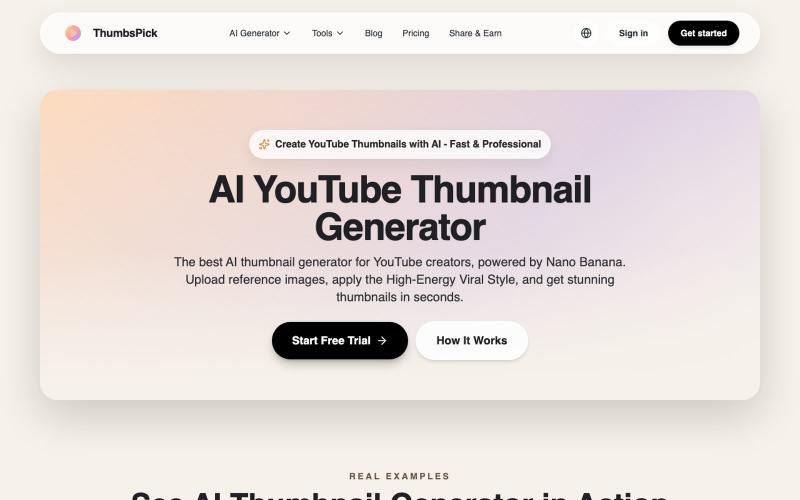
AI YouTube Thumbnail Generator - Create Viral Thumbnails
通过上传参考图片,用 AI 生成 YouTube 缩略图。
AI YouTube 缩略图生成器 — 生成 Youtube 缩略图,可免费下载,支持纯色或渐变背景
完整作品展
技术栈
60 projects
通过上传参考图片,用 AI 生成 YouTube 缩略图。
AI YouTube 缩略图生成器 — 生成 Youtube 缩略图,可免费下载,支持纯色或渐变背景
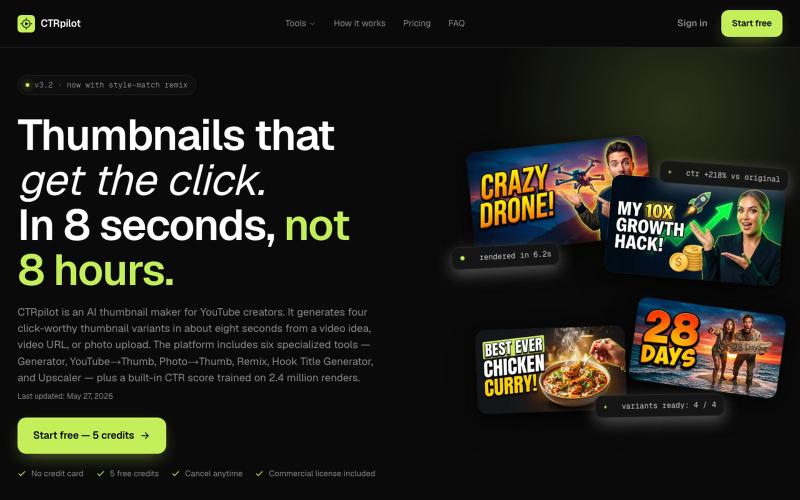
用 AI 生成针对点击率优化的 YouTube 缩略图。

@heyayankai · X
🚀 CTRpilot AI that helps YouTube creators generate high-CTR thumbnails in minutes.
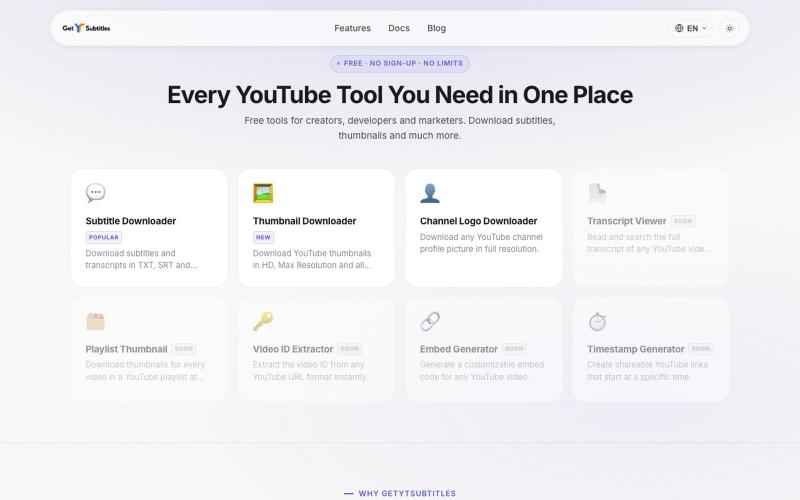
无需注册下载YouTube字幕和缩略图。

@bharattpawarr · X
Just launched Built with Astro + Cloudflare features: YouTube Subtitle Downloader YouTube Thumbnail Downloader 🔗 #BuildInPublic #AstroJS #JavaScript #Cloudflare
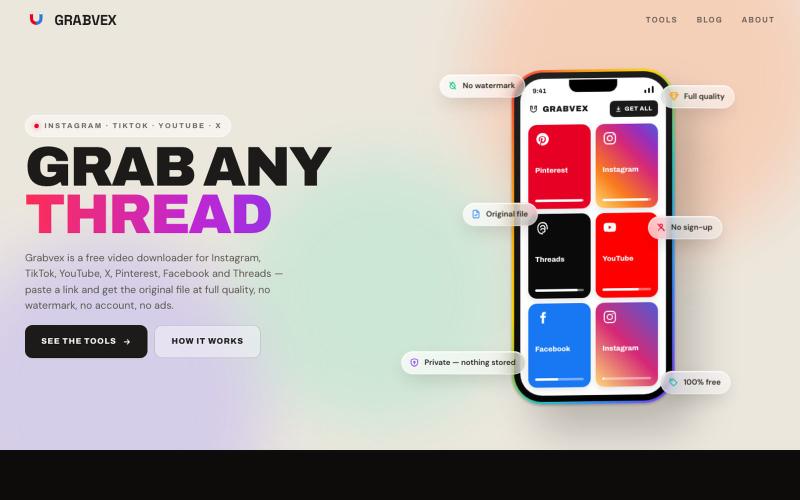
粘贴链接从 Instagram、TikTok、YouTube 等平台下载视频,无水印无账号。

@grabvex · X
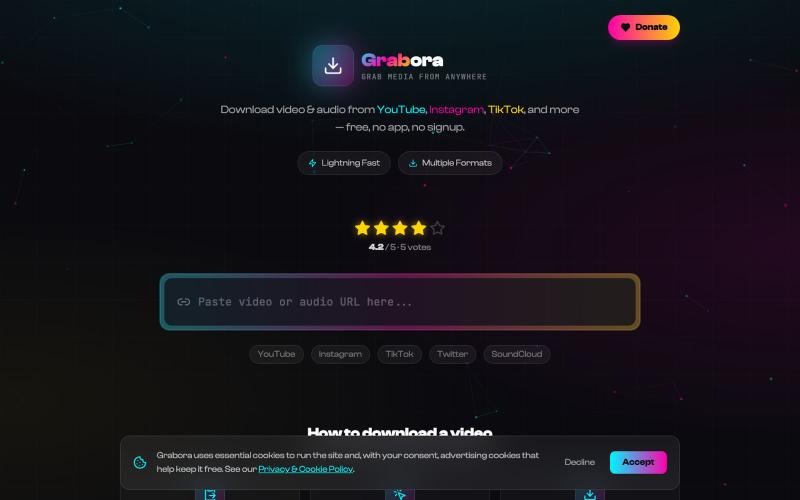
从YouTube、TikTok、Instagram等平台免费下载视频和音乐。

@myrrakle · X
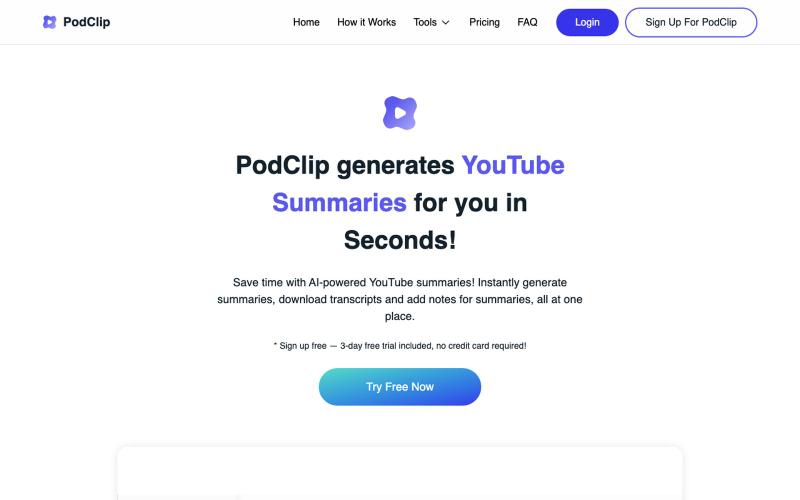
用AI摘要YouTube视频和播客,保存和下载摘要及文稿。

@slaven_ra · X
- recently added subscribe to Youtube channel feature to receive auto-summaries via email on each new published video
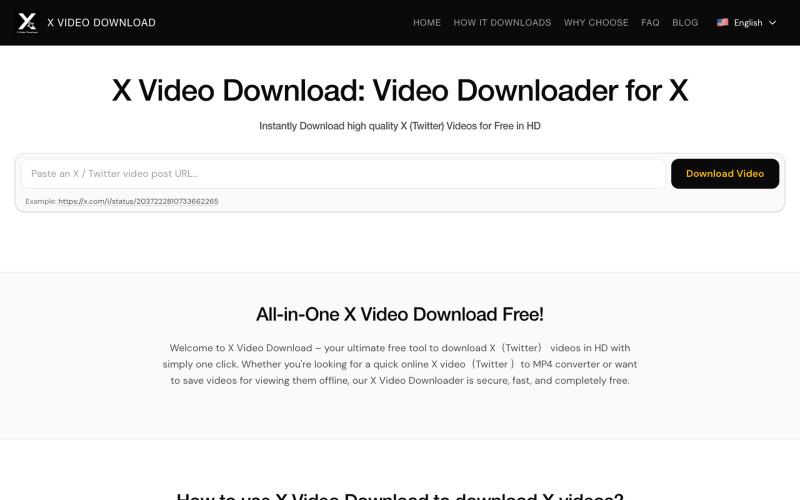
从X(Twitter)帖子下载视频为MP4文件。
x downloader — 解析推特(X)上的 AI 视频及各种视频链接,支持一键下载多种清晰度视频。
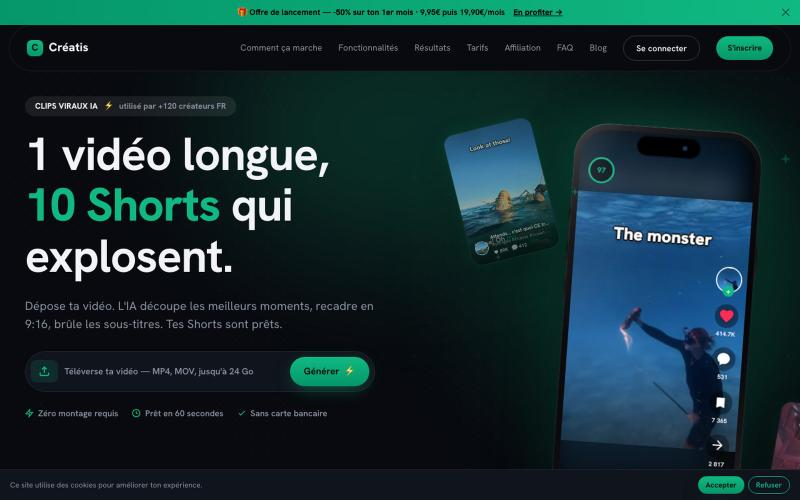
将YouTube视频转化为具有AI生成脚本和缩略图的病毒式短视频。

@Creatis26 · X
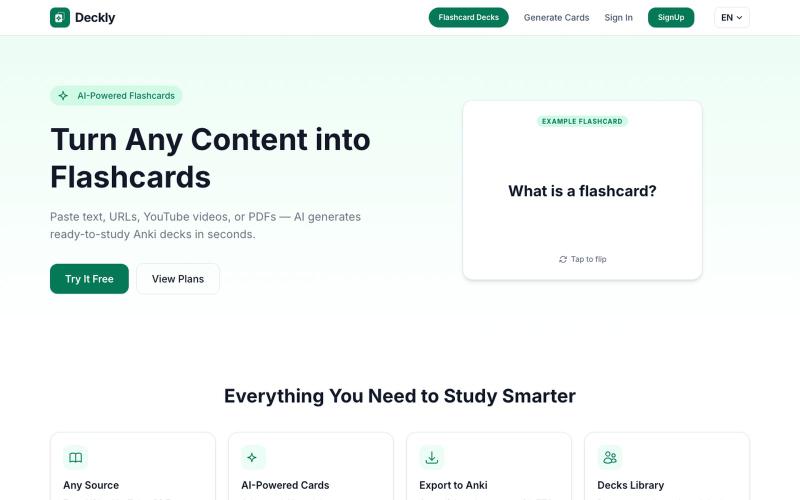
将 YouTube、PDF 转换为 Anki 学习卡,AI 自动生成。
u/holios89 · Reddit
Built an AI SaaS that turns your notes/articles/PDFs into study flashcards — looking for harsh feedback (and bugs) Hey folks, Solo/small side project here: Deckly ( deckly.one ) — an AI-powered flashcard generator for spaced-repetition learning (Anki-compatible export). You give it text, a PDF, or an article link, it generates a deck of flashcards (Q&A, Cloze, or multiple choice), optionally with TTS audio and images per card, and you can study it right in the browser or export to `.apkg`.
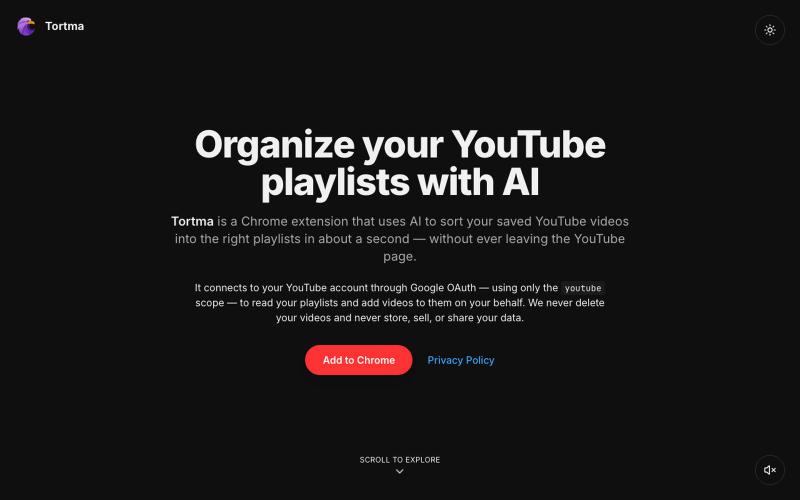
用AI自动整理YouTube视频到播放列表的Chrome扩展。

@almalimir · X
– a @YouTube extension for organizing videos
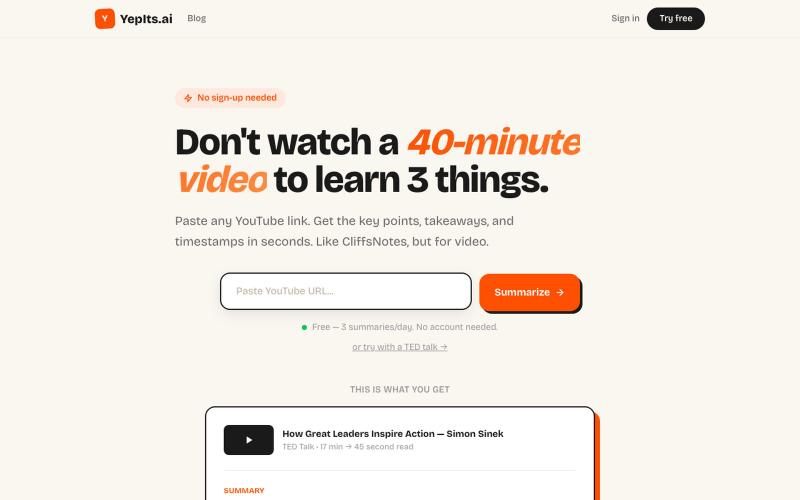
粘贴 YouTube 视频链接,获取即时 AI 摘要,包含关键要点和时间戳。

@papipava · X
check it out, currently working on adding a chrome extension
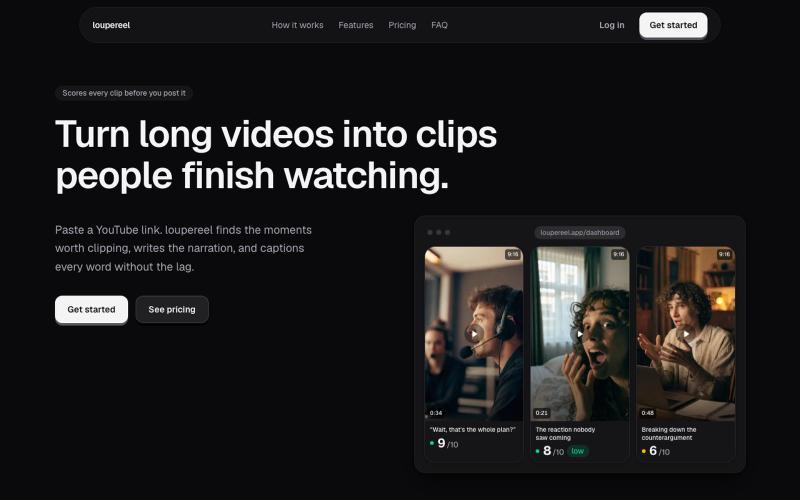
将 YouTube 视频转换为竖屏短视频,AI 生成字幕和配音,适合社交媒体。
u/Flimsy_Elevator_5231 · Reddit
I built LoupeReel to turn long videos into short-form clips without relying on a black-box clipping API Founder here. I’ve been working on LoupeReel, a web app that turns a long YouTube video into vertical clips for TikTok, Reels, and Shorts. The basic flow is: paste a YouTube link, choose how many clips you want, and LoupeReel transcribes the video, finds the strongest moments, scores them, adds captions, and renders ready-to-post clips. There’s also an editor so you can adju